Base
Hardened build
minimal ports, security patches applied at build time

Chatwoot, an open customer engagement suite, ready to handle conversations on first boot.
Chatwoot is a customer engagement and support platform that unifies live chat, email and social messaging into a shared team inbox. It is used by support and sales teams to manage customer conversations across channels from one place.
cloudimg ships Chatwoot hardened, fully patched and preconfigured so the agent inbox is working and ready for your channels, with the database, cache and attachments held on a dedicated disk. Every application secret is rotated and a unique admin credential is generated on first boot, with no default login. Paired with a step by step deploy guide and backed by 24/7 support.
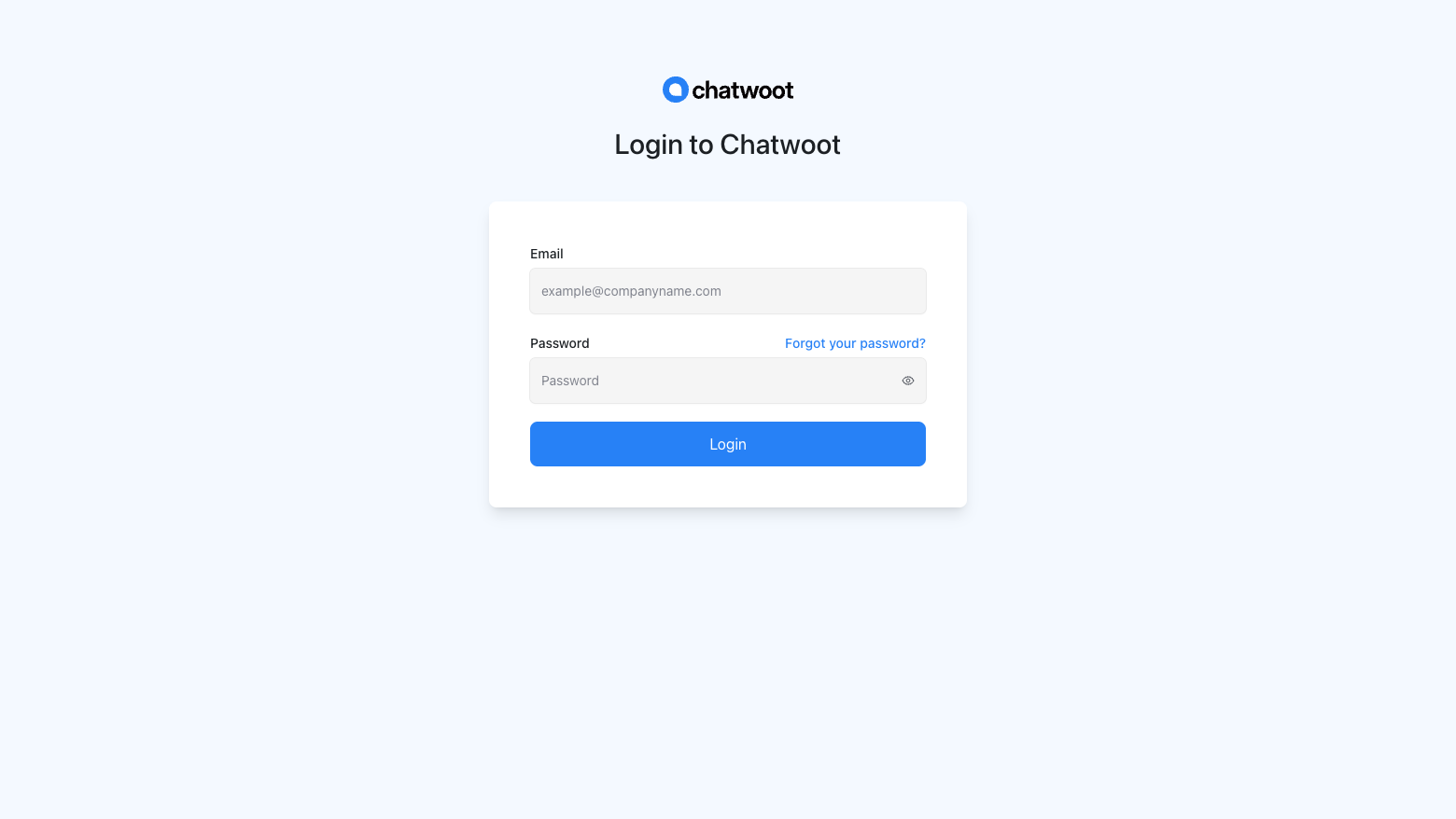
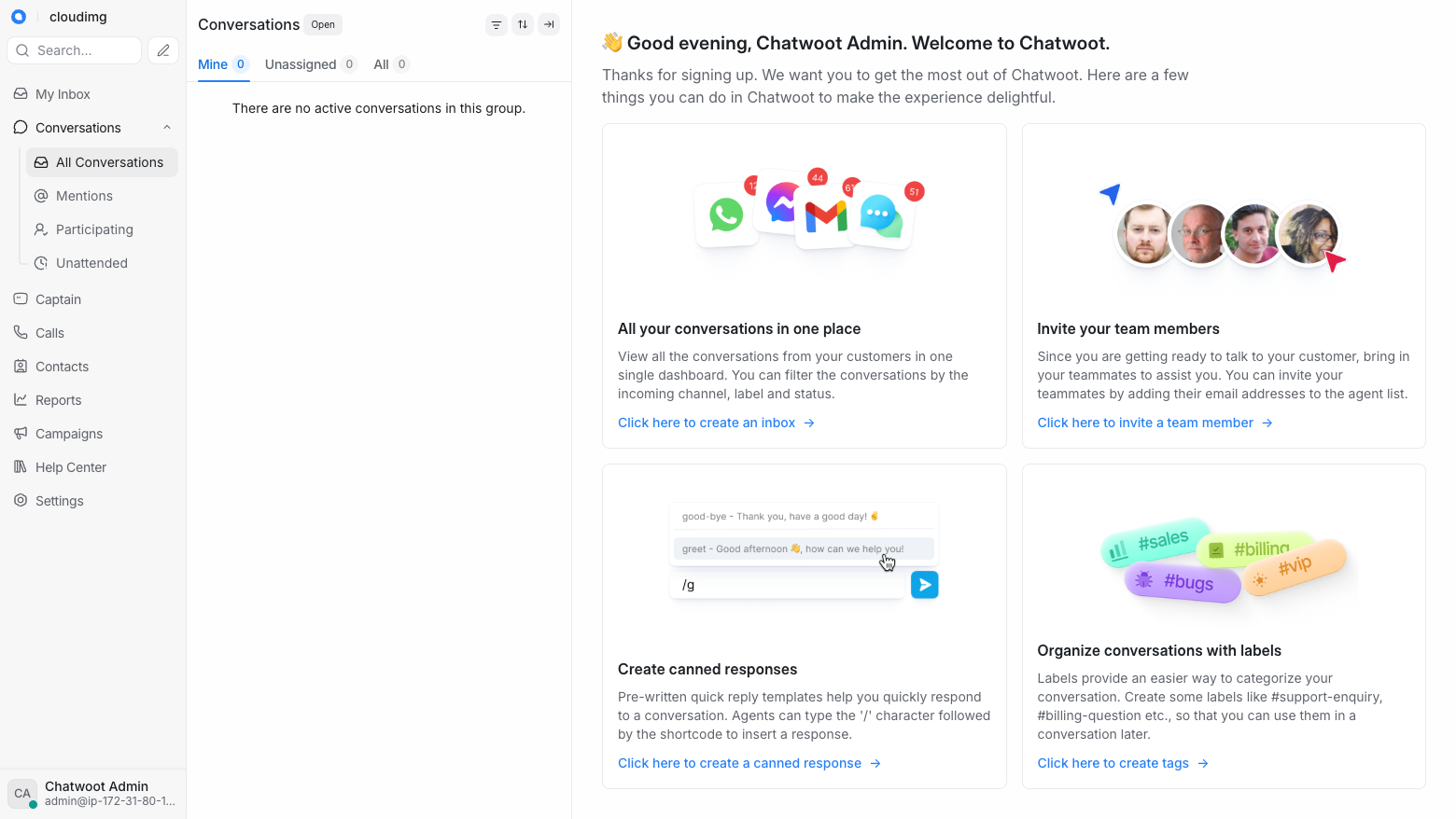
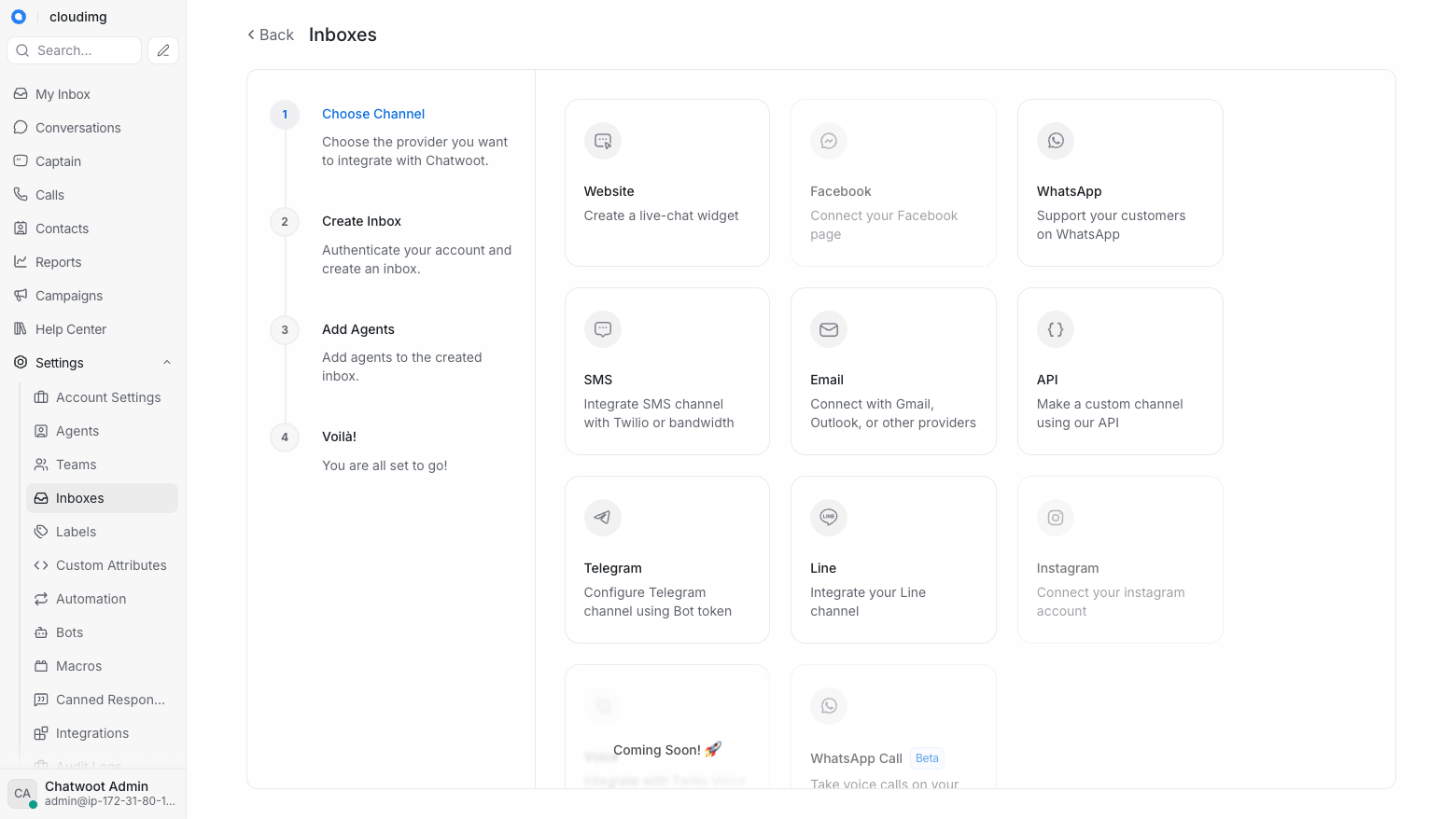
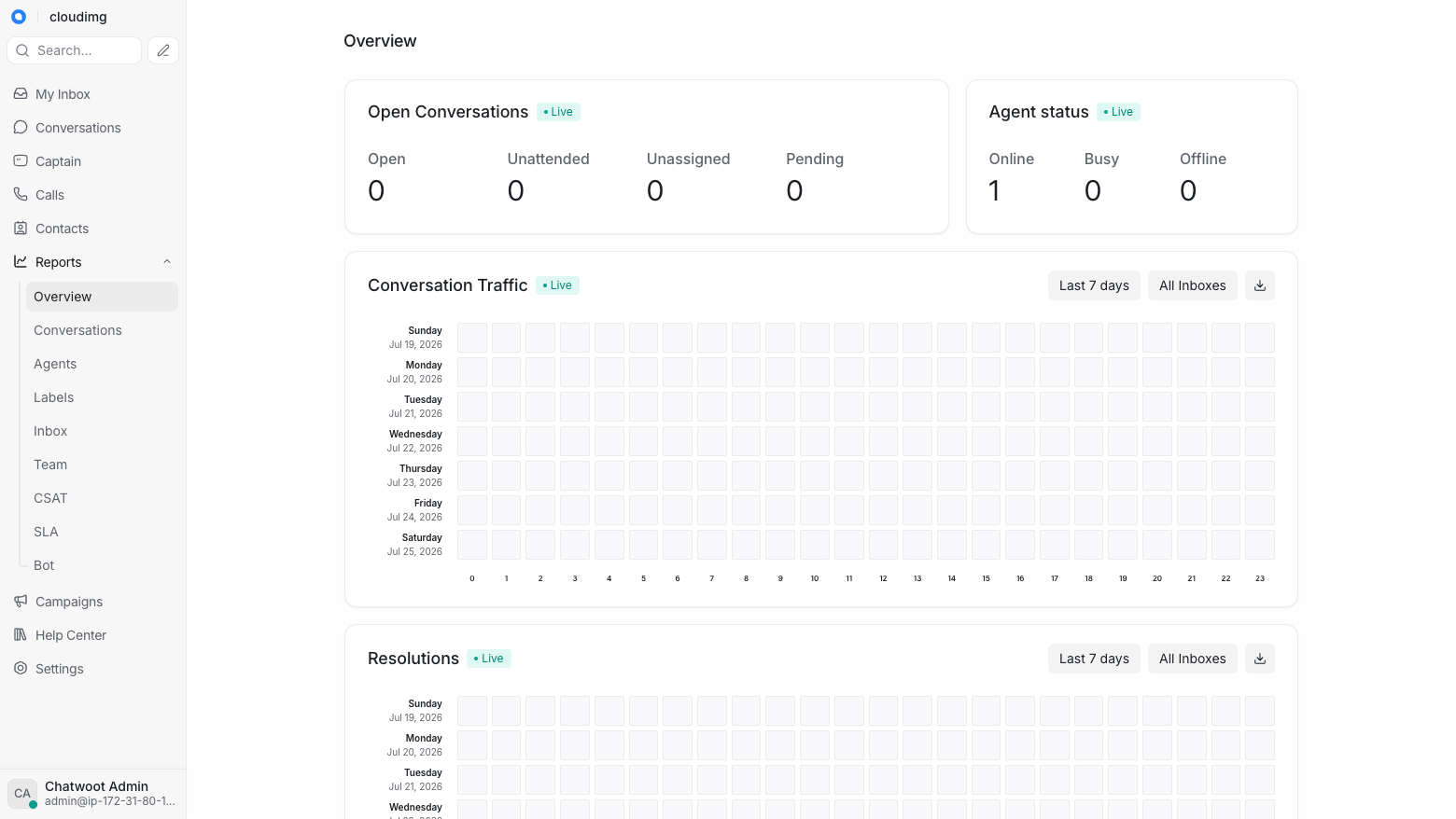
Real screenshots taken while testing this image against its deployment guide.
This is a repackaged open source software product wherein additional charges apply for cloudimg support services.
## Run Your Own Customer Support Inbox in Minutes
Chatwoot is an open source customer engagement platform that brings website live chat, email, and social messaging into one shared team inbox. With over 34,000 GitHub stars, it is one of the most widely adopted open source customer support platforms available. This AMI delivers Chatwoot fully installed and answering behind a hardened nginx reverse proxy, so your inbox is live within minutes of launch.
Because the whole platform runs on an instance in your own AWS account, your customer conversations, contact records, and file attachments stay inside your environment rather than a third-party SaaS tenant.
## Why This AMI Instead of Self-Deploy
Standing up Chatwoot by hand means installing Docker, assembling the production Compose stack, running PostgreSQL with pgvector and a password-protected Redis, wiring a reverse proxy with the WebSocket upgrade live chat needs, provisioning storage, generating secrets, and bootstrapping the first administrator. This AMI removes all of it:
## Application Stack
Chatwoot runs as four containers under a single systemd service:
The Rails application is bound to the loopback interface and fronted by nginx on port 80, with the WebSocket upgrade headers preconfigured so live chat and the real-time inbox work out of the box. The database, cache, and uploaded attachments live on a dedicated data disk, resizable independently of the operating system disk.
## One Inbox for Every Channel
Agents handle website live chat, email, and social messaging channels side by side in one conversation view. Contacts are unified across channels, conversations can be assigned to teams or individual agents, labelled and filtered, and answered faster with canned responses. Built-in reporting covers conversation volume, agent activity, and resolution behaviour, and a website live chat widget can be embedded on any site you own.
## Secure by Default
No usable login is baked into the image. On first boot a one-shot service generates a fresh application secret, a fresh database password, and a fresh cache password, initialises an empty database under those rotated secrets, points the application at the instance's own address, then creates a single administrator account with a randomly generated password recorded in a root-only credentials file. Account self-signup is disabled, so a freshly launched instance is never open to the public. Only the nginx front door is published on the instance interface - the application, database, and cache are reachable on the loopback interface or the internal container network only. For HTTPS, point a DNS hostname at the instance and attach Let's Encrypt, or terminate TLS on an AWS Application Load Balancer. For data at rest, enable EBS encryption on the dedicated data disk.
## Use Cases
## Get Started
Launch the AMI, read your administrator credentials from the root-only file, and sign in to configure channels. The paired cloudimg user guide walks through DNS, TLS, SMTP and channel setup step by step: https://www.cloudimg.co.uk/guides/chatwoot-aws/
## Licensing
Chatwoot ships unmodified from the upstream release. Code outside the repository's enterprise directory is MIT licensed; that directory carries Chatwoot's own separate licence and its features need a licence key from Chatwoot. cloudimg is not affiliated with, endorsed by, or sponsored by Chatwoot.

This image runs the Actual Budget 26.6 sync server, the open source local-first personal finance and envelope budgeting ...

This image runs Admidio, the open source, self hosted membership management platform used by clubs, associations and non...

Pre-hardened for AdventureLog, a self-hosted travel tracker and trip planner. Launch a private travel journal with inter...

This image runs Apache Answer, the open source question and answer platform for teams at any scale.

Apache Fineract is the open source core banking engine behind the Mifos ecosystem.

Apache OFBiz, the open-source ERP, CRM, e-commerce and supply-chain suite, preinstalled and running behind nginx and rea...