
Datasette
Overview
Publish a browsable data explorer and JSON API over any SQLite database in minutes - preinstalled, authenticated, and backed by 24/7 cloudimg support.
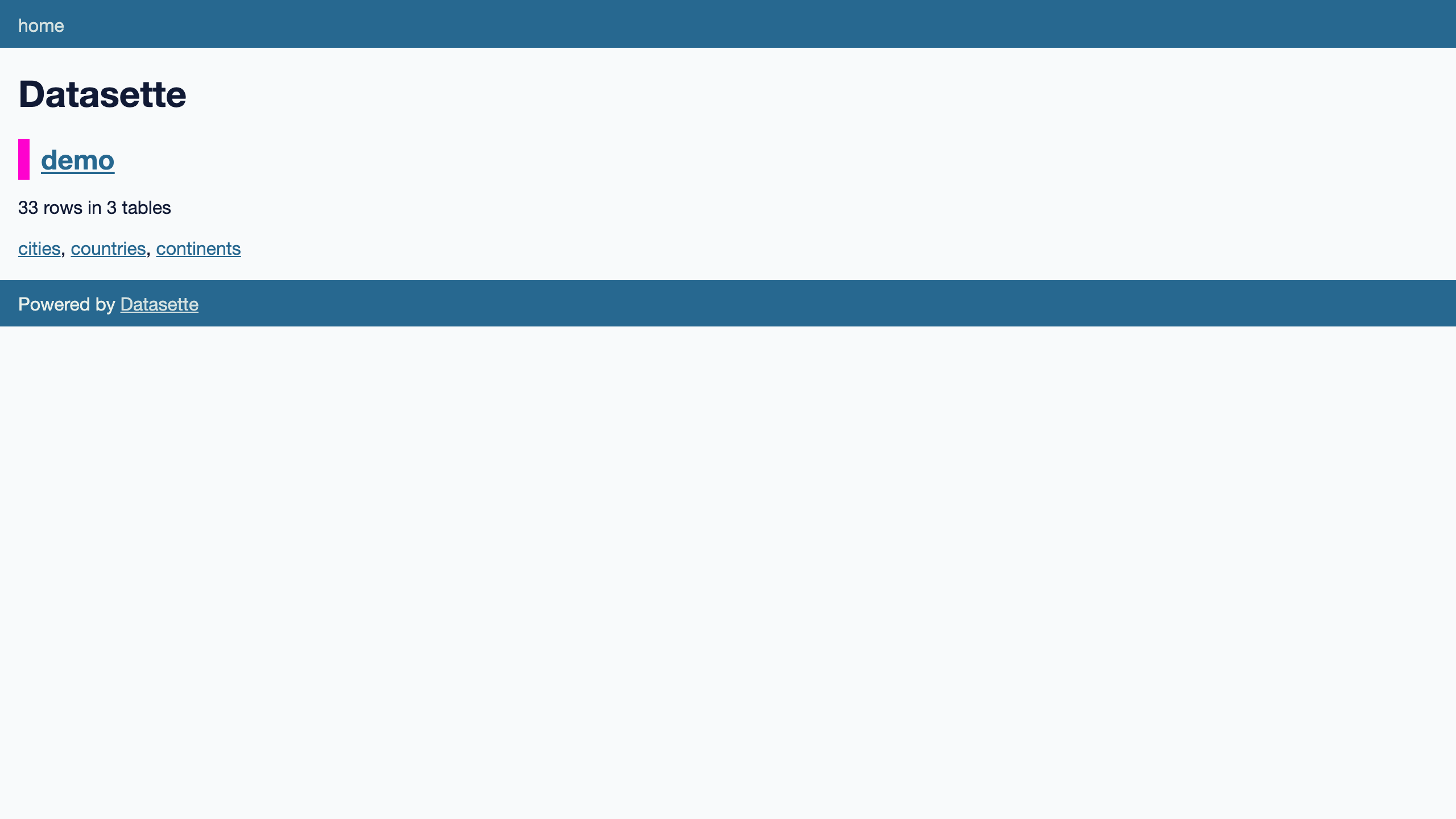
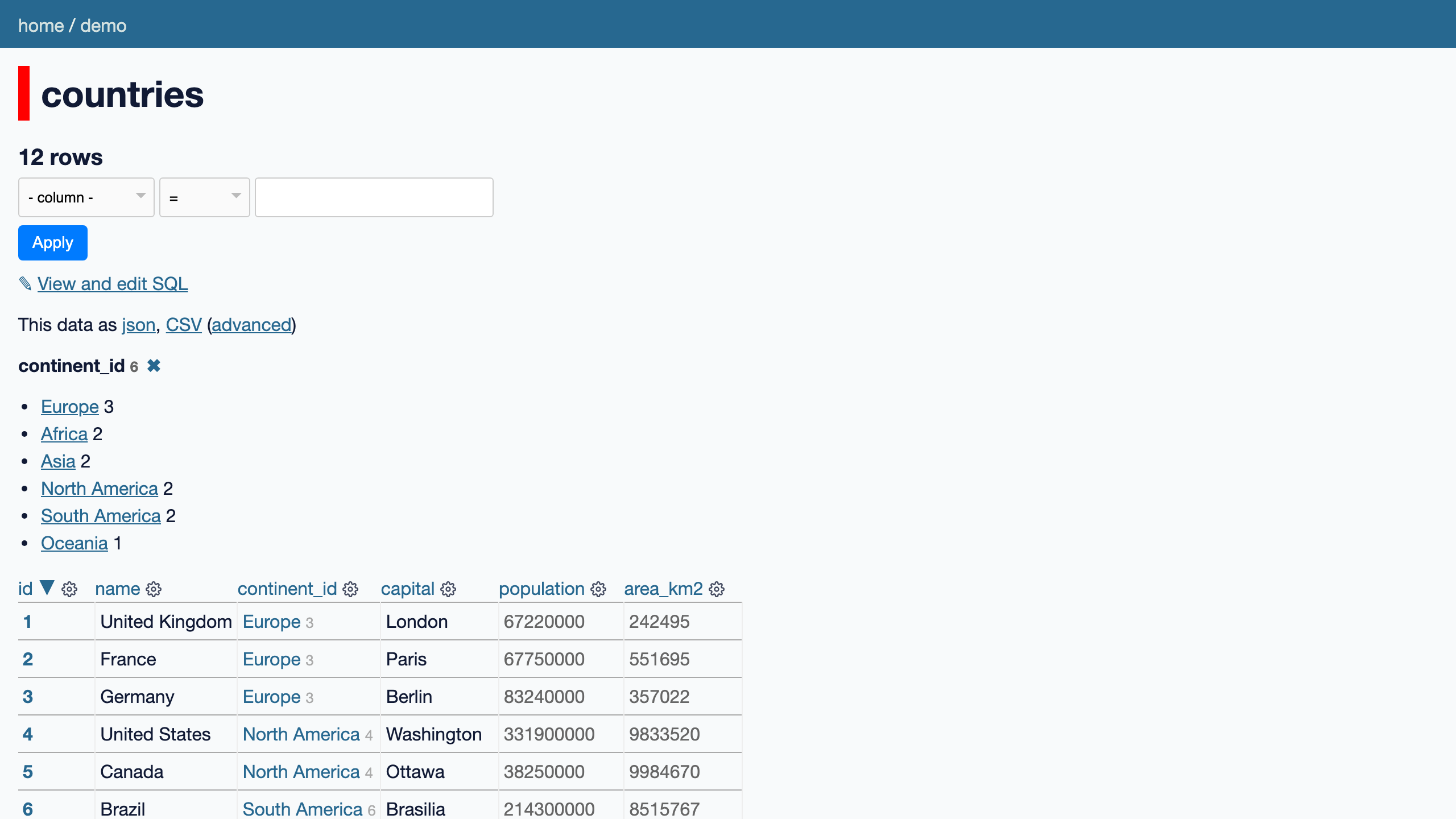
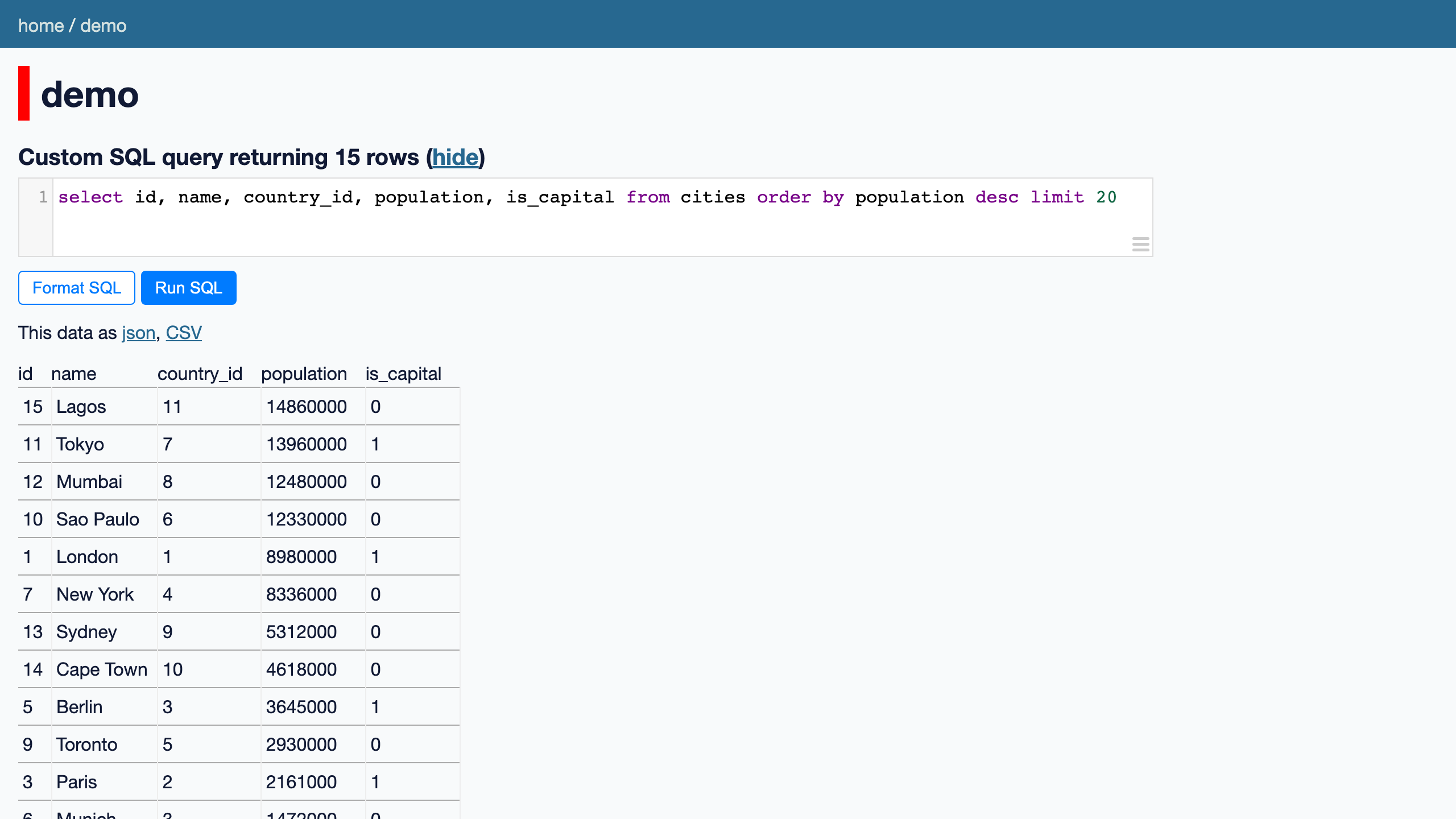
See it running
Real screenshots of this software running on the cloudimg image, taken while testing the deployment guide.
Description
This is a repackaged open source software product wherein additional charges apply for cloudimg support services.
## Publish Your Data in Minutes - No Front End Required
Datasette is an open source multi-tool for exploring and publishing data. It takes one or more SQLite databases and instantly publishes them as a browsable, searchable web interface with a faceted UI and a full JSON API over every table and query. This AMI delivers Datasette fully installed and running as a system service, so a working data explorer is serving within minutes of launch - no manual configuration, no dependency management, no custom code.
## Why This AMI vs. Manual Setup
Deploying Datasette yourself means installing Python, managing virtual environments, configuring a reverse proxy, setting up authentication, and writing systemd units. This image handles all of that out of the box:
- Zero-setup deployment - Launch the instance and your data explorer is live on port 80
- Production-grade service management - systemd starts Datasette on boot and restarts it on failure automatically
- Built-in authentication - nginx reverse proxy with HTTP Basic auth protects your data from the first request
- Resizable storage - SQLite databases live on a dedicated data disk you can expand independently of the root volume
- No shared credentials - A unique admin password is generated per instance on first boot
## Application Stack
- Datasette installed into a dedicated Python virtual environment under /opt/datasette
- Run by an unprivileged service account for defense in depth
- Served databases directory on a dedicated, independently resizable data disk
- systemd service with automatic restart on failure
- nginx reverse proxy publishing the interface on port 80 behind HTTP Basic authentication
## Ready-to-Explore Demo Database
A demo SQLite database ships at /var/lib/datasette/demo.db with sample tables and rows. The interface is populated out of the box so you can immediately browse tables, run filters, drill into facets, and call the JSON API. Copy your own .db files into the data directory and restart the service to publish them.
## Secure First Boot
On first boot, a one-shot service generates a fresh admin password unique to that instance, writes it into the nginx credentials file, and stores the password in a root-only file. The Datasette process binds to loopback only and is never exposed without authentication. No shared or default credentials ship in the image.
## Use Cases
- Government open data teams publishing budget, procurement, or geographic datasets for citizen access with a browsable interface and downloadable JSON
- Research labs sharing experiment results or datasets with collaborators as a queryable, reproducible site
- Data engineers on small teams who need an instant browsable interface and JSON API over SQLite databases without building a custom front end
- Internal data catalogues and reporting dashboards for teams that want self-serve data exploration
- Reproducible data publishing where analysts share the results of a data analysis as a queryable site
## cloudimg Support
24/7 technical support by email and live chat. Our engineers help with deployment, loading your own databases, enabling plugins, configuring faceting and full-text search, the JSON API, TLS setup, and authentication configuration.
## Get Started
Launch the AMI, retrieve your unique admin password from the root-only credentials file, and start exploring the demo database immediately. When you are ready to publish your own data, copy your SQLite files to the data directory and restart the service. For a guided setup or help planning your deployment, contact cloudimg support.
All product and company names are trademarks or registered trademarks of their respective holders. Use of them does not imply any affiliation with or endorsement by them.
Key Features
- Launch a production-ready data explorer in minutes with zero manual setup. Datasette is preinstalled, running as a systemd service with automatic restart on failure, and served behind an authenticating nginx proxy on port 80. No dependency management, no virtual environment configuration, and no custom code required - just launch the instance and start exploring data immediately.
- Instantly publish any SQLite database as a browsable, searchable, facetable web interface with a full JSON API over every table and custom SQL query. Your databases live on a dedicated data disk that you can resize independently of the root volume, so storage grows with your data without redeploying the instance.
- Secure by default with a unique admin password generated per instance on first boot - no shared or default credentials ever ship. The Datasette process binds to loopback only and is never directly exposed. Backed by 24/7 technical support from cloudimg via email and live chat, with help for deployment, plugins, TLS, and troubleshooting.