Base
Hardened build
minimal ports, security patches applied at build time

self-hosted community discussion and forum platform, ready to run
Discourse is the open-source platform for community discussion, support forums and internal team conversation. Built on Ruby on Rails with PostgreSQL and Redis, it offers threaded discussion, categories and tags, trust levels, moderation tools, real-time notifications and a full REST API. The cloudimg image ships the official single-container Discourse stack pre-built and bootstrapped, so a working forum is serving within minutes of launch.
Every instance generates its administrator password and API key on first boot and mints its own self-signed TLS certificate, so nothing usable is baked into the image. The PostgreSQL cluster, uploads and Redis data live on a dedicated, independently resizable data volume. Ships with a paired step-by-step deployment guide and 24/7 cloudimg support.
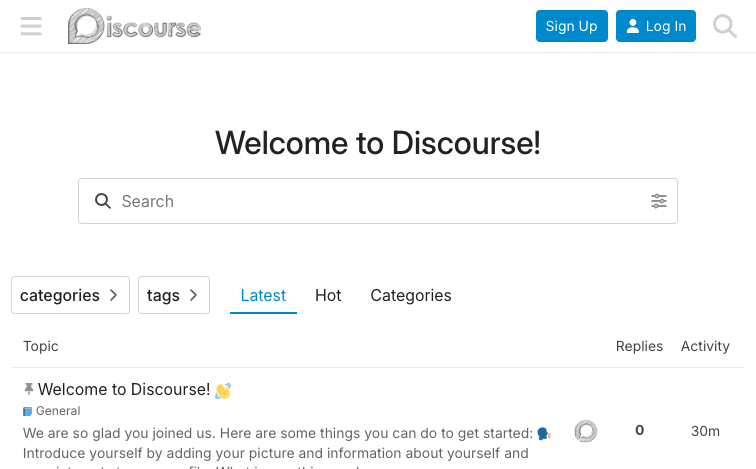
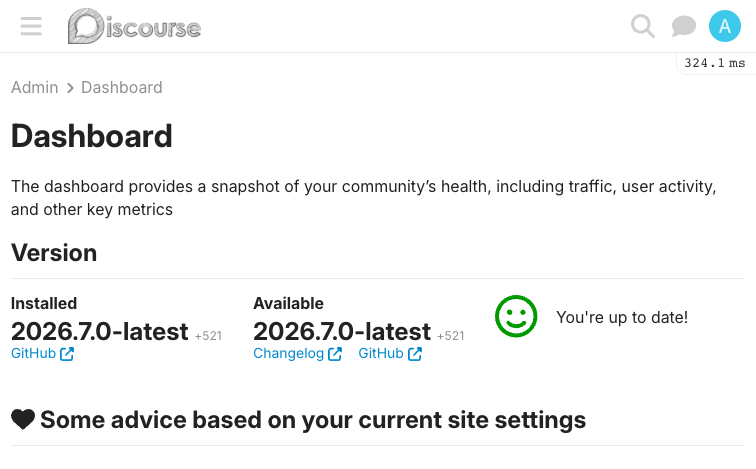
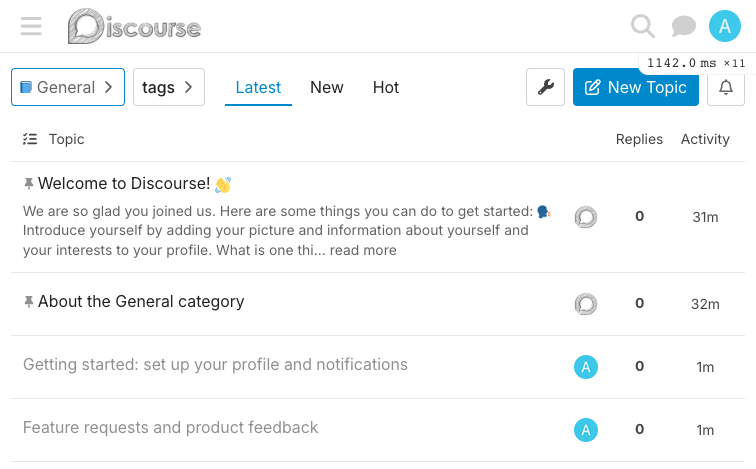
Real screenshots taken while testing this image against its deployment guide.
This is a repackaged open source software product wherein additional charges apply for cloudimg support services.
## Overview
Discourse is the open-source community discussion and forum platform used by communities, support forums, and internal teams worldwide. It is a modern Ruby on Rails and Ember application with real-time updates, threaded discussion, categories and tags, trust levels, moderation tools, single sign-on, and a full REST API. This AMI delivers Discourse installed the only officially supported way - the discourse_docker single-container stack bundling Rails, PostgreSQL, Redis and nginx - already built, secured and running, so a working forum is operational within minutes of launch.
## Why Choose This AMI Over Alternatives
vs. Manual Docker Install: Standing up Discourse yourself means cloning discourse_docker, authoring app.yml, running a 10-20 minute container rebuild that compiles assets and runs migrations, then wiring an admin account and a TLS front end. This image ships the container pre-built and bootstrapped; first boot only rotates secrets and seeds a fresh admin, so you are running in about a minute rather than half an hour.
vs. Hosted Forum SaaS: Unlike hosted forum services, this AMI gives you full data sovereignty. Your members, posts and uploads stay entirely inside your own AWS account, on a dedicated data volume you control - with no per-seat SaaS fees beyond your infrastructure and cloudimg support.
vs. Generic Container Orchestration: No ECS or EKS cluster to configure. A single EC2 instance runs the whole stack with a dedicated data volume and a host TLS terminator - production-ready without Kubernetes complexity.
## Security Hardening
This image follows a defence-in-depth approach:
## Concrete Use Cases
## AWS Integration
Deploy on any EC2 instance type; the recommended size is m5.large. Front the instance with an Application Load Balancer and an ACM certificate for production TLS and your own domain, or replace the per-instance self-signed certificate with your own. Back up the forum database and uploads using EBS snapshots or AWS Backup, and resize the dedicated data volume independently of the OS disk as your community grows.
## Getting Started
Launch the AMI, wait for first-boot initialisation to complete, then open the web UI on port 443 (or 80). Retrieve your generated admin credentials from the root-only secrets file on the instance and sign in. Before production use, set your real hostname and SMTP details in the container configuration and re-run the launcher rebuild, and point your domain's DNS at the instance or load balancer. For a guided walkthrough of hostname, SMTP and TLS setup, contact cloudimg support.
## Open Source and Source Availability
Discourse is licensed under the GNU General Public License version 2. This image ships the official upstream Discourse container unmodified; the complete corresponding source is available from the upstream project at github.com/discourse/discourse. cloudimg's charges are for the packaging, hardening and support services described here, not for the software licence.
## cloudimg Support
24/7 technical support by email and live chat. Help with deployment, hostname and SMTP configuration, TLS termination, backups, plugin guidance, and updates.

This image runs the Actual Budget 26.6 sync server, the open source local-first personal finance and envelope budgeting ...

This image runs Admidio, the open source, self hosted membership management platform used by clubs, associations and non...

Pre-hardened for AdventureLog, a self-hosted travel tracker and trip planner. Launch a private travel journal with inter...

This image runs Apache Answer, the open source question and answer platform for teams at any scale.

Apache Fineract is the open source core banking engine behind the Mifos ecosystem.

Apache OFBiz, the open-source ERP, CRM, e-commerce and supply-chain suite, preinstalled and running behind nginx and rea...