DokuWiki - Database-less Wiki
Overview
DokuWiki, the simple database-less wiki, preinstalled and running behind nginx and php-fpm, ready to create and edit knowledge-base pages in the browser within minutes of launch. Pages are plain files - no SQL server to run. A unique admin password is generated on first boot. Backed by 24/7 cloudimg support.
See it running
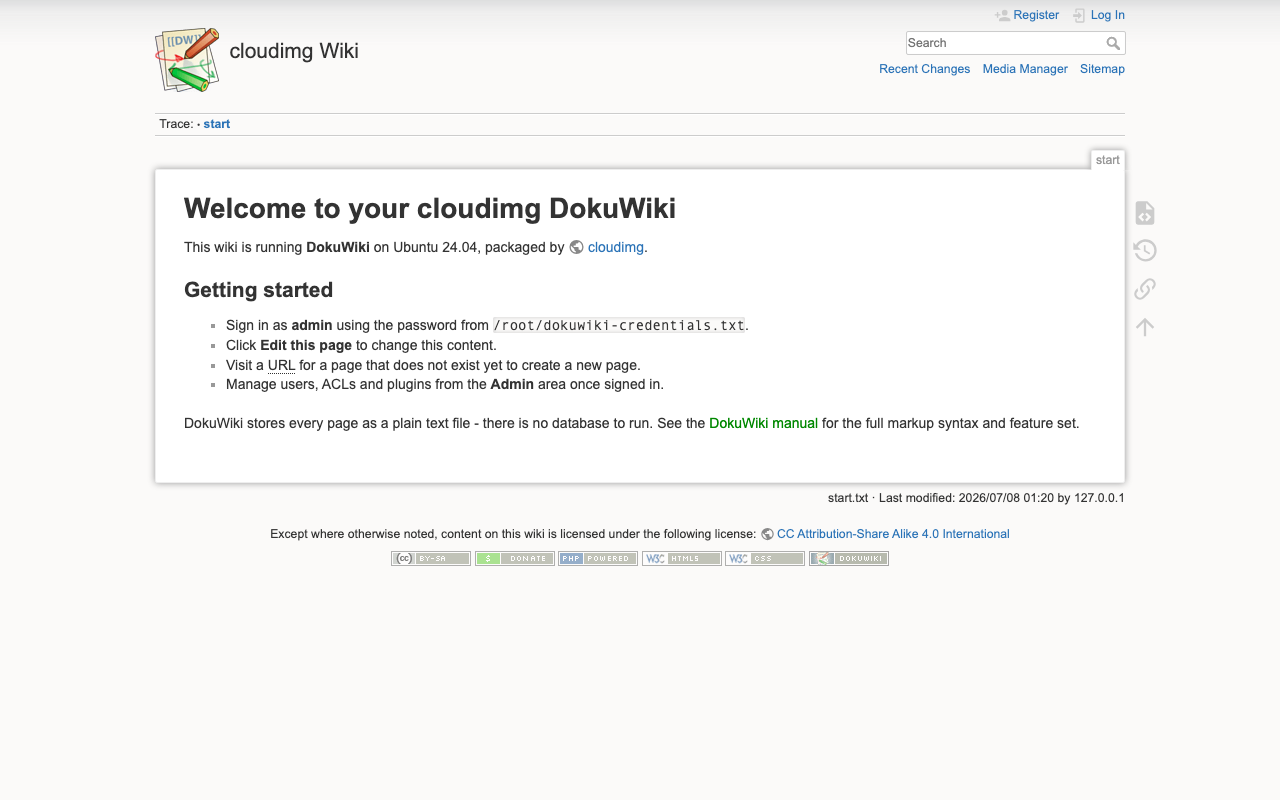
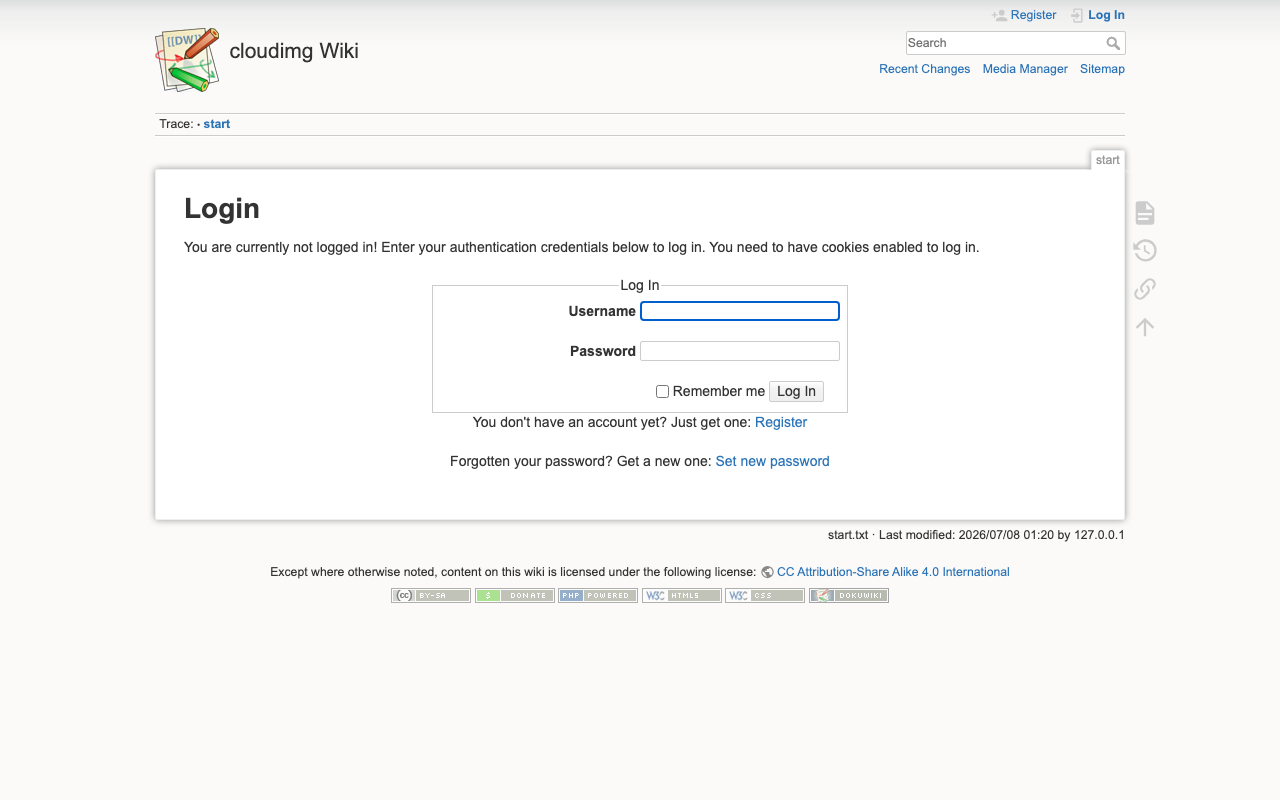
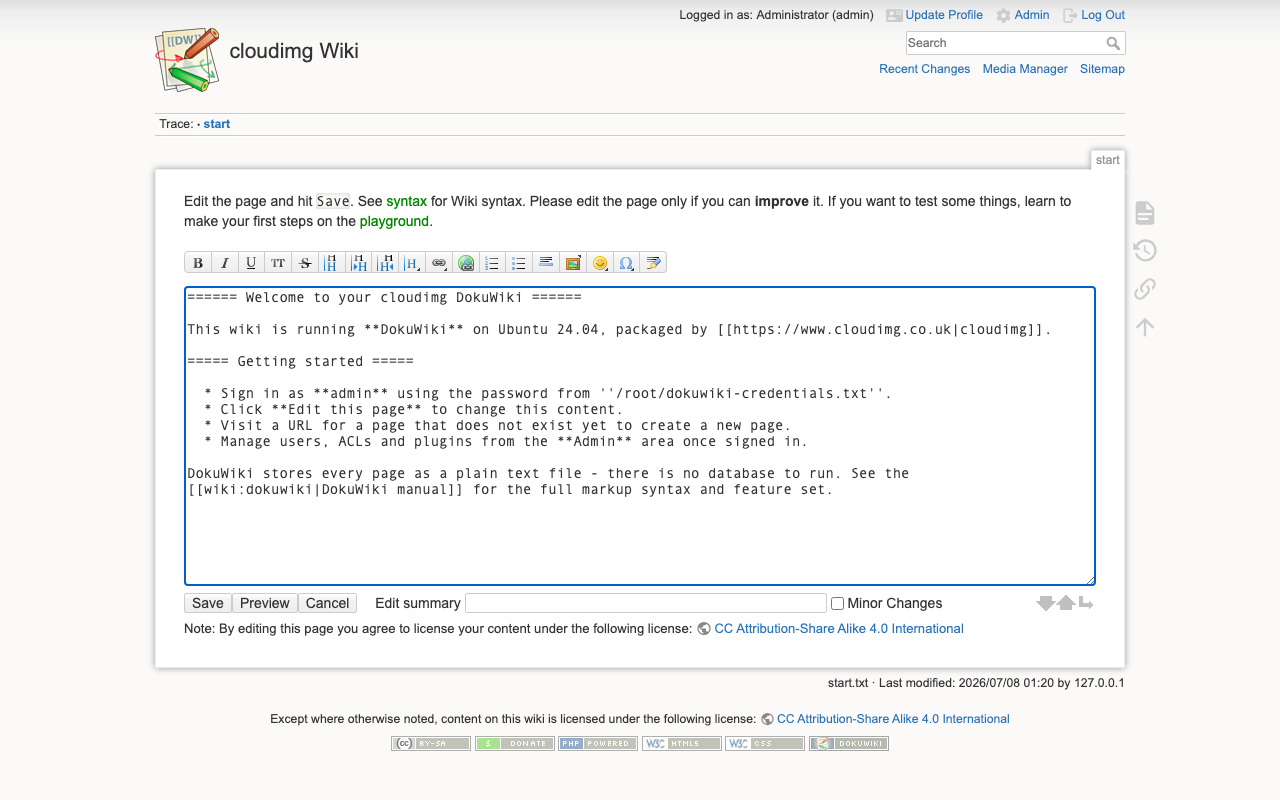
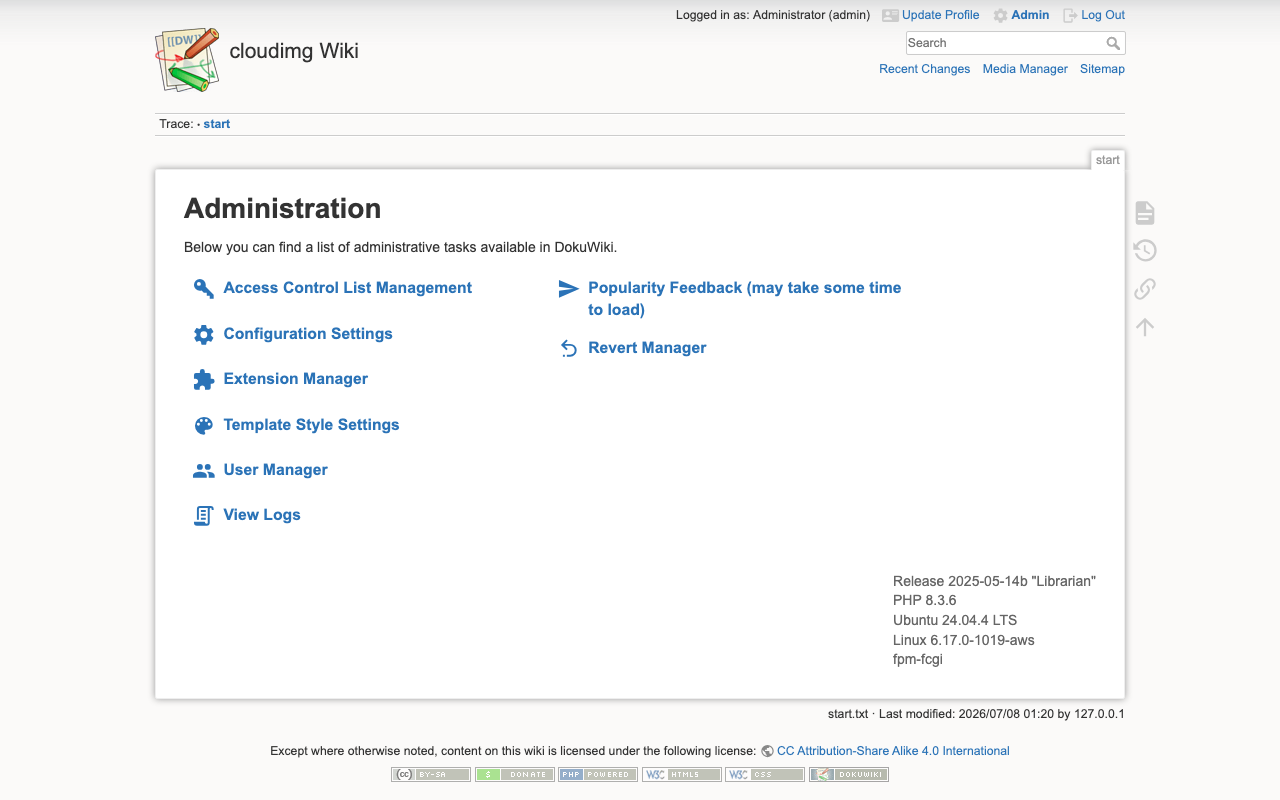
Real screenshots of this software running on the cloudimg image, taken while testing the deployment guide.
Description
This is a repackaged open source software product wherein additional charges apply for cloudimg support services.
Overview
DokuWiki is a simple, standards-compliant wiki aimed at documentation, knowledge bases, intranets and team collaboration. Its defining feature is that it stores everything - pages, page history, uploaded media, metadata and the full-text search index - as plain files on disk, so there is no database server to install, tune or back up. This image delivers DokuWiki fully installed and running behind an nginx reverse web server with php-fpm, so a working wiki is serving within minutes of launch.
Application Stack
DokuWiki runs as a PHP application: nginx answers on port 80 and passes requests to php-fpm over a local socket, and DokuWiki reads and writes its content directly on a dedicated data disk. A single storage directory - the savedir - holds the pages, media, metadata, cache and search index, and it lives on its own independently resizable data volume kept separate from the operating system disk. systemd starts nginx and php-fpm on boot and restarts them on failure.
Content Management
Create and edit pages with a lightweight markup syntax and a built-in toolbar, organise them into namespaces, and upload images and files through the media manager. Full-text search and automatic indexing make content easy to find, every edit is versioned so you can compare revisions and roll back, and a large ecosystem of plugins and templates lets you extend the wiki. Access control lists govern who can read, edit, create and upload in each namespace.
Secure First Boot
On the first boot of your instance a one-shot service generates a fresh administrator password, unique to that instance, seeds the DokuWiki admin account, and writes the password to a file only the root user can read. No shared or default credentials ship in the image.
Ready To Use
Open the wiki in your browser, read the generated credentials, sign in as admin, and start writing or importing pages straight away. Access control and the plugin manager are available from the admin area. A built-in health endpoint answers on the web server for load-balancer and uptime checks. The wiki content lives on a dedicated, independently resizable data disk.
cloudimg Support
24/7 technical support by email and chat. Help with deployment, namespace and access-control design, plugin and template selection, storage and search-index maintenance, backup and upgrade planning.
Use Cases
A team or company documentation wiki. An internal knowledge base or runbook store. A lightweight intranet without a database to operate. A project or product manual maintained by many contributors. A self-hosted alternative to a hosted wiki service, running in your own account.
All product and company names are trademarks or registered trademarks of their respective holders. Use of them does not imply any affiliation with or endorsement by them.
Key Features
- DokuWiki database-less wiki preinstalled and running behind nginx with php-fpm, storing pages, media, history and the search index as plain files with no SQL server to operate
- Create and edit pages in the browser with namespaces, access-control lists, versioned revisions, full-text search and a large plugin and template ecosystem, all with no manual setup
- Hardened first boot generates a fresh admin password for every instance and stores it in a file only the root user can read, with the wiki content on a dedicated data disk and 24/7 cloudimg support