
Drupal 11 CMS - Pre-Configured
Overview
Deploy Drupal 11 in minutes with PHP 8.3, nginx, and MariaDB pre-configured. Unique credentials generated per instance. Backed by 24/7 cloudimg support.
See it running
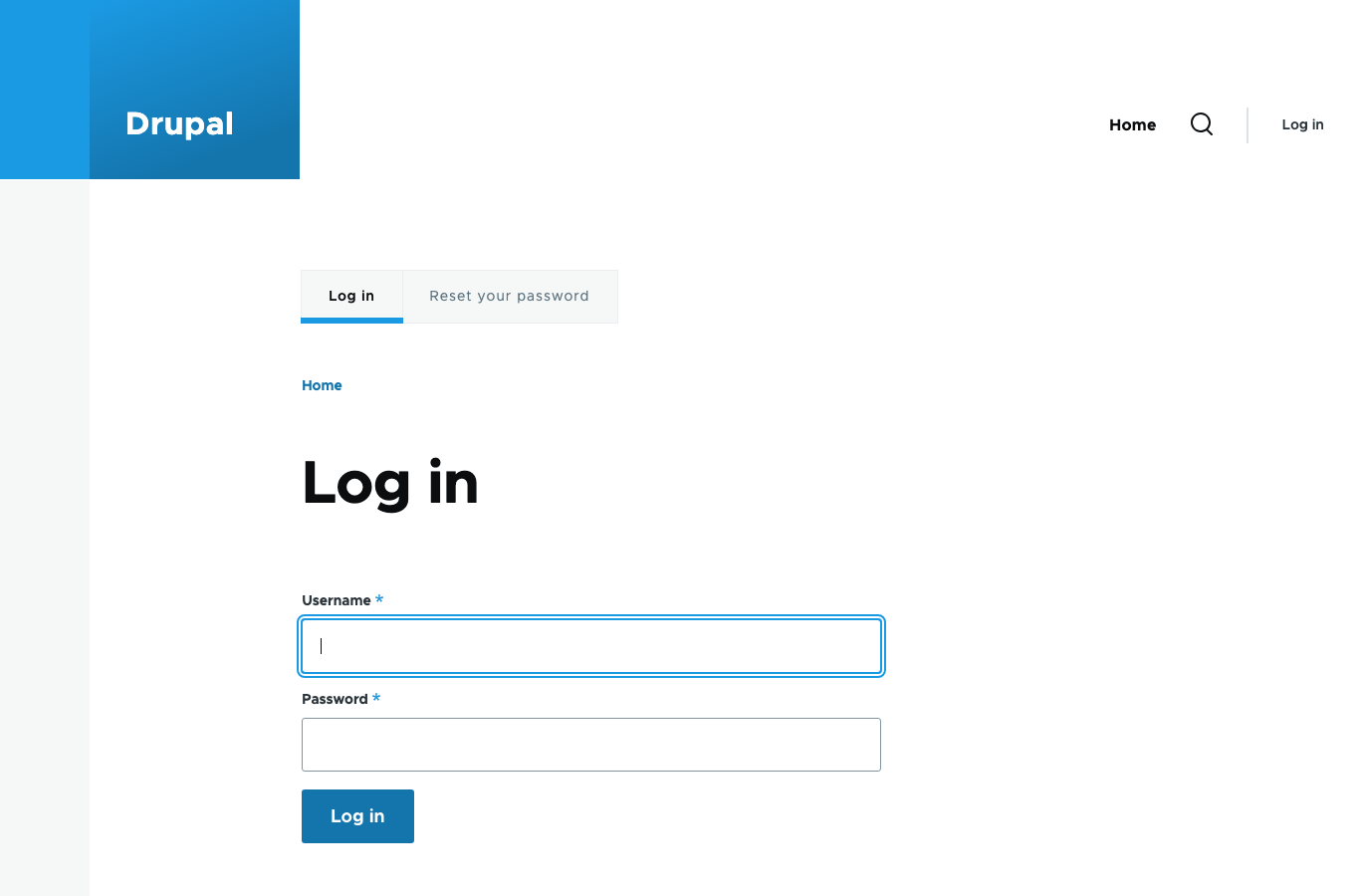
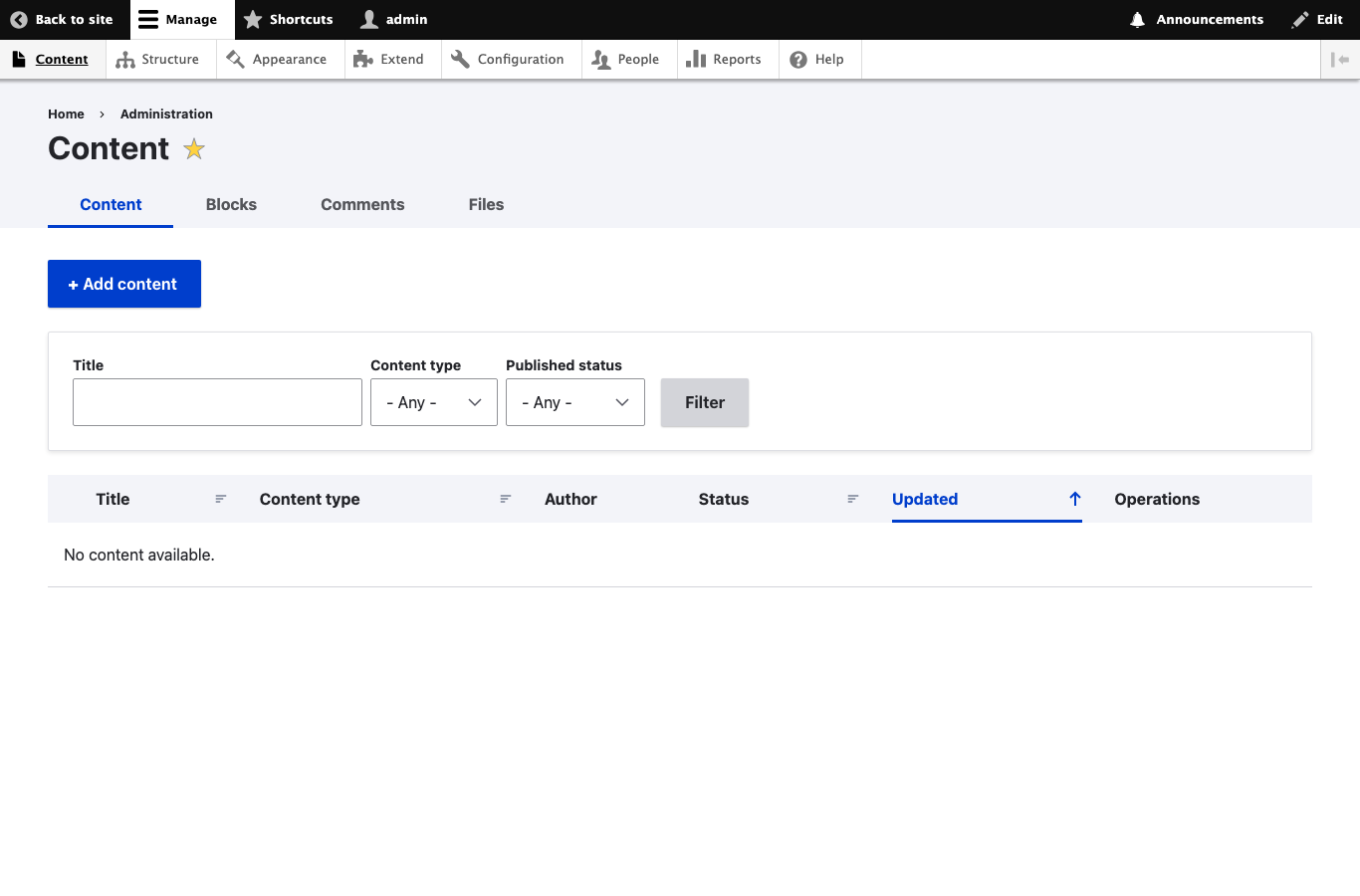
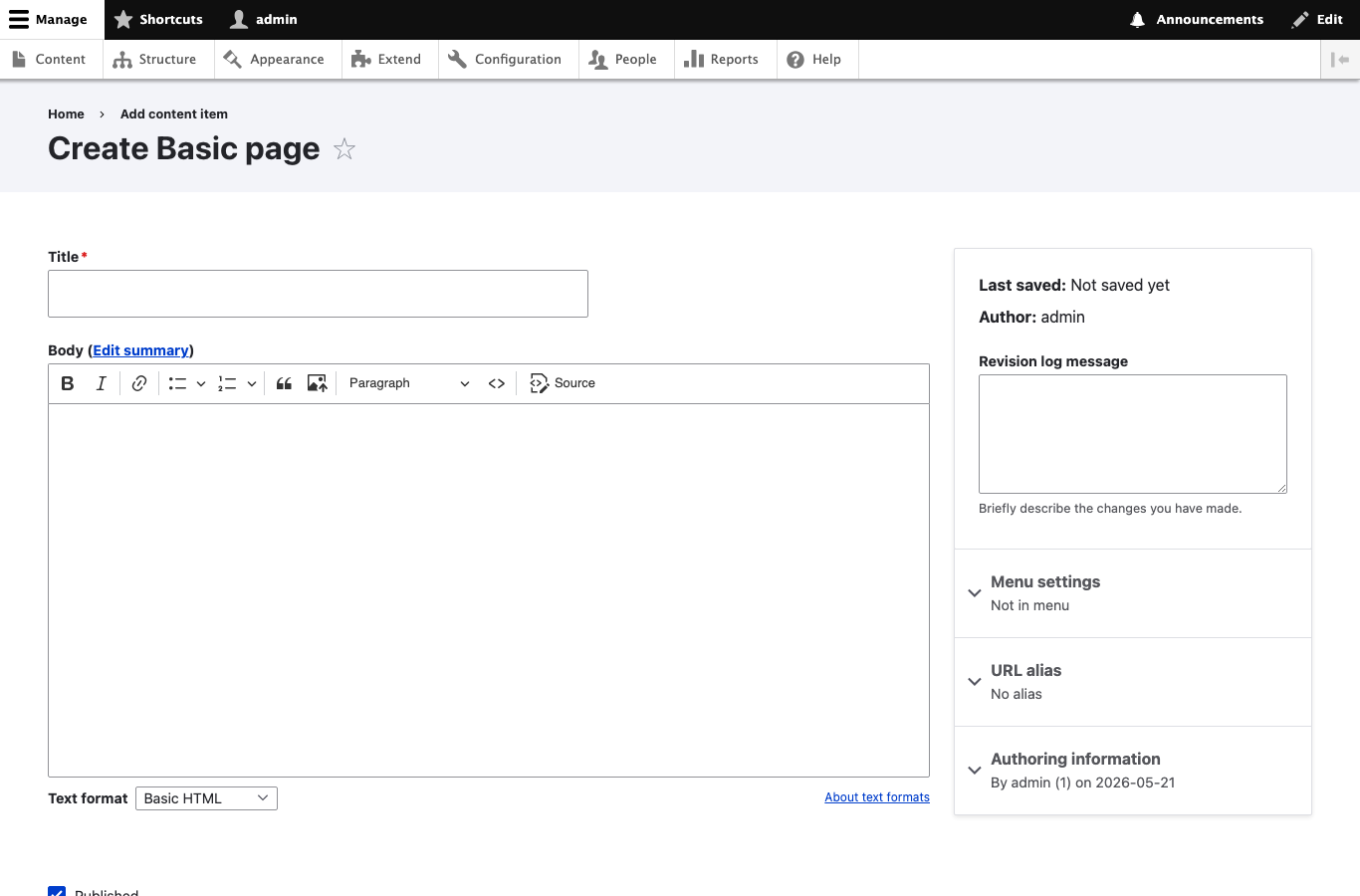
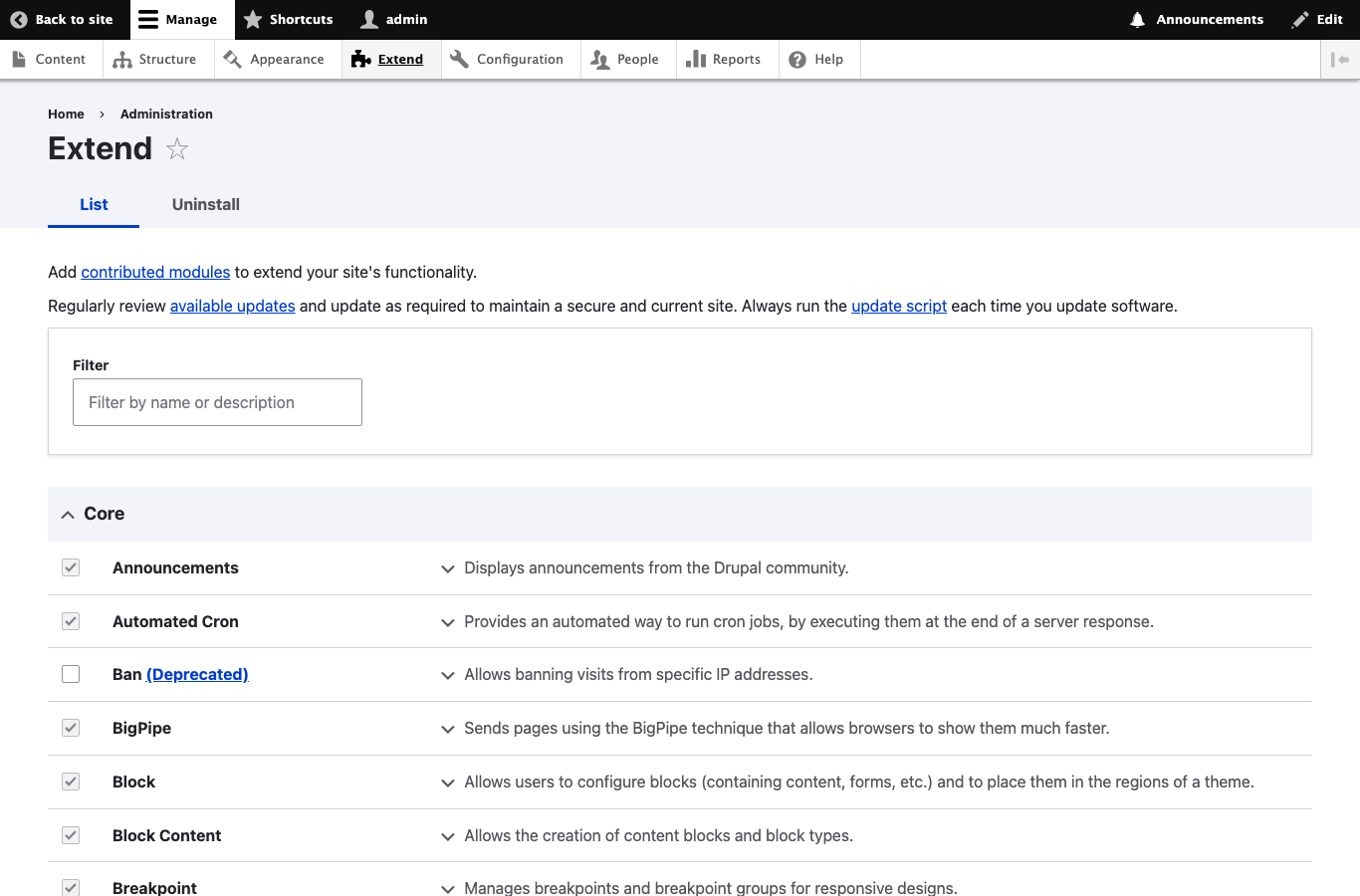
Real screenshots of this software running on the cloudimg image, taken while testing the deployment guide.
Description
This is a repackaged open source software product wherein additional charges apply for cloudimg support services.
## Drupal 11 CMS - Production-Ready on AWS
Launch a fully configured Drupal 11 content management platform on AWS in minutes - no manual installation, no shared credentials, and no complex setup. This AMI eliminates the hours of manual provisioning typically required to stand up a secure Drupal environment, letting your team focus on building content rather than configuring infrastructure.
## Why This AMI Over Alternatives
Unlike AMIs that ship with default or shared passwords, every instance of this image generates cryptographically fresh MariaDB and Drupal administrator credentials on first boot. These are stored in a root-only file, meaning no credential is ever reused across deployments. The nginx web server is chosen over Apache for its superior concurrency handling under Drupal workloads, delivering better performance for high-traffic sites without additional tuning.
## Application Stack
- Drupal 11 - Latest stable release of the enterprise CMS
- PHP 8.3 with OPcache and all required Drupal extensions
- nginx web server optimized for PHP-FPM workloads
- MariaDB database server
- Composer dependency manager for module and theme installation
- drush command line tool for site administration
- systemd timer running scheduled Drupal cron tasks hourly
## Secure First Boot
On first launch, a one-shot systemd service generates unique credentials for both MariaDB and the Drupal administrator account. Passwords are written to a file readable only by root. No default credentials exist in the image at any point. This approach closes the security gap present in AMIs that rely on buyers to manually change shared passwords after deployment.
## Compatible AWS Services
This AMI integrates with your broader AWS architecture:
- Amazon S3 - Configure the S3 File System module to offload media storage, reducing EBS costs and enabling CDN delivery
- Amazon CloudFront - Place CloudFront in front of your Drupal instance for global content delivery and DDoS protection
- Amazon SES - Use Simple Email Service for reliable transactional email delivery from Drupal (password resets, notifications, contact forms)
- Amazon RDS - Migrate the local MariaDB to a managed RDS instance for automated backups, Multi-AZ failover, and simplified scaling
## Security and Hardening
The image ships with TLS-ready nginx configuration. Buyers should attach an SSL certificate (via AWS Certificate Manager and a load balancer, or Let's Encrypt directly) to enable HTTPS. We recommend enabling EBS encryption for data at rest and configuring security groups to restrict SSH access to trusted IP ranges. The database port is bound to localhost and is not exposed externally.
## Use Cases
- Corporate and marketing websites - Launch campaign sites and brand portals with full editorial workflow
- Government and education portals - Multilingual, accessible publishing for public-facing services handling thousands of concurrent visitors
- Intranets and knowledge bases - Internal documentation and collaboration platforms with role-based access
- High-traffic publishing - News and media sites leveraging nginx and OPcache for fast page delivery under load
## 24/7 cloudimg Support
Every subscription includes around-the-clock technical support from cloudimg engineers via email and live chat. Our team assists with Drupal deployment, upgrades, performance tuning, module configuration, and database administration. Critical issues receive a one-hour average response time.
## Getting Started
1. Launch the AMI from AWS Marketplace on your chosen instance type
2. SSH into the instance as the default user
3. Retrieve your unique credentials from the root-only file
4. Browse to your instance's public IP or hostname
5. Sign in as the Drupal administrator and begin building your site
All product and company names are trademarks or registered trademarks of their respective holders. Use of them does not imply any affiliation with or endorsement by them.
Key Features
- Drupal 11 running in minutes, not hours - PHP 8.3 with OPcache, nginx, MariaDB, Composer, and drush are pre-installed and configured. Unlike manual deployments that require installing dependencies, configuring virtual hosts, and securing database access, this AMI delivers a production-ready CMS from first boot. The nginx web server handles concurrent Drupal requests more efficiently than Apache-based alternatives, giving you better performance without manual tuning.
- Security that eliminates shared-credential risk - Every instance generates cryptographically unique MariaDB and Drupal administrator passwords on first boot, stored in a root-only file. This closes the vulnerability present in AMIs that ship with default or published credentials that buyers must remember to change. The database listens only on localhost, and the nginx configuration is TLS-ready for immediate HTTPS enablement via AWS Certificate Manager or Let's Encrypt.
- 24/7 expert support with one-hour critical response - cloudimg engineers provide around-the-clock assistance via email and live chat for Drupal deployment, upgrades, performance tuning, module configuration, and database administration. Critical issues receive a one-hour average response. This is dedicated CMS expertise on demand - not a generic hosting helpdesk - so your team spends time on content strategy rather than infrastructure troubleshooting.