Etherpad
Overview
Etherpad, the open source real-time collaborative document editor, preinstalled as a system service with the pad editor and the admin settings panel published on port 80 behind a WebSocket-aware nginx proxy. A unique admin password is generated on first boot. Backed by 24/7 cloudimg support.
See it running
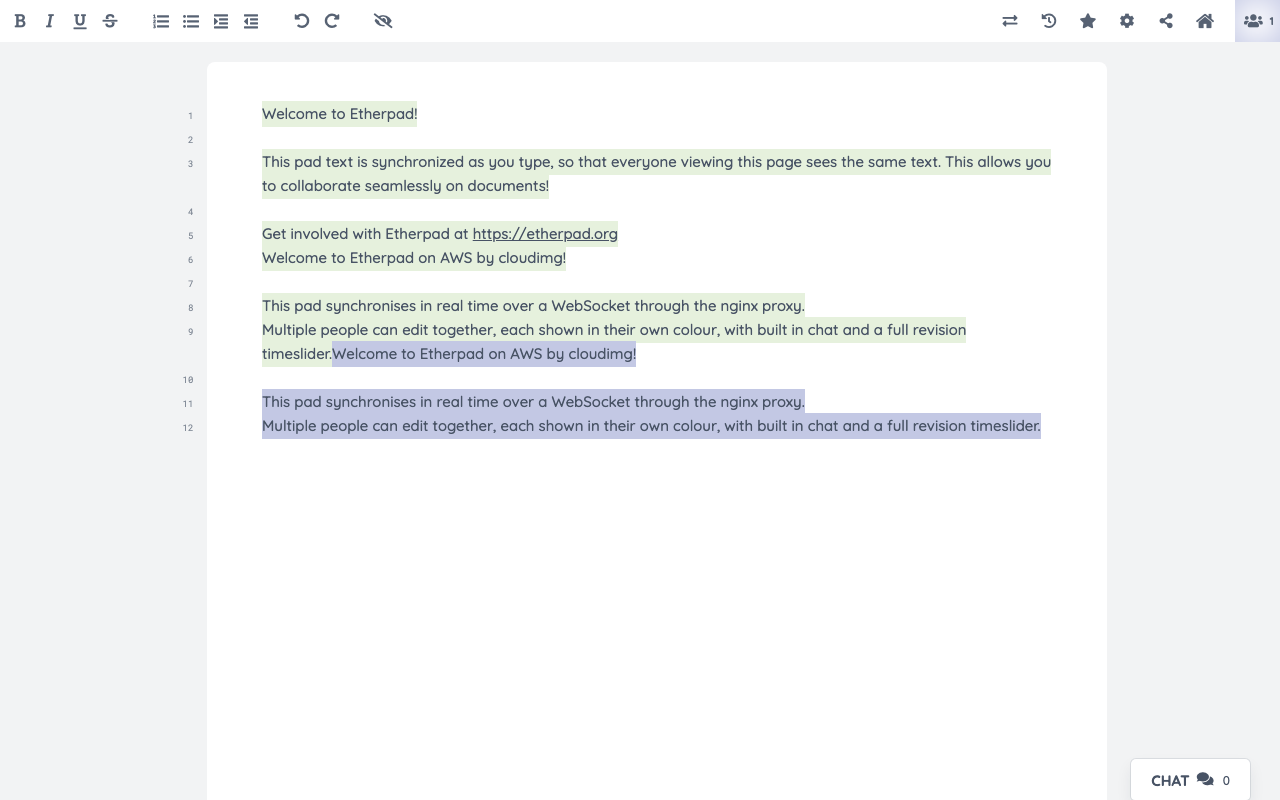
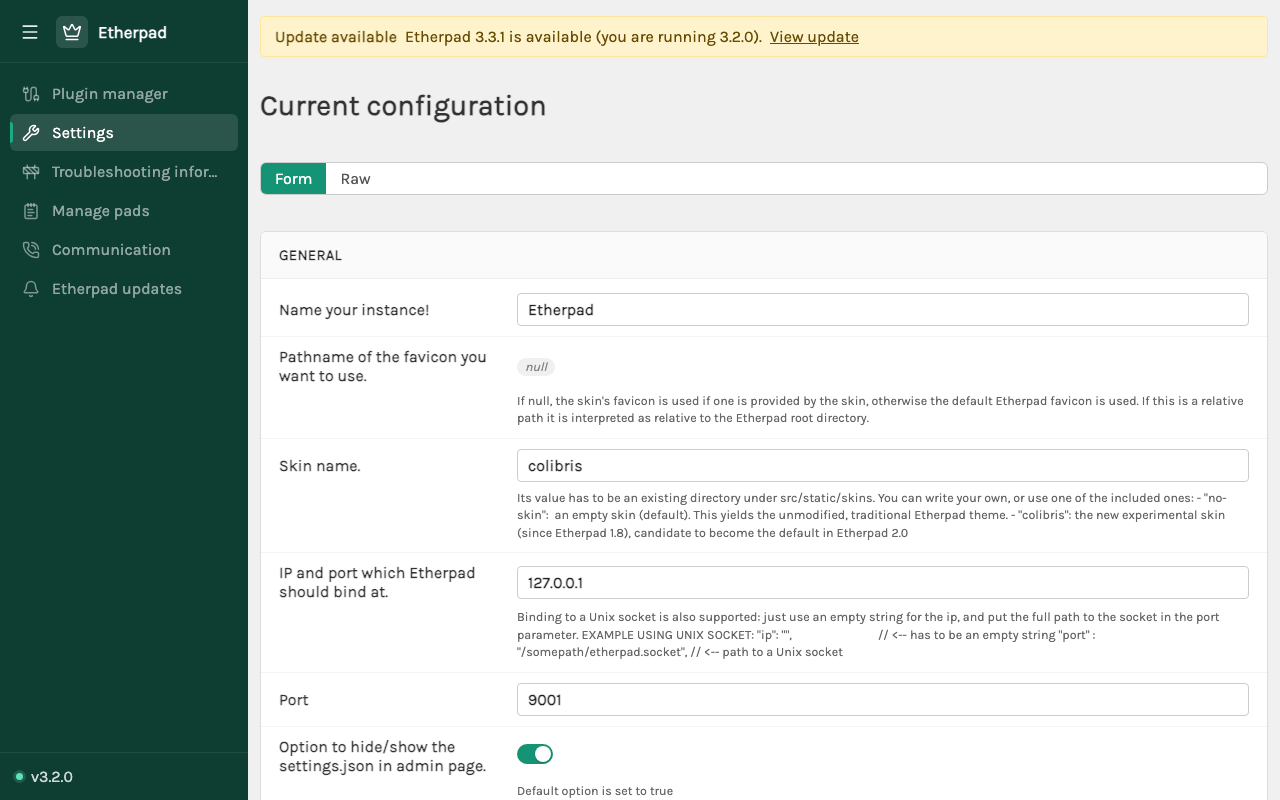
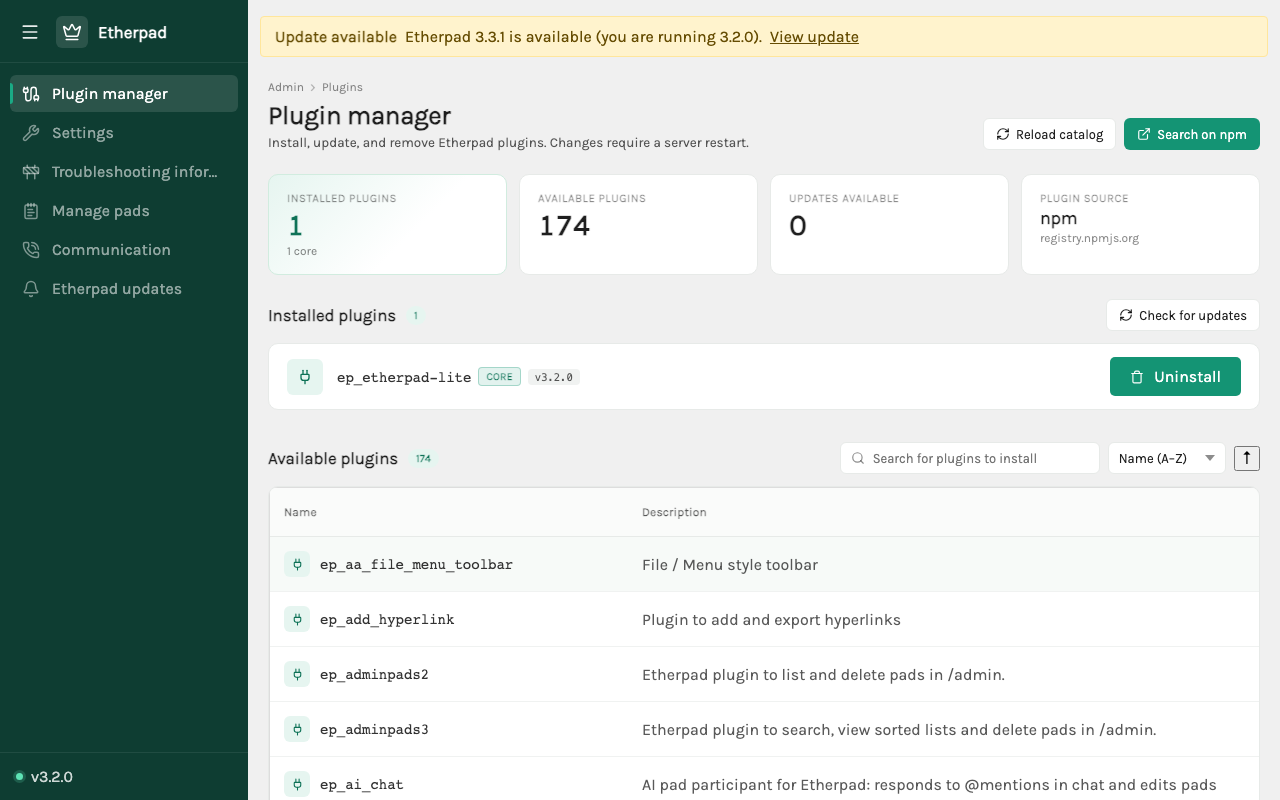
Real screenshots of this software running on the cloudimg image, taken while testing the deployment guide.
Description
This is a repackaged open source software product wherein additional charges apply for cloudimg support services.
Overview
Etherpad is a highly customisable open source online editor providing collaborative editing of documents in real time. Multiple people can work on the same pad simultaneously, each with their own colour, seeing every keystroke as it happens, with a built in chat, full revision history and a timeslider that replays how a document was written. This image delivers Etherpad fully installed and configured as a system service, so a production grade collaborative editor is running within minutes of launch.
Application Stack
Etherpad installed under /opt/etherpad on Node.js 24 LTS and run by a dedicated unprivileged service account. The pad database, holding every pad, revision and chat message, stored as an embedded SQLite database on a dedicated data disk so it is independently resizable and survives instance replacement. A systemd service that starts Etherpad on boot and restarts it on failure. A WebSocket-aware nginx reverse proxy that publishes the editor and the admin panel on port 80.
Real-Time Collaboration
Share a pad URL and start writing together. Every participant sees the others type live, with coloured authorship highlighting that shows who wrote what. The timeslider replays the full edit history of a pad, the built in chat keeps the conversation next to the document, and pads import and export to HTML, plain text, Markdown and more. The plugin manager in the admin panel installs hundreds of community plugins for authentication, export formats, formatting and integrations.
Secure First Boot
On the first boot of your instance a one shot service generates a fresh admin password, unique to that instance, writes it into the Etherpad settings and writes the password to a root only file. Etherpad itself binds to loopback only and the admin settings panel is never exposed without authentication. No shared or default credentials ship in the image.
Ready To Use
The pad editor is served on port 80 through nginx with full WebSocket support for live collaboration. Open the site to create a pad and start editing immediately. Sign in to the admin panel with the generated administrator credentials to manage settings and install plugins.
cloudimg Support
24/7 technical support by email and chat. Help with deployment, plugin installation, authentication and access control, export formats, database tuning, TLS and reverse proxy configuration.
Use Cases
Real-time collaborative note taking and minute keeping. Shared drafting of documents and proposals. Classroom and workshop collaboration. Pair programming notes and brainstorming. A self-hosted alternative to hosted collaborative editors where your documents stay on your own infrastructure.
All product and company names are trademarks or registered trademarks of their respective holders. Use of them does not imply any affiliation with or endorsement by them.
Key Features
- Etherpad real-time collaborative document editor preinstalled as a systemd service on Node.js 24 LTS with the pad editor and the admin settings panel published on port 80 through a WebSocket-aware nginx proxy, no manual setup required
- Edit documents together live with coloured authorship, built in chat, the timeslider revision replay and hundreds of installable community plugins, with the embedded SQLite pad database on a dedicated independently resizable data disk
- Hardened first boot generates a fresh admin password for every instance to gate the admin panel and stores it in a file only the root user can read, with 24/7 technical support from cloudimg