Base
Hardened build
minimal ports, security patches applied at build time

Fossil, a self contained distributed version control system with a built in web timeline, wiki, bug tracker and forum backed by a single SQLite file.
Fossil is a simple, high reliability, distributed version control system that bundles everything a small project needs into one self contained executable: distributed source control, a bug tracker, a wiki, a forum, a chatroom, technotes and an integrated web interface, all backed by a single SQLite database file that is the entire repository. There is nothing else to install and nothing external to run.
It suits developers and small teams who want source control together with issue tracking, a wiki and a forum in one place, self hosted inside their own cloud account, without stitching together several separate services.
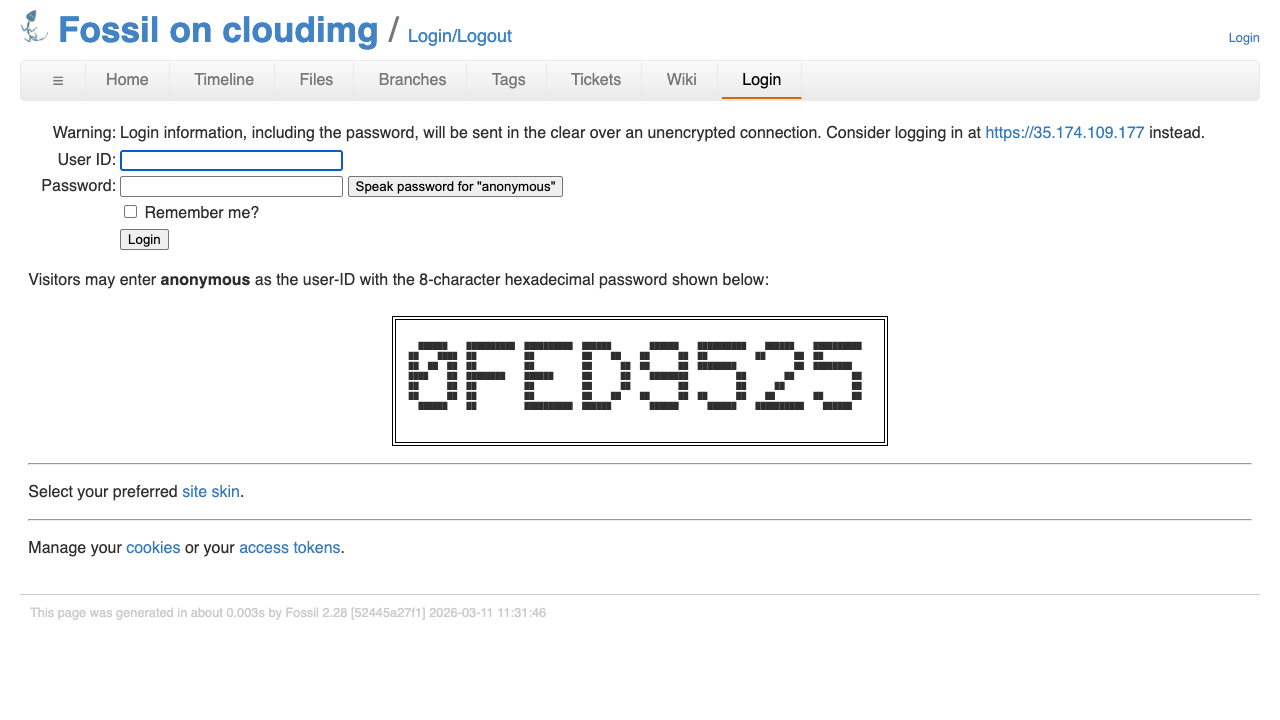
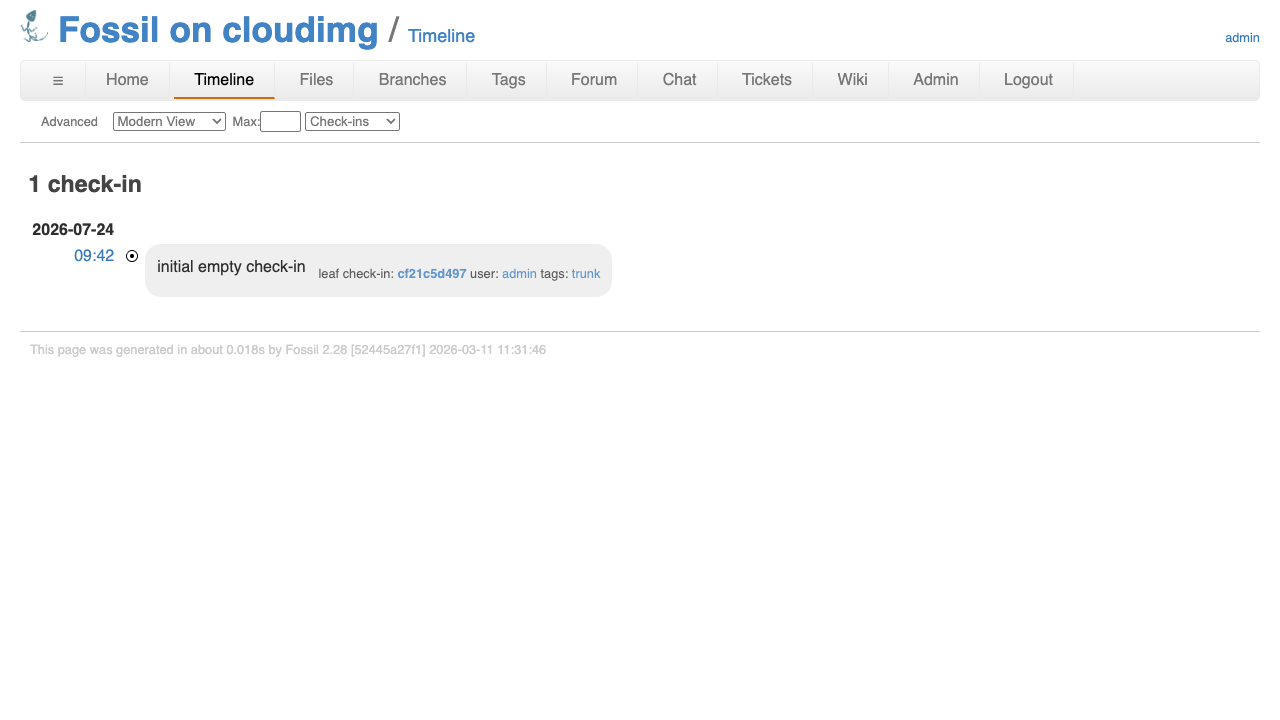
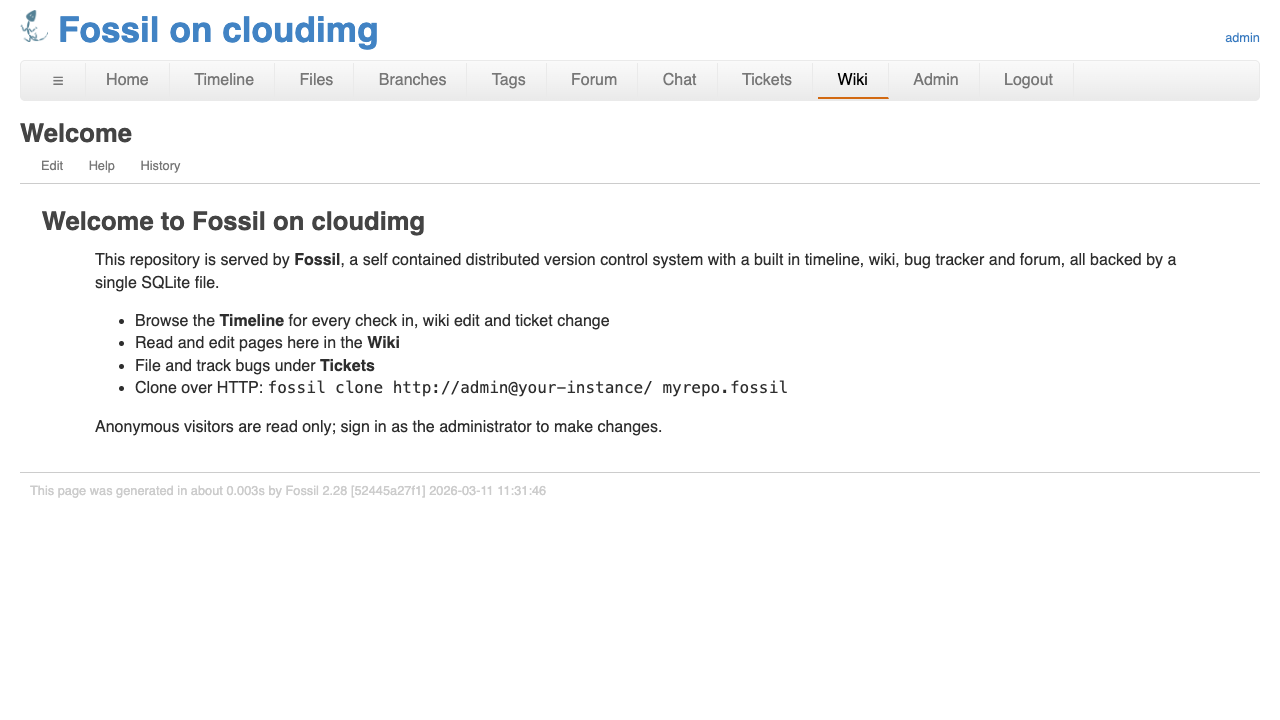
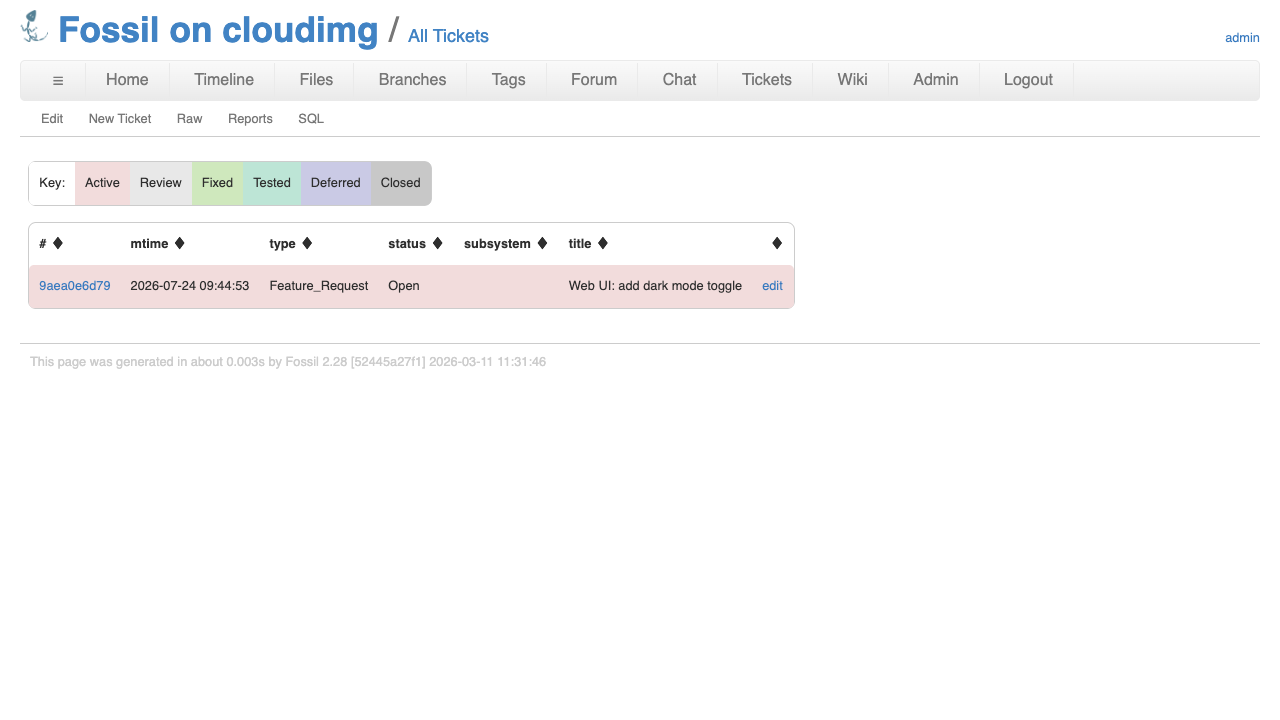
cloudimg delivers Fossil fully installed behind an nginx reverse proxy, so a working version control server with its web UI answers the moment the instance boots. The image is secure by default: Fossil binds only to loopback and nginx rate limits inbound requests, and anonymous write is disabled so unauthenticated visitors can browse the timeline, wiki and tickets and clone the repository but cannot commit or edit. There is no baked in credential: a fresh empty repository and a unique random administrator password are generated on each instance's first boot and written to a root only file, so no two instances share a credential. The base is fully patched with unattended security upgrades enabled, and every deployment is paired with a step by step deploy guide and backed by 24/7 cloudimg support.
Real screenshots taken while testing this image against its deployment guide.
This is a repackaged open source software product wherein additional charges apply for cloudimg support services.
## Overview
Fossil is a simple, high reliability, distributed version control system. It was created by the author of SQLite and hosts the SQLite project's own source code, and it has a track record of over a decade in production. Unlike most version control tools, Fossil bundles everything a small project needs into one self contained executable: distributed source control, a bug tracker, a wiki, a forum, a chatroom, technotes and an integrated web interface, all backed by a single SQLite database file that is the entire repository. There is nothing else to install and nothing external to run.
This AMI delivers Fossil fully installed and reverse proxied behind nginx, so a working version control server with its web UI is running within minutes of launch, with no manual package installation, no dependency troubleshooting and no proxy configuration required.
## Why This Image vs a Manual Install
Running Fossil safely yourself means fetching and verifying the official binary, standing up a service that binds only to loopback, putting a rate limiting reverse proxy in front of it to close the denial of service gap that a directly exposed server would leave open, locking anonymous access down to read only, and generating a unique administrator password per machine so no two servers share a credential. This image completes every one of those steps at build time:
## Security Hardening
This image follows a defence in depth approach:
## Concrete Use Cases
## AWS Integration
Deploy on any EC2 instance type; the recommended size is m5.large. Front the instance with an Application Load Balancer terminating TLS with your own certificate, or add your certificate to the bundled nginx reverse proxy. Back up the single file repository with EBS snapshots or AWS Backup, and grow the root volume as your history grows.
## Getting Started
Launch the AMI, read your unique administrator password from the root only file on the instance, and log in to the Fossil web UI to create users, set capabilities, attach your TLS certificate and start pushing code. The paired cloudimg deployment guide walks through connecting over SSH, verifying the service, the secure by default settings and backup planning.
## cloudimg Support
24/7 technical support by email and chat. Help with deployment, adding your own domain and TLS certificate to the reverse proxy, managing Fossil users and capabilities, and backup planning for your repository.

Accent is an open source, developer-oriented translation and localization management platform.

Altair GraphQL Client is an open-source, self-hosted GraphQL IDE for building, sending and inspecting GraphQL requests.
This image runs Apache Archiva, the open source build-artifact repository manager - a central, governed store for the bi...

This image runs Apache Camel Karavan, an open source visual integration designer and toolkit for Apache Camel.

Launch a production-ready Apache DolphinScheduler workflow scheduler in minutes with zero setup. All-in-one standalone d...

Apache JMeter is the de-facto open-source tool for load and performance testing of web applications, APIs, databases and...