Froxlor Open Source Hosting Control Panel

AWS Applications

open source web hosting control panel for managing customers, domains, mail and databases from one interface

Base
Hardened build
minimal ports, security patches applied at build time

Access
Unique credentials
generated on first boot, readable only by root
Verified
Boots working
services pass a health gate before release
Support
24/7, 365 days
by email and live chat, 24 hour response SLA

Overview

Froxlor is an open source server administration and web hosting control panel. From a single web interface it manages hosting customers and their domains, subdomains, web space, FTP and email accounts, MySQL databases, DNS records, per domain PHP settings and TLS certificates, so hosting providers, agencies and IT teams can administer a whole server without editing web, mail or DNS configuration files by hand. The stack is Apache, PHP FPM and MariaDB, with a master cron that applies panel changes to the server configuration.

Why the cloudimg image

The cloudimg image ships Froxlor fully installed, configured and hardened. The captured image contains no administrator account and no database at all, and the web server is held closed by a systemd condition until first boot completes, so the setup wizard can never be claimed by a stranger. Every instance generates a unique administrator password and unique database passwords on first boot, written to a root only file. It comes with a paired step by step deploy guide and 24/7 cloudimg support.

Common uses

  • Hosting providers and agencies running many customer websites, mailboxes and databases from one panel
  • Teams self hosting web, mail and DNS on their own server instead of paying per domain panel licences
  • Provisioning FTP, email, databases and DNS for hosted domains without hand editing server configuration

Key features

  • Production-ready in under 5 minutes. Launch a complete Froxlor stack (Apache 2.4, PHP 8.3 FPM, MariaDB) with a single click. Unlike images that require manual wizard completion, this AMI auto-provisions everything at first boot - you retrieve credentials and start managing customers, domains, email, FTP, DNS, and databases immediately. The master cron applies panel changes to server configuration every 5 minutes automatically.
  • Zero-exposure security model eliminates credential risks other AMIs leave open. The image ships with no installation, no database, and no admin account. The web server stays closed until first-boot provisioning generates unique passwords for your instance alone. There is never a window where the setup wizard is publicly reachable - the exact race-condition vulnerability that affects standard Froxlor deployments on shared infrastructure is architecturally impossible here.
  • 24/7 expert support from cloudimg with a one-hour average response time for critical issues. Unlike generic Linux support, our engineers specialize in Froxlor panel configuration, multi-tenant customer provisioning, Let's Encrypt certificate issuance, mail and FTP troubleshooting, version upgrades, and MariaDB tuning. Hourly metered billing lets you run a low-cost test deployment before committing to production.

See it running

Real screenshots taken while testing this image against its deployment guide.
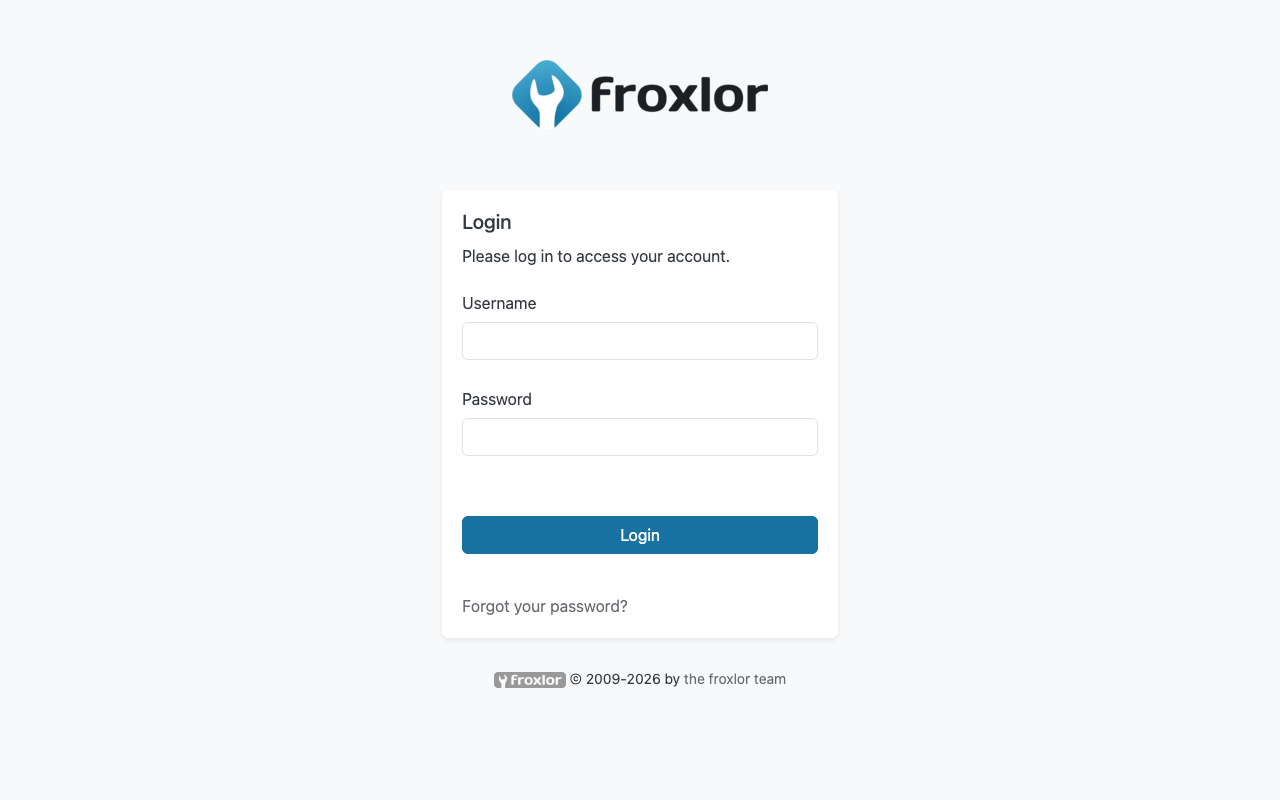
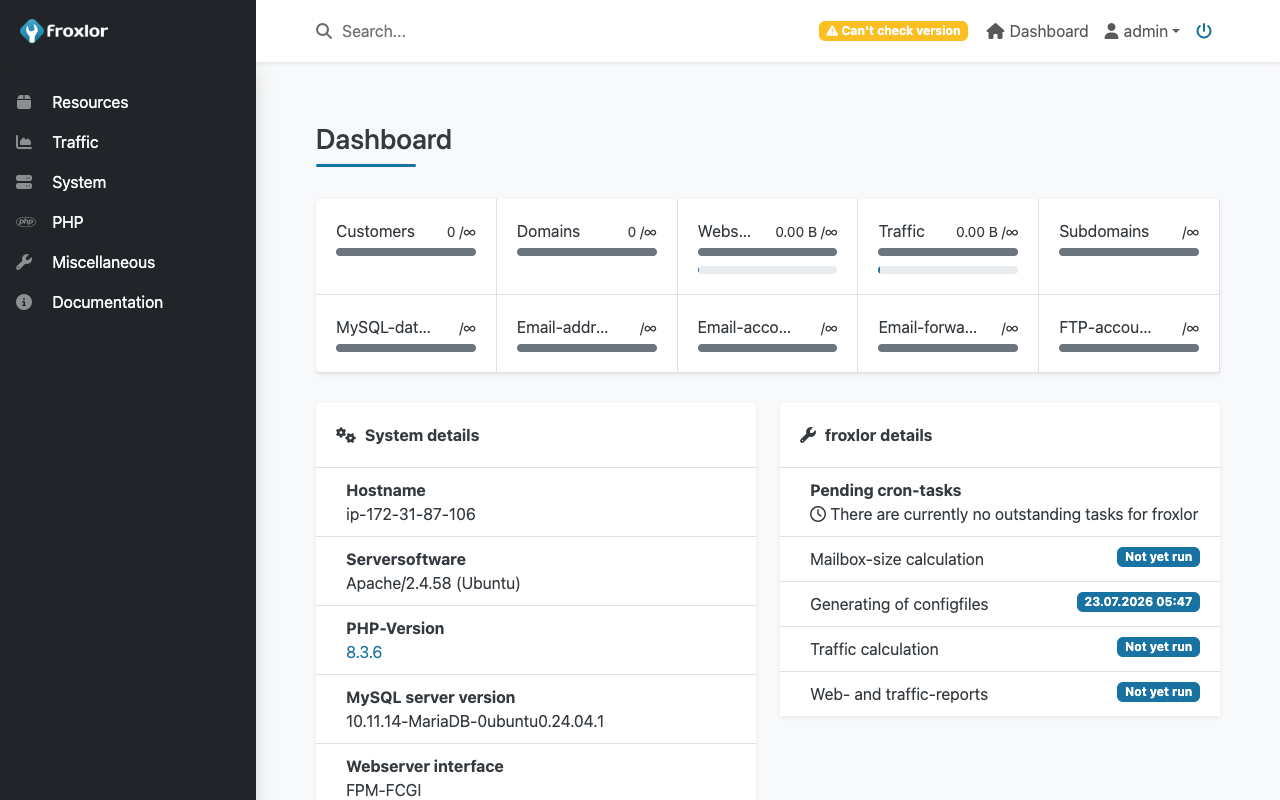
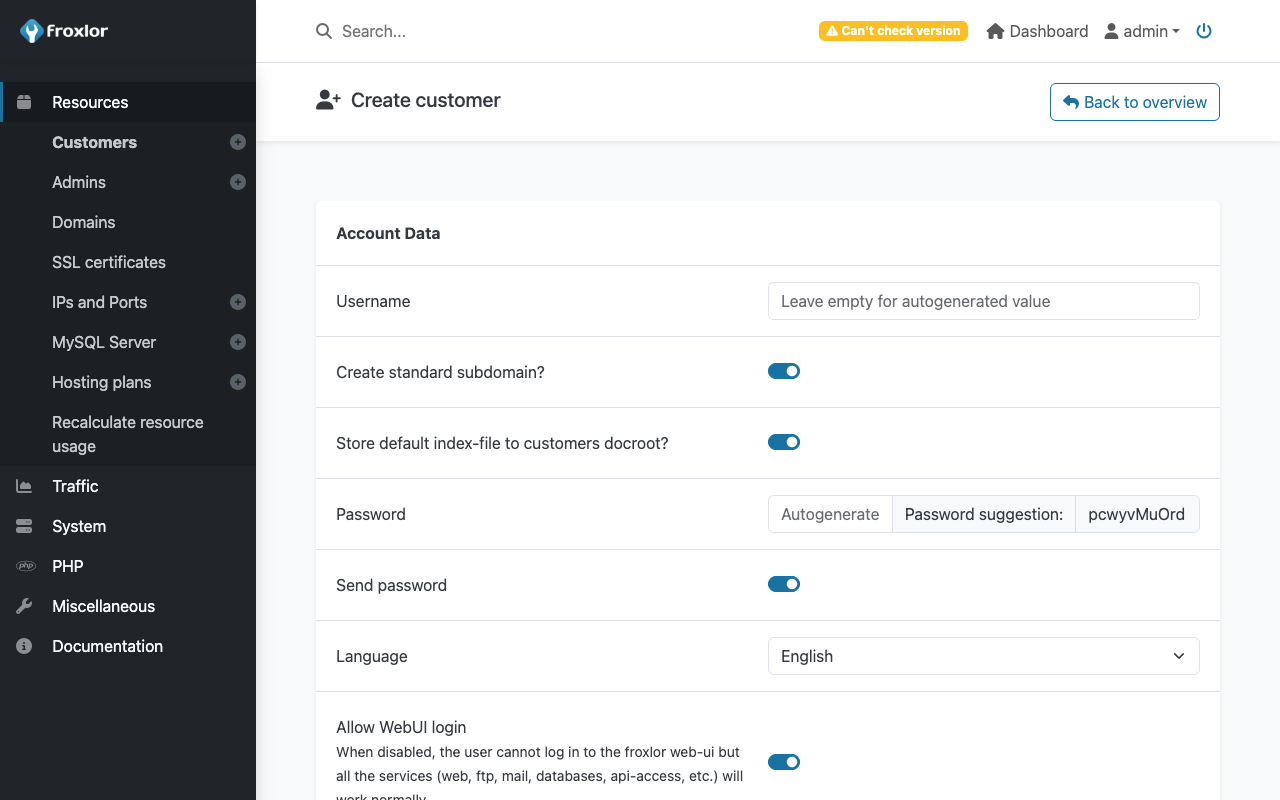
Froxlor Open Source Hosting Control Panel screenshot 1 Froxlor Open Source Hosting Control Panel screenshot 2 Froxlor Open Source Hosting Control Panel screenshot 3

Description

This is a repackaged open source software product wherein additional charges apply for cloudimg support services.

## Froxlor Hosting Control Panel - Ready in Minutes, Secure by Design Froxlor is a free, open-source server administration and web hosting control panel with an active community of contributors and thousands of deployments worldwide. It gives hosting providers, agencies, and IT teams a single web interface for managing customers, domains, web space, FTP accounts, email, databases, DNS, per-domain PHP settings, and TLS certificates - replacing manual configuration file editing with a clean, intuitive panel. This cloudimg image delivers Froxlor fully installed, configured, and security-hardened so you have a working control panel within minutes of launch. ## Why This Image Instead of a Manual Install or Other AMIs Setting Froxlor up by hand means installing a web server, PHP and its extensions, and a database engine, then running a browser-based setup wizard and hardening the result. That wizard is also the single biggest risk in a shared or public image: whoever reaches it first can claim the administrator account. Unlike other marketplace images that ship with default or shared credentials, this image eliminates the race-condition window entirely: - The captured image contains no Froxlor installation and no administrator account

  • The web server is held closed by a systemd condition until first boot completes
  • A one-shot service performs installation using Froxlor's own unattended installer
  • Fresh administrator and database passwords are generated unique to each instance
  • Credentials are written to a root-only file, and only then does the web server open No two deployments share a password, and there is never a window in which the setup wizard is exposed to the public internet. ## Application Stack - Froxlor - current stable release, shipped unmodified from the official tarball
  • Apache 2.4 - production-ready web server
  • PHP 8.3 - running under PHP-FPM with every extension Froxlor requires
  • MariaDB - reliable database backend
  • Systemd timer - runs the Froxlor master cron every 5 minutes so panel changes are applied to system configuration automatically Froxlor-generated virtual hosts are written to a dedicated directory, and the panel runs on its own dedicated PHP-FPM pool. This separation ensures a cron run can never lock you out of your control panel. ## Getting Started 1. Launch the instance from AWS Marketplace

2. Wait for first-boot provisioning to complete (typically under 5 minutes)

3. SSH in and retrieve your unique admin credentials from the root-only file

4. Browse to the instance address and sign in

5. Start creating customers, domains, mailboxes, FTP accounts, and databases Froxlor accepts requests on whatever hostname or IP address you reach it on, so you can point DNS at the instance whenever you are ready. ## Who This Is For - Hosting providers who need multi-tenant customer isolation without manual config editing

  • Web agencies managing dozens of client sites on a single server
  • IT teams who want a lightweight alternative to cPanel or Plesk with full open-source transparency ## Support and Evaluation This product includes cloudimg expert support services. Our engineers provide Froxlor-specific assistance including panel configuration, customer and domain provisioning, mail and FTP setup, TLS certificate issuance, version upgrades, and MariaDB administration. Critical issues receive a one-hour average response time. The hourly metered billing model means you can launch a short test deployment to evaluate the product at minimal cost before committing to production use. ## Additional Resources For a deployment walkthrough, security architecture details, or to book a guided consultation, visit our support channels or contact us directly through the AWS Marketplace listing. All product and company names are trademarks or registered trademarks of their respective holders. Use of them does not imply any affiliation with or endorsement by them.

Related technologies

web hosting panelserver administration paneldomain managementshared hosting automationfroxlor panelopen source hostingmulti-tenant hostingemail server managementftp managementdns hosting panelphp hosting panel