
Ghost Open Source Publishing Platform - Support
Overview
Launch a fully configured Ghost publishing platform on AWS in minutes. Includes Node.js 22LTS, nginx, MySQL 8, unique per-instance credentials, and 24/7 expert Ghost support from cloudimg.
See it running
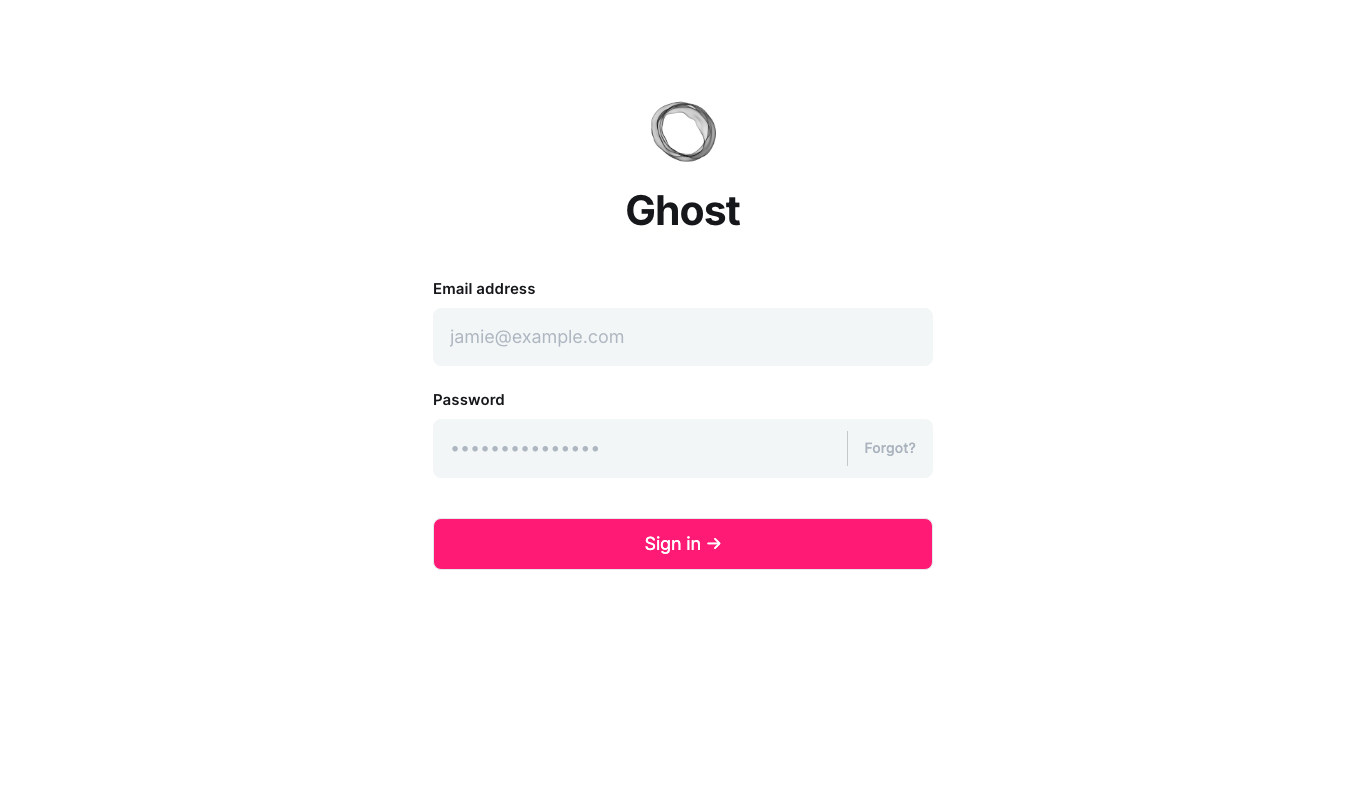
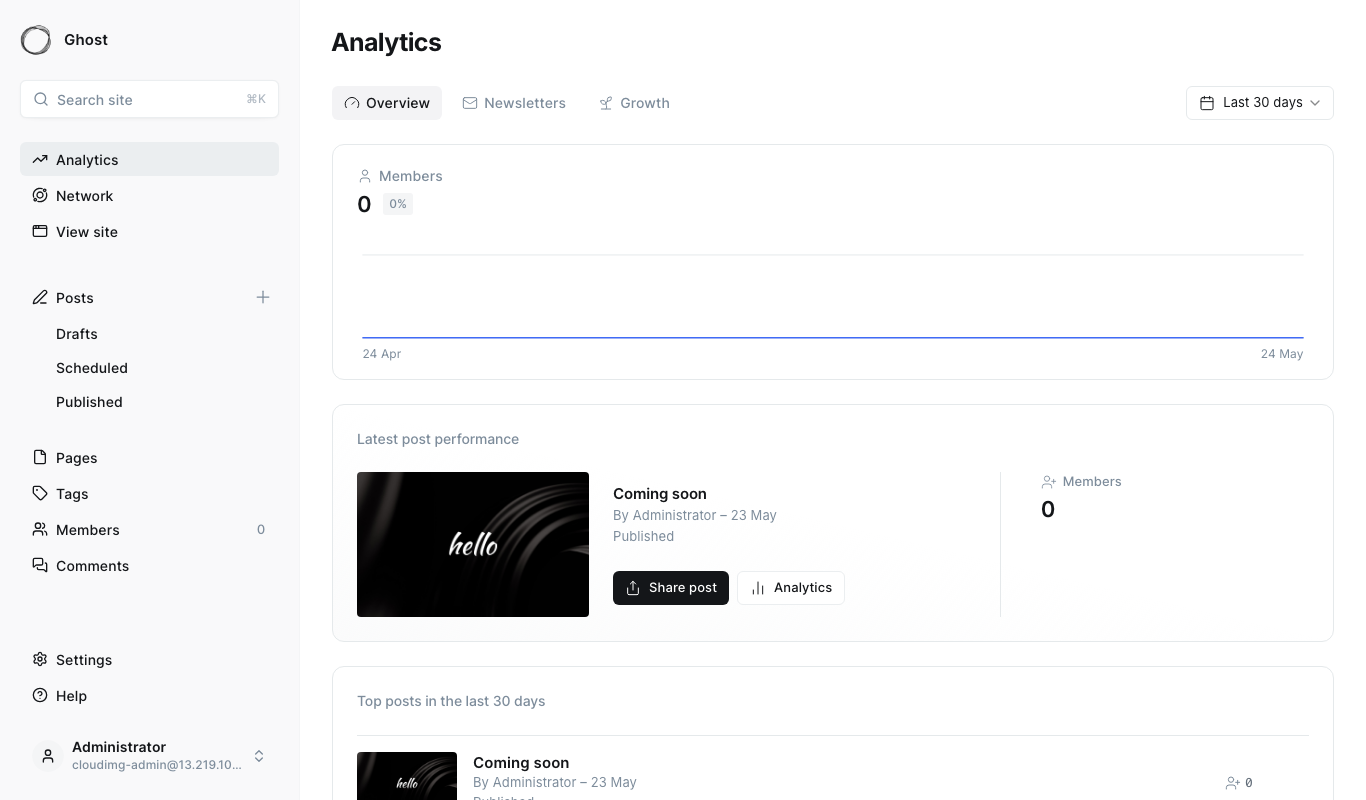
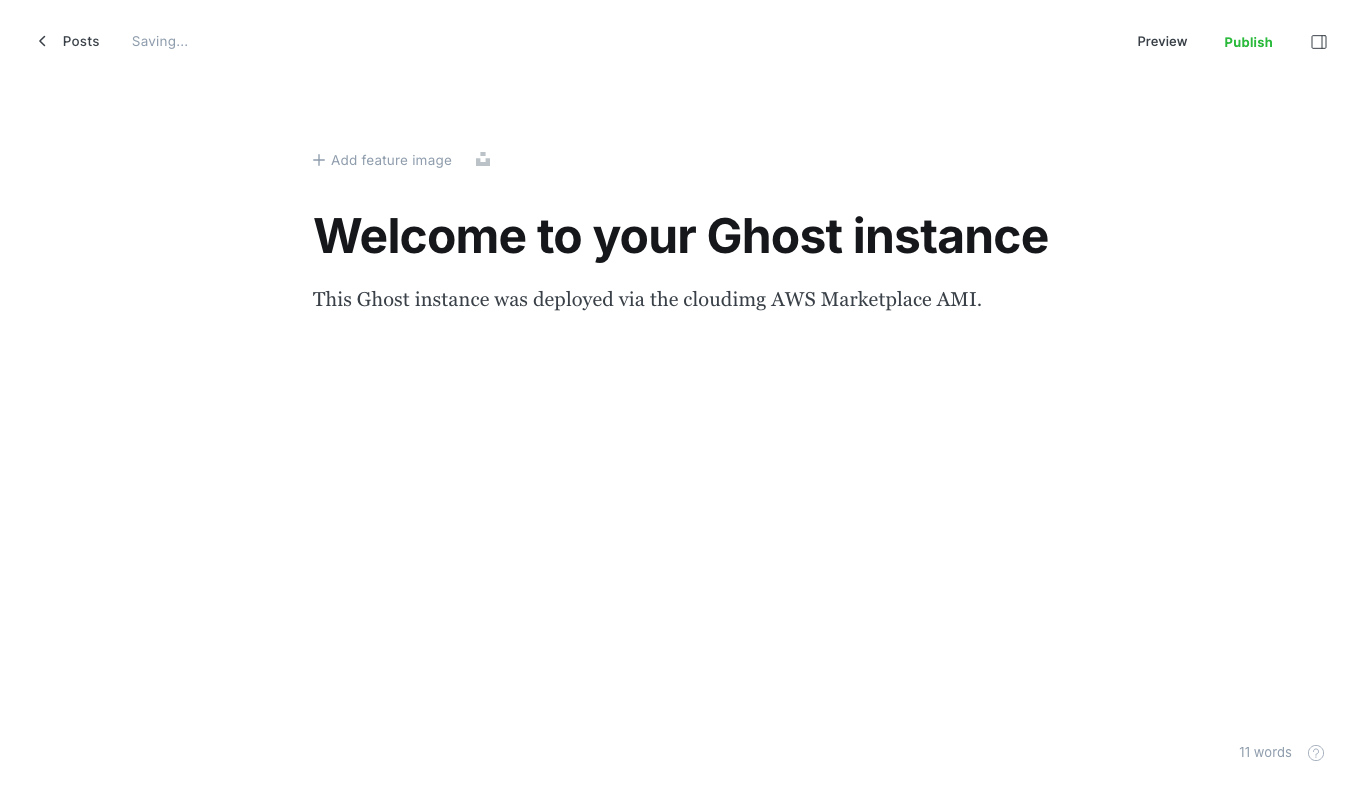
Real screenshots of this software running on the cloudimg image, taken while testing the deployment guide.

Description
This is a repackaged open source software product wherein additional charges apply for cloudimg support services.
## Ghost Publishing Platform - Supported by cloudimg
Ghost is a modern open source publishing platform for blogs, newsletters, magazines, and membership websites. This AMI delivers Ghost fully installed and production-configured on AWS, so you have a complete publishing platform running within minutes of launching your instance. The current release available is Ghost 6.
## Application Stack
- Ghost6 served by Node.js 22 LTS
- nginx web server reverse-proxying the Ghost process on port 80
- MySQL 8 database tier on a dedicated EBS volume, enabling independent snapshots and backups without downtime
- Ghost-CLI installed for one-command upgrades, backups, and configuration changes
## Minimum Requirements
- Instance type: t3.small or larger (2 vCPU, 2 GB RAM minimum)
- Storage: 20 GB root volume; MySQL data resides on a separate EBS volume (10 GB minimum, gp3 recommended)
- Architecture: x86_64 (AMD/Intel)
- Security group: Open TCP port 80 (HTTP) and port 443 (HTTPS) for web traffic; port 22 (SSH) for administration
- Networking: Public subnet with an Elastic IP or load balancer for production use; private subnet recommended for the database volume
## Security and Encryption
Secure First Boot: On first launch, a one-shot service generates cryptographically random MySQL and Ghost administrator passwords unique to that instance and writes them to a root-only file(/root/.ghost-credentials). No shared or default credentials ship in the image.
Encryption at rest: The dedicated MySQL EBS volume supports AWS EBS encryption. Enable encryption when launching the instance to protect all stored content and member data at rest using AWS-managed or customer-managed KMS keys.
Encryption in transit: The nginx configuration is ready for TLS termination. We recommend configuring HTTPS using Let's Encrypt (via Ghost-CLI) or attaching an AWS Certificate Manager certificate through an Application Load Balancer to encrypt all traffic between readers and your site.
Network recommendations: Restrict SSH access to known IP ranges. Place the instance behind an ALB for production workloads. Use AWS security groups as a firewall to limit inbound traffic to ports 80, 443, and 22 only.
## Getting Started
1. Launch the AMI from AWS Marketplace, selecting at least a t3.small instance with EBS encryption enabled.
2. Configure your security group to allow ports 80, 443, and 22.
3. SSH into the instance and retrieve your credentials: sudo cat /root/.ghost-credentials
4. Browse to http://your-instance-ip/ghost and sign in with the generated administrator password.
5. Configure your custom domain and enable HTTPS: ghost-cli setup ssl (uses Let's Encrypt).
6. Begin publishing - create posts, manage members, configure themes, and connect newsletters.
## Use Cases
Editorial team publishing daily content with paid memberships: A small editorial team (3-10 writers) running a subscription newsletter with Stripe-connected membership billing, serving tens of thousands of monthly readers on a single instance.
Corporate publications and internal newsletters: Marketing departments publishing branded content without relying on third-party hosted platforms, maintaining full data ownership on AWS infrastructure.
Independent creators and personal blogs: Solo creators launching a professional publishing presence with built-in membership, email newsletter delivery, and theme customization.
## Why This AMI
Unlike a manual Ghost installation that requires provisioning Node.js, configuring nginx, setting up MySQL, and hardening credentials - a process that can take hours - this image completes all setup automatically. The dedicated MySQL EBS volume enables independent database snapshots for point-in-time recovery without affecting the application volume. Ghost-CLI integration means major version upgrades are a single command rather than a multi-step manual process.
## cloudimg Support
24/7 technical support by email and live chat covers Ghost-specific expertise including deployment, major version upgrades, performance tuning, theme development, membership and payment troubleshooting, and database administration. Critical issues receive a one-hour average response.
## Next Step
Subscribe and launch your instance to have Ghost running in minutes, or contact support@cloudimg.co.uk to discuss your deployment requirements before purchasing.
All product and company names are trademarks or registered trademarks of their respective holders. Use of them does not imply any affiliation with or endorsement by them.
Key Features
- Ghost preinstalled and ready, with Node.js 22 LTS, nginx and MySQL 8 and no manual setup required
- Hardened first boot generates fresh MySQL and Ghost administrator passwords for every instance and stores them in a file only the root user can read
- 24/7 technical support from cloudimg, with expert assistance for Ghost deployment, configuration, theme work and upgrades
Related Technologies
Related Products

Apache Flink Stream Processing
Apache Flink is the open source framework and distributed processing engine for stateful computations over unbounded and...

Apache Kafka
Apache Kafka, the open source distributed event streaming platform, preinstalled in KRaft mode with OpenJDK 17 and a bun...

Apache Solr 9Enterprise Search
Apache Solr is the open source enterprise search platform built on Apache Lucene.

Apache Tomcat 11
This image runs Apache Tomcat 11, the open source implementation of the Jakarta Servlet, Jakarta Pages, Jakarta Expressi...
Apache ZooKeeper Coordination Service
Apache ZooKeeper is a high performance coordination service for distributed applications.
Calibre-Web Self-Hosted Ebook Server
This image runs Calibre-Web from a dedicated Python virtual environment, served on the loopback interface and fronted by...