
Gitea Self-Hosted Git Server - Preconfigured
Overview
Launch a production-ready, self-hosted Git server in minutes. Gitea preconfigured with nginx, SQLite, and automated credential hardening - backed by 24/7 cloudimg support.
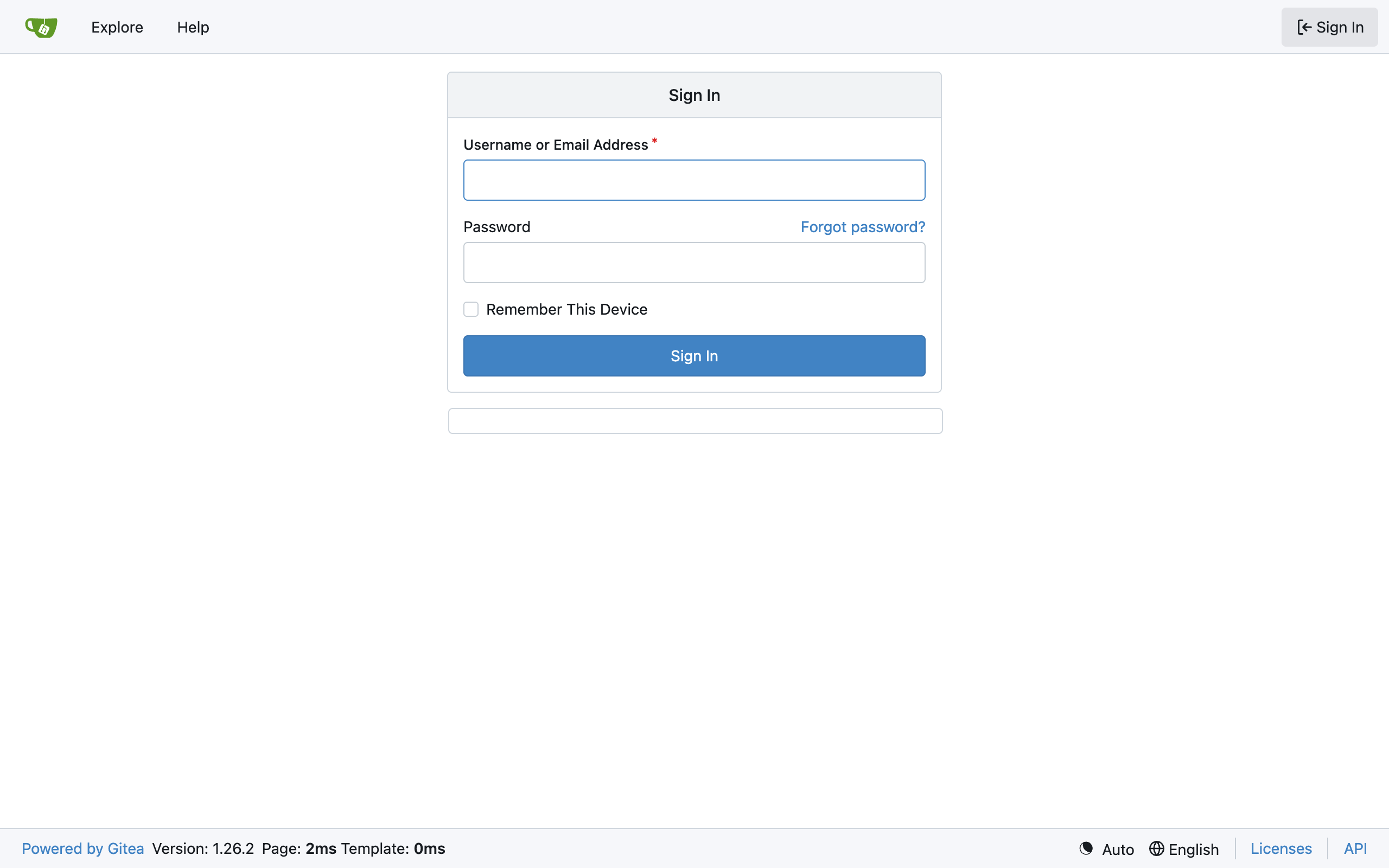
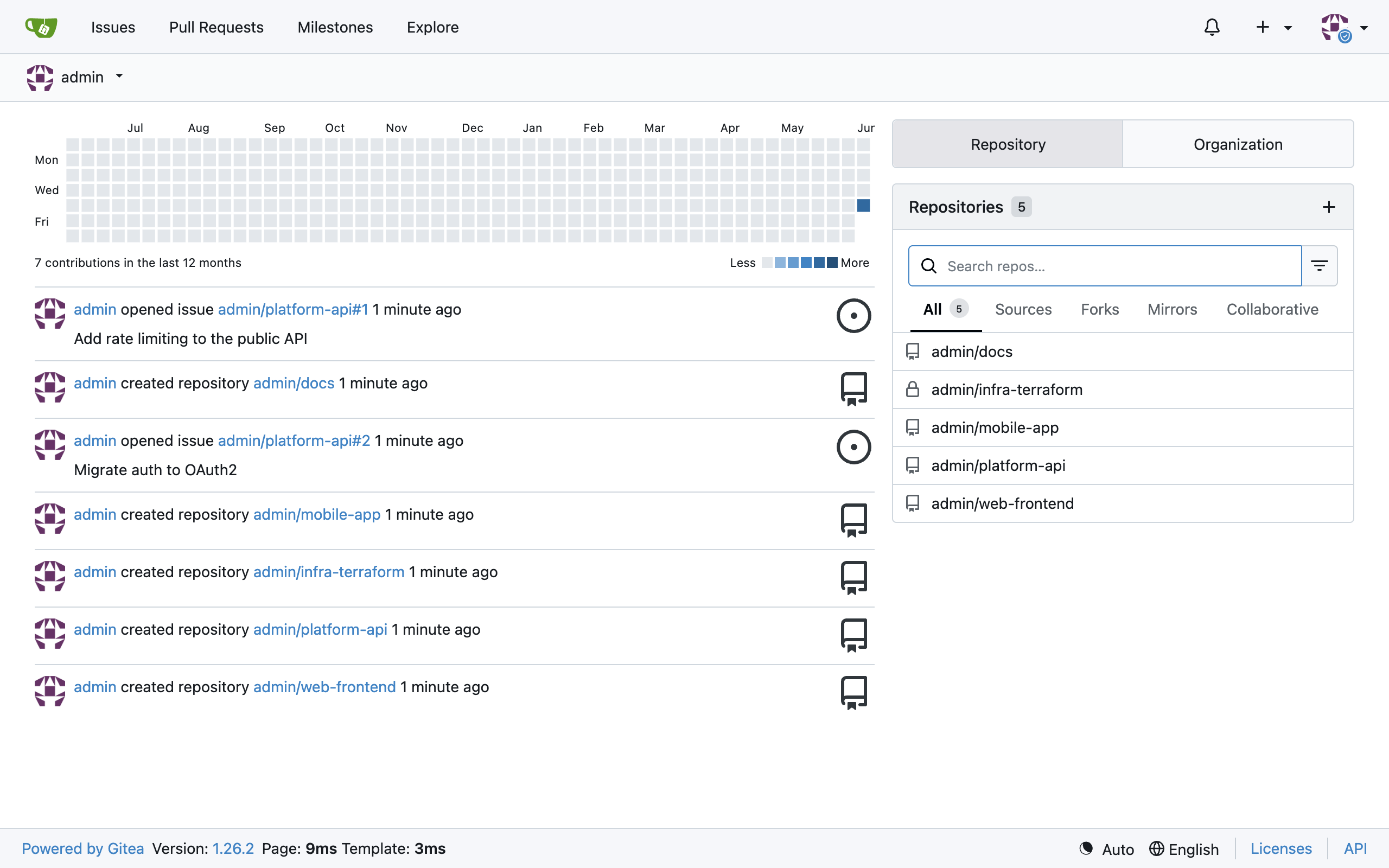
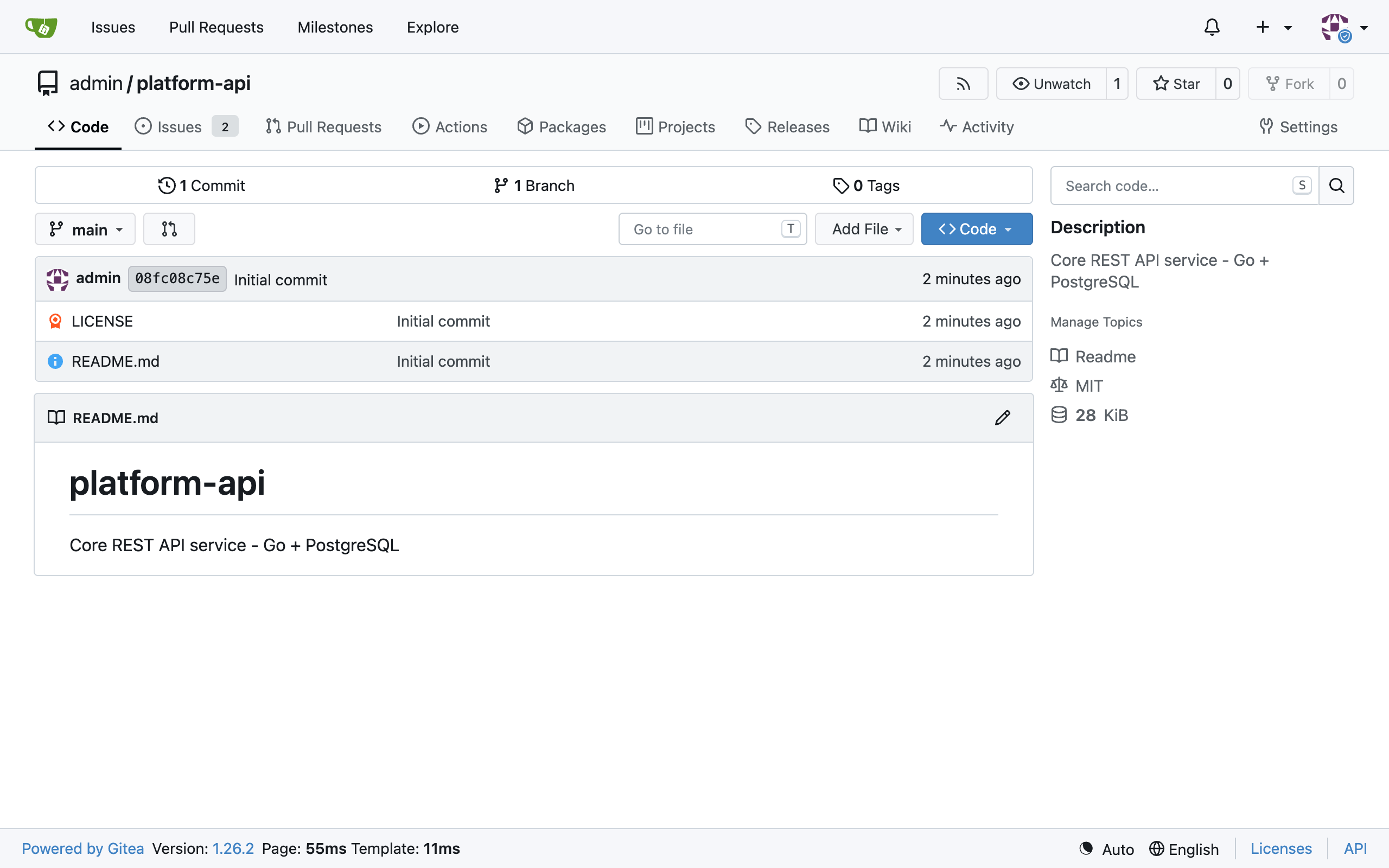
See it running
Real screenshots of this software running on the cloudimg image, taken while testing the deployment guide.
Description
This is a repackaged open source software product wherein additional charges apply for cloudimg support services.
## Overview
Gitea is a popular open source, self-hosted Git service used by teams and individuals to manage code, track issues, and run pull requests on their own infrastructure. This AMI delivers Gitea fully installed and configured so a working Git server is running within minutes of launch. The current release available is Gitea 1.25.
Unlike images that require you to provision a separate database or ship with default credentials, this deployment uses an embedded SQLite database and automatically rotates all secrets on first boot - giving you a hardened, zero-configuration Git server from the moment your instance starts.
## Application Stack
- Gitea single binary served behind nginx on port 80
- SQLite as the embedded database - no separate database server required
- SSH for git push and pull on port 222, keeping the operating system SSH on port 22 free for administration
- Dedicated git system user running the Gitea service
## Secure First Boot
On the first boot of your instance, a one-shot service performs the following hardening steps:
- Rotates the Gitea secret key, internal token, and JWT secret
- Generates a fresh password for the cloudimg administrator account
- Writes the password to a root-only file (not accessible to other users)
No shared or default credentials ship in the image. For data in transit, configure TLS termination at nginx or place the instance behind an AWS Application Load Balancer with an ACM certificate. For data at rest, launch the instance with an encrypted EBS volume to protect your SQLite database and repository storage.
## AWS Integrations and Ecosystem Compatibility
This Gitea deployment works with common AWS services and DevOps tools:
- AWS CodePipeline / CodeBuild - trigger CI/CD pipelines from Gitea webhooks
- Amazon S3 - configure as a storage backend for Git Large File Storage (LFS) objects
- Amazon CloudWatch - forward nginx and Gitea logs for centralized monitoring and alerting
- LDAP / OAuth2 providers - connect to AWS IAM Identity Center, Keycloak, or Active Directory for single sign-on
- Jenkins, Drone CI, Woodpecker - integrate with popular self-hosted CI runners via Gitea's built-in webhook support
## Ready To Use
The Gitea service, the database, and the nginx reverse proxy are all configured and start on boot. Browse to the instance address and sign in as the cloudimg administrator to create repositories, invite users, configure organisations, and run pull requests. Gitea adapts to whatever hostname or IP address you reach it on.
## Example Use Case
A 10-person engineering team at a software consultancy needs private source control with client-isolated repositories and cannot use a public SaaS due to data residency requirements. They launch this AMI on a t3.medium instance, connect it to their existing LDAP directory, and within minutes have a fully functional Git server supporting feature-branch workflows, code review via pull requests, and webhook-triggered CI builds - all running inside their own AWS VPC with no data leaving their account.
## Additional Use Cases
- Self-hosted source control for engineering teams needing data sovereignty
- Private repositories for product code and infrastructure as code
- Internal collaboration around pull requests, issues, and wikis
- Continuous integration and deployment tooling on private code
## Network Configuration
Open the following ports in your security group:
- Port 80 - HTTP access to the Gitea web interface (or 443 if you configure TLS)
- Port 222 - SSH access for git push/pull operations
- Port 22 - OS-level SSH for server administration
## cloudimg Support
24/7 technical support by email and live chat. Our engineers help with Gitea deployment, upgrades, performance tuning, authentication integration, database administration, and migration from other Git platforms.
All product and company names are trademarks or registered trademarks of their respective holders. Use of them does not imply any affiliation with or endorsement by them.
Key Features
- Gitea preinstalled and ready, with nginx fronting it on port 80 and SQLite as the embedded database, no manual setup required
- Hardened first boot rotates the Gitea secret key, internal token and JWT secret and generates a fresh administrator password into a file only the root user can read
- 24/7 technical support from cloudimg, with expert assistance for Gitea deployment, configuration, upgrades and performance tuning
Related Technologies
Related Products

Apache Flink Stream Processing
Apache Flink is the open source framework and distributed processing engine for stateful computations over unbounded and...

Apache Kafka
Apache Kafka, the open source distributed event streaming platform, preinstalled in KRaft mode with OpenJDK 17 and a bun...

Apache Solr 9Enterprise Search
Apache Solr is the open source enterprise search platform built on Apache Lucene.

Apache Tomcat 11
This image runs Apache Tomcat 11, the open source implementation of the Jakarta Servlet, Jakarta Pages, Jakarta Expressi...
Apache ZooKeeper Coordination Service
Apache ZooKeeper is a high performance coordination service for distributed applications.
Calibre-Web Self-Hosted Ebook Server
This image runs Calibre-Web from a dedicated Python virtual environment, served on the loopback interface and fronted by...