
Gitea Self-Hosted Git Server
Overview
Launch a private Git server in minutes with Gitea pre-configured on PostgreSQL and nginx. Secure by default with per-instance credentials and backed by24/7 cloudimg support.
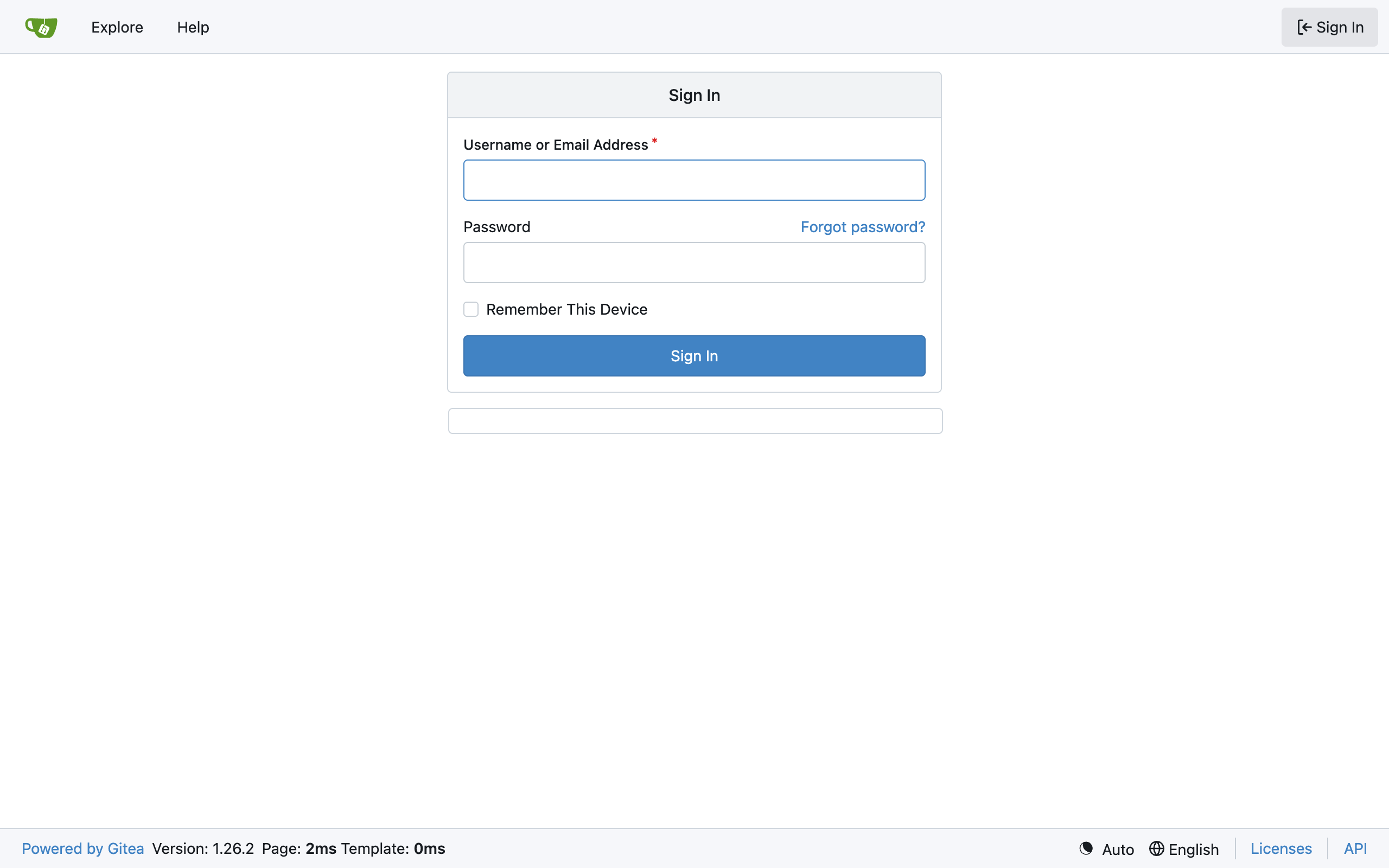
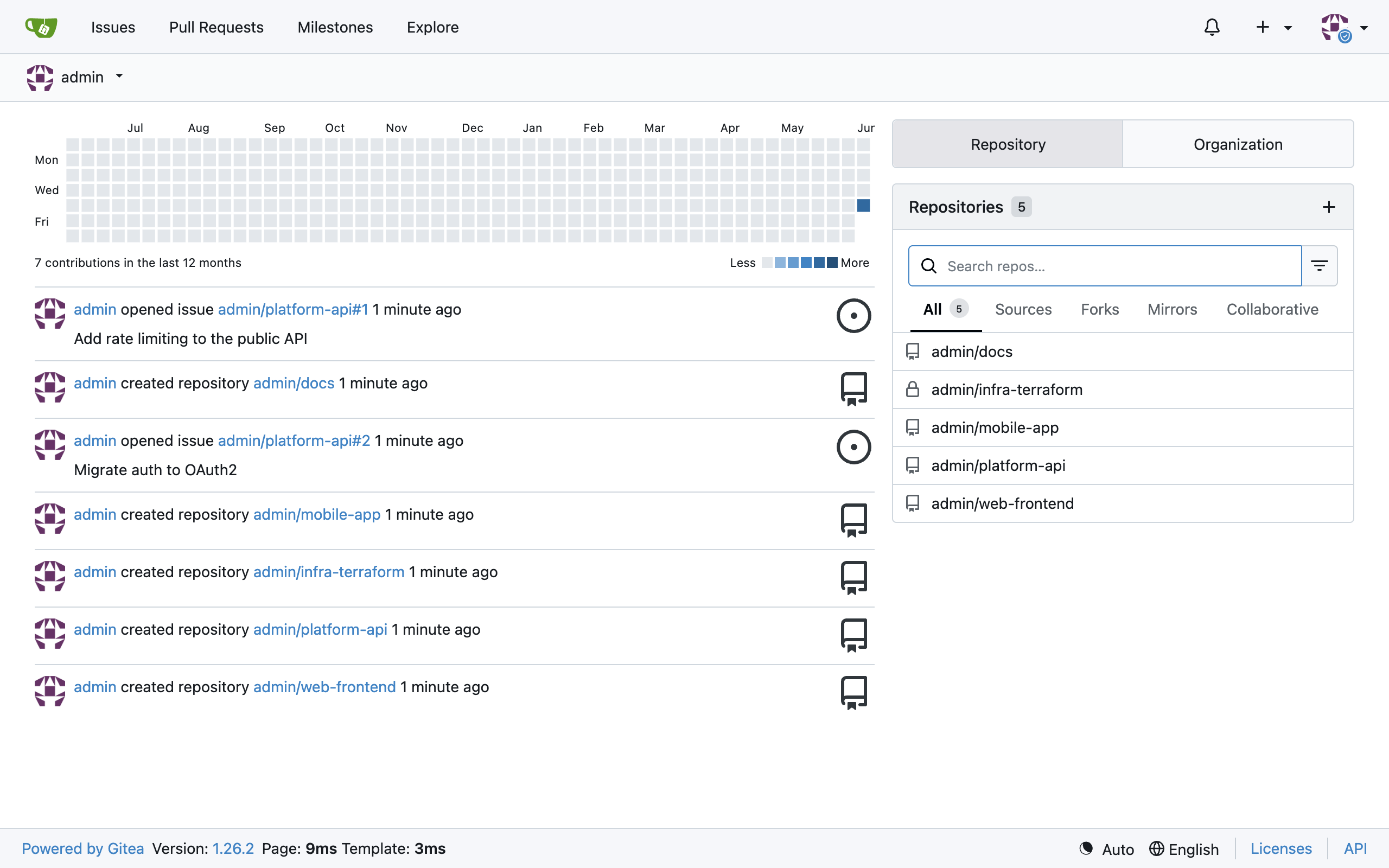
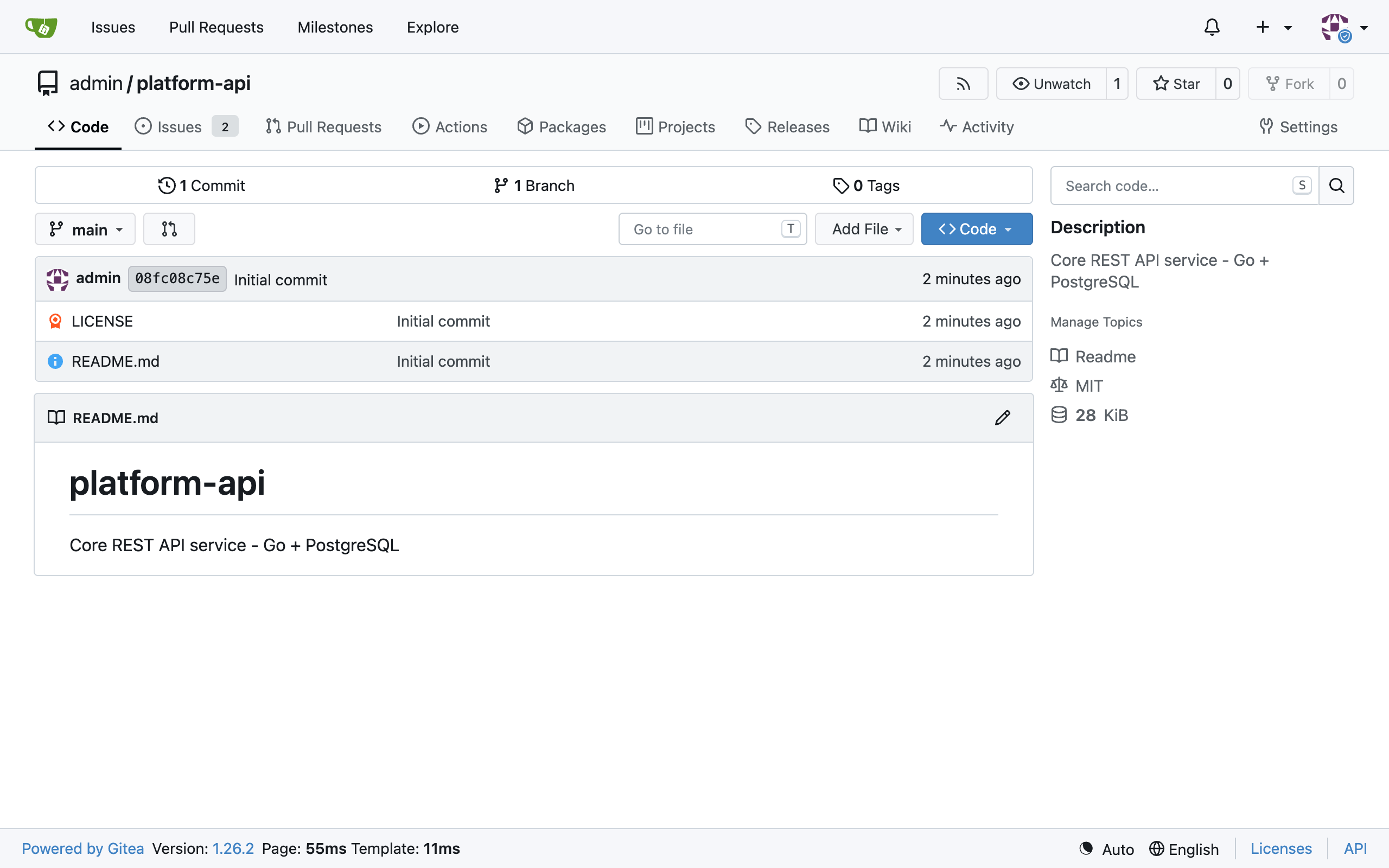
See it running
Real screenshots of this software running on the cloudimg image, taken while testing the deployment guide.
Description
This is a repackaged open source software product wherein additional charges apply for cloudimg support services.
## Private Git Hosting on AWS - Ready in Minutes
Gitea is the popular open source, self-hosted Git service - a lightweight, fast alternative to GitHub and GitLab. This AMI delivers Gitea fully installed and hardened so engineering teams of any size can run a private Git server within minutes of launch. Whether you are a startup replacing per-seat SaaS costs, a regulated fintech keeping source code within your own VPC for compliance, or a DevOps team needing full control over CI pipelines, this image gets you there without manual setup.
The current release available is Gitea 1.26, providing repositories, pull requests, issues, a built-in CI (Gitea Actions), packages, wikis, and code review.
## Application Stack
The Gitea server - a single Go binary serving both the API and the web UI - runs behind nginx as a reverse proxy. PostgreSQL is the datastore. Both the server and database bind to the loopback interface, limiting exposure to external networks.
## Secure By Default
On first boot a one-shot service:
- Generates fresh server secrets (SECRET_KEY, INTERNAL_TOKEN, OAuth2 JWT secret) unique to your instance
- Runs database migrations
- Creates a single administrator account with a per-instance password written to a root-only file
Open registration is disabled and the installer page is locked. No shared or default credentials ship in the image. Unlike many community AMIs that rely on generic passwords or manual hardening, this image is production-ready from the first boot.
## Example Use Case
A 10-person engineering team at a fintech company needs to keep proprietary source code off third-party SaaS platforms to satisfy data-residency requirements. They launch this AMI, sign in as the administrator, create repositories, push code over HTTPS or SSH, open pull requests, and run CI pipelines via Gitea Actions - all within their own AWS account. Registration can be enabled or users added from the admin panel as the team grows.
## Getting Started
1. Launch the AMI from AWS Marketplace in your preferred region.
2. Ensure your security group allows inbound traffic on ports 22 (SSH), 80 (HTTP), and 443 (HTTPS).
3. SSH into the instance and retrieve the administrator password from the root-only file.
4. Open the Gitea web UI in your browser and sign in.
5. Create your first repository, configure SSH keys, and invite your team.
6. Optionally configure TLS termination via nginx or an AWS Application Load Balancer.
## cloudimg Support
24/7 technical support by email and live chat for deployment, upgrades, integrations, TLS termination, and database administration. Critical issues receive a one-hour average response time. Our engineers assist with performance tuning, backup strategies, and migration from other Git platforms.
To discuss your deployment requirements or schedule a guided walkthrough before subscribing, contact cloudimg support.
## Additional Resources
Refer to the official Gitea documentation for feature details and API reference. For deployment architecture guidance and hardening best practices specific to this AMI, reach out to cloudimg support.
---
Gitea is a trademark of its respective owner. All product and company names are trademarks or registered trademarks of their respective holders. Use of them does not imply any affiliation with or endorsement by them.
Key Features
- Gitea, the open source lightweight self-hosted Git service - repositories, pull requests, issues, built-in CI and packages - preinstalled with PostgreSQL and nginx
- Secure by default: fresh per-instance server secrets, a per-instance administrator and PostgreSQL password are generated on first boot, registration disabled, login in a root only file
- 24/7 technical support from cloudimg for deployment, upgrades, integrations and TLS termination