HAProxy
Overview
HAProxy, the reliable, high performance open source TCP and HTTP load balancer and reverse proxy, preinstalled as a system service with the built-in statistics report published on port 80 behind HTTP Basic authentication. A unique stats password is generated on first boot. Backed by 24/7 cloudimg support.
See it running
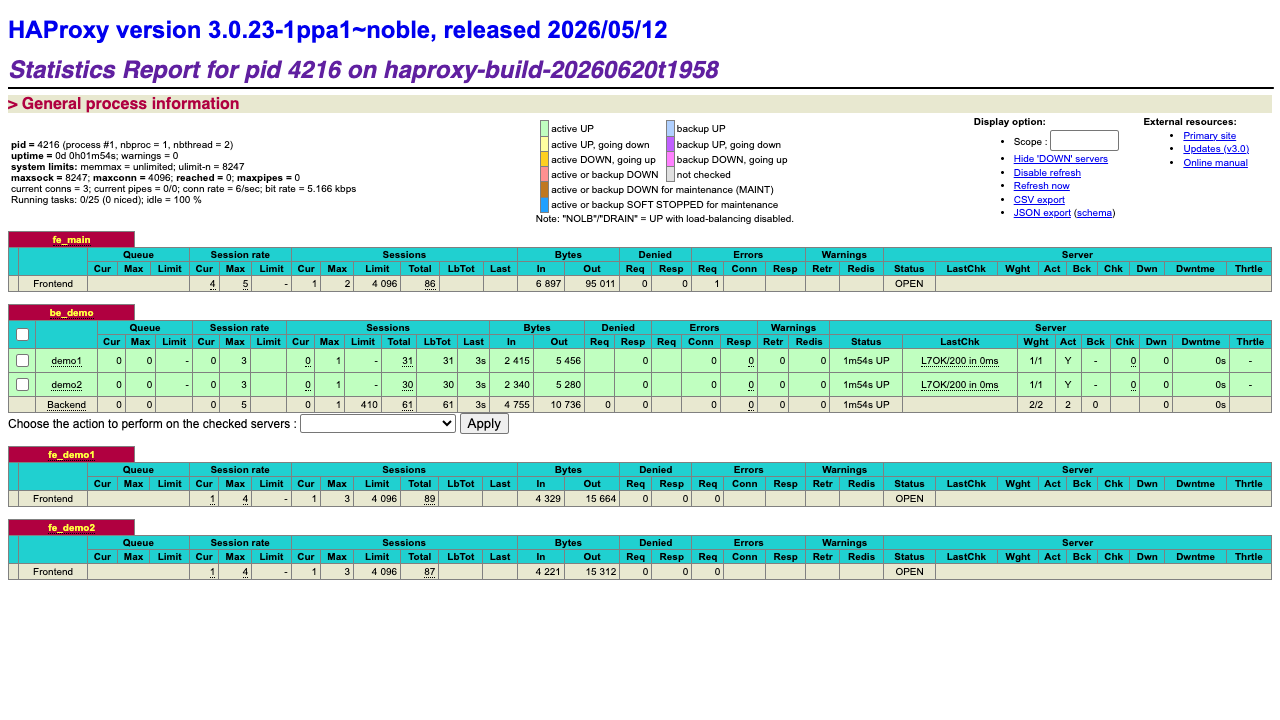
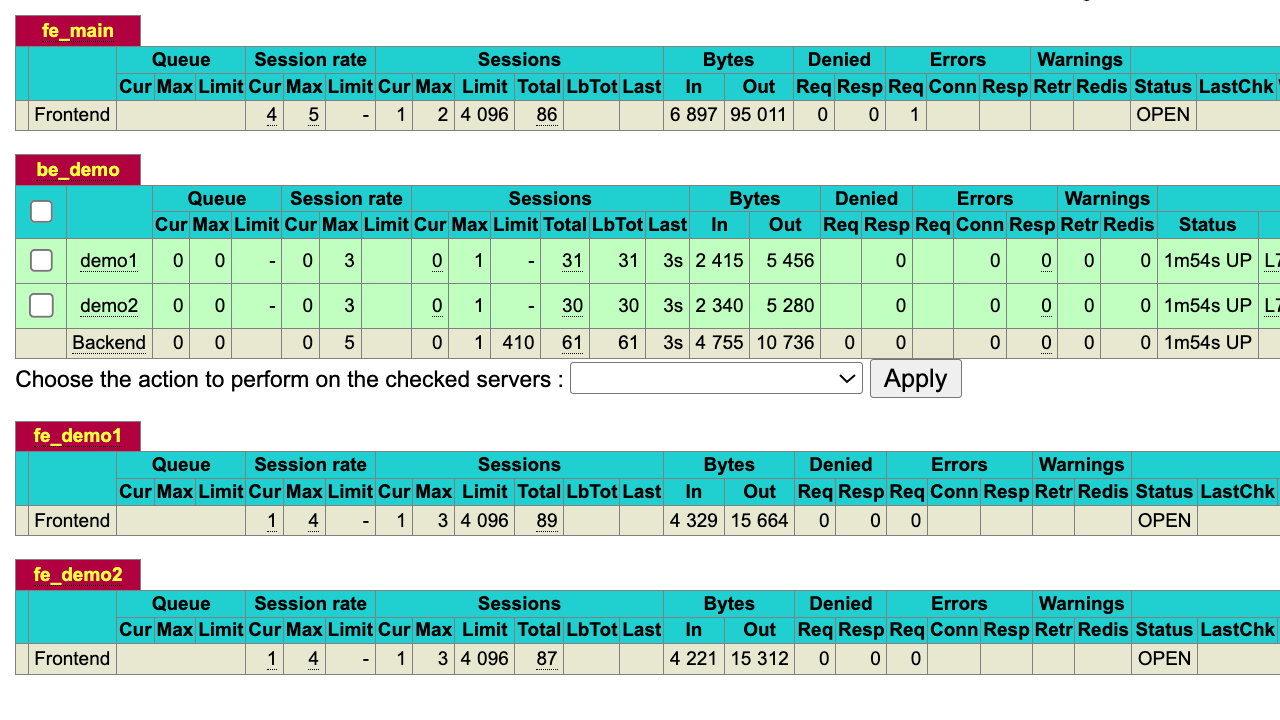
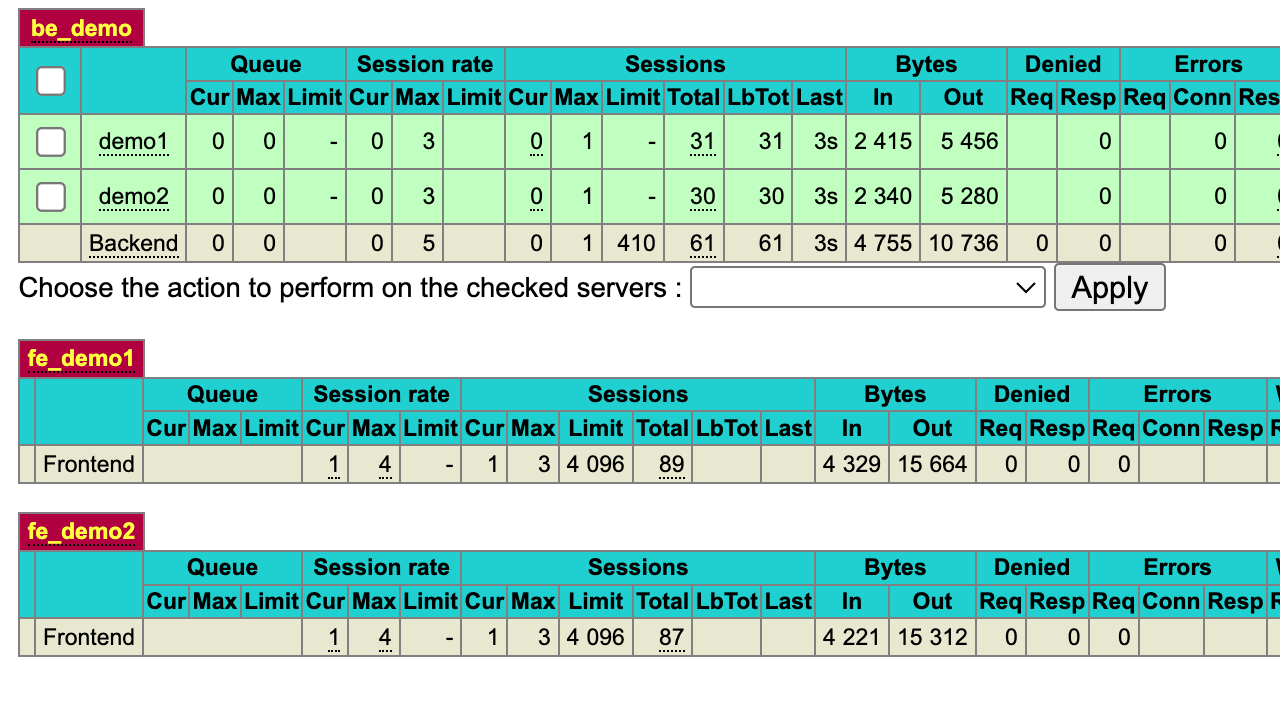
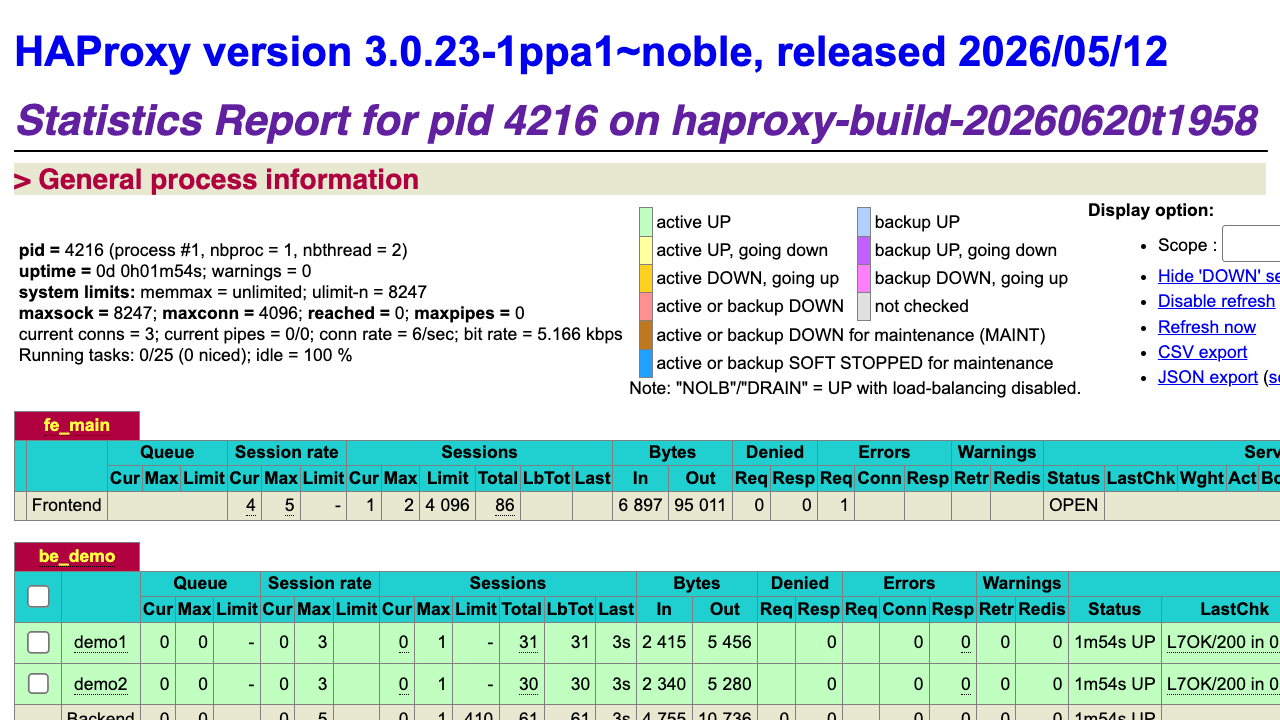
Real screenshots of this software running on the cloudimg image, taken while testing the deployment guide.
Description
This is a repackaged open source software product wherein additional charges apply for cloudimg support services.
Overview
HAProxy is the de facto standard open source software load balancer and reverse proxy, trusted to deliver high availability and high performance TCP and HTTP traffic management at the largest scale on the web. This image delivers HAProxy fully installed and configured as a system service, with the built-in statistics report published and secured, so a production grade load balancer is running within minutes of launch.
Application Stack
HAProxy installed from the distribution AppStream repository and run by its dedicated unprivileged service account, chrooted for isolation. The HAProxy configuration stored on a dedicated data disk mounted at /etc/haproxy so your load-balancer configuration, maps, error pages and TLS certificates are independently resizable and survive instance replacement. A systemd service that starts HAProxy on boot and restarts it on failure. The built-in statistics report published on port 80 at /stats behind HTTP Basic authentication, plus a bundled demo backend and a loopback health endpoint.
Load Balancing And Proxying
HAProxy balances TCP and HTTP traffic across pools of backend servers with a rich set of algorithms (round robin, least connections, source hashing and more), active and passive health checking, connection persistence, content switching by host or path, request and response rewriting, rate limiting and TLS termination. Edit /etc/haproxy/haproxy.cfg to point the bundled frontend at your own backend servers and reload the service.
Secure First Boot
On the first boot of your instance a one shot service generates a fresh statistics password, unique to that instance, rewrites it into the HAProxy configuration and writes the password to a root only file. The statistics report is never exposed without authentication. No shared or default credentials ship in the image.
Ready To Use
The statistics report is served on port 80 at /stats. Sign in with the generated administrator credentials to watch live frontend, backend and server metrics, session rates, queue lengths and health-check state, and to administratively enable, disable or drain backend servers. A bundled demo backend responds on the bare root so the report shows real healthy servers from the very first boot.
cloudimg Support
24/7 technical support by email and chat. Help with deployment, frontend and backend configuration, health checks, content switching, TLS termination, rate limiting, high availability and performance tuning.
Use Cases
HTTP and HTTPS reverse proxying and load balancing. TCP load balancing for databases, message brokers and custom protocols. TLS termination in front of application servers. High availability front ends for web applications and APIs. Blue green and canary traffic management. Rate limiting and DDoS mitigation at the edge.
All product and company names are trademarks or registered trademarks of their respective holders. Use of them does not imply any affiliation with or endorsement by them.
Key Features
- HAProxy high performance TCP and HTTP load balancer preinstalled as a systemd service with the built-in statistics report published on port 80 at /stats behind HTTP Basic authentication, no manual setup required
- Balance traffic across backend pools with health checking, content switching, persistence, rate limiting and TLS termination, with the HAProxy configuration on a dedicated independently resizable data disk mounted at /etc/haproxy
- Hardened first boot generates a fresh statistics password for every instance and stores it in a file only the root user can read, with 24/7 technical support from cloudimg