Harbor Private Container Registry - Ready to Run
Overview
Pre-configured Harbor registry with Trivy scanning and RBAC. Launch a secure private container registry in minutes - no manual setup. Backed by 24/7 cloudimg support.
See it running
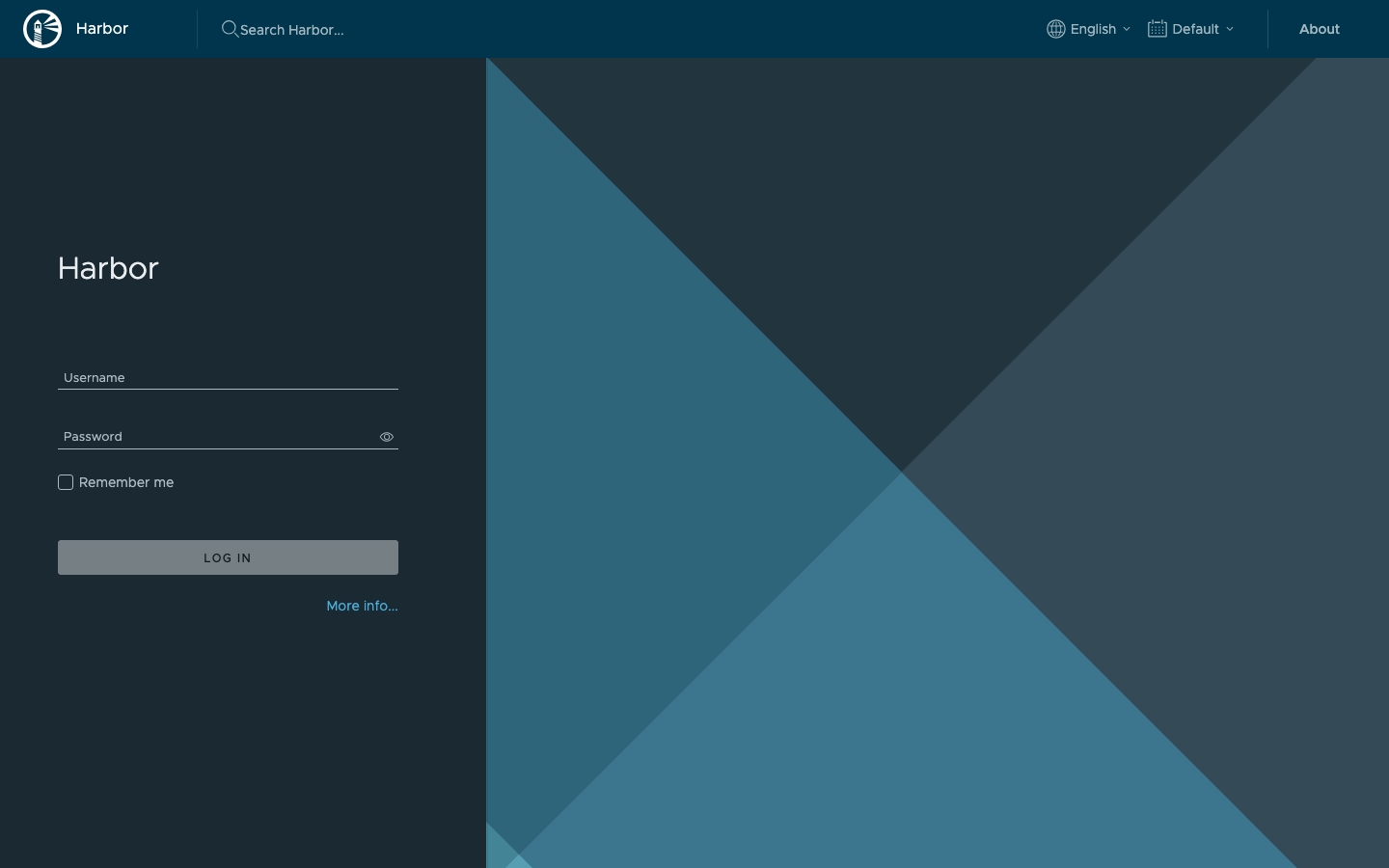
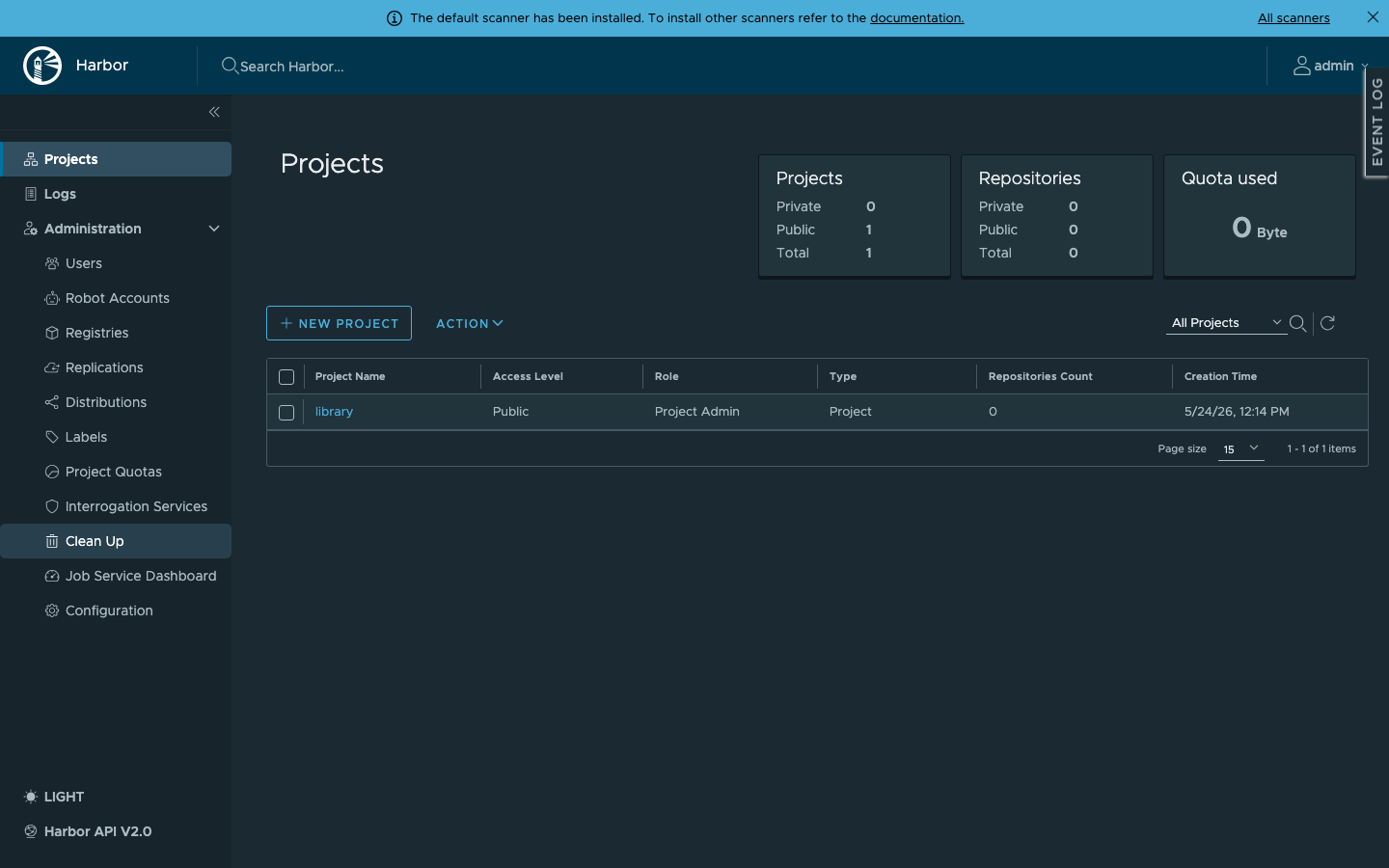
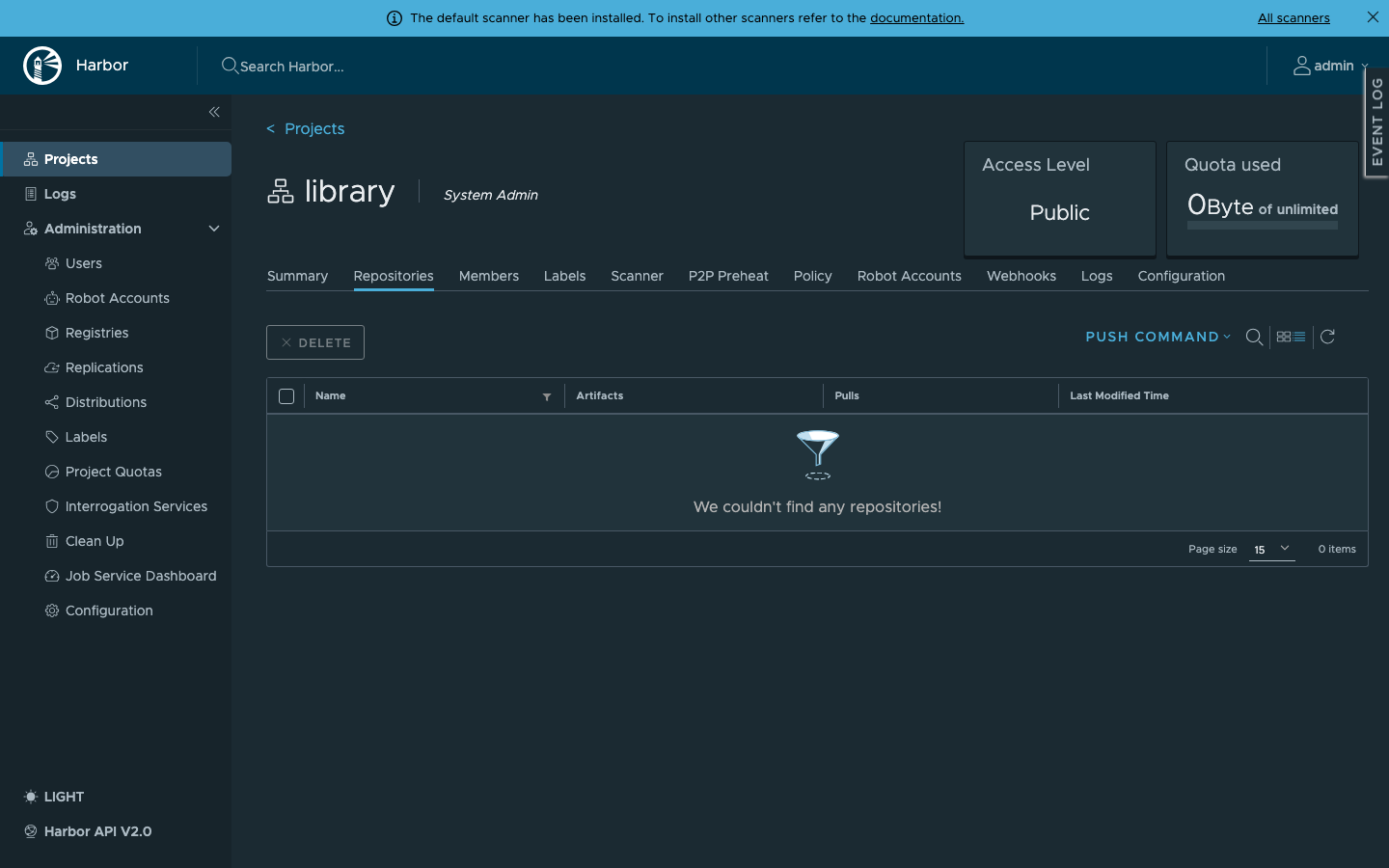
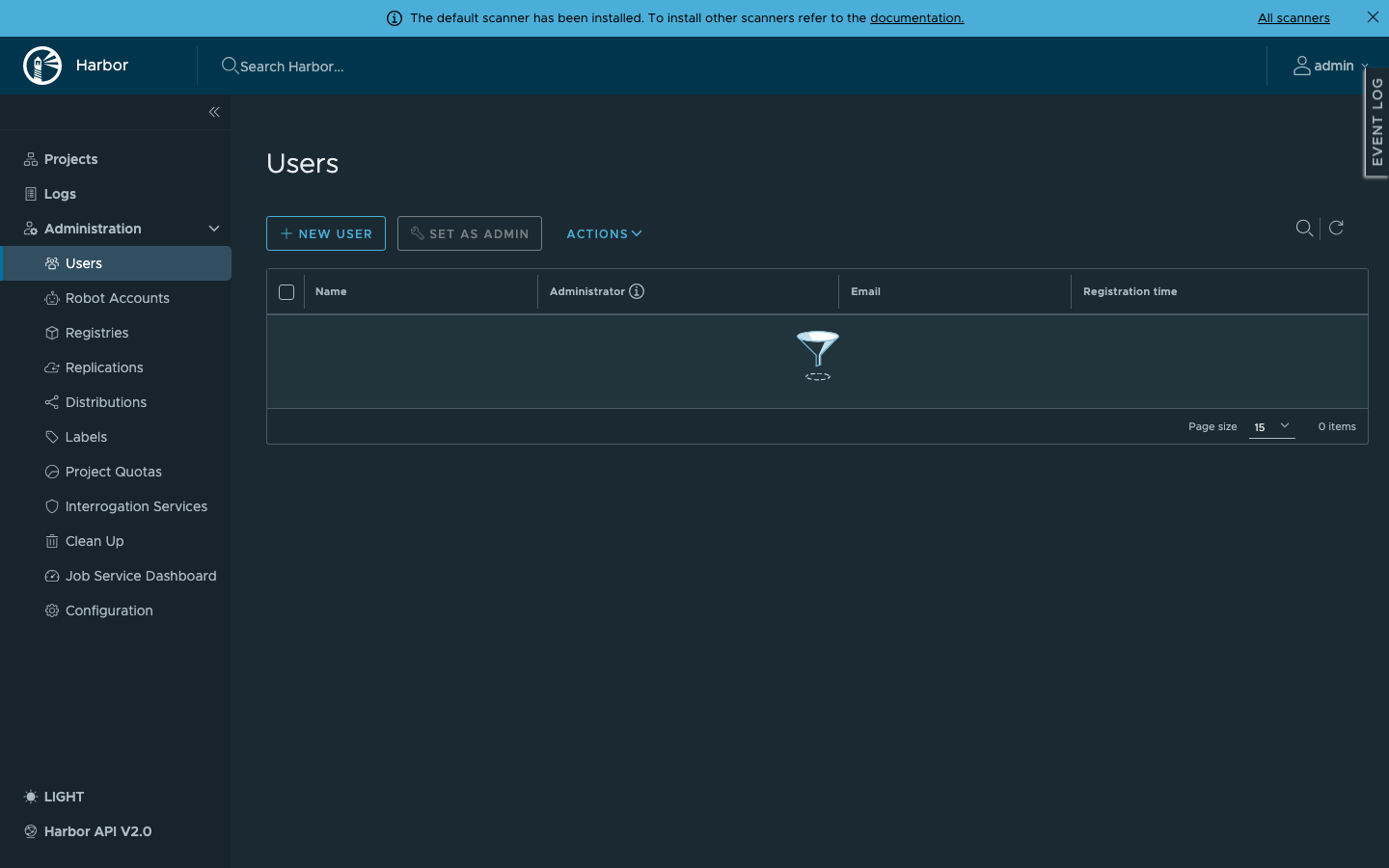
Real screenshots of this software running on the cloudimg image, taken while testing the deployment guide.
Description
This is a repackaged open source software product wherein additional charges apply for cloudimg support services.
## Private Container Registry - Secure and Running in Minutes
Stop spending hours installing, configuring, and hardening a container registry. This AMI delivers Harbor - the CNCF graduated open source registry with23,000+ GitHub stars - fully installed and production-ready on first boot. Platform engineers and DevOps teams get a complete private registry with vulnerability scanning, image signing, replication, and role-based access control without touching a single config file.
## Why This AMI Over Alternatives
Unlike self-managed Harbor, there is no manual Docker Compose orchestration, no database setup, and no credential management. Unlike managed registries such as ECR, you retain full data sovereignty with images stored on your own EBS volume in your own VPC. Unlike other Marketplace registry AMIs, every instance generates a unique administrator password on first boot - no shared or default credentials ever ship in the image.
## Application Stack
Harbor runs as a Docker Compose stack: nginx as the front proxy, Harbor core, portal web UI, registry, jobservice, a local PostgreSQL metadata database, Redis, and the Trivy vulnerability scanner. Docker Engine and the Docker Compose plugin are installed from the official Docker package repository. The current release is the latest stable Harbor2.x.
## Dedicated Storage Tier
The Harbor data directory - holding registry blobs, the metadata database, Redis state, and the Trivy scan cache - lives on a separate, independently resizable EBS data volume. Grow your registry storage without downtime and without disturbing the OS or application layer. This separation means you can right-size compute and storage independently, keeping costs predictable as your image library scales.
## Secure First Boot
On first launch, a one-shot systemd service generates a cryptographically random Harbor administrator password unique to that instance and writes it to a root-only file. No default credentials exist in the image. This eliminates the most common misconfiguration risk when deploying container registries.
## Getting Started
1. Launch the AMI from AWS Marketplace.
2. SSH into the instance and retrieve the generated admin password from the root-only file.
3. Browse to the instance address on port 80 and sign in as admin.
4. Create projects, push images, configure replication policies, and review Trivy vulnerability scans through the Harbor web interface.
## Real-World Scenario
A SaaS platform team replicating container images across multiple AWS regions for disaster recovery uses this AMI to run Harbor in each region. Developers push images to the primary registry, Harbor automatically replicates artefacts to secondary registries, and Trivy scans every image before it reaches production Kubernetes clusters - all without managing registry infrastructure manually.
## Use Cases
- Private container registry for proprietary application images with full data sovereignty
- Automated vulnerability scanning of container artefacts before production deployment
- Image replication across AWS regions, data centres, or hybrid cloud environments
- Role-based access control for multi-team registries serving dozens of developers
## 24/7 cloudimg Support
Expert technical support by email and live chat around the clock. Our engineers provide hands-on assistance with Harbor deployment, upgrades, TLS configuration, vulnerability scanning tuning, replication policies, and registry administration. Critical issues receive a one-hour average response time.
## Get Started With a Guided Setup
Not sure how to configure TLS, set up replication, or integrate with your CI/CD pipeline? Contact cloudimg for a free guided setup consultation to get your registry production-ready faster. Reach us at support@cloudimg.co.uk.
Harbor is a registered trademark of The Linux Foundation. CNCF and the CNCF logo are trademarks of The Linux Foundation. All other product and company names are trademarks or registered trademarks of their respective holders. Use of them does not imply any affiliation with or endorsement by them.
Key Features
- Harbor container registry preinstalled and ready, with the Compose stack, the Trivy vulnerability scanner and the local metadata database, and no manual setup required
- Hardened first boot generates a fresh administrator password for every instance and stores it in a file only the root user can read
- 24/7 technical support from cloudimg, with expert assistance for Harbor deployment, upgrades, TLS configuration, replication and vulnerability scanning
Related Technologies
Related Products

Apache Airflow - Workflow Orchestration
This image runs Apache Airflow as a single node deployment. Airflow is installed into a dedicated Python virtual environ...
Apache Archiva Repository Manager
This image runs Apache Archiva, the open source build-artifact repository manager - a central, governed store for the bi...
Appsmith Open-Source Low-Code Platform
This image runs Appsmith Community Edition, the open source low-code platform for building internal tools, admin panels,...
Appwrite
Appwrite is an open source backend as a service platform, a self-hosted Firebase alternative that gives developers a com...
changedetection.io - Website Change Monitor
This image runs changedetection.io, the self-hosted service that monitors web pages for changes and notifies you when so...
CloudBeaver - Web Database Manager
CloudBeaver CE is a web-based database manager - a browser edition of the popular DBeaver desktop tool - that lets you c...