Base
Hardened build
minimal ports, security patches applied at build time

run a web hosting server from your browser, with every panel and database secret minted on first boot
ISPConfig is the long established open source hosting control panel for running a web hosting server entirely from a browser. From one interface it manages Apache web sites and their PHP settings, MariaDB databases, FTP accounts, clients and resellers, so you can host many sites and give each customer a self service login without editing a configuration file by hand.
The cloudimg image arrives with Apache, PHP, MariaDB and PureFTPd already assembled and configured, so the first page you reach is a working sign in rather than an installer. On first boot every instance mints its own panel administrator, remote API, database and maintenance passwords into a root only file and regenerates the panel TLS certificate, and the panel is held offline until that has finished, so no shared or default login ever ships. Hosted site content and the databases sit on their own dedicated volumes for independent snapshots and resizing, the database listens only on loopback, and no mail or DNS service is left exposed. A paired deployment guide and 24/7 cloudimg support come with it.
Real screenshots taken while testing this image against its deployment guide.

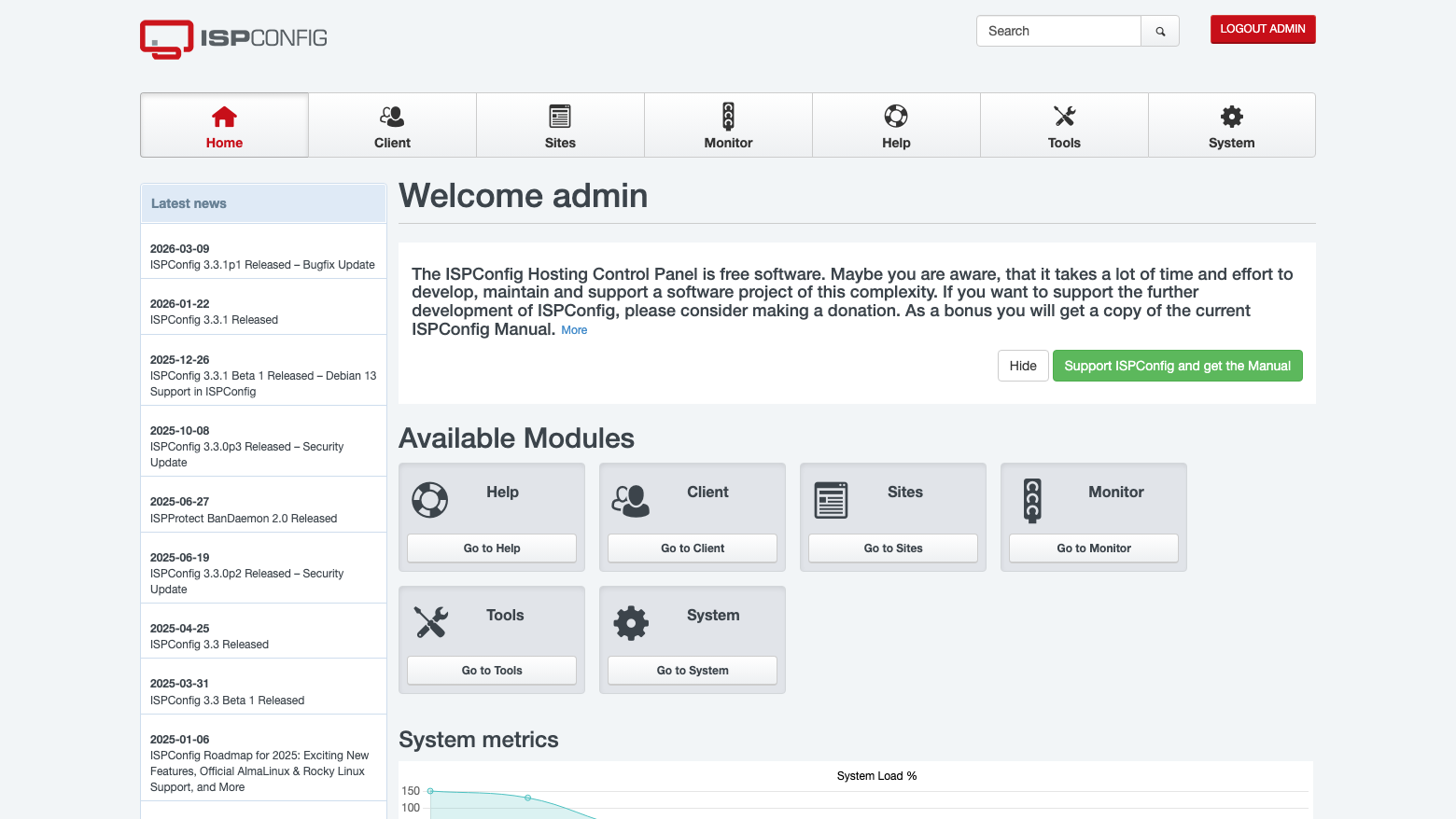
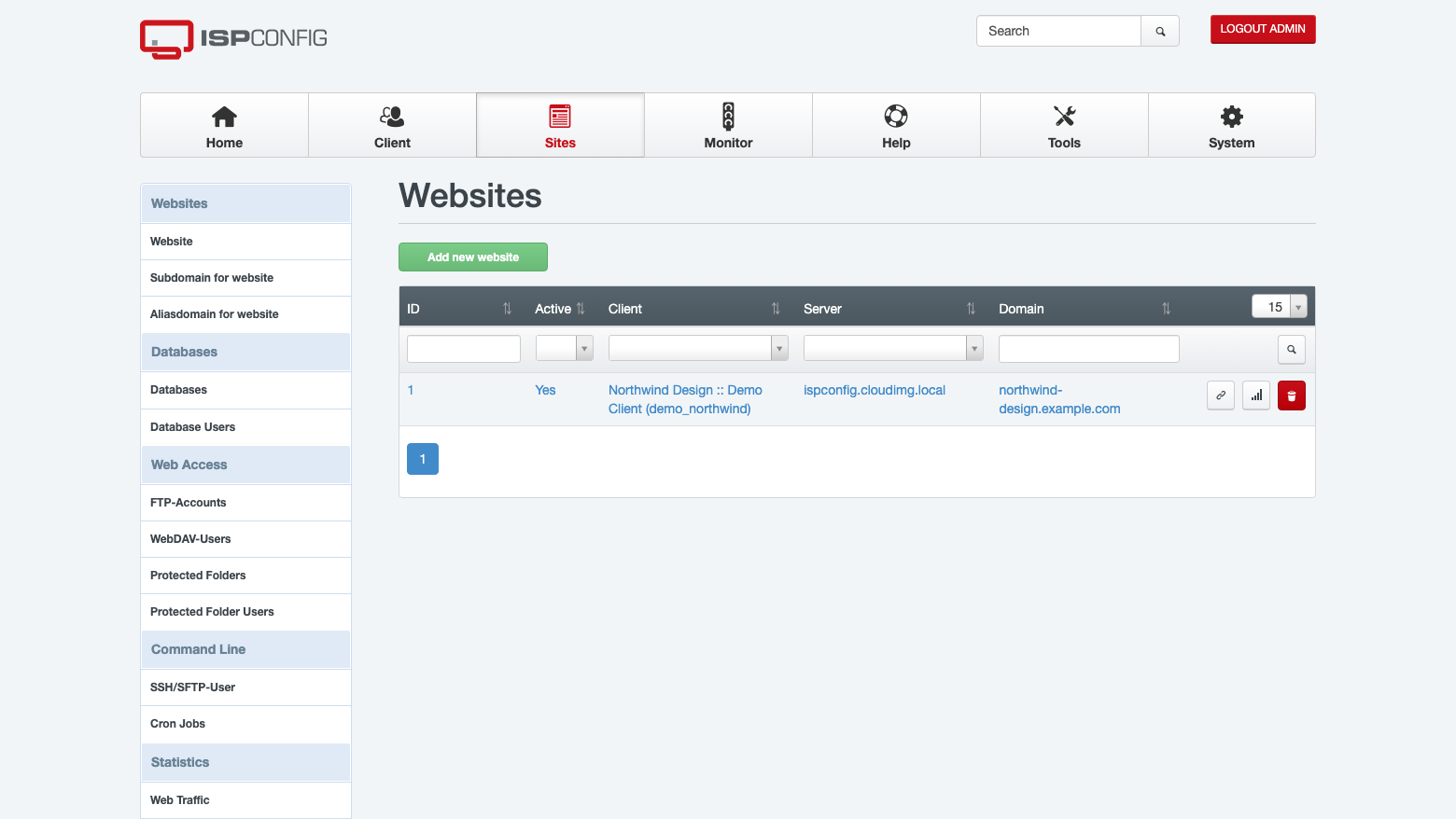
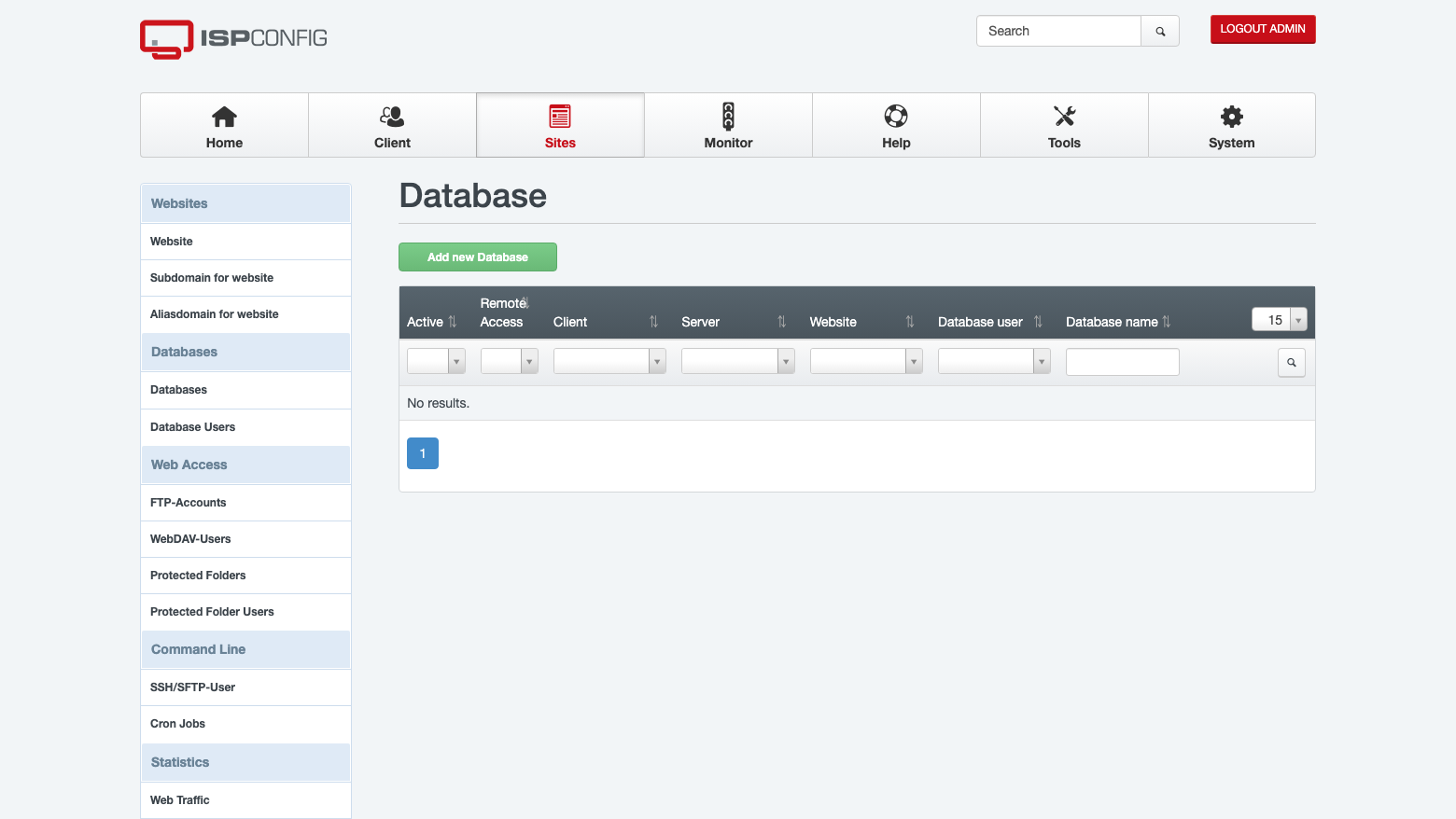
This is a repackaged open source software product wherein additional charges apply for cloudimg support services.
## Overview
ISPConfig is the long-established open source hosting control panel used to run a web hosting server entirely from a browser. From one interface it manages Apache web sites and their PHP settings, MariaDB databases, FTP accounts, clients and resellers, so you can host many sites and hand each customer a self-service login without editing a configuration file by hand. This image delivers ISPConfig fully installed and configured, putting a production hosting server online within minutes of launch.
## Why This Image Over Manual Installation
Building this stack by hand means provisioning an instance, setting a resolvable fully-qualified hostname, running the autoinstaller non-interactively, choosing which service groups to enable, wiring Apache, PHP, MariaDB and FTP together, and then securing the panel administrator and the database before anything is exposed. This image closes that gap. The first page you reach is a working sign-in rather than an installer, and the panel is held offline until first boot has rotated its administrator password, so there is never a window in which a shipped default could be used.
## Application Stack
The image ships a focused web hosting stack:
The panel and its JSON-RPC remote API run on port 8080 over TLS. Ports 80 and 443 serve the web sites you host. Mail and DNS management are deliberately left off, which removes the two worst network-exposure classes for a public cloud image: Postfix is present for local delivery only and is bound to the loopback interface, so there is no open SMTP relay, and the BIND resolver the installer pulls in is stopped and masked, so there is no open recursive resolver. The deployment guide shows how to add either module if you need it.
## Manage Your Hosting From The Browser
## Security and Hardening
On first boot a one-shot service generates a fresh MariaDB root password, a fresh database maintenance password, a fresh panel database password, a fresh panel administrator password and a fresh remote API password, all unique to that instance, and writes them to a file only the root user can read. A per-instance self-signed TLS certificate for the panel is generated at the same time. The upstream admin/admin default is rejected outright, and no system account in the image ships a usable password. MariaDB is bound to the loopback interface so the database is never exposed off the instance, and the image runs no host firewall of its own, leaving network access under your control through the security group.
## Concrete Use Cases
## AWS Integration
This image runs on standard EC2 instances and is sized for an m5.large; scale up if you host many sites or busy databases. Open port 8080 for the panel and 80 and 443 for the sites you host in your security group. Hosted site content and the databases live on their own EBS volumes, so both tiers can be snapshotted and resized independently of the operating system disk.
## Get Started
Retrieve the generated credentials from the instance over SSH, browse to the panel on port 8080, and sign in - the panel, web stack, database and FTP server are already running. If you need a guided walkthrough or help planning your deployment, contact the cloudimg support team at any time by email or live chat.
## About cloudimg
ISPConfig is free and open source software published under the BSD 3-Clause license. There is no licence fee and no key to enter. The cloudimg charge covers packaging, security patching, image maintenance and 24/7 expert support, including deployment assistance and troubleshooting, so you can focus on hosting rather than on assembling infrastructure.

This image runs the Actual Budget 26.6 sync server, the open source local-first personal finance and envelope budgeting ...

This image runs Admidio, the open source, self hosted membership management platform used by clubs, associations and non...

Pre-hardened for AdventureLog, a self-hosted travel tracker and trip planner. Launch a private travel journal with inter...

This image runs Apache Answer, the open source question and answer platform for teams at any scale.

Apache Fineract is the open source core banking engine behind the Mifos ecosystem.

Apache OFBiz, the open-source ERP, CRM, e-commerce and supply-chain suite, preinstalled and running behind nginx and rea...