
Jellyfin Media Server
Overview
Launch a private Jellyfin media server in minutes - stream movies, TV, and music to any device with no subscription fees. Secured and reverse-proxied out of the box with24/7 cloudimg support.
See it running
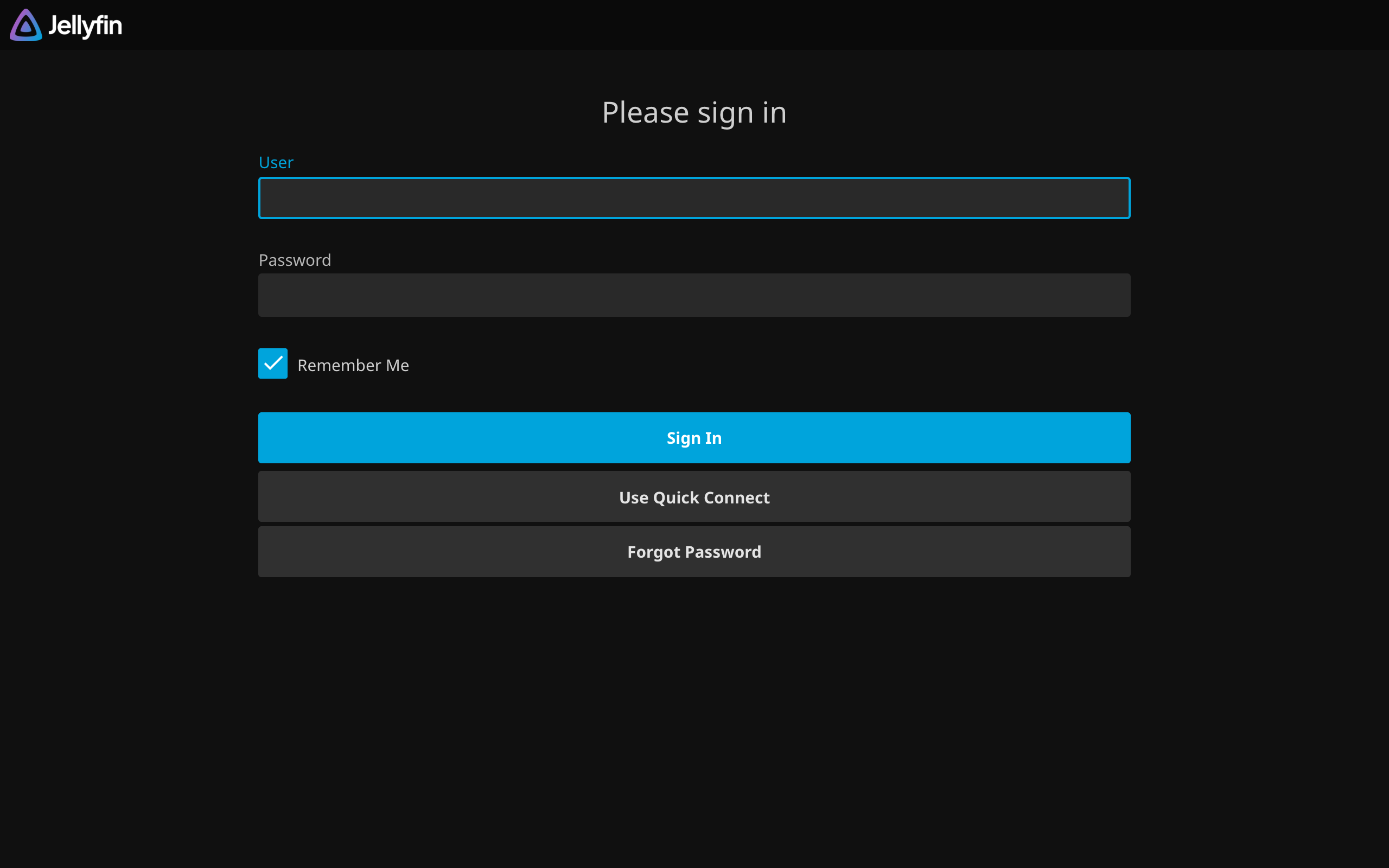
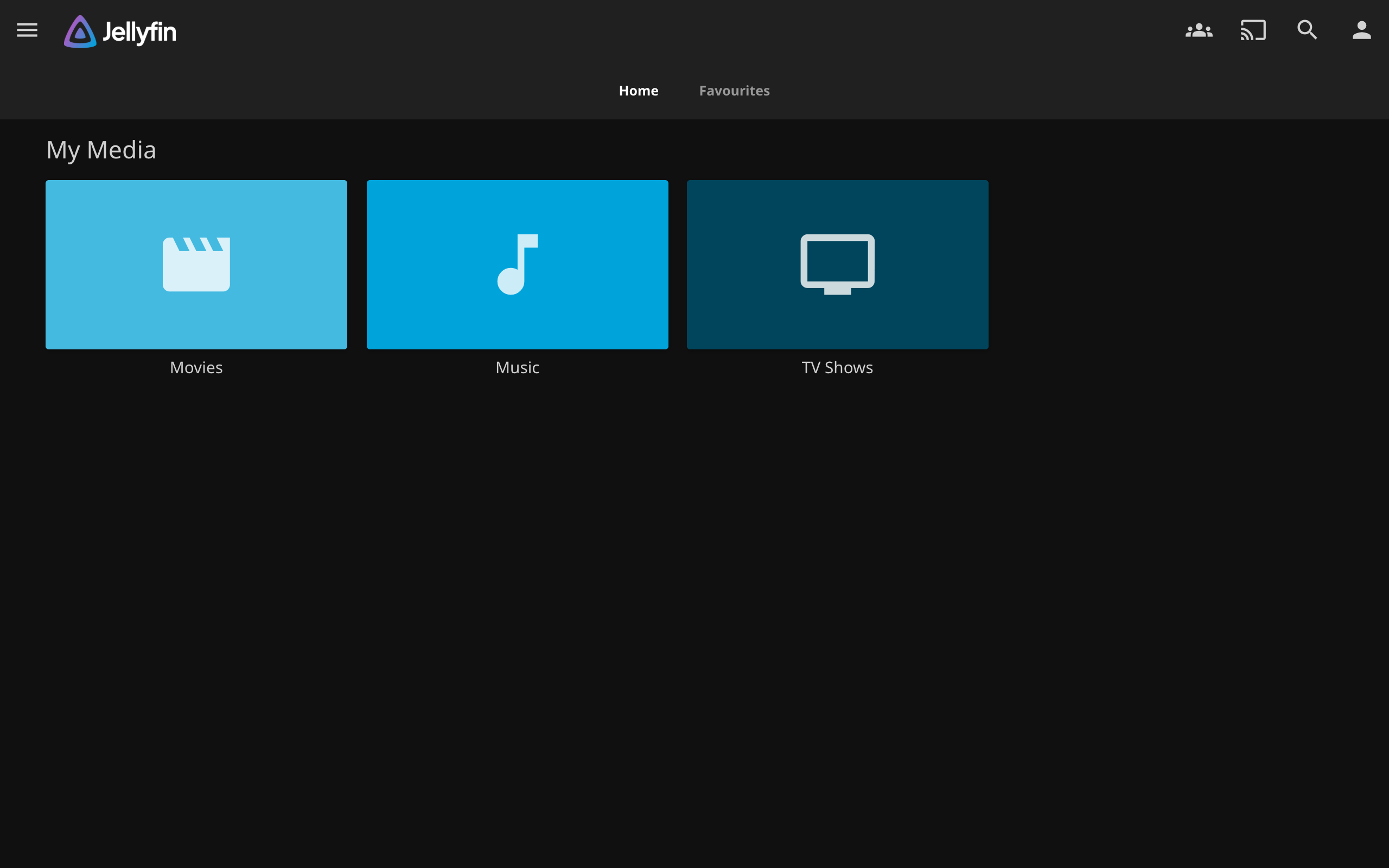
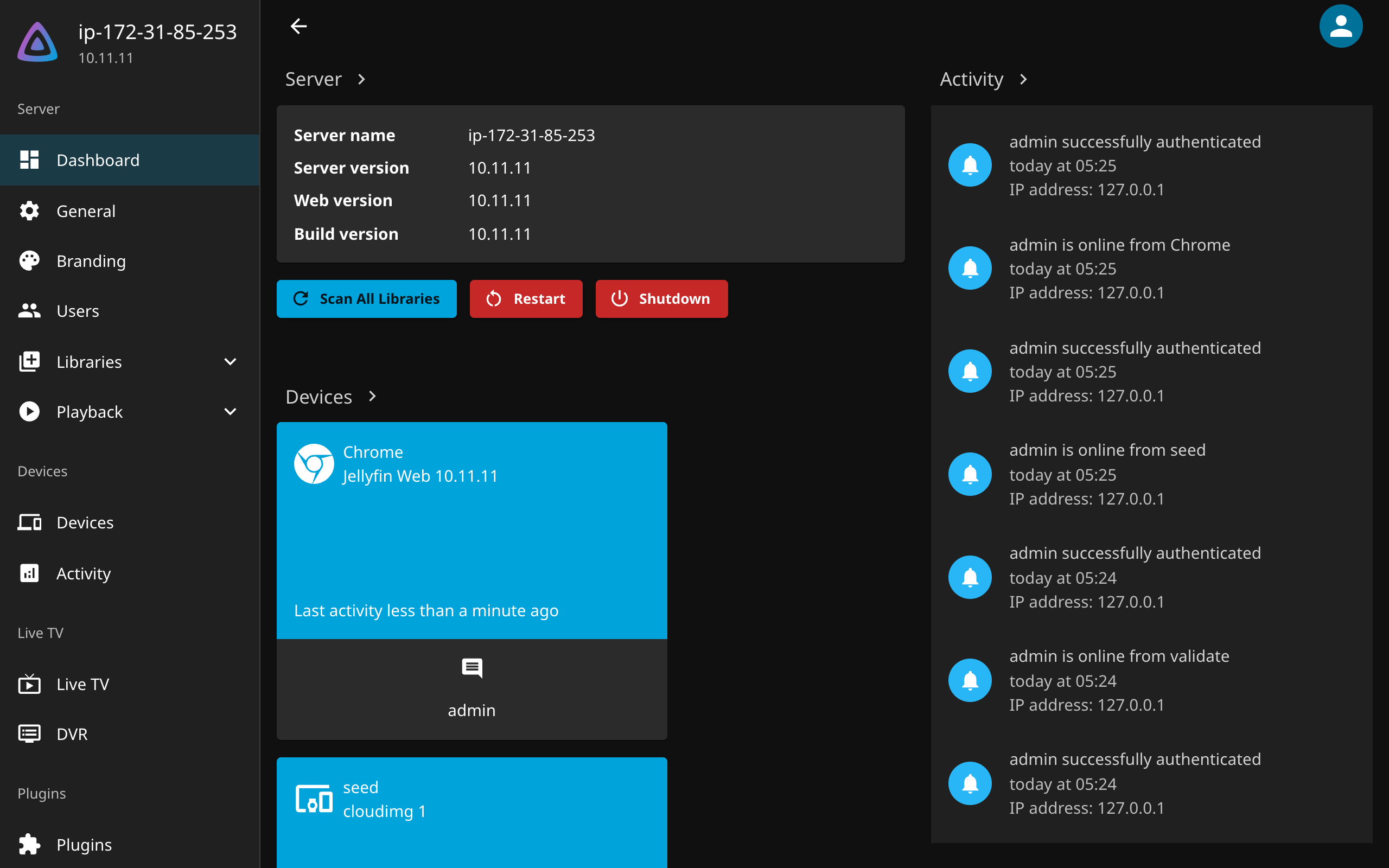
Real screenshots of this software running on the cloudimg image, taken while testing the deployment guide.
Description
This is a repackaged open source software product wherein additional charges apply for cloudimg support services.
Launch a Private Media Server in Minutes - No Subscription Fees
Stream your own movies, TV shows, music, and photos to any device without recurring service charges. This AMI delivers Jellyfin 10.11 fully installed, configured, and secured behind nginx - so you go from EC2 launch to streaming content in minutes, not hours.
---
Why This AMI Instead of Self-Deployment
Installing Jellyfin manually means resolving dependency conflicts, configuring reverse proxies, hardening the setup wizard against network exposure, and maintaining updates. This image eliminates that work:
- No exposed setup wizard - Most community guides leave the Jellyfin wizard open to the network, creating a window where anyone can claim the admin account. This image completes the wizard on first boot with a per-instance password stored in a root-only file, closing that gap entirely.
- No dependency conflicts - The bundled jellyfin-ffmpeg is pre-tested against the OS libraries, avoiding the broken transcoding pipelines common in manual installs.
- No reverse-proxy configuration - nginx is pre-configured as a reverse proxy with the Jellyfin server bound to the loopback interface, preventing accidental direct exposure.
- Fresh per-instance server identity - Each launch generates unique credentials and server identity. No shared or default passwords ship in the image.
---
Application Stack
- Jellyfin 10.11 media server
- nginx reverse proxy (TLS-ready)
- Embedded SQLite database
- jellyfin-ffmpeg for hardware-agnostic transcoding
- Server bound to loopback interface (127.0.0.1)
---
AWS Integration Points
This AMI works well with common AWS services:
- Amazon S3 - Store large media libraries cost-effectively and mount via s3fs or similar tools for Jellyfin library access.
- Amazon CloudFront - Place a CDN in front of your server for lower-latency streaming to geographically distributed viewers.
- Amazon Route 53 - Configure a custom domain for your media server with DNS health checks.
- Elastic Load Balancing - Terminate TLS at the load balancer for simplified certificate management.
- Amazon EBS - Attach additional volumes for expandable media storage.
---
Compatible Third-Party Tools
Jellyfin integrates with popular media management tools including Sonarr, Radarr, and Lidarr for automated library organization, as well as LDAP and SSO providers for centralized user authentication.
---
Getting Started
1. Launch the AMI on your chosen EC2 instance.
2. Retrieve the administrator password from the root-only file on the instance.
3. Sign in to the Jellyfin web interface through your browser.
4. Add a media library pointing at your content (local EBS, mounted S3, or NFS).
5. Install official Jellyfin apps (web, mobile, TV) and point them at your server.
6. Invite additional users as needed.
---
24/7 cloudimg Support
This is a repackaged open-source product with paid cloudimg support services included. Our engineers provide 24/7 assistance by email and live chat covering deployment, upgrades, transcoding tuning, TLS termination, storage configuration, and troubleshooting. Critical issues receive a one-hour average response time.
---
Jellyfin is a trademark of its respective owner. All product and company names are trademarks or registered trademarks of their respective holders. Use of them does not imply any affiliation with or endorsement by them.
Key Features
- Jellyfin, the open source self-hosted media server - stream your own movies, TV, music and photos to any device - preinstalled with jellyfin-ffmpeg transcoding and nginx
- Secure by default: the setup wizard is completed on first boot with a per-instance administrator password stored in a root only file, and a fresh per-instance server identity
- 24/7 technical support from cloudimg for deployment, upgrades, transcoding tuning and TLS termination