
Jenkins LTS CI/CD Server - Ready to Use
Overview
Jenkins LTS preinstalled on AWS with nginx reverse proxy - no setup wizard needed. Unique admin credentials generated per instance. 24/7 expert CI/CD support from cloudimg.
See it running
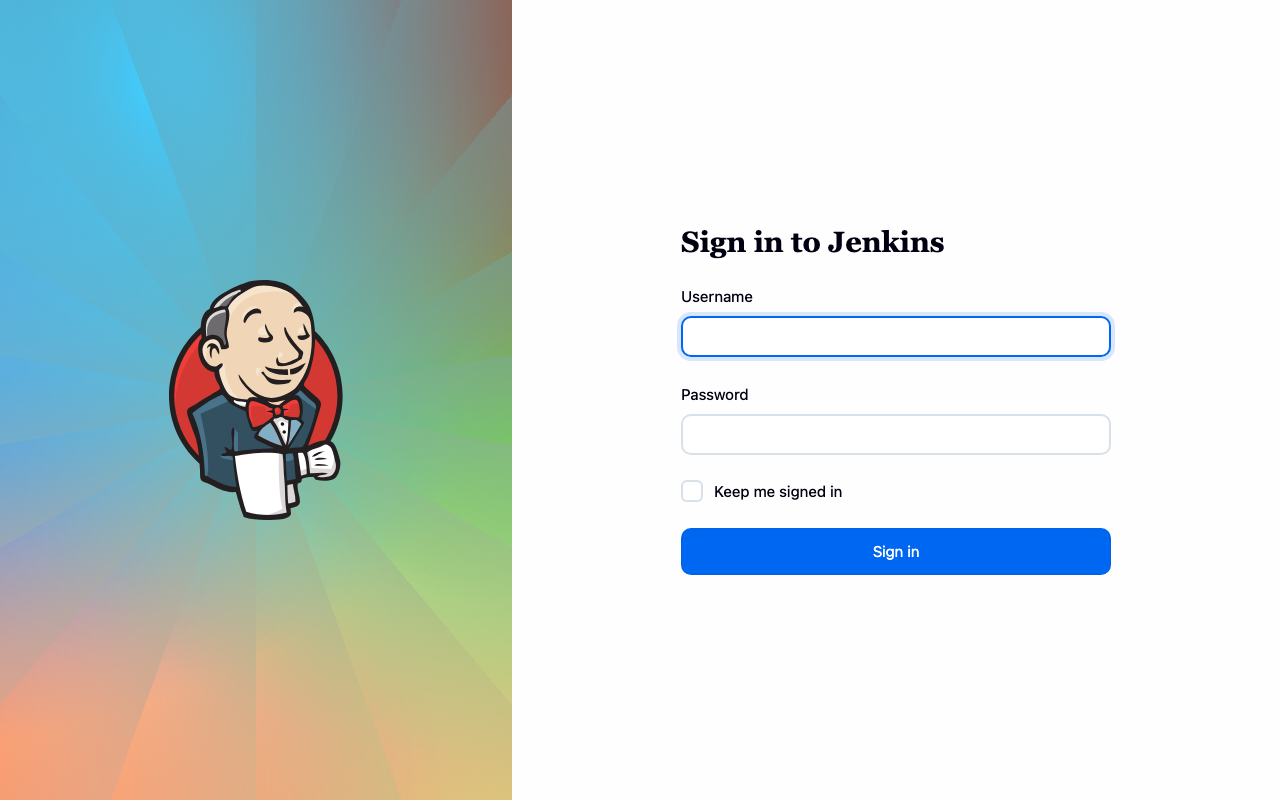
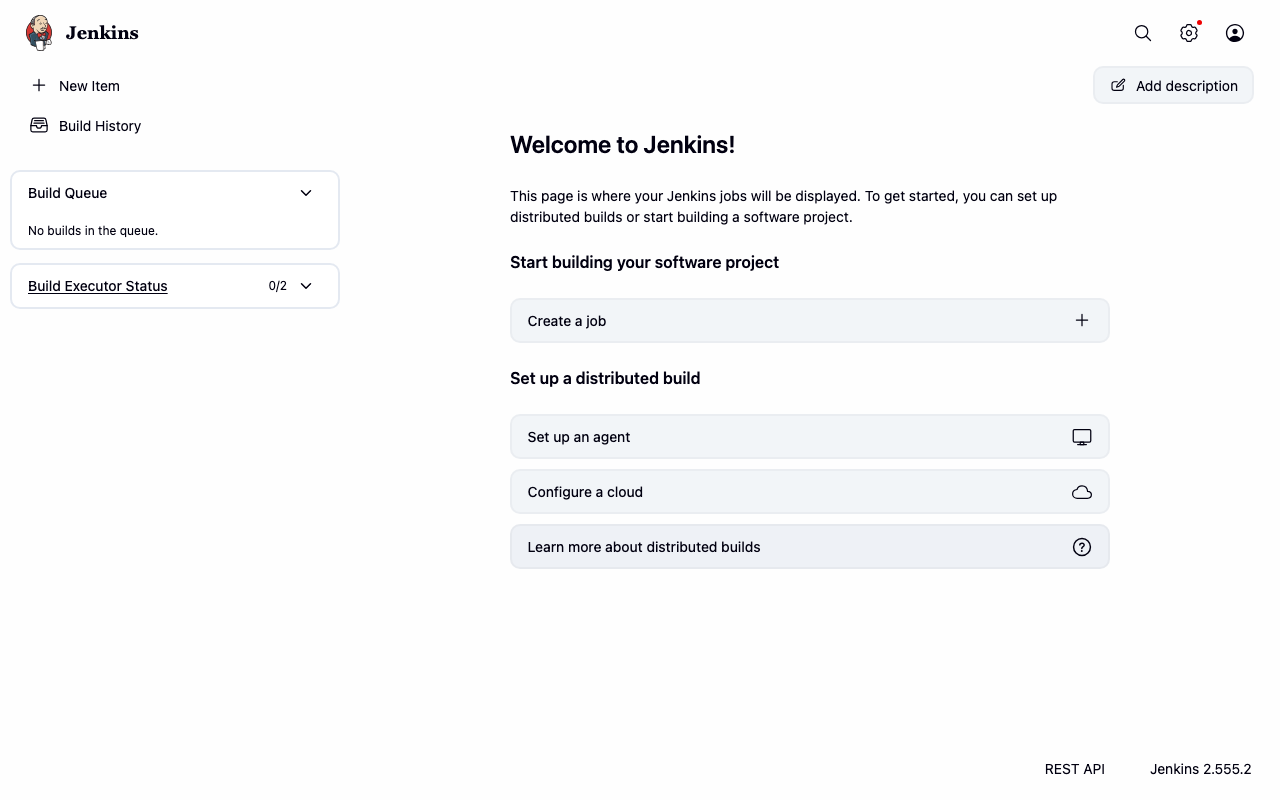
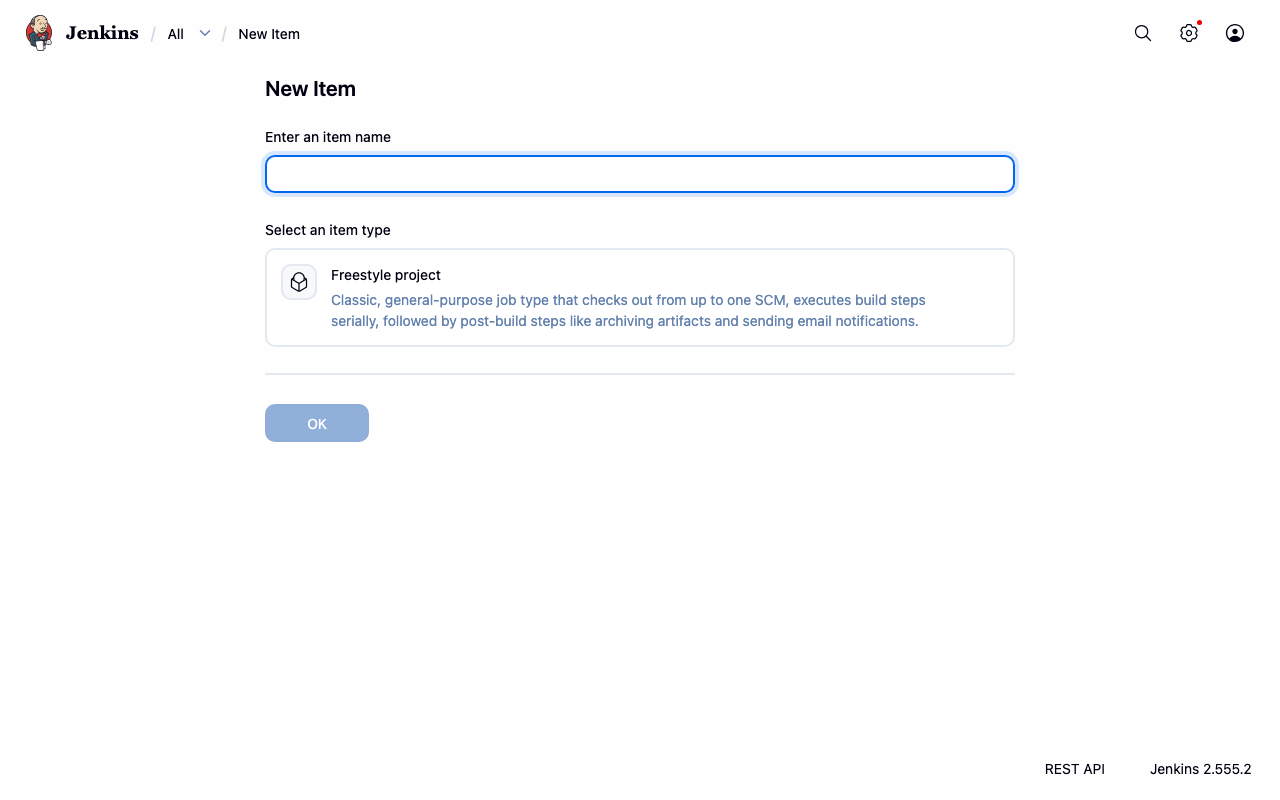
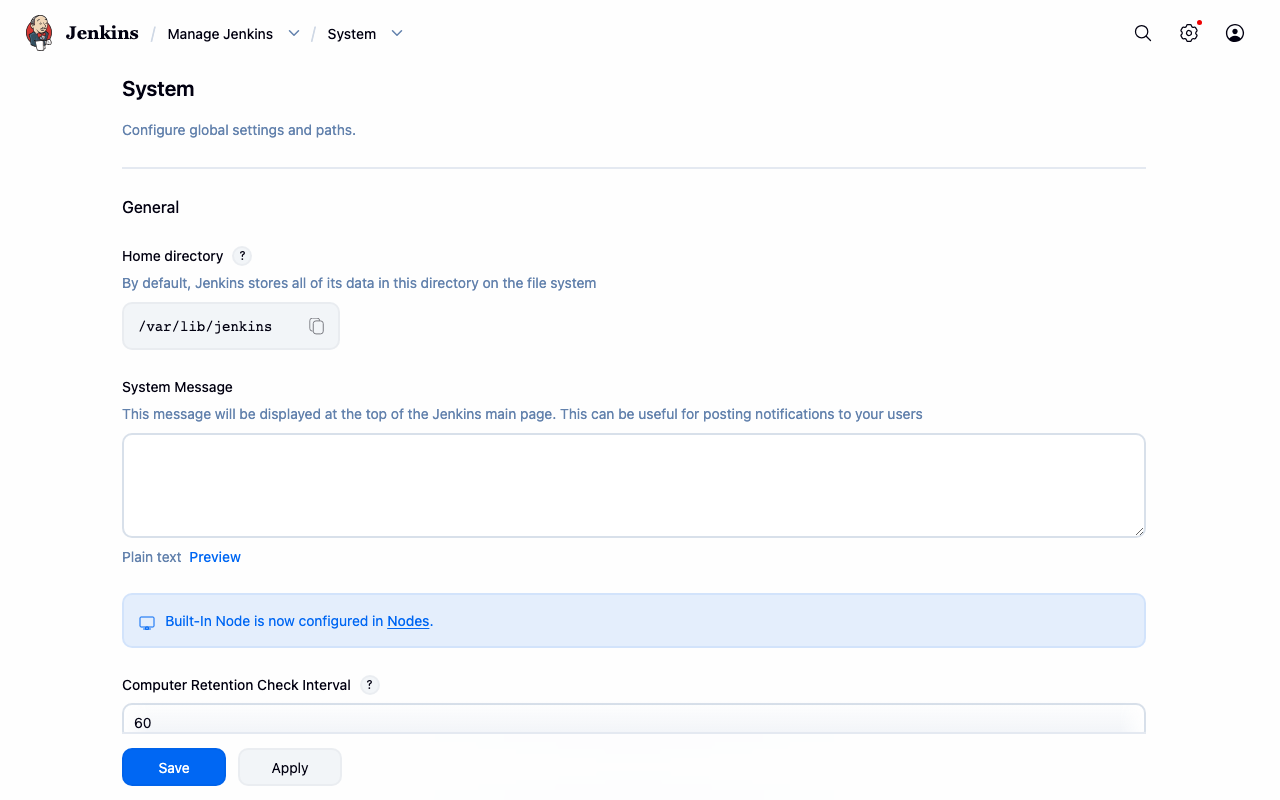
Real screenshots of this software running on the cloudimg image, taken while testing the deployment guide.
Description
This is a repackaged open source software product wherein additional charges apply for cloudimg support services.
## Overview
Jenkins is the leading open source automation server used by development teams worldwide. It serves as a continuous integration and continuous delivery hub - building source code, running tests, packaging artifacts, deploying applications, and orchestrating pipelines across distributed build agents. This image delivers Jenkins LTS fully installed and configured so a complete CI/CD server is running within minutes of launch - no setup wizard, no manual configuration, no shared credentials.
## Why This Image
Unlike other Jenkins AMIs that require completing a multi-step setup wizard or ship with shared default passwords, this image is production-ready immediately. The architecture eliminates manual steps competitors still require: the nginx reverse proxy, administrator account, and Jenkins URL are all configured automatically on first boot. Every instance receives its own unique credentials, meaning no two deployments share authentication material.
## Automation Stack
Jenkins LTS runs as a systemd service on OpenJDK 21 headless. The Jenkins controller listens on 127.0.0.1:8080 behind an nginx reverse proxy on TCP port 80, with X-Forwarded headers and websocket upgrade support for the build console and inbound agent traffic. The setup wizard is disabled and replaced by a Groovy init script that provisions the administrator user without manual interaction.
## Integrations and Plugin Ecosystem
Jenkins supports over 1,800 community plugins. Common integrations include:
- Source Control: GitHub, GitLab, Bitbucket, AWS CodeCommit
- Build and Containerization: Docker, Maven, Gradle, npm
- Artifact Storage: Amazon S3, Nexus, Artifactory
- Orchestration: AWS CodePipeline, Terraform, Ansible
- Notifications: Slack, Microsoft Teams, email
- Cloud Agents: Amazon EC2 plugin for auto-scaling build agents
## Secure First Boot
On first boot a one-shot service generates a fresh Jenkins administrator password unique to that instance, writes it into the Jenkins user store via a Groovy init script, and stores the plain text value in a root-only file (chmod 600). The default Jenkins initial admin password file is deleted, so the image never carries shared or default credentials. Jenkins binds exclusively to localhost - all external traffic passes through the nginx reverse proxy, limiting the attack surface.
## Security Considerations
- Jenkins is not directly exposed to the internet; nginx mediates all connections
- No default or shared credentials exist in the published AMI
- The JENKINS_HOME data disk supports Amazon EBS encryption - enable encryption when launching to protect build data at rest
- Buyers can configure TLS/HTTPS by adding an SSL certificate to the nginx configuration or placing an AWS Application Load Balancer in front of the instance
- Security groups should restrict inbound traffic to ports 80/443 from trusted networks
## Requirements
- Minimum instance type: t3.medium (2 vCPU, 4 GB RAM) for small teams; m5.large or larger recommended for distributed builds
- Data disk: A dedicated EBS volume is attached for JENKINS_HOME; resize independently as build history grows
- Runtime: OpenJDK 21 headless (preinstalled)
## Ready To Use
Browse to your instance public address on port 80 and sign in as the admin user. The Jenkins URL is recorded inside Jenkins on first boot so emailed build notifications and webhook URLs are correct from the start.
## Example Use Case
A development team of 10 engineers pushes code to GitHub multiple times per day. This Jenkins AMI, launched on an m5.large instance, polls the repository, triggers automated builds, runs unit and integration tests in parallel across EC2-based build agents, packages Docker container images, pushes them to Amazon ECR, and deploys to Amazon ECS - all orchestrated through a declarative Jenkinsfile committed alongside application code.
## Use Cases
- Continuous integration of source code repositories (GitHub, GitLab, CodeCommit)
- Continuous delivery and deployment pipelines to AWS services
- Scheduled and triggered build and test automation
- Artifact packaging and publishing to S3 or container registries
- Infrastructure as code orchestration with Terraform and Ansible
- Release management for software teams of any size
## cloudimg Support
24/7 technical support by email and live chat. Expert assistance for Jenkins deployment, plugin selection, upgrades, distributed agents, pipeline authoring, and performance tuning. Contact us to book a guided deployment walkthrough or pipeline setup consultation.
All product and company names are trademarks or registered trademarks of their respective holders. Use of them does not imply any affiliation with or endorsement by them.
Key Features
- Jenkins LTS production-ready in minutes with zero manual setup - unlike other Jenkins AMIs that require completing a multi-step setup wizard, this image launches with nginx reverse proxy, administrator account, and Jenkins URL fully configured on first boot. No wizard screens, no default credentials, no manual plugin installation needed to start building pipelines immediately.
- Every instance generates its own unique administrator password on first boot, stored in a root-only file (chmod 600), with the default Jenkins initial admin password deleted. No two deployments share credentials, eliminating the shared-password risk present in standard Jenkins installations. Jenkins binds to localhost only, with nginx mediating all external traffic to reduce attack surface.
- 24/7 expert CI/CD support from cloudimg by email and live chat, with one-hour average response for critical issues. Engineers provide hands-on assistance with pipeline authoring, plugin selection, distributed build agents, upgrades, and performance tuning - specialized Jenkins expertise that goes beyond generic AWS infrastructure support.
Related Technologies
Related Products

Apache Airflow - Workflow Orchestration
This image runs Apache Airflow as a single node deployment. Airflow is installed into a dedicated Python virtual environ...
Apache Archiva Repository Manager
This image runs Apache Archiva, the open source build-artifact repository manager - a central, governed store for the bi...
Appsmith Open-Source Low-Code Platform
This image runs Appsmith Community Edition, the open source low-code platform for building internal tools, admin panels,...
Appwrite
Appwrite is an open source backend as a service platform, a self-hosted Firebase alternative that gives developers a com...
changedetection.io - Website Change Monitor
This image runs changedetection.io, the self-hosted service that monitors web pages for changes and notifies you when so...
CloudBeaver - Web Database Manager
CloudBeaver CE is a web-based database manager - a browser edition of the popular DBeaver desktop tool - that lets you c...