
Joomla 6 CMS on Nginx - Managed Support
Overview
Launch a production-ready Joomla 6 site in minutes with unique credentials generated per instance - no manual setup. Backed by 24/7 cloudimg expert support.
See it running
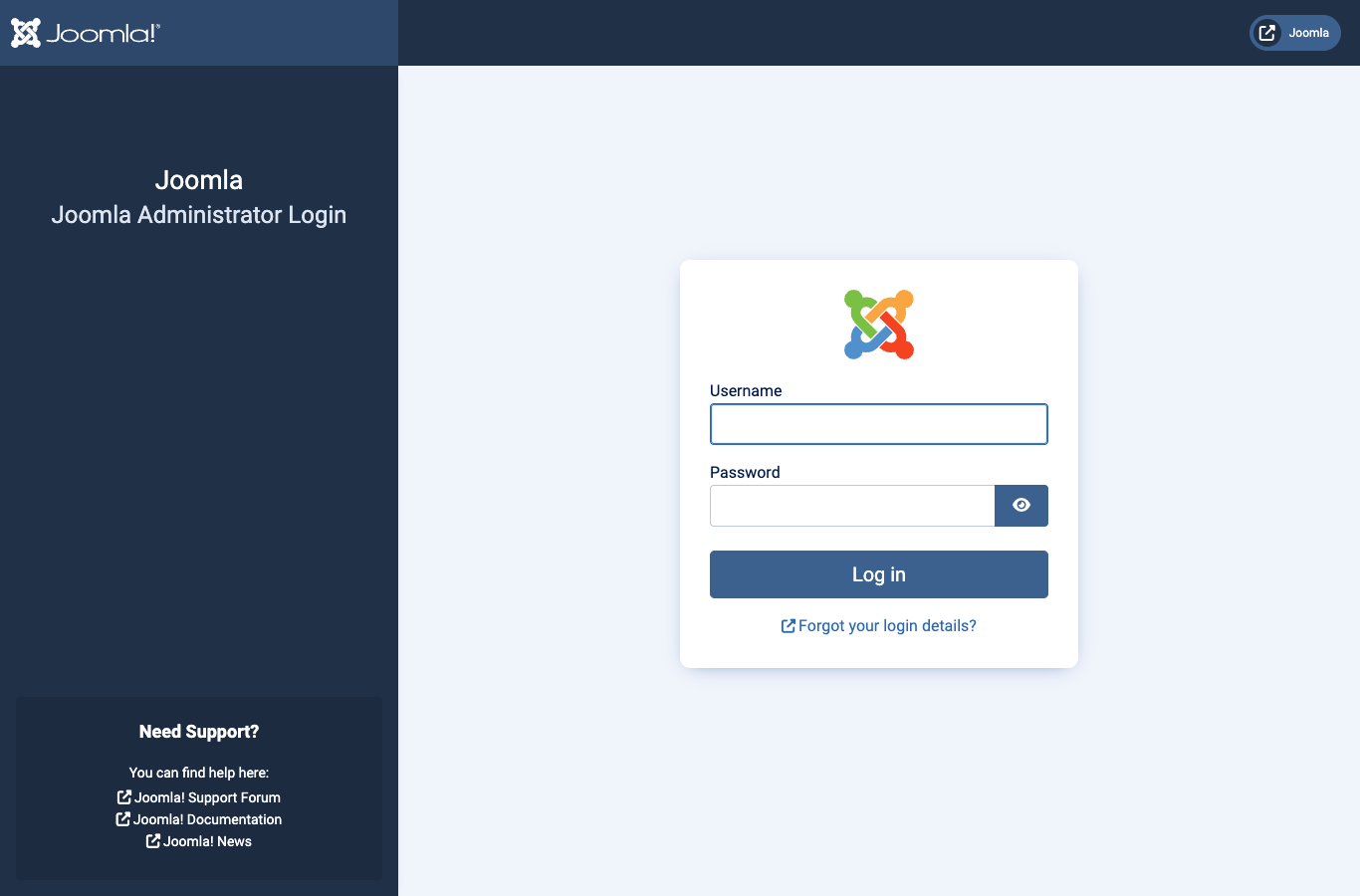
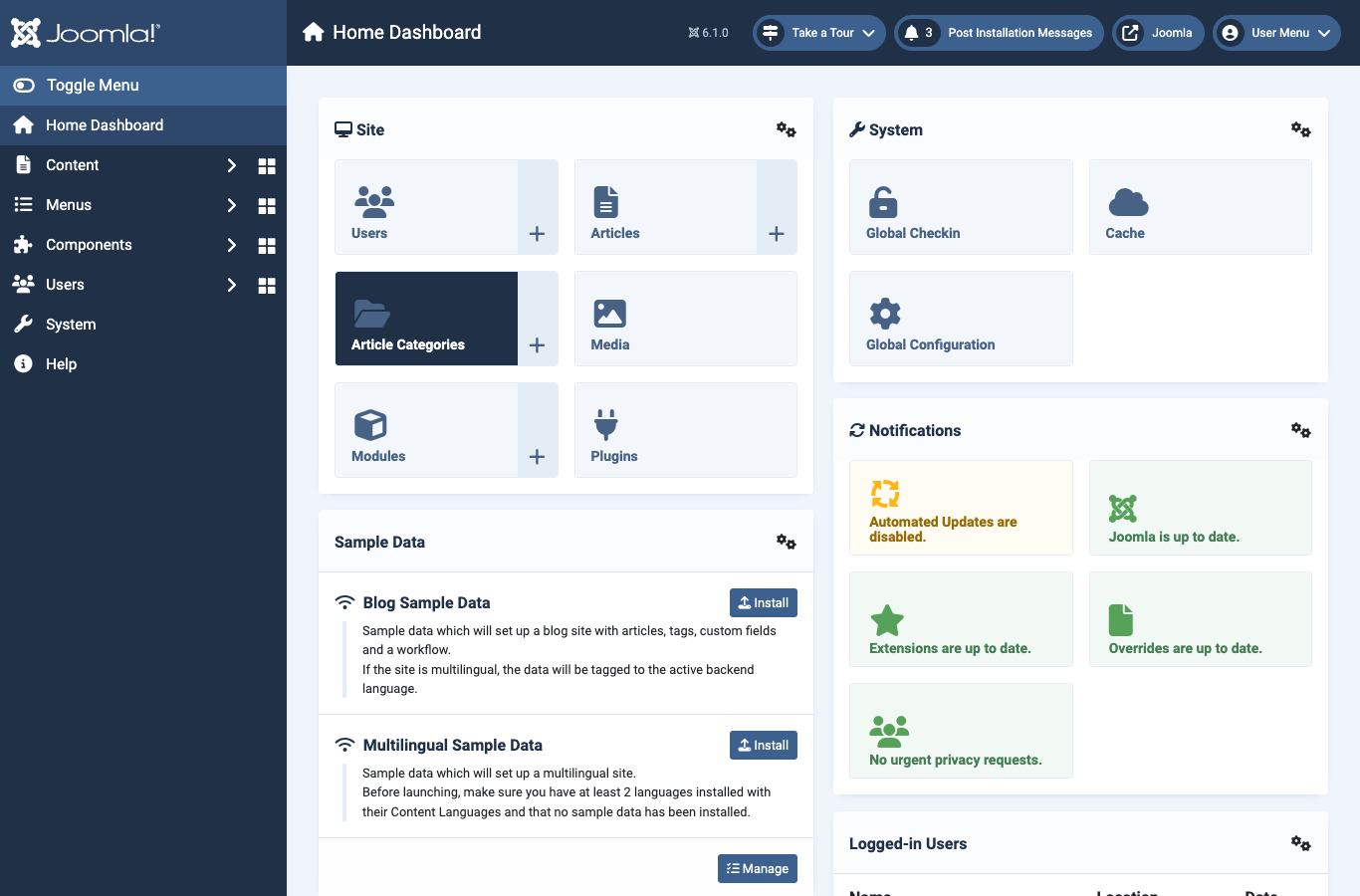
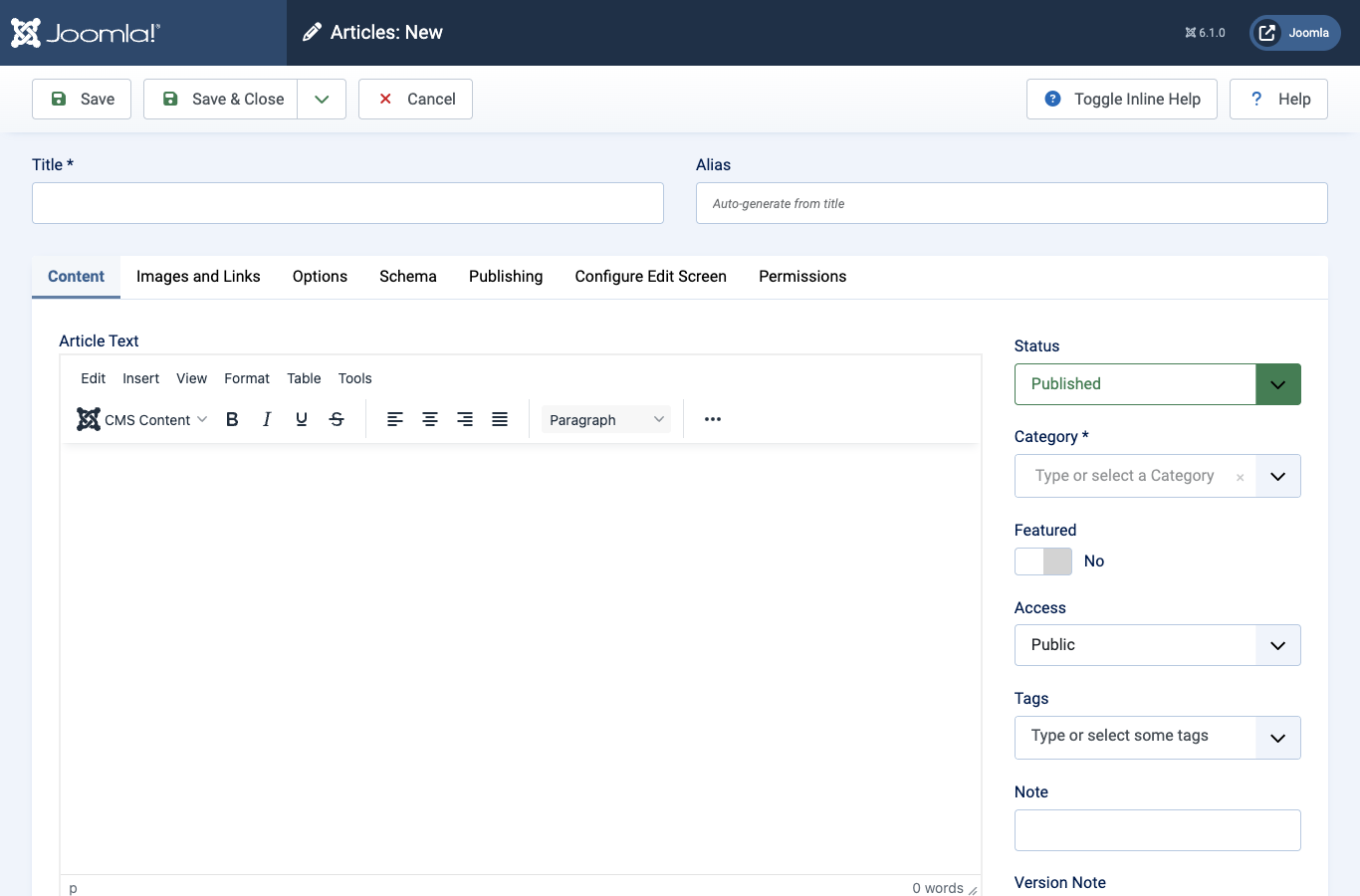
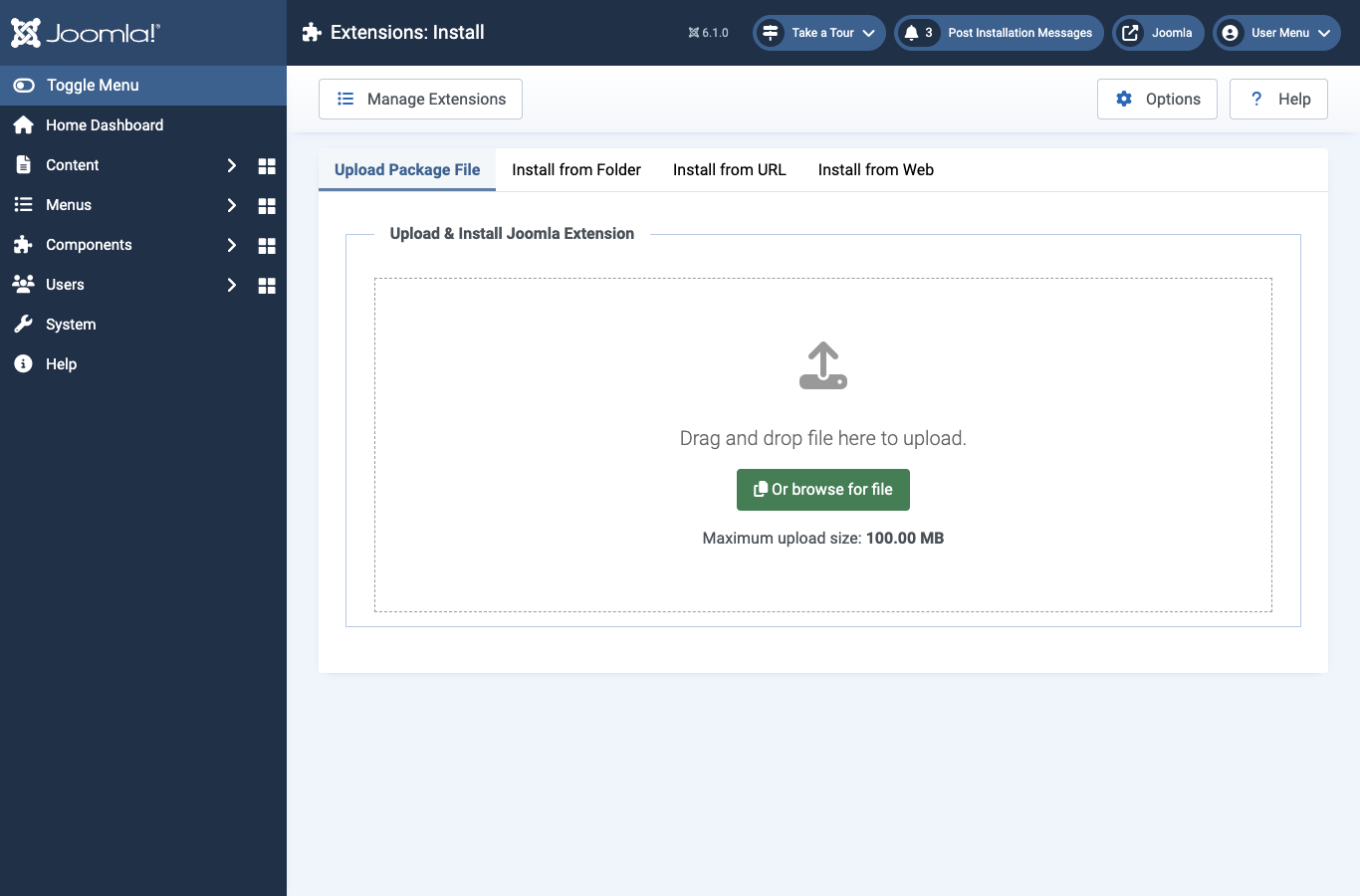
Real screenshots of this software running on the cloudimg image, taken while testing the deployment guide.
Description
This is a repackaged open source software product wherein additional charges apply for cloudimg support services.
## Production-Ready Joomla 6 CMS on AWS
Launch a fully configured Joomla 6 content management platform in minutes - not hours. Unlike generic Joomla images that ship with shared default credentials and require manual database setup, this AMI delivers a hardened, optimized stack ready for production traffic from first boot.
## Why cloudimg's Joomla AMI
cloudimg has published and maintained AWS Marketplace AMIs for content management platforms, providing ongoing support and security updates. Our team specializes in CMS deployment, performance optimization, and ongoing operational support on AWS infrastructure.
## Application Stack
- Joomla 6 - Latest stable release with full extension ecosystem
- PHP 8.3 with OPcache enabled for faster page rendering compared to default PHP configurations
- nginx web server - lightweight and high-concurrency, outperforming Apache on static asset delivery for CMS workloads
- MariaDB database - fully configured and tuned for Joomla queries
- Systemd timer runs Joomla's built-in task scheduler hourly for automated maintenance
## Security-First Design
Many competing Joomla AMIs ship with shared or publicly documented default passwords, creating immediate vulnerability. This image takes a different approach:
- Unique credentials per instance - A one-shot first-boot service generates fresh MariaDB and Joomla administrator passwords, unique to every launched instance
- Root-only credential storage - Passwords are written to a file accessible only by the root user
- MariaDB binds to 127.0.0.1 - The database does not accept remote connections, reducing attack surface
- TLS-ready nginx - nginx is preconfigured to serve HTTPS once you add your own SSL certificate
- No shared or default credentials ship in the image
## AWS Integration Points
- Amazon S3 - Use Joomla extensions to offload media storage to S3 for scalability and durability
- Amazon CloudFront - Place CloudFront in front of nginx for global CDN delivery of static assets
- Amazon SES - Configure Joomla's mail settings to send transactional email through SES for reliable delivery
- Amazon CloudWatch - Monitor instance health, CPU, memory, and disk metrics through standard CloudWatch integration
- AWS Backup - Schedule EBS snapshots for automated disaster recovery
## Detailed Use Case: Marketing Team Website
A 5-10 person marketing team needs a multilingual product website without dedicated DevOps staff. They launch this AMI on a t3.medium instance, retrieve credentials via SSH, and have a working Joomla admin panel within minutes. Using Joomla's built-in language packs, they publish content in multiple languages. Media files are stored on Amazon S3 via a Joomla extension, and Amazon CloudFront delivers pages globally with low latency. cloudimg's 24/7 support handles upgrade questions and performance tuning as traffic grows.
## Additional Use Cases
- Corporate and marketing websites requiring fast deployment
- Community and membership portals with user registration
- Online publishing and news sites needing scheduled content
- Multilingual business sites serving global audiences
- Agency teams managing multiple client Joomla installations on AWS
## 24/7 cloudimg Support
This is a supported product - not an abandoned community image. cloudimg provides round-the-clock technical support by email and live chat covering Joomla deployment, upgrades, performance tuning, extension configuration, and database administration. Critical issues receive a one-hour average response time.
## Getting Started
1. Subscribe to this product on AWS Marketplace
2. Launch an EC2 instance (t3.small minimum recommended)
3. Open security group ports 22 (SSH), 80 (HTTP), and 443 (HTTPS)
4. SSH into the instance and read the credentials file
5. Browse to your instance address and sign in to the Joomla administrator panel
Joomla accepts requests on whatever hostname or IP address you reach it on. Your site is operational within minutes of launch.
All product and company names are trademarks or registered trademarks of their respective holders. Use of them does not imply any affiliation with or endorsement by them.
Key Features
- Unlike many Joomla AMIs that ship with shared default credentials and require manual database configuration, this image generates unique MariaDB and Joomla administrator passwords on every first boot and stores them in a root-only file. MariaDB binds to localhost only, and nginx is preconfigured for TLS once you add your certificate. Your site is production-hardened from the moment it launches.
- Optimized stack delivers Joomla 6 on PHP 8.3 with OPcache and nginx - a combination that provides faster page rendering and higher concurrency than default Apache and PHP setups found in competing images. Integrates with Amazon S3 for media storage, Amazon CloudFront for CDN delivery, and Amazon SES for transactional email, fitting naturally into AWS-native architectures.
- 24/7 expert support from cloudimg by email and live chat - not a community forum with no guaranteed response. Critical issues receive a one-hour average response. Our engineers assist with Joomla deployment, upgrades, performance tuning, extension configuration, and database administration, so teams without dedicated CMS specialists can run production sites confidently.
Related Technologies
Related Products

Apache Flink Stream Processing
Apache Flink is the open source framework and distributed processing engine for stateful computations over unbounded and...

Apache Kafka
Apache Kafka, the open source distributed event streaming platform, preinstalled in KRaft mode with OpenJDK 17 and a bun...

Apache Solr 9Enterprise Search
Apache Solr is the open source enterprise search platform built on Apache Lucene.

Apache Tomcat 11
This image runs Apache Tomcat 11, the open source implementation of the Jakarta Servlet, Jakarta Pages, Jakarta Expressi...
Apache ZooKeeper Coordination Service
Apache ZooKeeper is a high performance coordination service for distributed applications.
Calibre-Web Self-Hosted Ebook Server
This image runs Calibre-Web from a dedicated Python virtual environment, served on the loopback interface and fronted by...