
JupyterHub - Multi-User Notebook Platform
Overview
Launch a ready-to-use multi-user JupyterHub environment in minutes - no manual setup. Includes JupyterLab, native signup flow, and 24/7 cloudimg support.
See it running
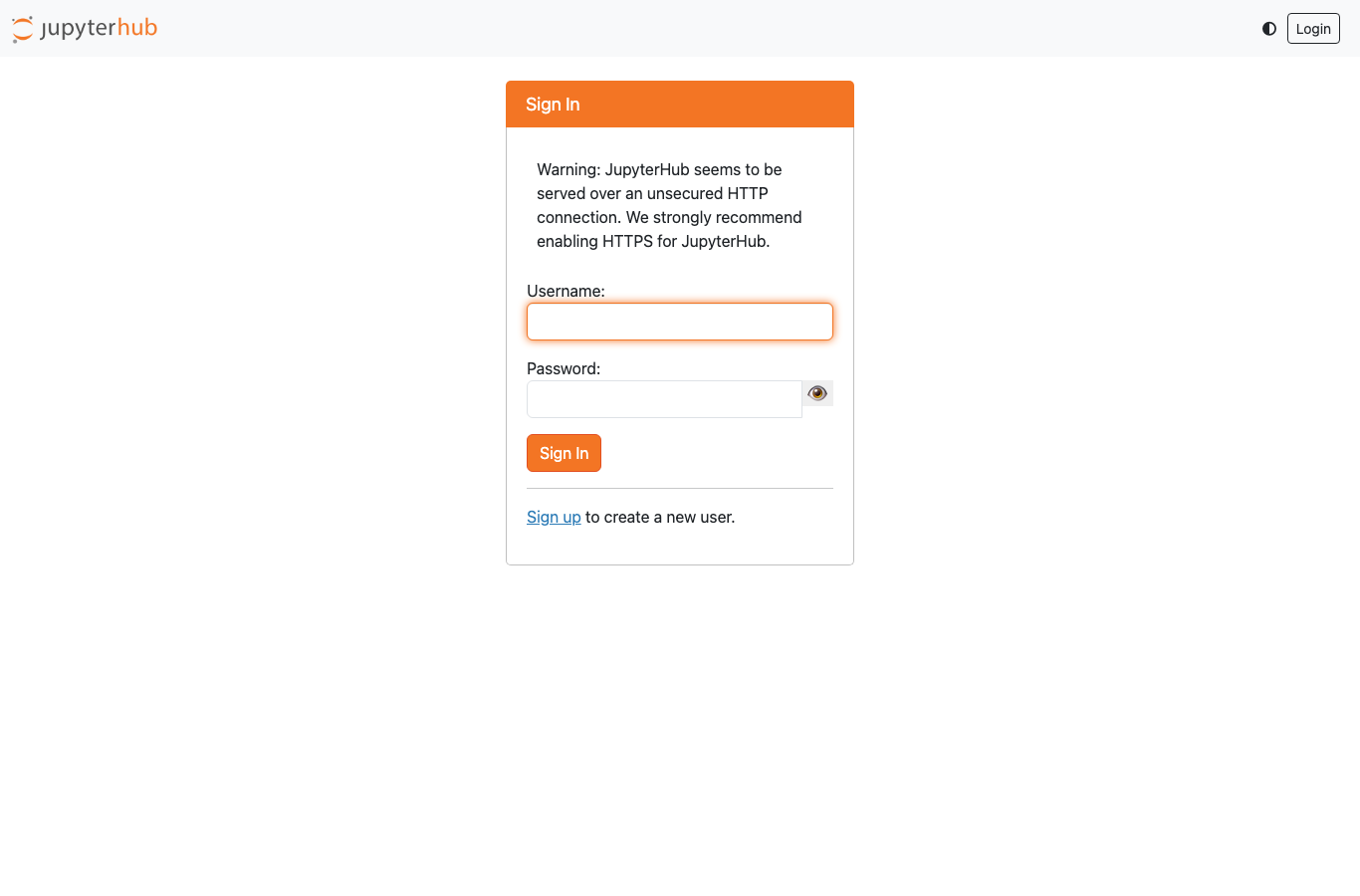
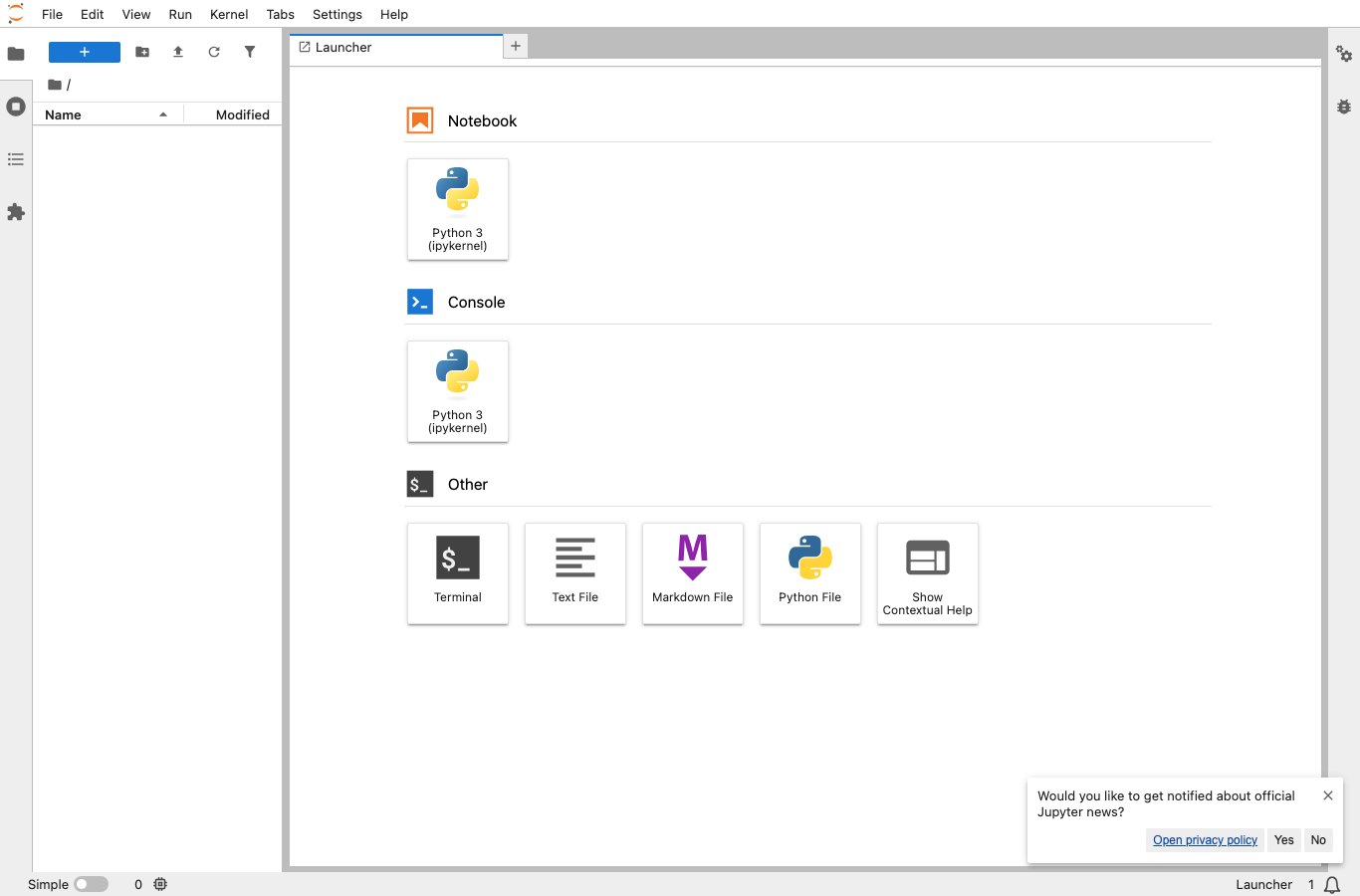
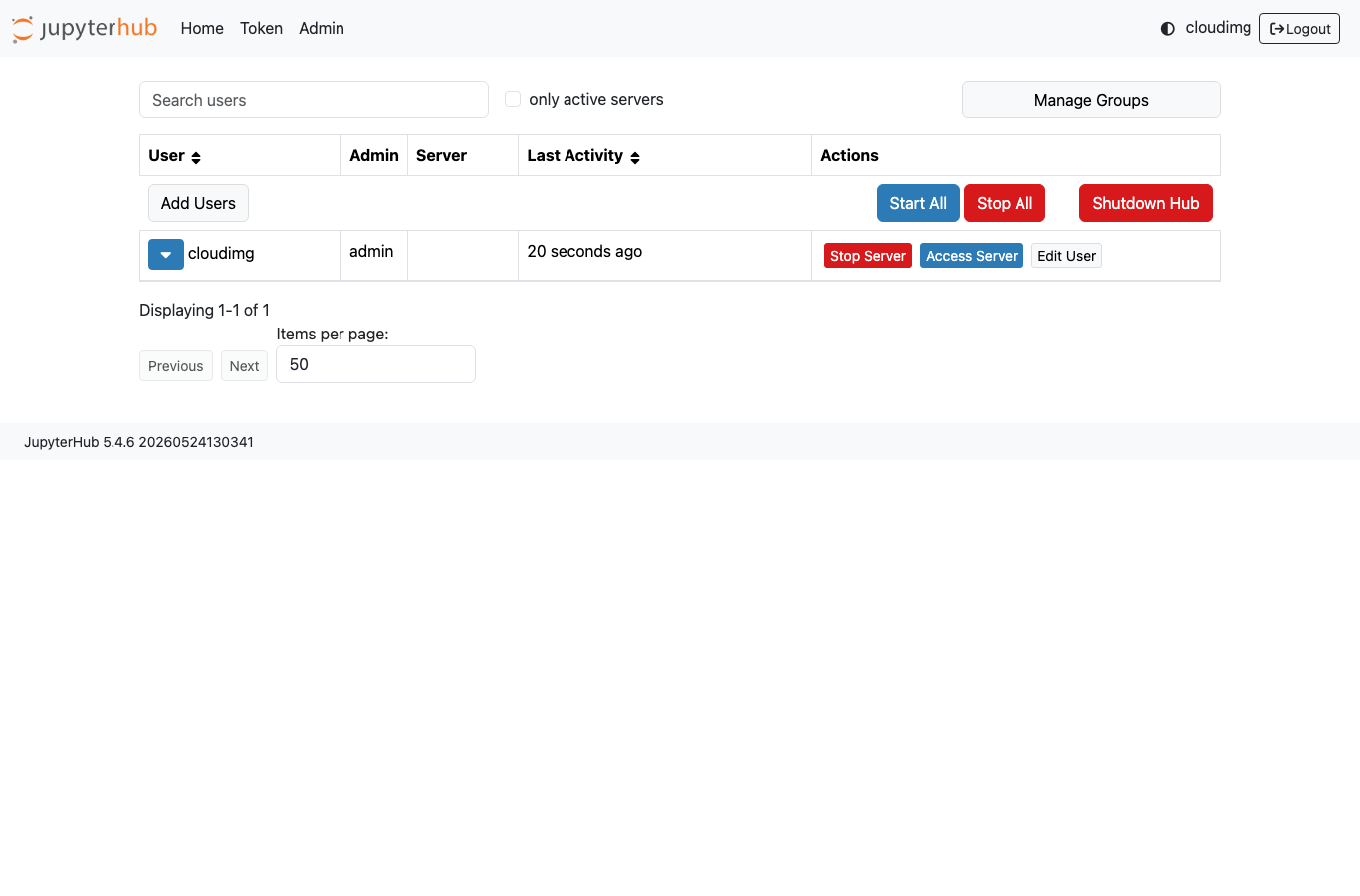
Real screenshots of this software running on the cloudimg image, taken while testing the deployment guide.

Description
This is a repackaged open source software product wherein additional charges apply for cloudimg support services.
## Multi-User Jupyter Notebooks - Running in Minutes, Not Hours
This AMI delivers JupyterHub 5fully installed and configured so your team, classroom, or research group has a complete multi-user notebook environment without manual setup. Instead of spending hours following install guides, configuring proxies, and troubleshooting dependencies, you launch an instance and browse to port 8000 to start working.
This is a repackaged open source software product wherein additional charges apply for cloudimg support services.
## Why This AMI Over Self-Installation
Manually deploying JupyterHub requires installing Python, Node.js, configuring the proxy, setting up authentication, and managing system accounts. This image eliminates that entire workflow:
- Zero configuration required - JupyterHub server, configurable HTTP proxy, and database are pre-configured and running on first boot
- No Linux account management - The native authenticator extension provides a web-based signup and approval flow, removing dependency on system user accounts
- No external identity provider needed - Built-in signup flow works immediately without configuring OAuth or GitHub authentication
- Modern and classic interfaces - Both JupyterLab and the classic notebook are installed, so users choose their preferred environment
## Secure First Boot
Every instance generates a unique administrator password on first launch using a one-shot service. No shared or default credentials ship in the image. The password is written to a root-only file, accessible only via SSH with your EC2 key pair. The administrator can then approve further user signups from the web-based admin panel.
## Application Stack
- JupyterHub5 running on Python in a dedicated virtual environment
- JupyterLab and classic notebook interfaces available for all spawned user servers
- Configurable HTTP proxy provided by the official NodeSource Node.js LTS package
- Native authenticator for in-image signup and admin approval workflow
## Getting Started
1. Launch the AMI from AWS Marketplace and ensure your security group allows inbound traffic on port 8000
2. SSH into the instance using your EC2 key pair
3. Retrieve the administrator password from the root-only file generated on first boot
4. Browse to http://your-instance-address:8000 and sign in as the cloudimg administrator user
5. From the admin panel, approve signups, manage users, start and stop single-user servers, and switch between JupyterLab or classic notebook
## Use Cases
- Classroom training - An instructor provisions notebooks for a data science course of up to 30 students, with each student receiving an isolated workspace through the native signup flow
- Research team workbench - A 5-10 person analytics group shares a single instance for collaborative notebook development without managing individual installations
- Small team hosting - Interactive notebook hosting for teams that need a shared Python environment without the complexity of Kubernetes-based deployments
## Requirements and Recommendations
This AMI is designed for single-instance deployments suitable for small to medium groups. For optimal performance, consider instance types with sufficient RAM for your expected concurrent user count. Each spawned notebook server consumes memory proportional to the user's workload.
## Security Practices
The image is built with the following security considerations:
- Per-instance unique credentials generated at first boot with no default passwords
- Administrator password stored in a file readable only by root
- Native authenticator removes the need for Linux system accounts, reducing attack surface
- Configurable HTTP proxy isolates user traffic routing
We recommend configuring TLS termination via an AWS Application Load Balancer or reverse proxy for production deployments, and restricting security group rules to trusted IP ranges.
## cloudimg Support
24/7 technical support by email and chat. Our engineers assist with JupyterHub deployment, upgrades, authenticator and spawner configuration, JupyterLab extensions, and performance tuning. Critical issues receive a one-hour average response time.
All product and company names are trademarks or registered trademarks of their respective holders. Use of them does not imply any affiliation with or endorsement by them.
Key Features
- JupyterHub preinstalled with Python, JupyterLab, the classic notebook and the native signup login flow, with no manual setup
- Hardened first boot generates a fresh administrator password for every instance and stores it in a file only the root user can read
- 24/7 technical support from cloudimg, with expert assistance for JupyterHub deployment, configuration, upgrades and notebook environment tuning
Related Technologies
Related Products

Apache Airflow - Workflow Orchestration
This image runs Apache Airflow as a single node deployment. Airflow is installed into a dedicated Python virtual environ...
Apache Archiva Repository Manager
This image runs Apache Archiva, the open source build-artifact repository manager - a central, governed store for the bi...
Appsmith Open-Source Low-Code Platform
This image runs Appsmith Community Edition, the open source low-code platform for building internal tools, admin panels,...
Appwrite
Appwrite is an open source backend as a service platform, a self-hosted Firebase alternative that gives developers a com...
changedetection.io - Website Change Monitor
This image runs changedetection.io, the self-hosted service that monitors web pages for changes and notifies you when so...
CloudBeaver - Web Database Manager
CloudBeaver CE is a web-based database manager - a browser edition of the popular DBeaver desktop tool - that lets you c...