Linkwarden - Self-Hosted Bookmark Manager & Web Archive
Overview
Launch a private, self-hosted web archive in minutes - no manual setup. Linkwarden preserves every saved link as a screenshot, PDF, and HTML snapshot, eliminating link rot.
See it running
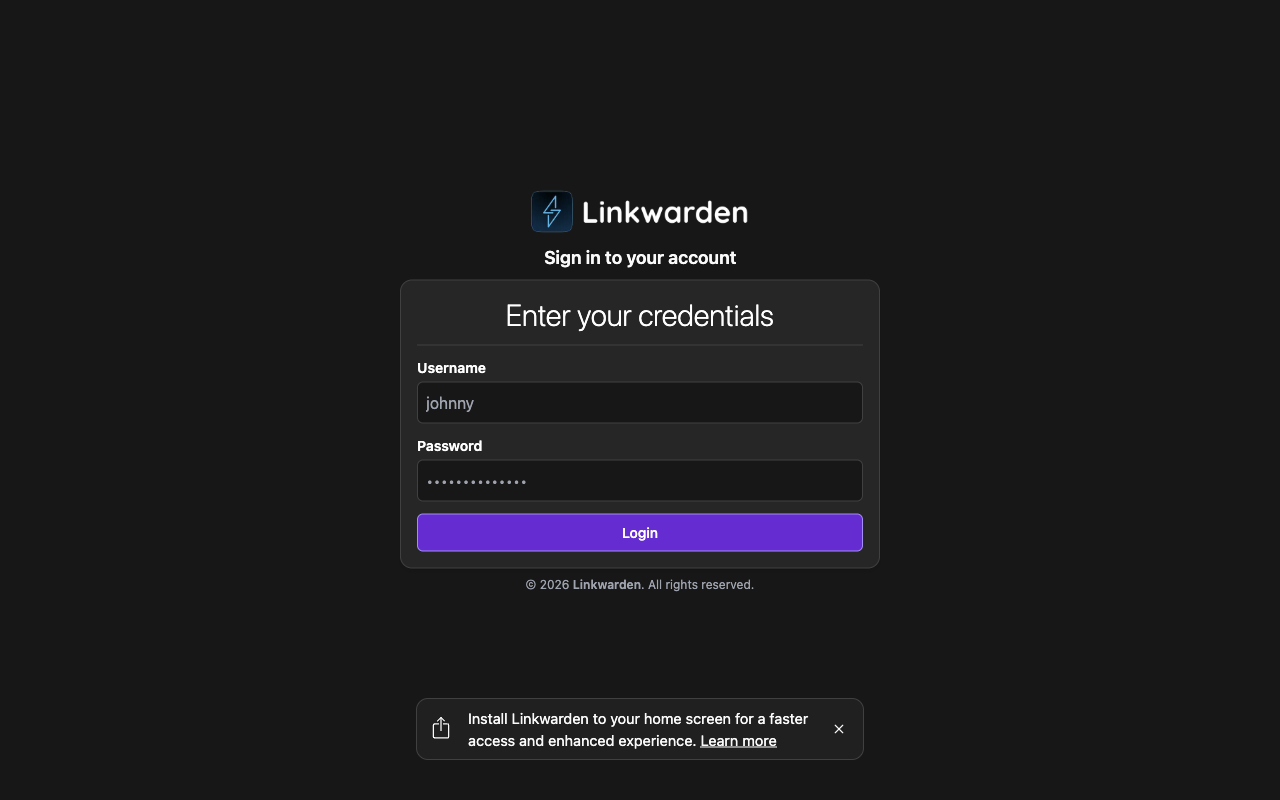
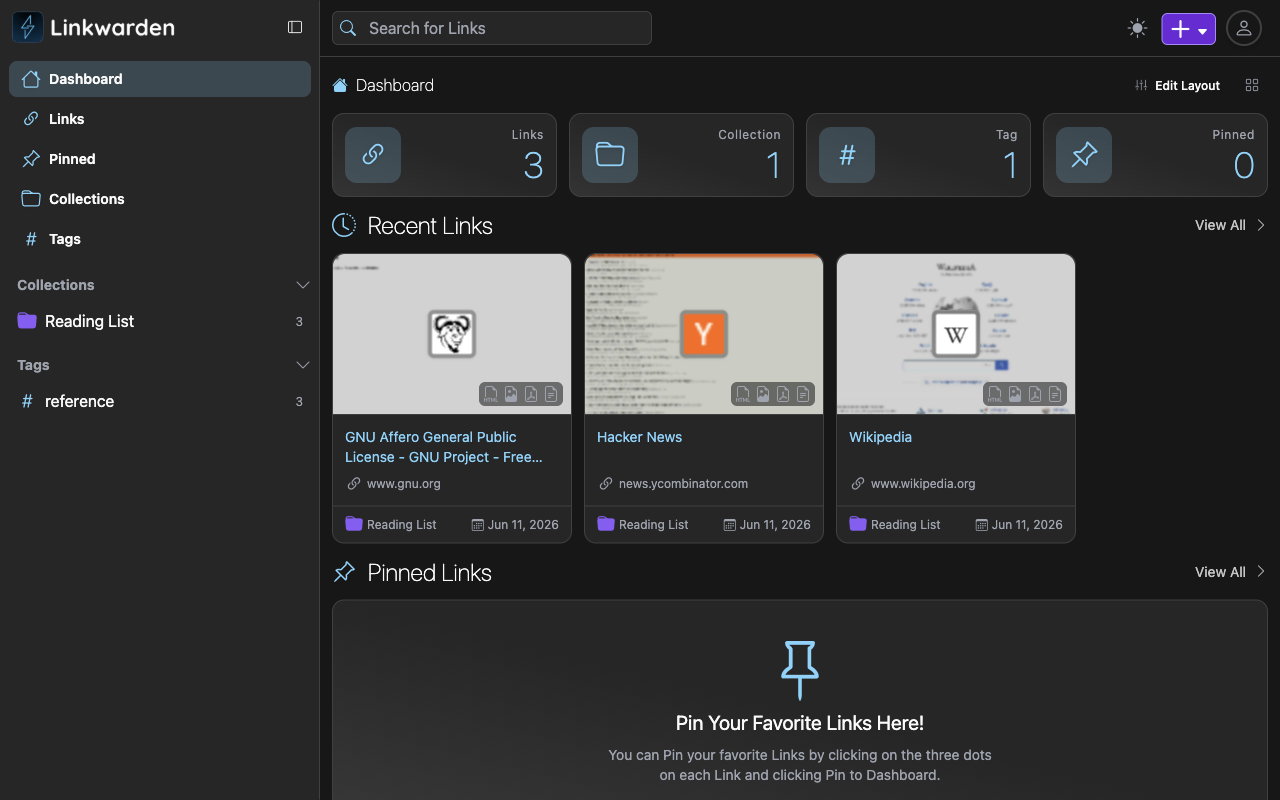
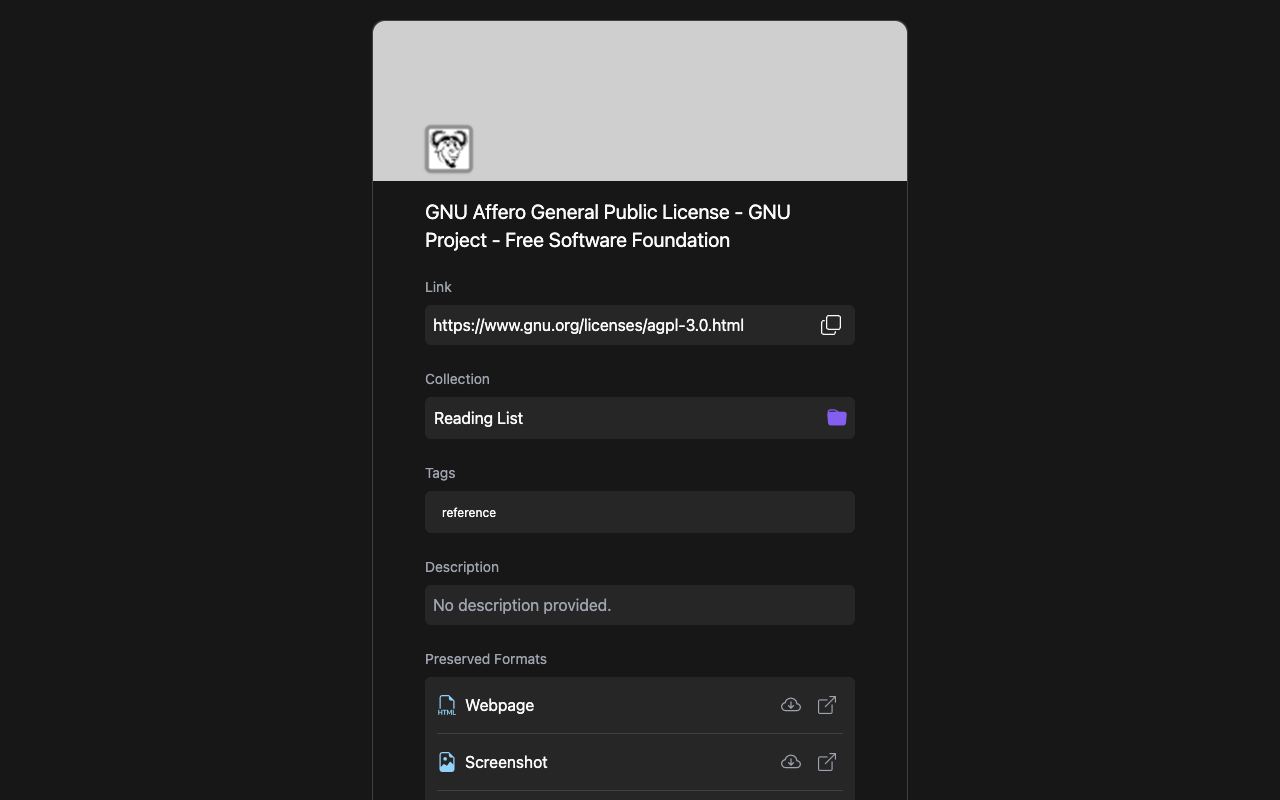
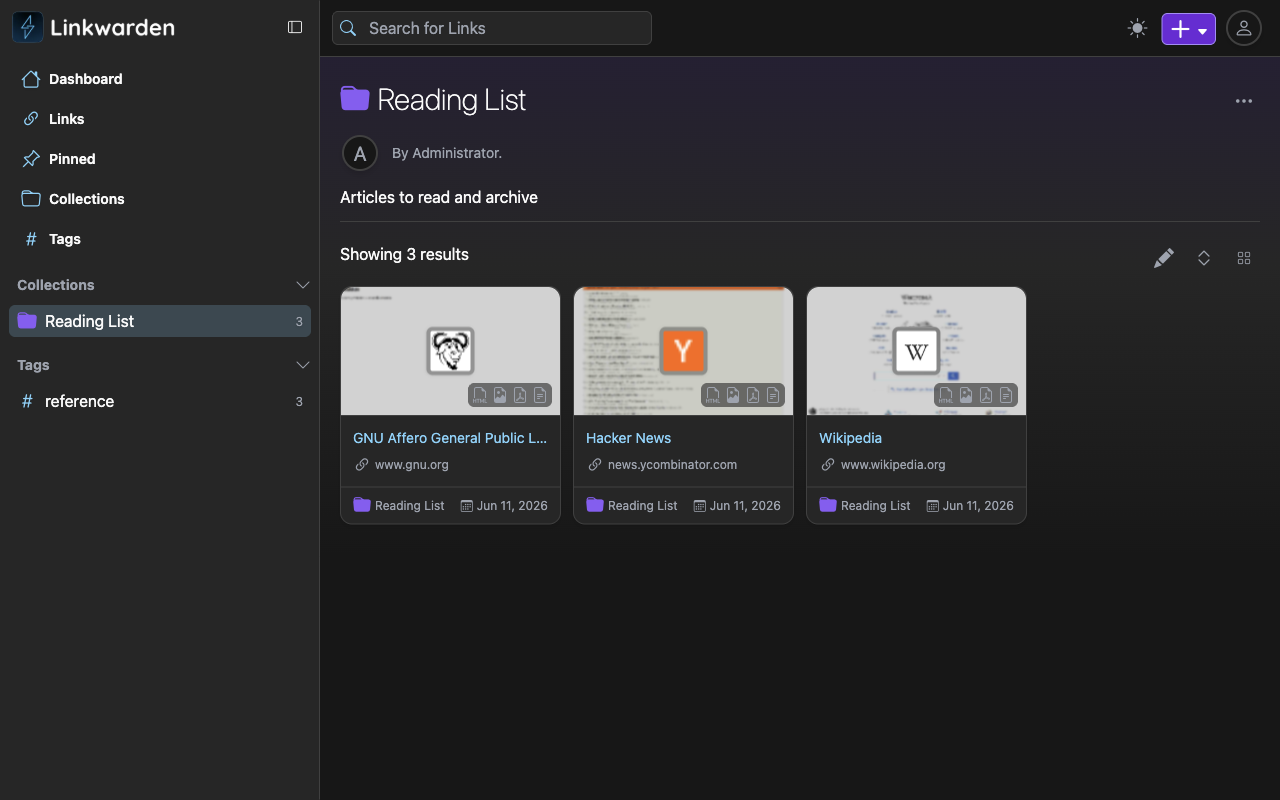
Real screenshots of this software running on the cloudimg image, taken while testing the deployment guide.
Description
This is a repackaged open source software product wherein additional charges apply for cloudimg support services.
## Why This AMI Over a DIY Install or a Hosted Service?
Installing Linkwarden from source means provisioning a database, configuring a reverse proxy, setting up Playwright and monolith, generating secrets, and tuning storage - easily an afternoon of work for an experienced engineer. This AMI eliminates that entirely. Launch an EC2 instance and you have a fully configured bookmarking and archiving platform running in minutes, not hours. Unlike hosted bookmark services, your data stays in your own VPC under your control, with no third-party access and no vendor lock-in.
## What Is Linkwarden?
Linkwarden is the popular open-source, self-hosted bookmark manager and web archive. Collect links into collections, organise them with tags, and search across everything full-text. For every saved link, Linkwarden automatically preserves four archive formats - a screenshot, a PDF, a single-file HTML copy, and a readable text snapshot - so the content survives even when the original page changes or disappears. The current release available is Linkwarden 2.14.
## Application Stack
Linkwarden runs on Node.js 22 with a local PostgreSQL 16 database. The Next.js web application is served on port 3000 behind an nginx reverse proxy on port 80, and a background worker performs page archiving using Playwright Chromium for screenshots and PDFs and the monolith engine for full-page HTML capture.
## Secure by Default
On the first boot of your instance a one-shot service generates a fresh authentication secret and a fresh PostgreSQL password, seeds a single administrator account unique to that instance, and disables open self-registration. The credentials are written to a root-only file. No shared or default credentials ship in the image - unlike many community AMIs that rely on published passwords.
## Ready to Use
The Linkwarden application, web server, database, and archiving engine are all configured, with the database and archived files on dedicated, independently resizable storage volumes. Browse to the instance address, sign in as the administrator, and start adding collections, saving links, and building your personal web archive.
## Use Cases
- Research teams preserving cited sources: A 10-person research group can archive every web source cited across a multi-year grant, ensuring references remain accessible even if original pages are taken down.
- Legal and compliance archiving: A legal team archiving opposing-counsel web pages or regulatory notices for litigation holds, with four durable formats per page providing evidence-grade fidelity.
- Private read-it-later and knowledge base: Individual engineers or small DevOps teams curating a searchable library of technical references, runbooks, and vendor documentation inside their own VPC.
## cloudimg Support
24/7 technical support by email and live chat. Our engineers help with Linkwarden deployment, upgrades, archiving configuration, object storage integration, search tuning, TLS termination, and PostgreSQL administration. Critical issues receive a one-hour average response time.
## Getting Started
Subscribe to this listing, launch an instance, and browse to its public address. Retrieve your generated admin credentials from the root-only file and sign in. You are archiving your first link within minutes of the instance reaching a running state.
All product and company names are trademarks or registered trademarks of their respective holders. Use of them does not imply any affiliation with or endorsement by them.
Key Features
- Linkwarden, the open source self-hosted bookmark manager and web archive, preinstalled with Node.js, PostgreSQL and a Playwright plus monolith archiving engine, ready to use with no manual setup
- Secure by default: a fresh authentication secret, PostgreSQL password and a per-instance administrator account are generated on first boot and stored in a root only file, with open self-registration disabled
- 24/7 technical support from cloudimg for deployment, upgrades, archiving and search configuration, object storage and TLS termination
Related Technologies
Related Products

Apache Flink Stream Processing
Apache Flink is the open source framework and distributed processing engine for stateful computations over unbounded and...

Apache Kafka
Apache Kafka, the open source distributed event streaming platform, preinstalled in KRaft mode with OpenJDK 17 and a bun...

Apache Solr 9Enterprise Search
Apache Solr is the open source enterprise search platform built on Apache Lucene.

Apache Tomcat 11
This image runs Apache Tomcat 11, the open source implementation of the Jakarta Servlet, Jakarta Pages, Jakarta Expressi...
Apache ZooKeeper Coordination Service
Apache ZooKeeper is a high performance coordination service for distributed applications.
Calibre-Web Self-Hosted Ebook Server
This image runs Calibre-Web from a dedicated Python virtual environment, served on the loopback interface and fronted by...