Listmonk Self-Hosted Email Platform
Overview
Production-ready Listmonk with PostgreSQL and nginx - launch a private newsletter platform with unique credentials generated on first boot and24/7 cloudimg expert support.
See it running
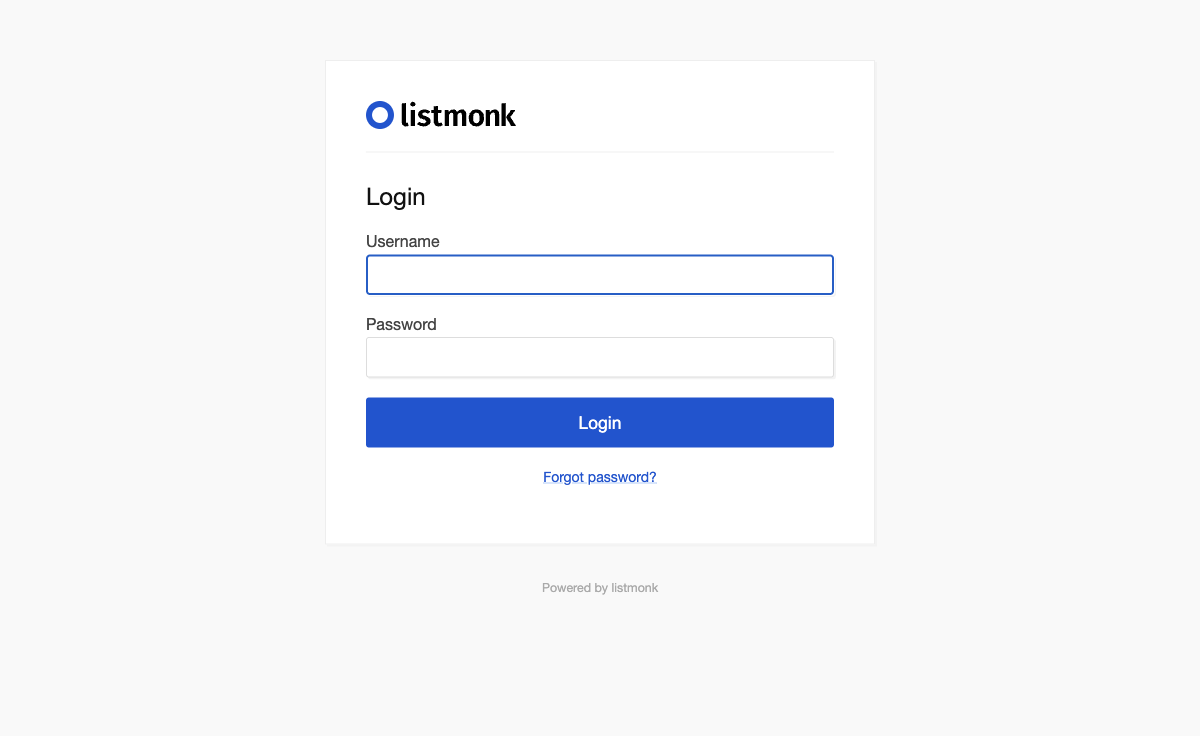
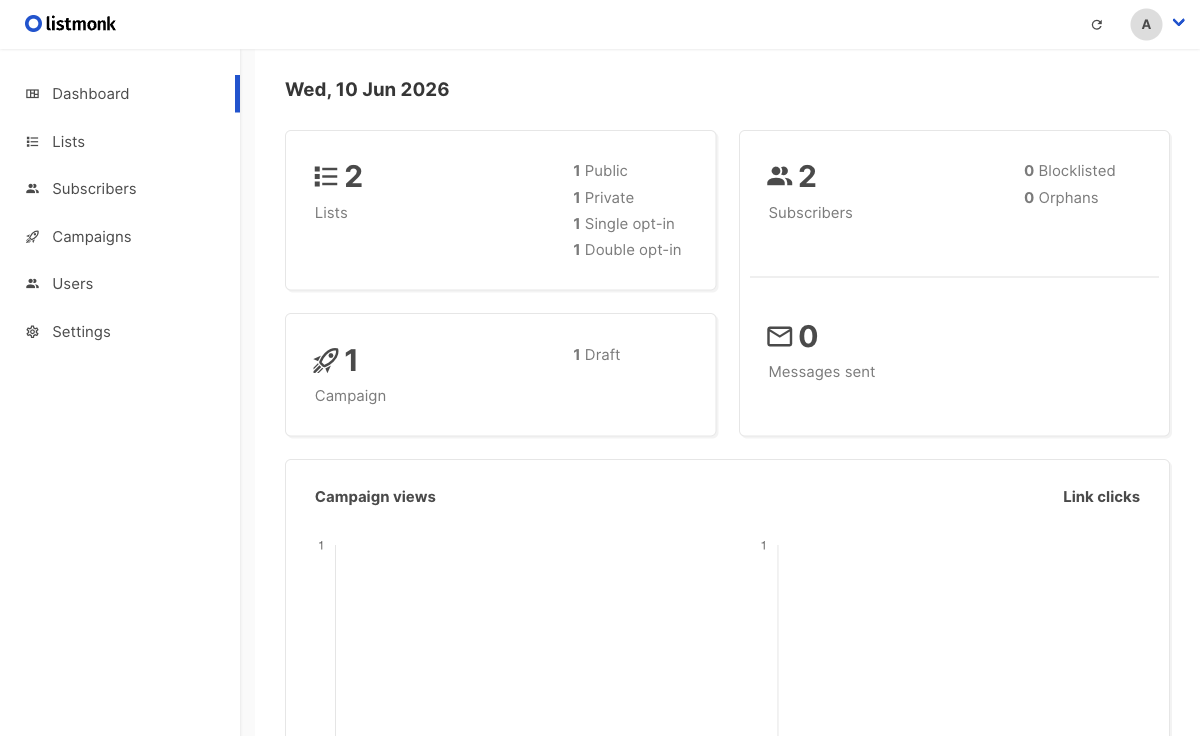
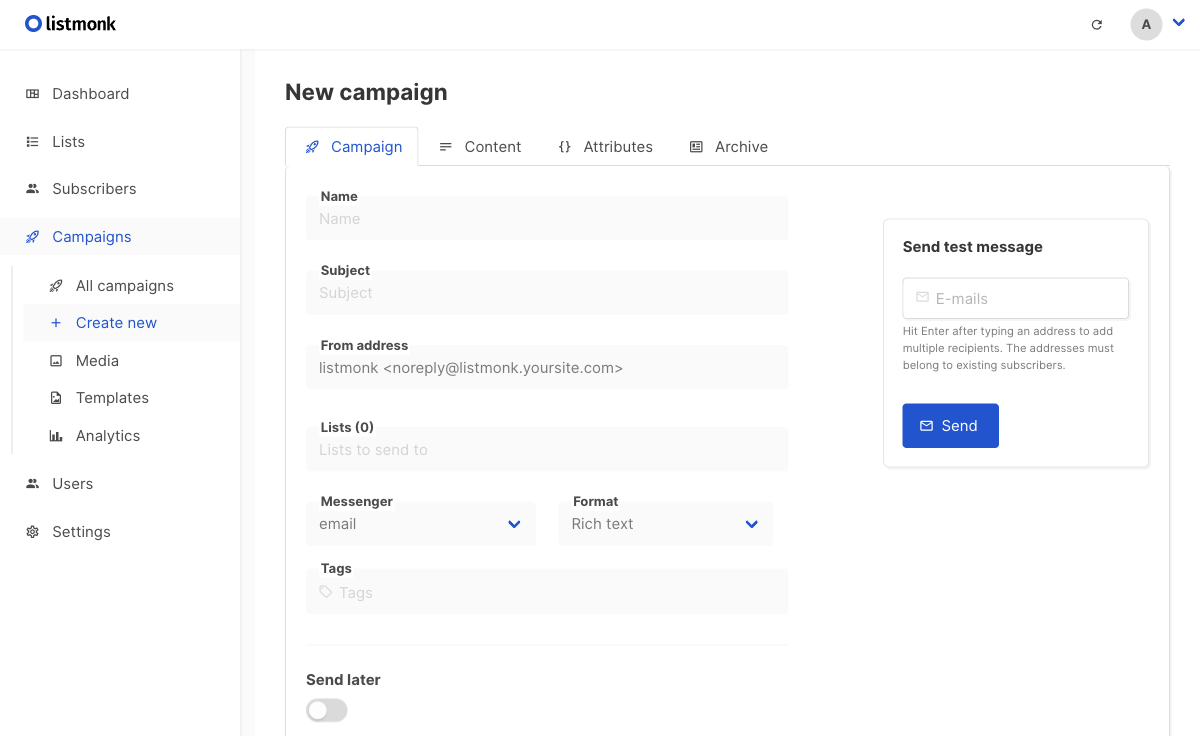
Real screenshots of this software running on the cloudimg image, taken while testing the deployment guide.
Description
This is a repackaged open source software product wherein additional charges apply for cloudimg support services.
## Listmonk - Self-Hosted Newsletter and Email Platform
Listmonk is the open source, self-hosted newsletter and mailing-list manager that lets you manage subscribers and lists, design and send campaigns and transactional email through your own SMTP at high throughput, and track opens and clicks. This AMI delivers Listmonk 6 fully installed and configured behind nginx with PostgreSQL, so your private email platform is running within minutes of launch.
## Who This Is For
- Growth marketers and content teams who need full control over subscriber data and sending infrastructure without per-subscriber fees from hosted platforms
- E-commerce businesses sending post-purchase sequences, abandoned-cart reminders, and promotional campaigns at scale via Amazon SES
- Media companies and publishers distributing daily or weekly digests to large subscriber bases while retaining complete analytics ownership
- DevOps and platform engineers who want a pre-hardened, production-ready email stack without manual installation and configuration
## Example Scenario
An e-commerce team with 50,000 subscribers launches this AMI on an appropriately sized EC2 instance, retrieves the auto-generated admin credentials from /root/.listmonk_credentials, configures Amazon SES as the SMTP provider under Settings, sets up SPF/DKIM DNS records, and begins sending post-purchase email sequences - all without managing package dependencies, database setup, or reverse proxy configuration.
## Application Stack
- Listmonk 6 - campaign editor, subscriber management, analytics dashboard, and template engine
- nginx - reverse proxy handling TLS termination and request routing
- PostgreSQL - datastore for subscribers, lists, campaigns, and analytics
- Server and database bind to the loopback interface for security
## Secure By Default
On first boot, a one-shot service initialises the database and creates a single super-administrator account with a unique per-instance password written to a root-only file (/root/.listmonk_credentials). A fresh PostgreSQL password is also generated automatically. No shared or default credentials ship in the image. All services bind to localhost unless explicitly exposed.
## Bring Your Own SMTP
The image ships no email-sending credentials. Sign in as the administrator and configure an SMTP server - Amazon SES, Mailgun, or any provider - under Settings to start sending campaigns. cloudimg support can assist with SPF, DKIM, and DMARC DNS configuration to maximize deliverability.
## Quick Start
1. Launch the AMI on your chosen EC2 instance
2. SSH into the instance and retrieve your admin password from /root/.listmonk_credentials
3. Access the Listmonk web UI at your instance's public IP on port 9000
4. Configure your SMTP provider under Settings
5. Import subscribers, create your first campaign, and send
## AWS Integration
- Use Amazon SES as your high-throughput SMTP provider with pay-per-email pricing
- Deploy behind an Application Load Balancer with ACM certificates for TLS
- Store backups in Amazon S3 for durable, low-cost retention
- Monitor instance health with Amazon CloudWatch
## 24/7 cloudimg Support
This AMI includes technical support from cloudimg engineers available around the clock by email and live chat. Support covers deployment assistance, SMTP and deliverability configuration (SPF/DKIM/DMARC), version upgrades, TLS termination setup, PostgreSQL database administration, and performance tuning. Critical issues receive a one-hour average response time.
Listmonk is a trademark of its respective owner. All product and company names are trademarks or registered trademarks of their respective holders. Use of them does not imply any affiliation with or endorsement by them.
Key Features
- Listmonk, the open source self-hosted newsletter and mailing-list manager - subscribers, lists, campaigns and analytics - preinstalled with PostgreSQL and nginx
- Secure by default: a per-instance super-administrator and PostgreSQL password are generated on first boot and stored in a root only file
- 24/7 technical support from cloudimg for deployment, SMTP and deliverability configuration, upgrades and TLS termination