
Mattermost Secure Team Collaboration Platform
Overview
Mattermost open source secure team messaging and collaboration, pre-configured with PostgreSQL and nginx on AWS. Backed by 24/7 cloudimg support.
See it running
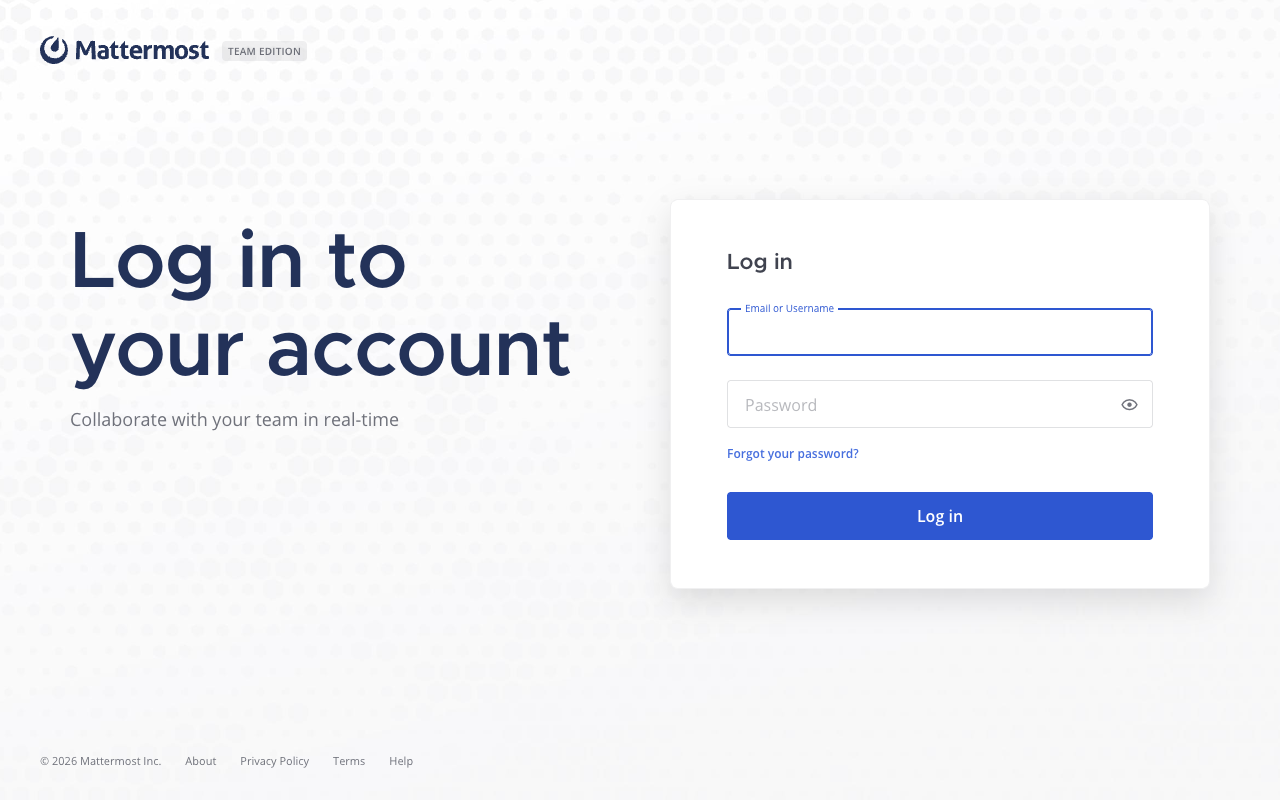
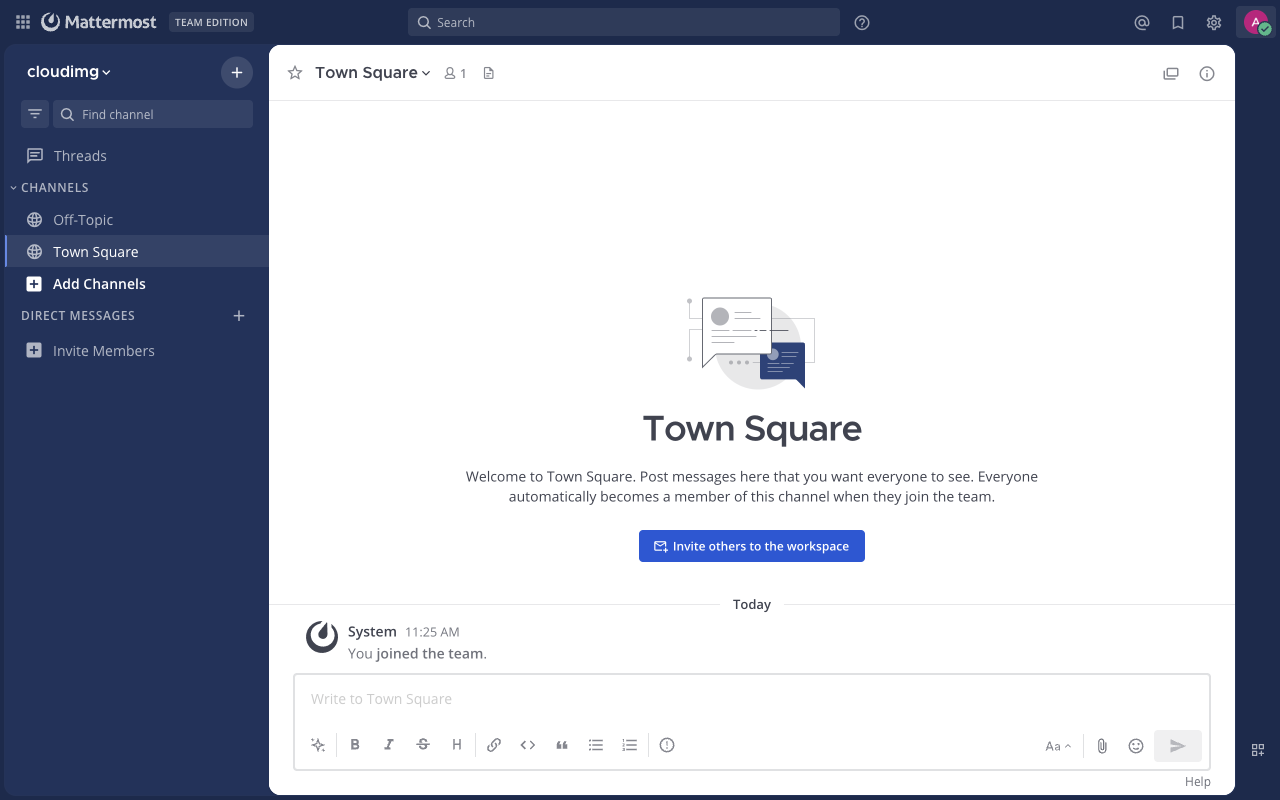
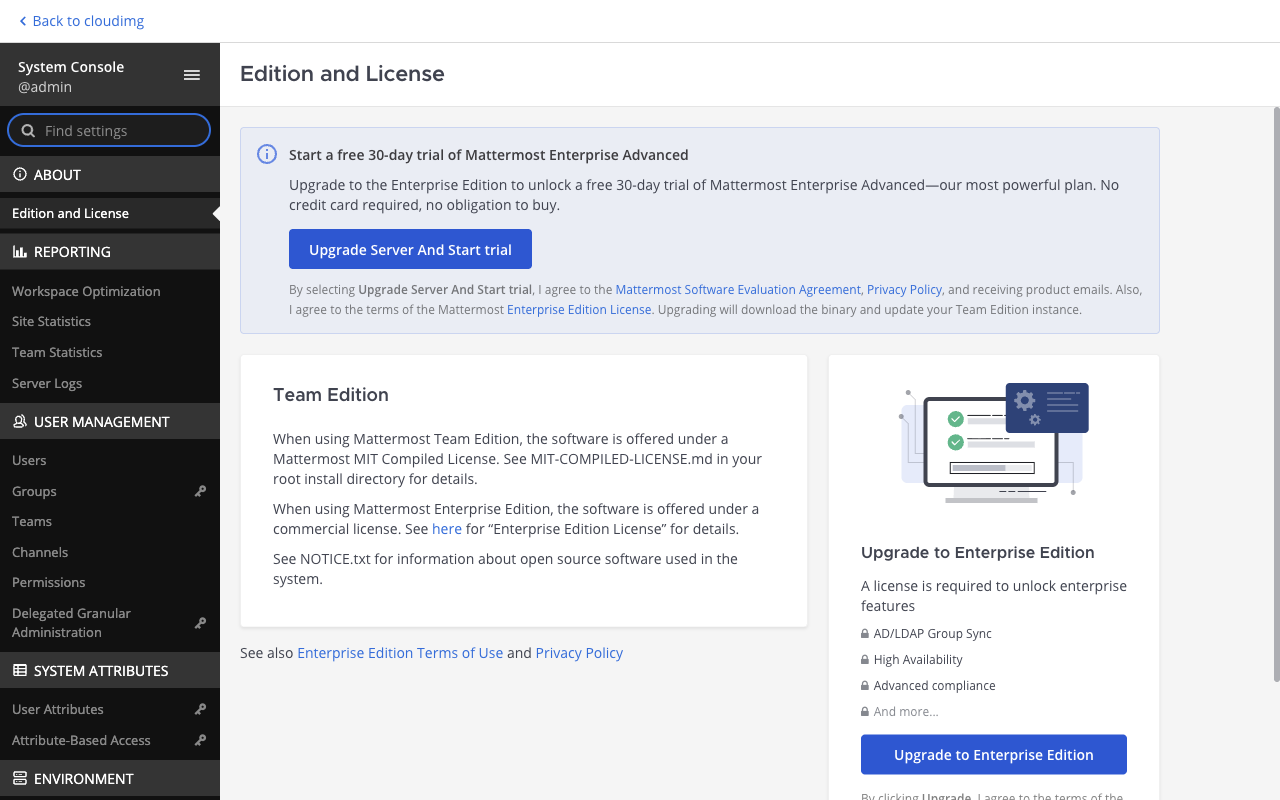
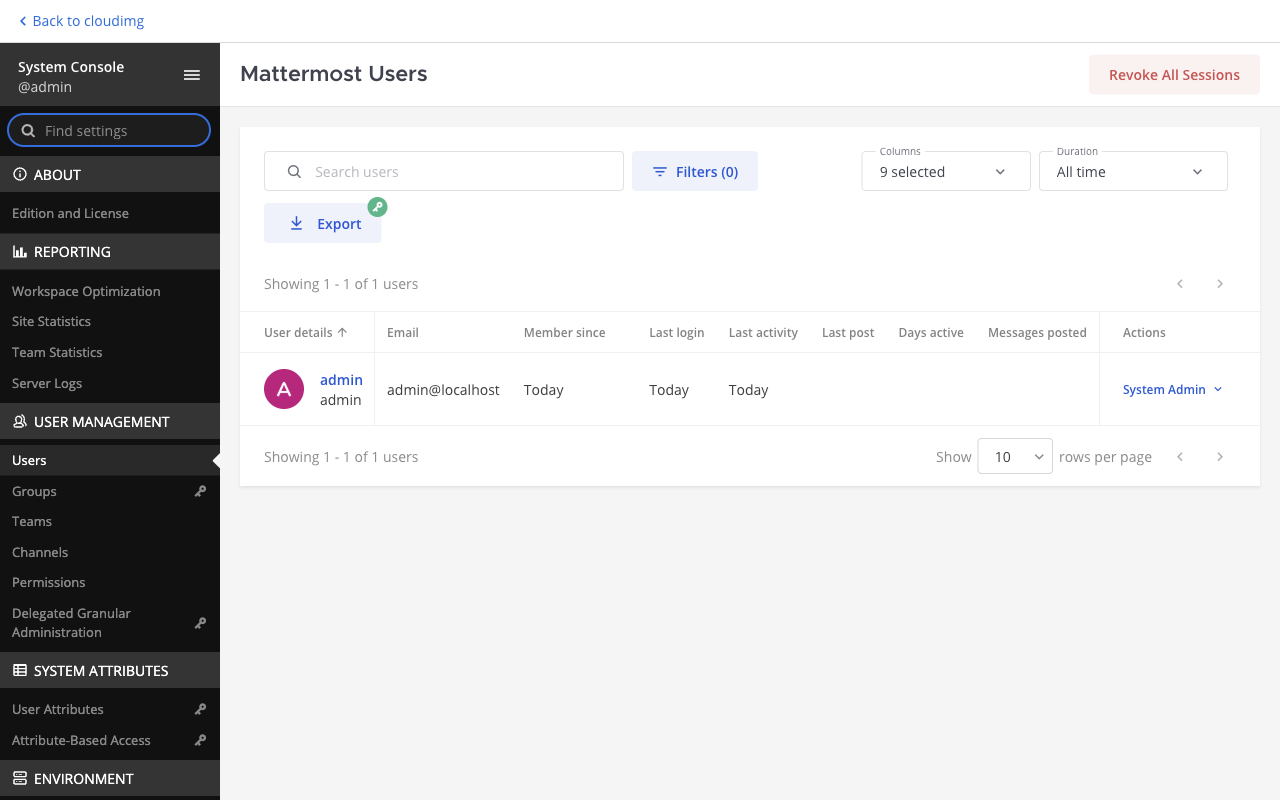
Real screenshots of this software running on the cloudimg image, taken while testing the deployment guide.
Description
This is a repackaged open source software product wherein additional charges apply for cloudimg support services.
## Mattermost Team Collaboration - Ready to Run on AWS
Mattermost is the open source platform for secure team collaboration - channels, direct messages, file sharing, search, integrations, and bots. This AMI delivers Mattermost Team Edition (Mattermost 11) fully installed and configured so your team has a complete, private collaboration platform running within minutes of launch. A self-hosted alternative to public SaaS messaging for organizations with data residency or compliance requirements.
## Why This AMI Over Manual Installation
- Zero manual setup: The Mattermost server, PostgreSQL database, and nginx reverse proxy are pre-configured and start automatically on first boot.
- No shared credentials: A one-shot service generates a unique PostgreSQL password and Mattermost System Administrator account per instance, stored in a root-only file. No default passwords ship in the image.
- Independently resizable storage: File uploads and plugins reside on a dedicated EBS volume you can expand without touching the root volume.
- Automatic site URL configuration: The instance address is set as the Mattermost site URL on first boot, eliminating a common misconfiguration step.
Compared to a manual install or generic community AMI, this image removes the typical 30-45 minute setup of database provisioning, reverse proxy configuration, and credential hardening.
## Application Stack
The Mattermost server runs as a single Go binary behind nginx, configured as a websocket-aware reverse proxy with TLS termination support. PostgreSQL provides the relational database. The architecture is designed for single-server deployments suitable for small-to-medium teams.
## Security Posture
- Fresh, unique credentials generated per instance on first boot
- Credentials stored in a root-only file - never exposed in user-accessible locations
- nginx configured as a reverse proxy ready for TLS termination (cloudimg support can assist with certificate setup)
- Dedicated storage volume isolates user data from the operating system
- Deployed within your own VPC for full network isolation using AWS security groups
## Use Cases
Regulated Industries (Financial Services, Healthcare, Defence): Organizations that cannot send internal communications through third-party SaaS platforms due to data residency,ITAR, or sector-specific compliance requirements. Deploy Mattermost in a private subnet with no internet egress for maximum data control.
DevOps and Engineering Teams: Use Mattermost as a ChatOps hub - integrate CI/CD pipelines, incident alerting, and bot-driven workflows directly into team channels without routing sensitive build logs through external services.
Cross-Department Project Collaboration: Provide a central messaging platform for distributed teams that need file sharing, threaded discussions, and searchable history without per-user SaaS licensing at scale.
## Getting Started
1. Launch the AMI from AWS Marketplace in your chosen VPC and subnet.
2. Retrieve the generated System Admin credentials from the root-only file on the instance.
3. Browse to the instance public or private address.
4. Sign in as the administrator, create your first team, and invite members.
5. Connect the Mattermost desktop and mobile apps to the same address.
## cloudimg Support - Included24/7
This product includes professional support from cloudimg engineers covering deployment assistance, upgrades, performance tuning, integrations, TLS termination setup, and database administration. Critical issues receive a one-hour average response time.
To schedule a guided deployment walkthrough or discuss your requirements before purchase, contact the cloudimg team via the support channels listed below.
## Minimum Recommended Configuration
For teams of up to 50 concurrent users, an instance with at least 2 vCPUs and 4 GB RAM (e.g., t3.medium or larger) is recommended. Allocate a minimum of 20 GB for the dedicated data volume and scale based on file upload volume.
---
Mattermost is a trademark of Mattermost, Inc. All product and company names are trademarks or registered trademarks of their respective holders. Use of them does not imply any affiliation with or endorsement by them.
Key Features
- Mattermost Team Edition (v11) pre-configured with PostgreSQL and nginx reverse proxy - fully operational within minutes of launch with no manual database setup, no reverse proxy configuration, and no credential hardening required. Eliminates the typical 30-45 minute manual installation process. Includes a dedicated, independently resizable EBS volume for file uploads and plugins, so storage scales without impacting the root volume.
- Secure by default with zero shared credentials: every instance generates a unique PostgreSQL password and Mattermost System Admin account on first boot, stored in a root-only file. The instance address is automatically set as the site URL. Deploy within your own VPC with full network isolation using AWS security groups - no sensitive data leaves your infrastructure, making it suitable for data residency and compliance-driven organizations.
- 24/7 technical support from cloudimg engineers with a one-hour average response time for critical issues. Coverage includes deployment assistance, version upgrades, performance tuning, integration configuration, TLS termination setup, and PostgreSQL database administration - expertise that unsupported community AMIs and manual installations cannot provide.