
Mealie Recipe Manager & Meal Planner
Overview
Launch a production-ready recipe manager and meal planner in minutes. Mealie auto-imports recipes, builds shopping lists, and runs securely with24/7 cloudimg support.
See it running
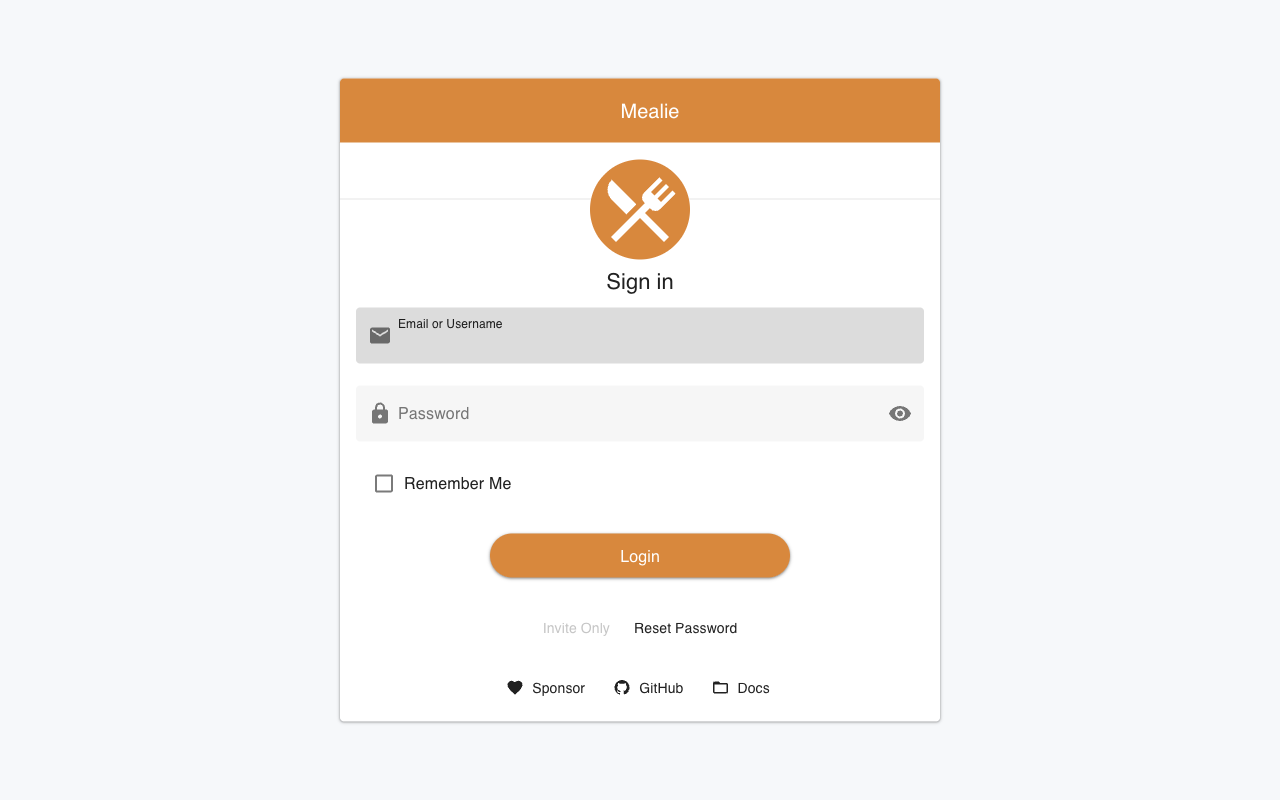
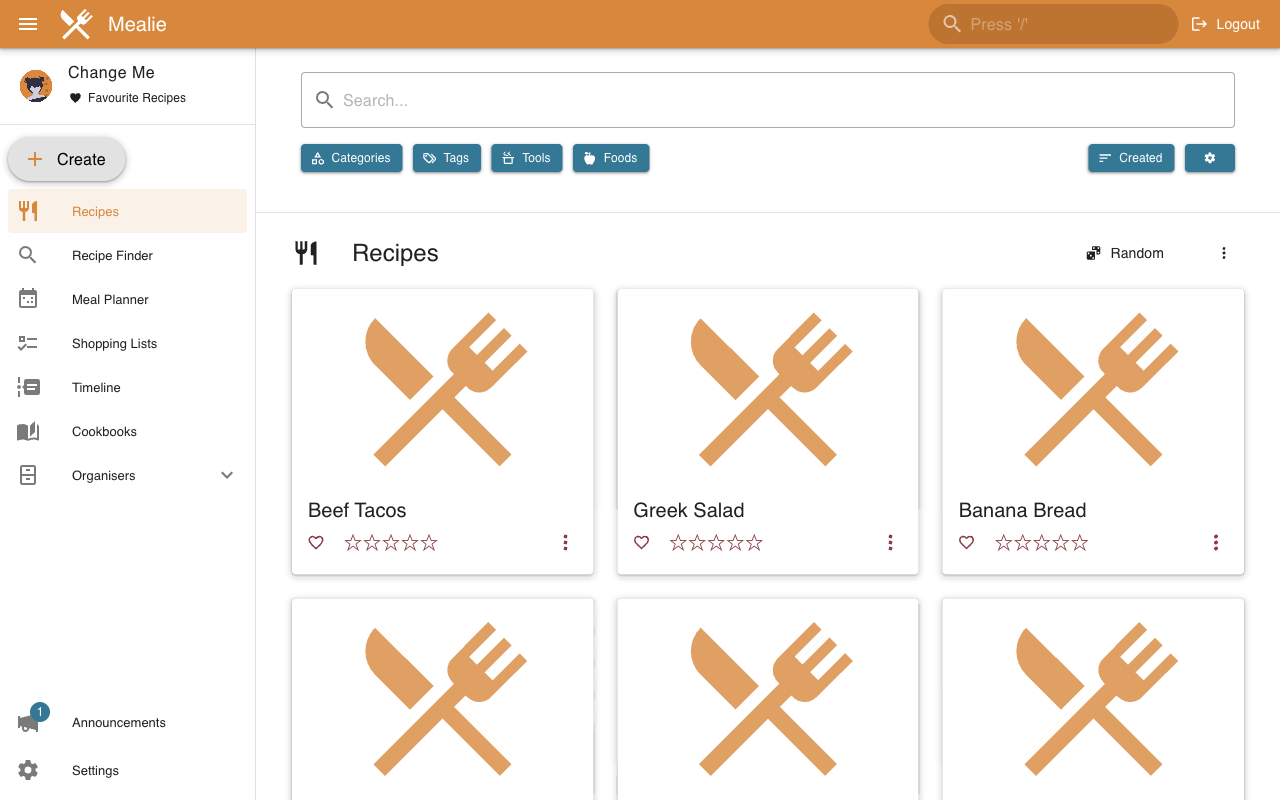
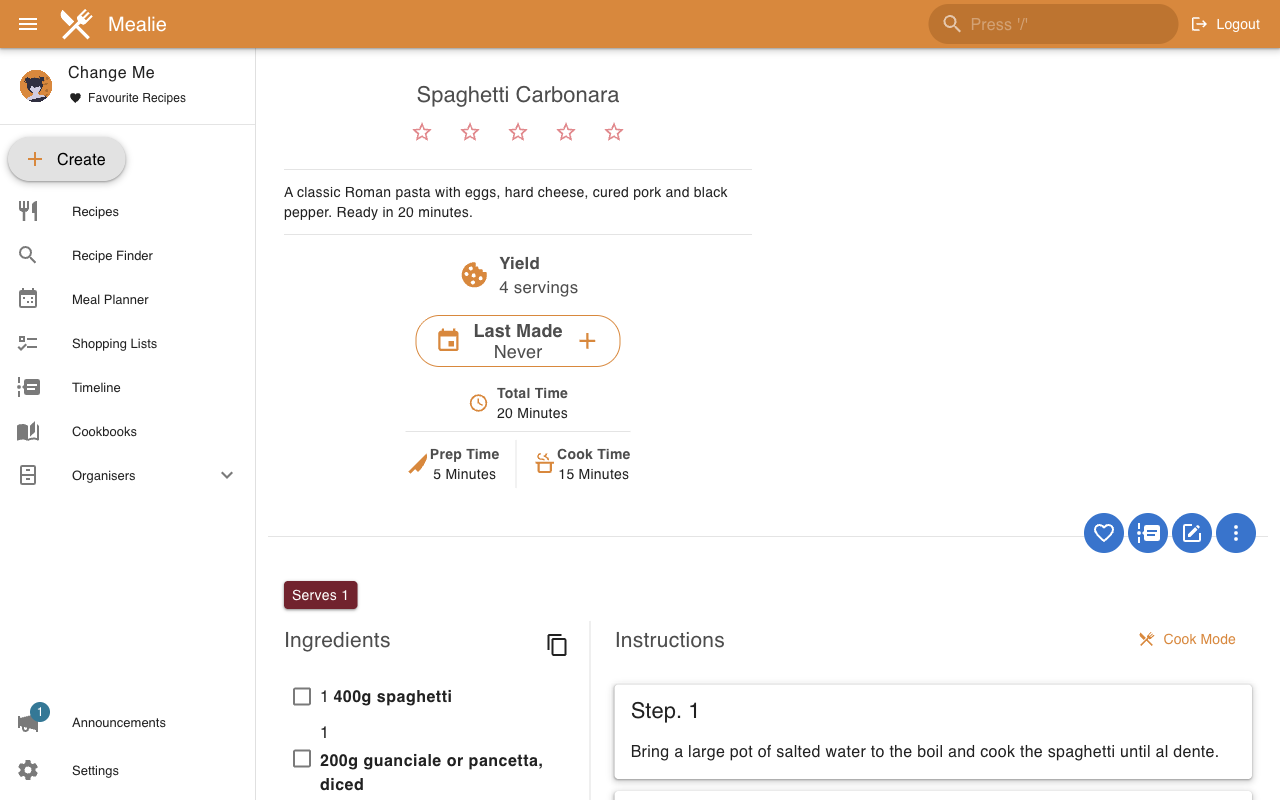
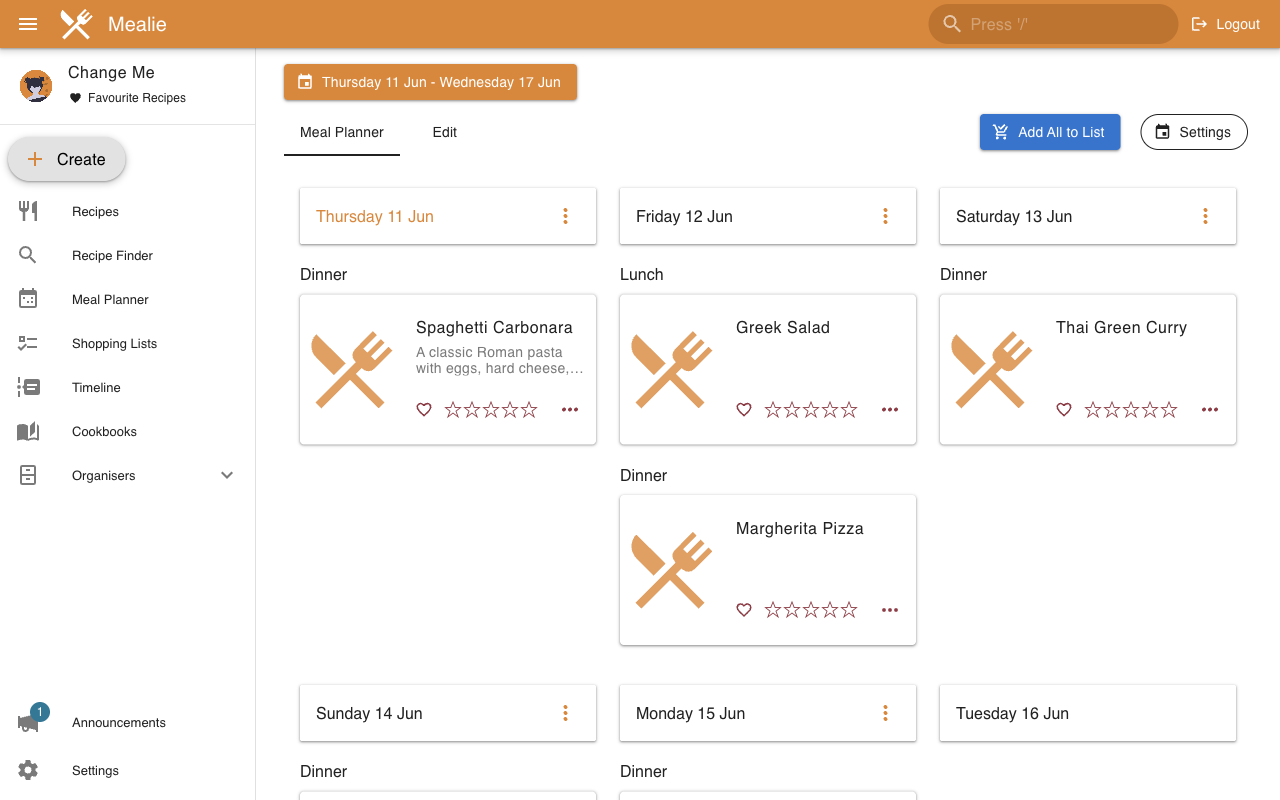
Real screenshots of this software running on the cloudimg image, taken while testing the deployment guide.
Description
This is a repackaged open source software product wherein additional charges apply for cloudimg support services.
## Why Choose This Image Over Self-Deployment
Deploying Mealie yourself means configuring Docker, writing systemd units, setting up an nginx reverse proxy, hardening default credentials, and managing ongoing updates. This AMI eliminates that work entirely. You get a production-ready recipe manager running within minutes of launch - no manual container setup, no security missteps from default passwords, and no reverse proxy configuration. When something breaks at 2AM, cloudimg engineers are available to help rather than leaving you to search community forums.
## Overview
Mealie is the popular open source, self-hosted recipe manager, meal planner and shopping list for the whole family. It imports recipes from any URL and automatically extracts the ingredients and instructions, lets you organise recipes into cookbooks and categories, plan meals on a calendar, and generate consolidated shopping lists. A clean reactive web interface backed by a REST API makes it pleasant to use on desktop and mobile alike. This image delivers Mealie fully installed and configured as a system service, so a production-ready recipe manager is running within minutes of launch. The current release available is Mealie 3.19.
## Application Stack
Mealie is delivered as the official upstream container image, run by a systemd service as an unprivileged account. It listens on the loopback address and an nginx reverse proxy fronts the application on port 80, with the upgrade headers Mealie needs and a raised upload limit for recipe images. A systemd service starts Mealie on boot and restarts it on failure.
## Secure By Default
Mealie ships with a well-known default administrator account out of the box. This image instead generates a fresh administrator password uniquely for your instance on its first boot and writes it to a root-only file, requiring login from the start. No shared or default credentials ship in the image. The AMI is built from hardened base images and updated regularly to address known vulnerabilities.
## Ready To Use
Browse to the instance on port 80, sign in as the administrator, and start adding recipes. Paste a recipe URL and Mealie imports it automatically, or add a family recipe with the editor. Plan meals on the calendar and build shopping lists. Your recipes, the database, uploaded images and the token signing key live on a dedicated, independently resizable storage volume kept separate from the operating system disk. SQLite is the default datastore; teams needing more concurrency can switch to PostgreSQL.
## Detailed Use Cases
Family of four planning21meals per week: Paste recipe URLs from your favourite food blogs, drag them onto the weekly calendar, then export a consolidated shopping list to your phone before heading to the store. One instance on a small EC2 handles the entire household.
Small team (5-50 people) sharing a recipe library: Multiple users log in with their own accounts, contribute recipes, and collaborate on meal plans. The REST API integrates with internal tools or chatbots for recipe lookups.
Privacy-conscious home cook: Keep family recipes off third-party SaaS platforms. All data stays in your own VPC on your own EBS volume with no external telemetry.
## cloudimg Support
24/7 technical support by email and live chat. Our engineers help with Mealie deployment, recipe and meal-plan configuration, importing recipes, backups, switching to PostgreSQL, TLS termination and scaling. Critical issues receive a one-hour average response time.
To get started or ask pre-purchase questions, reach out to our support team.
All product and company names are trademarks or registered trademarks of their respective holders. Use of them does not imply any affiliation with or endorsement by them.
Key Features
- Skip hours of manual Docker, nginx, and systemd configuration - this AMI delivers Mealie 3.19 fully installed and running as a production-ready recipe manager within minutes of launch. Import recipes from any URL, organise them into cookbooks, plan meals on a calendar, and generate shopping lists immediately on port 80 with no setup required. Data lives on a dedicated, resizable EBS volume separate from the OS disk.
- Eliminate the security risk of Mealie's well-known default credentials. Every instance generates a unique administrator password on first boot, stored in a root-only file, and requires login from the start. No shared passwords ever ship in the image, so your recipe library is protected from the moment you launch without any manual hardening steps.
- Get expert help any time with 24/7 cloudimg support by email and live chat. Engineers assist with recipe imports, meal-plan configuration, backups, switching from SQLite to PostgreSQL, TLS termination, and scaling to larger teams. Critical issues receive a one-hour average response - faster and more reliable than community forums or self-troubleshooting.