Memos Self-Hosted Note Hub - With Support
Overview
Launch a private, self-hosted Memos note hub on AWS in minutes. Fully configured with nginx, no default credentials, and backed by 24/7 cloudimg support.
See it running
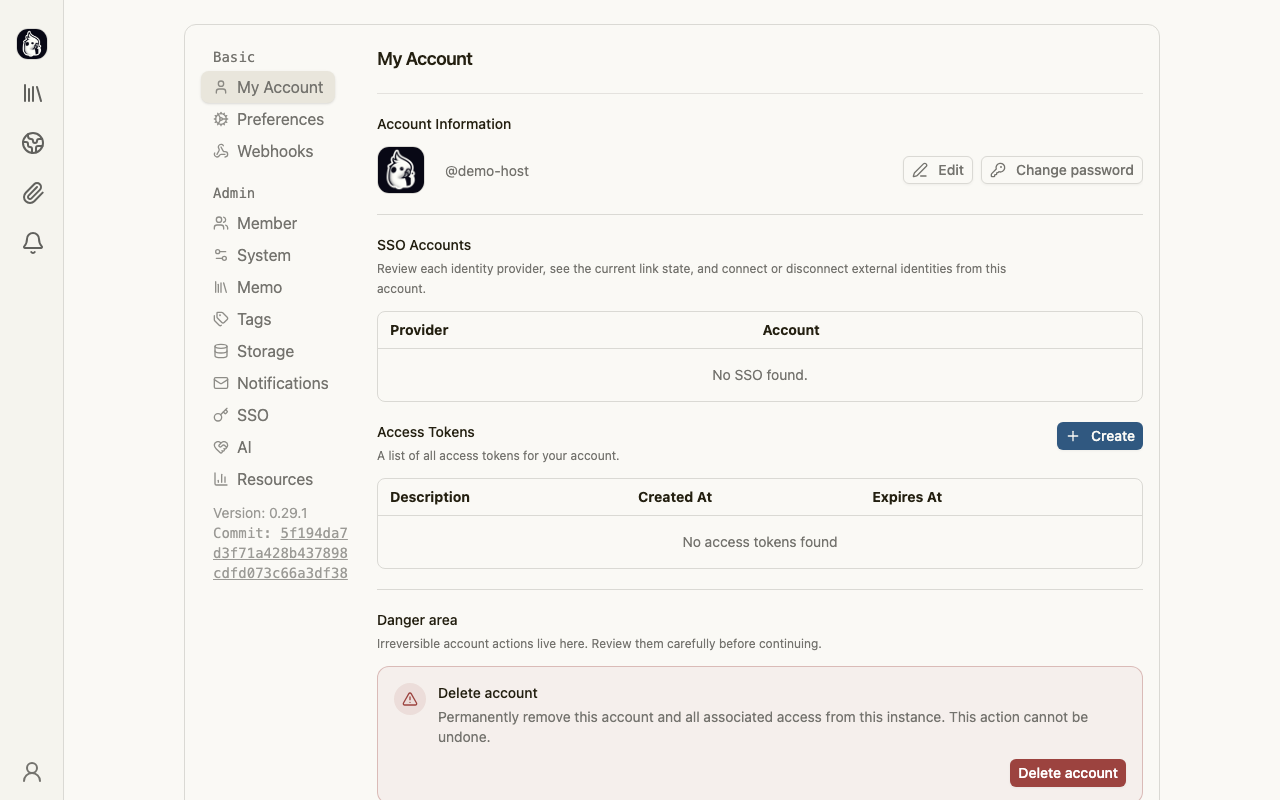
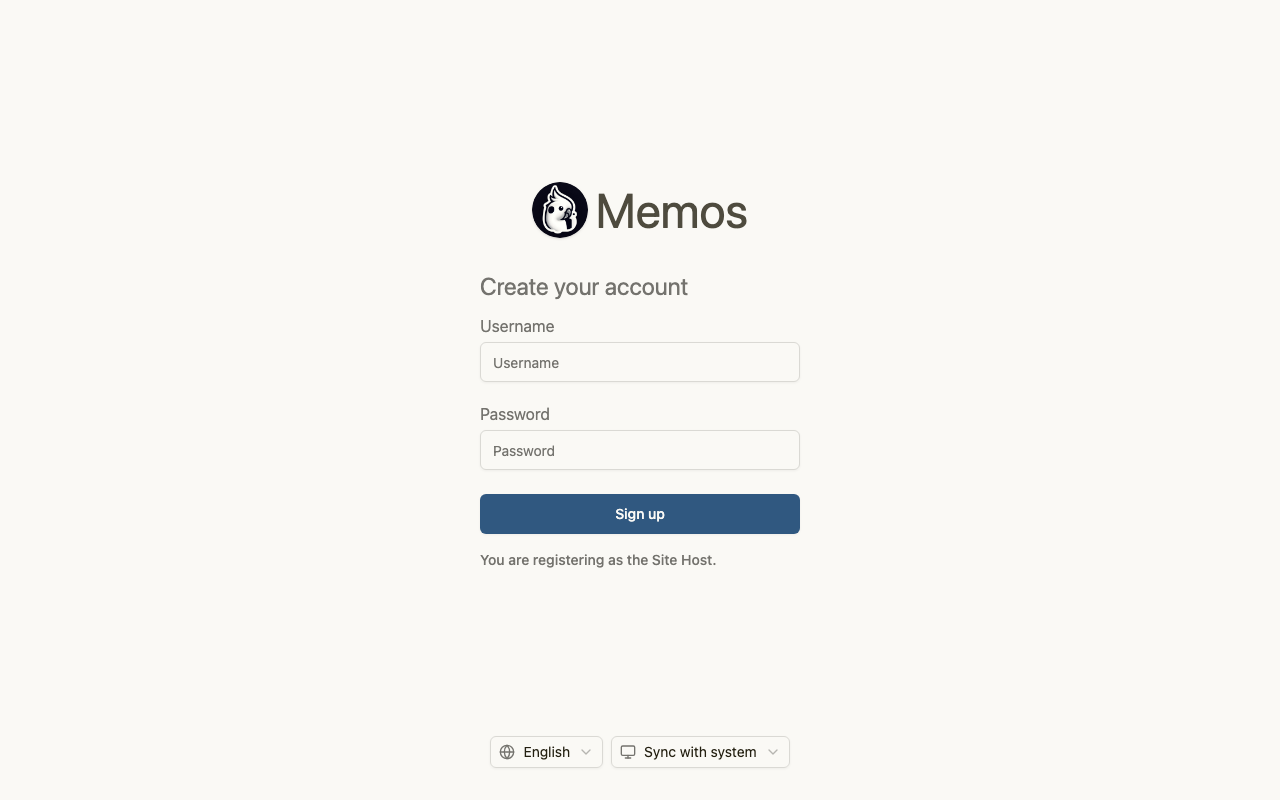
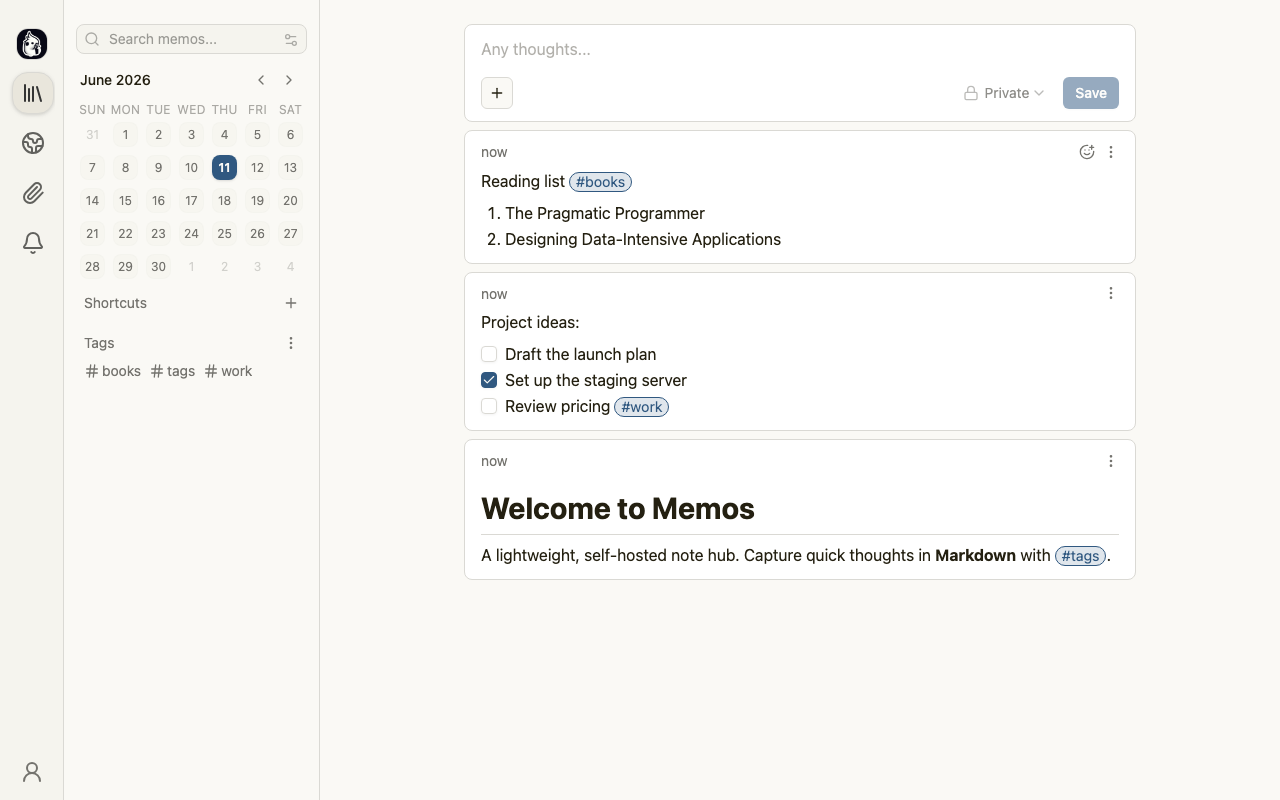
Real screenshots of this software running on the cloudimg image, taken while testing the deployment guide.
Description
This is a repackaged open source software product wherein additional charges apply for cloudimg support services.
## Why This AMI
Instead of manually installing Memos, configuring nginx, hardening the OS, and maintaining updates yourself, this AMI delivers a production-ready private note hub in under five minutes. You get ongoing 24/7 technical support from cloudimg engineers who handle deployment questions, upgrades, TLS termination, and database administration - so you can focus on capturing knowledge, not managing infrastructure.
## Overview
Memos is a popular open source, self-hosted lightweight note and memo hub. Capture quick notes, tasks, and thoughts in Markdown, organise them with tags, browse a memo timeline, and share selected items through an explore view. This image delivers Memos 0.29 fully installed and configured behind nginx on a hardened base, so your private note hub is running within minutes of launch.
## Use-Case Example
A developer working across multiple projects launches this AMI to maintain a personal engineering journal. Each day they log standup notes, tag entries by project, and link related memos together. Because the data stays on their own AWS infrastructure - not a third-party SaaS - they retain full ownership and can resize storage as their knowledge base grows.
## Application Stack
- Runtime: Single self-contained Go binary with bundled web frontend
- Database: Embedded SQLite datastore on a dedicated, independently-resizable EBS volume
- Reverse Proxy: nginx handling external connections while Memos binds to loopback
- Process Manager: systemd for automatic restarts and boot-time startup
- Base OS: Ubuntu with unattended security updates enabled
## Integrations
Memos supports connections to external services that extend its capabilities:
- S3-Compatible Object Storage - Configure Amazon S3 or any S3-compatible service for resource uploads and attachment storage
- OpenID Connect (OIDC) - Authenticate users via AWS IAM Identity Center, Google, or any OIDC provider for single sign-on
- Webhooks - Push memo events to external systems such as Slack, Telegram bots, or custom automation pipelines
- Open API - Programmatically create, query, and manage memos from scripts, CI/CD pipelines, or other applications
## Security Posture
- No default credentials: The image ships at the built-in first-run sign-up form - you create your own host account on first visit. No shared passwords and no pre-populated database rows exist in the image.
- Loopback binding: Memos listens only on 127.0.0.1; all external traffic passes through nginx.
- Dedicated data disk: Memo data lives on a separate EBS volume that supports AWS EBS encryption at rest.
- Automatic OS patching: Unattended security updates keep the base operating system current.
- Firewall: Only ports 22 (SSH) and 443 (HTTPS) or 80 (HTTP) need to be open in your security group.
## Deployment Prerequisites
- Minimum instance type: t3.micro (1 vCPU, 1 GB RAM) for individual use
- Recommended instance type: t3.small or larger for heavier workloads
- Storage: 8 GB root volume + dedicated data volume (default 10 GB, resizable)
- Security group: Allow inbound TCP 22 (SSH) and TCP 80/443 (HTTP/HTTPS)
- Regions: Available in all standard AWS commercial regions
## Getting Started
1. Launch the AMI from AWS Marketplace with your chosen instance type and security group.
2. Browse to the instance's public IP or attached domain name.
3. Complete the one-screen sign-up to create your host account.
4. Start writing memos in Markdown, organise with tags, and explore the timeline.
Time from launch to first memo: approximately 3-5 minutes.
## cloudimg Support
24/7 technical support by email and live chat covering deployment, upgrades, integrations, TLS termination, and database administration. Critical issues receive a one-hour average response.
Memos is a trademark of its respective owner. All product and company names are trademarks or registered trademarks of their respective holders. Use of them does not imply any affiliation with or endorsement by them.
Key Features
- Private note hub running in under 5 minutes - Memos 0.29 preinstalled with nginx reverse proxy, systemd management, and a dedicated resizable data disk. Skip manual installation and go straight to capturing notes in Markdown, organising with tags, and browsing your memo timeline. Integrates with Amazon S3 for resource storage, OpenID Connect for SSO, webhooks for automation, and an open API for programmatic access.
- Zero default credentials and hardened by design - the image ships at the first-run sign-up form so you create your own secure host account on first visit. Memos binds only to loopback behind nginx, the data disk supports EBS encryption at rest, and automatic OS security updates are enabled. No shared passwords and no pre-populated database rows exist in the image.
- 24/7 technical support from cloudimg with a one-hour average response for critical issues. Engineers assist with deployment, upgrades, TLS termination, database administration, and integrations - so you get the benefits of open source Memos without the operational burden of maintaining it yourself.