Miniflux RSS Feed Reader
Overview
Launch a private, zero-config RSS reader in minutes. Miniflux with PostgreSQL and nginx pre-configured on a hardened - no default credentials, backed by 24/7 cloudimg support.
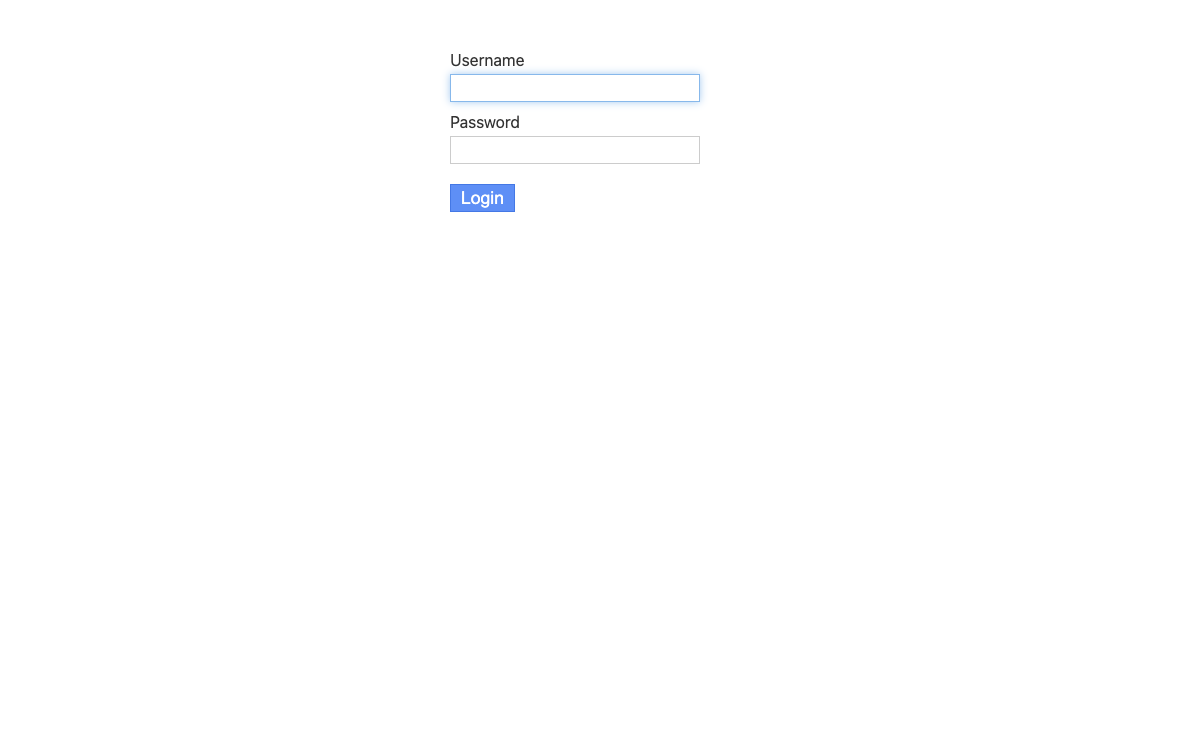
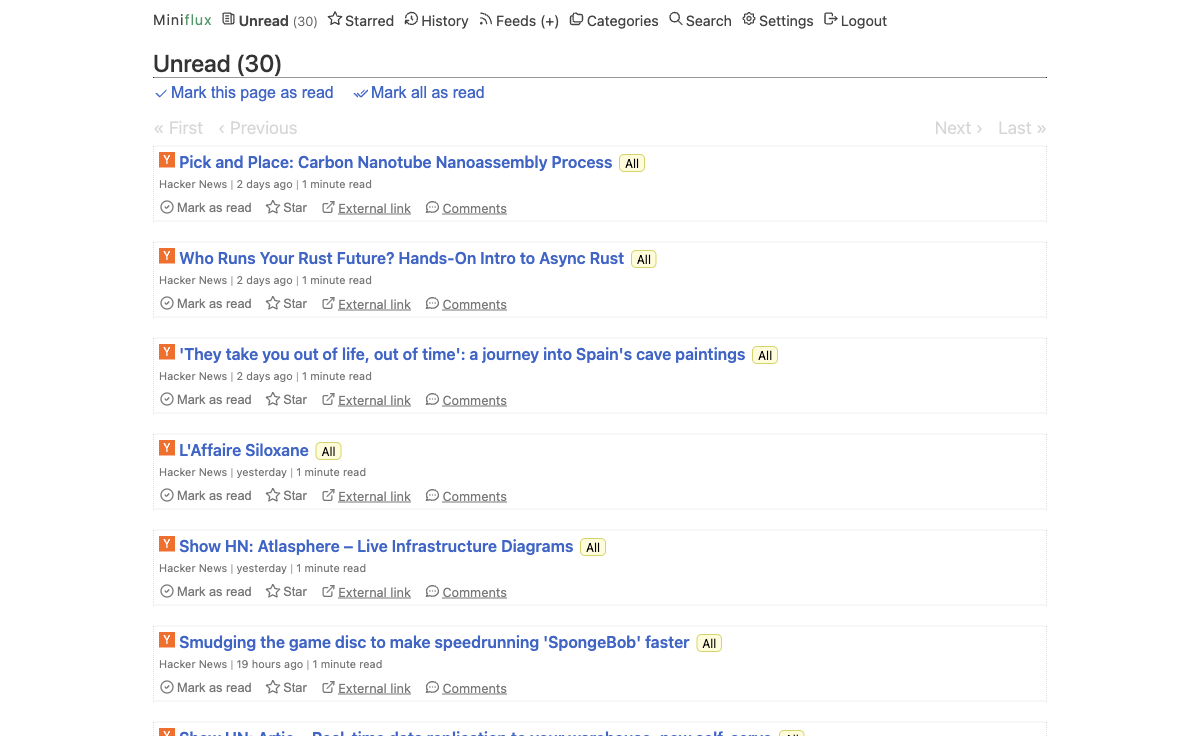
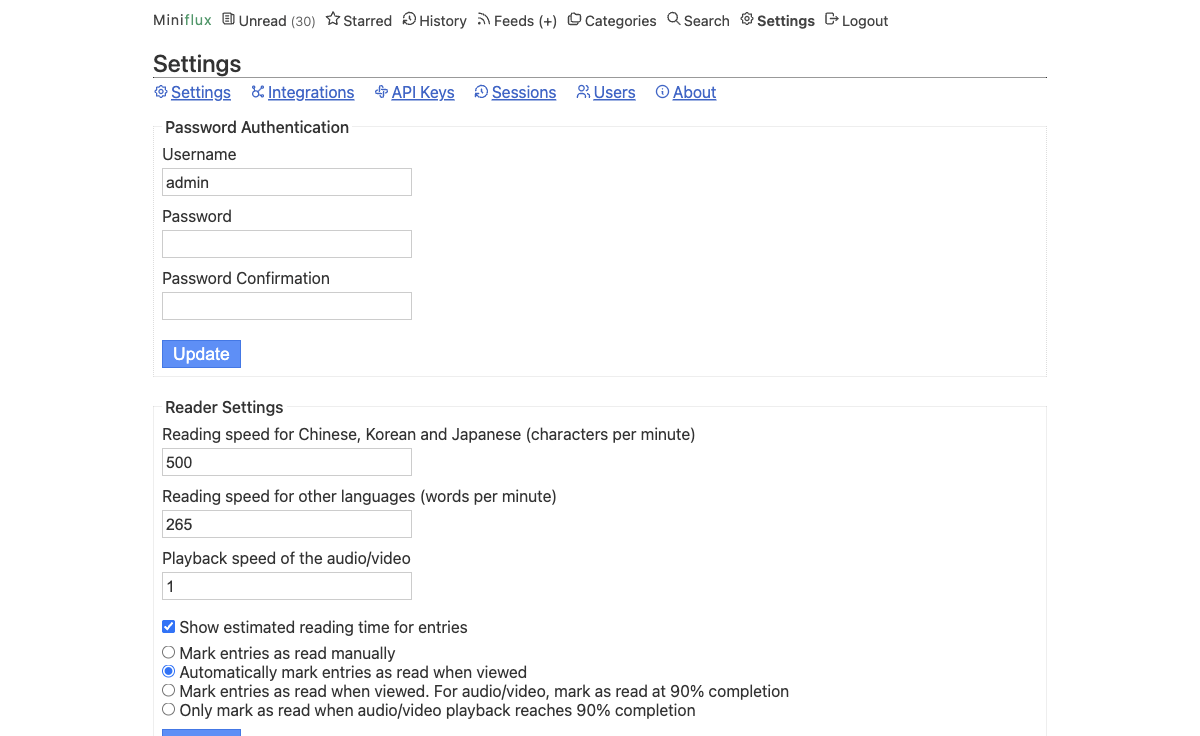
See it running
Real screenshots of this software running on the cloudimg image, taken while testing the deployment guide.
Description
This is a repackaged open source software product wherein additional charges apply for cloudimg support services.
## Why This AMI Instead of a Manual Install?
Setting up Miniflux from scratch means provisioning PostgreSQL, configuring nginx as a reverse proxy, hardening credentials, running database migrations, and troubleshooting dependency conflicts. This AMI eliminates all of that. You get a production-ready, private RSS reader running on your own infrastructure with unique credentials generated automatically on first boot - no shared or default passwords ever ship in the image.
Compared to hosted feed readers, you retain full control of your data and reading habits. Compared to other Marketplace images, this stack is hardened by default and backed by 24/7 expert support from cloudimg.
## Application Stack
- Miniflux 2.3 - minimalist, fast RSS/Atom/JSON feed reader
- PostgreSQL - datastore for feeds, entries, and settings
- nginx - reverse proxy fronting the Miniflux server
- Both the server and database bind to the loopback interface for security
## Secure By Default
On first boot, a one-shot service runs database migrations, creates a single administrator account with a unique per-instance password, and generates a fresh PostgreSQL password. Credentials are written to a root-only file - no manual hardening steps required. This eliminates the risk of shared default credentials found in many community images.
## Ready To Use
1. Launch the AMI from AWS Marketplace.
2. SSH into your instance and retrieve the admin credentials from the root-only file.
3. Navigate to your instance's public IP in a browser and sign in.
4. Add your first feeds, import an OPML file, or connect mobile apps via the built-in Google Reader and Fever APIs.
The full REST API is available for automation and integration with other tools.
## Example Use Cases
- Security analyst: Aggregate threat-intelligence feeds (CVE announcements, vendor advisories, OSINT sources) into a private reader that never leaks your reading patterns to a third party.
- Content or marketing team: Centralize industry news across team members using the REST API to programmatically manage subscriptions and export entries.
- Developer or SRE: Pipe release notes, changelog RSS feeds, and CI/CD notifications into Miniflux for a single monitoring dashboard alongside your existing tooling.
## Key Features
- Clean, distraction-free reader interface with keyboard shortcuts
- Full-text content fetching for truncated feeds
- OPML import and export
- REST API plus Google Reader and Fever API compatibility for mobile apps
- Lightweight and fast - designed for minimal resource consumption
## cloudimg Support
24/7 technical support by email and live chat covers deployment, configuration, integrations, upgrades, TLS termination, and database administration. Critical issues receive a one-hour average response time.
Ready to get started? Launch the AMI and have your private feed reader running in minutes, or contact cloudimg for a guided deployment walkthrough.
Miniflux is a trademark of its respective owner. All product and company names are trademarks or registered trademarks of their respective holders. Use of them does not imply any affiliation with or endorsement by them.
Key Features
- Miniflux, the open source minimalist and fast self-hosted RSS feed reader, preinstalled with PostgreSQL and nginx, with a REST API plus Google Reader and Fever APIs
- Secure by default: a per-instance administrator and PostgreSQL password are generated on first boot and stored in a root only file
- 24/7 technical support from cloudimg for deployment, integrations, upgrades and TLS termination