
Moodle LMS 5.2 - Preconfigured E-Learning
Overview
Launch a production-ready Moodle LMS in under 5 minutes with zero manual setup. Secure, optimized stack with 24/7 expert support from cloudimg.
See it running
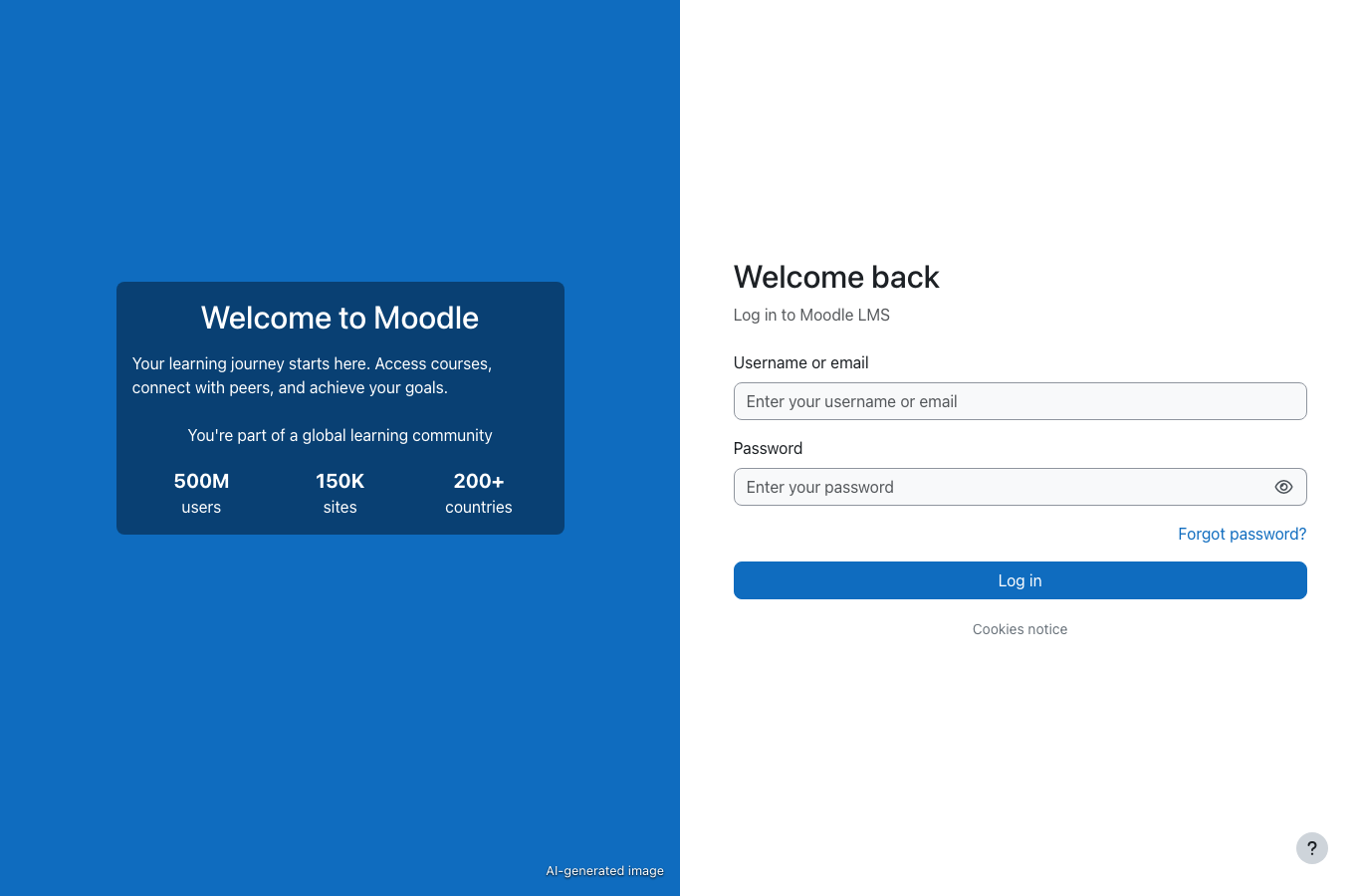
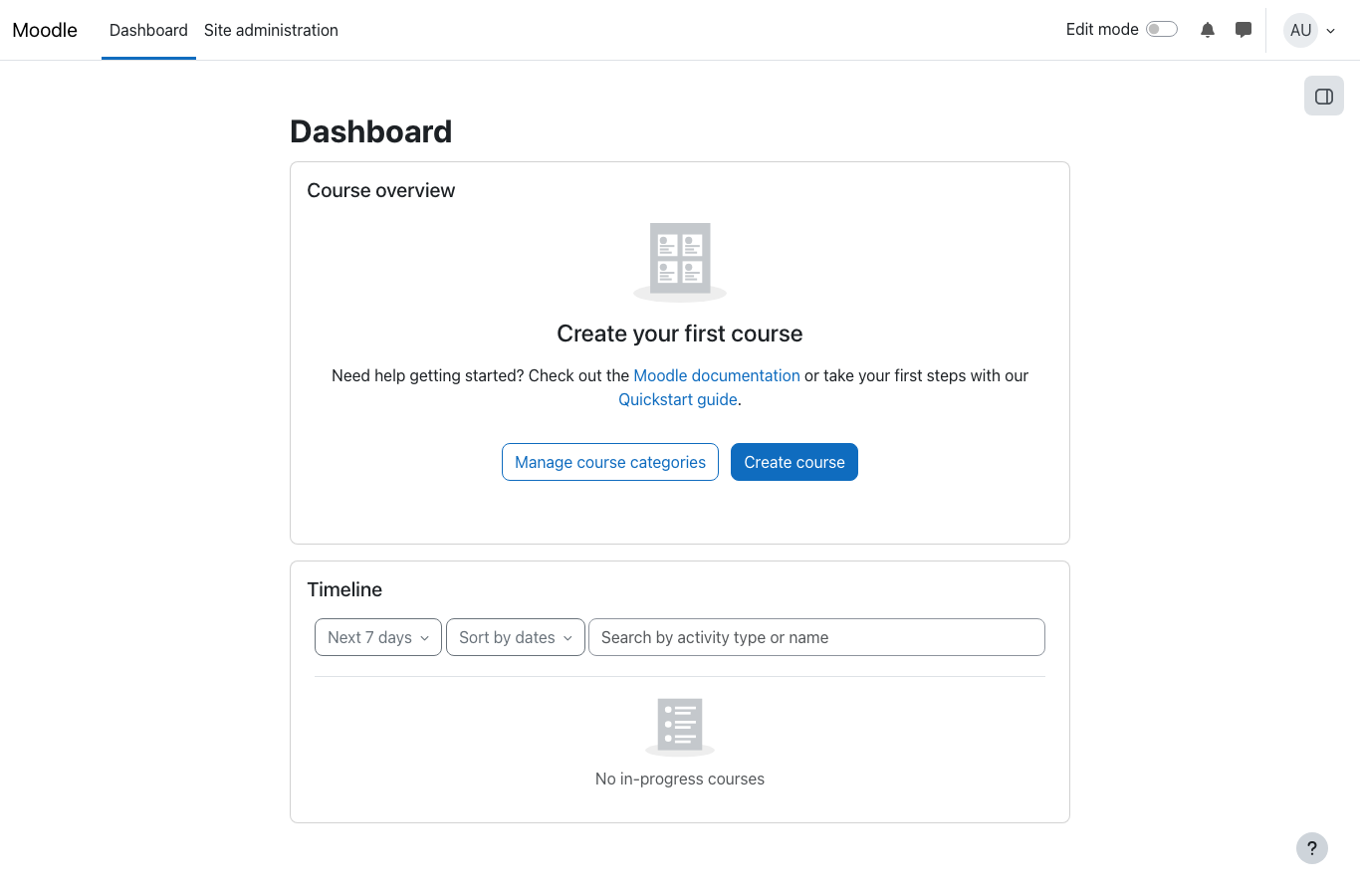
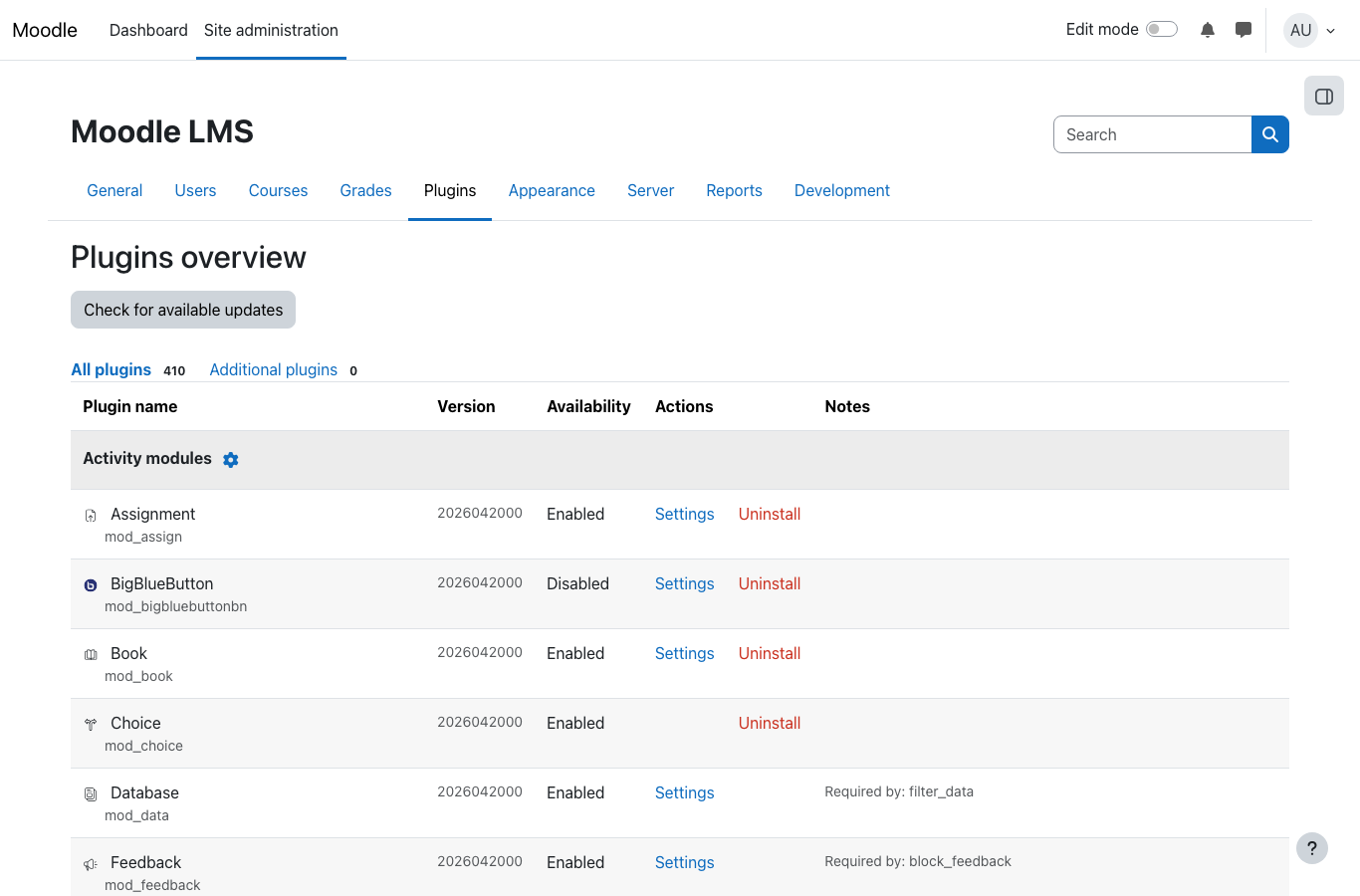
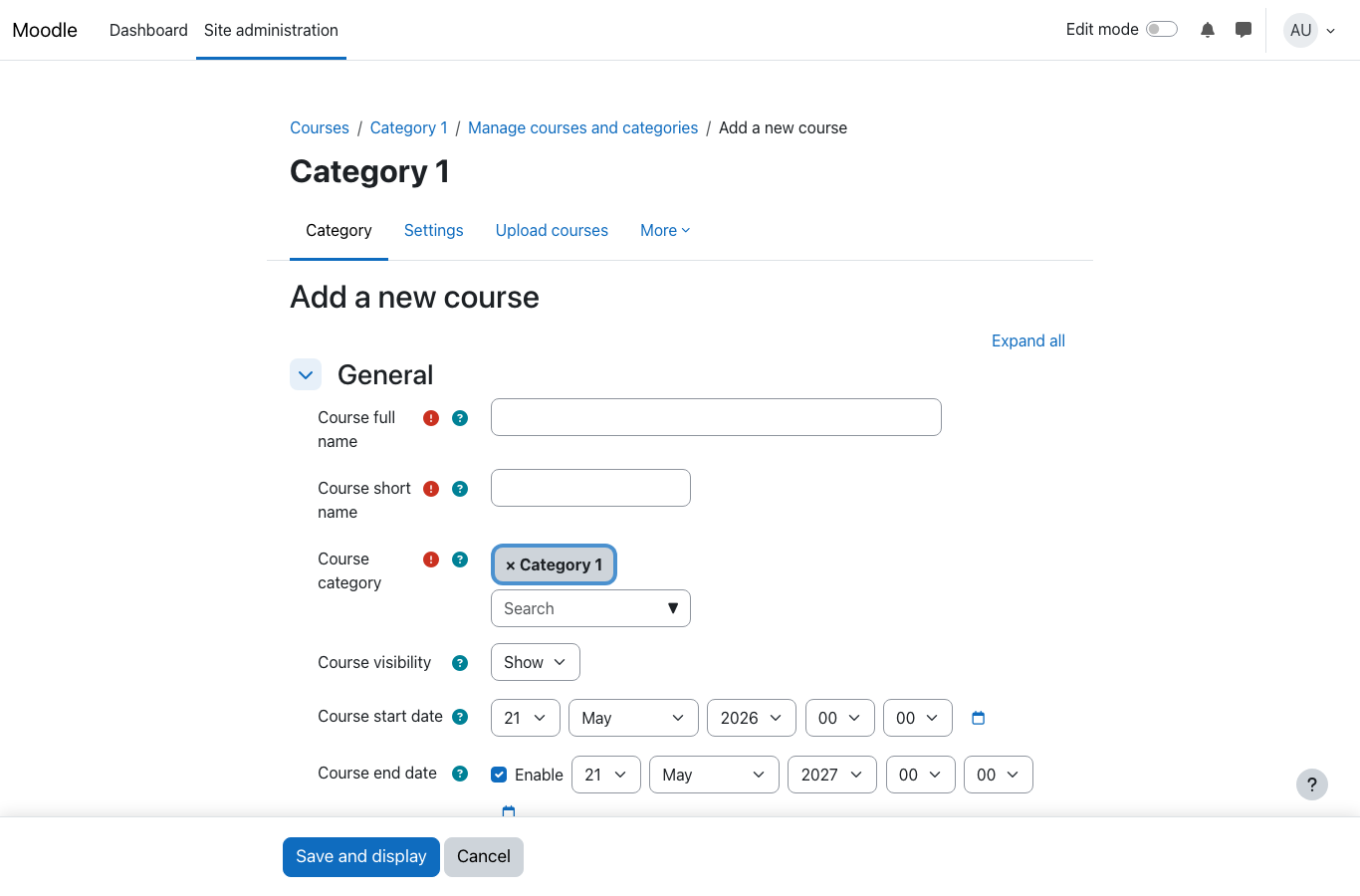
Real screenshots of this software running on the cloudimg image, taken while testing the deployment guide.
Description
This is a repackaged open source software product wherein additional charges apply for cloudimg support services.
## Moodle LMS 5.2 - Production-Ready on AWS
Deploy the world's most widely used open source learning management system without manual installation, configuration, or security hardening. This image delivers Moodle 5.2 fully installed and tuned so your e-learning platform is operational within minutes of launch.
## Why Choose This Image Over Alternatives
- No default credentials - A one-shot first-boot service generates unique PostgreSQL and Moodle admin passwords per instance, stored in a root-only file. Competing images that ship shared or default passwords create immediate security risk.
- Performance-tuned stack - PHP 8.3with OPcache pre-configured for Moodle's access patterns, nginx web server for efficient static asset delivery, and PostgreSQL 16 for reliable data storage.
- Operational automation - Moodle cron runs every minute via a systemd timer, ensuring scheduled tasks (grade calculations, notifications, course completions) execute without manual crontab management.
- Expert human support - 24/7 assistance from cloudimg engineers who specialize in Moodle deployment, upgrades, plugin configuration, and database administration.
## Application Stack
- Moodle 5.2 LMS
- PHP 8.3 with OPcache and all required Moodle extensions
- nginx web server
- PostgreSQL 16 database
- systemd timer for Moodle cron (every minute)
## Getting Started
1. Launch the AMI from AWS Marketplace and wait for the instance to complete first-boot initialization.
2. Retrieve your unique admin credentials from the root-only file on the instance.
3. Browse to the instance public IP or DNS name in your web browser.
4. Sign in as the Moodle administrator to create courses, enrol users, and install plugins.
5. Moodle adapts automatically to whatever hostname or IP you reach it on.
## Requirements and Limitations
Buyers should be aware of the following before deploying:
- TLS/HTTPS - Not pre-configured. You will need to set up an SSL certificate (e.g., via AWS Certificate Manager with a load balancer, or Let's Encrypt directly on the instance) for production use.
- Email relay - No SMTP server is included. Configure an external mail service (Amazon SES recommended) for Moodle notifications.
- Single-server architecture - This image runs all components on one instance. For high-availability or large-scale deployments, consider adding Amazon RDS, ElastiCache (Redis), and a load balancer.
- Backups - Use EBS snapshots or Amazon Backup to protect your data. No automated backup is pre-configured.
## Recommended Instance Sizing
For small classes or evaluation, a t3.small or t3.medium instance provides adequate resources. For departments with several hundred concurrent learners, consider m5.large or larger. Provision at least 20 GB of EBS storage for the Moodle data directory, scaling up based on course content volume.
## Use Cases
Corporate Training and Onboarding - An HR team deploys compliance training and onboarding courses to new hires using Moodle's completion tracking, SCORM package support, and automated certificate generation. Managers monitor progress through built-in reporting dashboards.
Universities and Schools - Educators create blended learning courses combining video lectures, quizzes, assignments, and discussion forums. Moodle's gradebook and competency frameworks support institutional assessment requirements.
Online Course Delivery - Training providers sell access to self-paced courses with enrollment plugins, payment gateways, and branded portals.
Certification Programs - Organizations deliver proctored assessments with time limits, question banks, and verifiable digital badges upon completion.
## cloudimg Support
24/7 technical support by email and live chat. Our engineers assist with Moodle deployment, upgrades, performance tuning, plugin configuration, and database administration. Critical issues receive a one-hour average response time.
All product and company names are trademarks or registered trademarks of their respective holders. Use of them does not imply any affiliation with or endorsement by them.
Key Features
- Moodle LMS preinstalled and ready, with PHP 8.3, nginx and PostgreSQL 16 and no manual setup required
- Hardened first boot generates fresh PostgreSQL and Moodle administrator passwords for every instance and stores them in a file only the root user can read
- 24/7 technical support from cloudimg, with expert assistance for Moodle deployment, configuration, upgrades and performance tuning
Related Technologies
Related Products

Apache Flink Stream Processing
Apache Flink is the open source framework and distributed processing engine for stateful computations over unbounded and...

Apache Kafka
Apache Kafka, the open source distributed event streaming platform, preinstalled in KRaft mode with OpenJDK 17 and a bun...

Apache Solr 9Enterprise Search
Apache Solr is the open source enterprise search platform built on Apache Lucene.

Apache Tomcat 11
This image runs Apache Tomcat 11, the open source implementation of the Jakarta Servlet, Jakarta Pages, Jakarta Expressi...
Apache ZooKeeper Coordination Service
Apache ZooKeeper is a high performance coordination service for distributed applications.
Calibre-Web Self-Hosted Ebook Server
This image runs Calibre-Web from a dedicated Python virtual environment, served on the loopback interface and fronted by...