Base
Hardened build
minimal ports, security patches applied at build time

a fast, self hosted web interface for chatting with large language models
NextChat is an open source web interface for chatting with large language models. It gives a team one private chat front end that talks to the model providers they already pay for: conversations organised in a sidebar, reusable system prompts and a prompt template library, per conversation model and provider switching, and transcript export. It is a front end rather than a model host, so it calls a provider API and runs on a small CPU only machine with no GPU. OpenAI and Azure OpenAI, Anthropic, Google Gemini, DeepSeek, Moonshot, Alibaba Qwen, ByteDance, iFlytek, xAI, ChatGLM and SiliconFlow are supported, along with any OpenAI compatible endpoint.
cloudimg ships the upstream release pinned by image digest, so the deployment is exact and reproducible and never silently upgrades. No provider API key is ever baked in: every credential ships empty and you supply your own, or each person supplies theirs in the browser. Because NextChat switches its own access check off whenever no access code is set, a unique access code is generated on each machine at first boot and the service carries a preflight guard that refuses to start without one, so an instance is never left open on your provider credits. Add a fully patched base with unattended security upgrades, a paired deployment guide, and 24/7 cloudimg support.
Real screenshots taken while testing this image against its deployment guide.
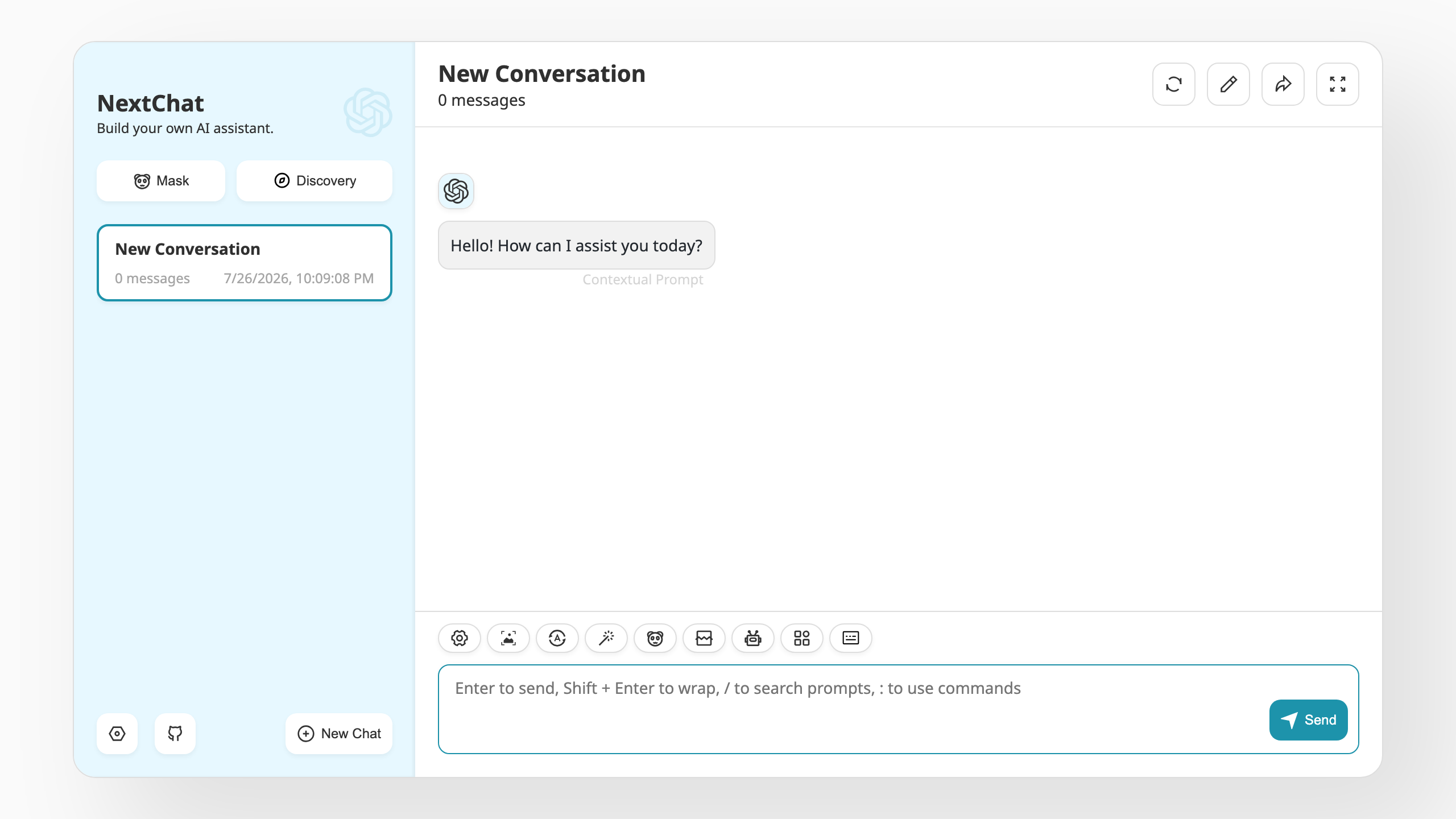
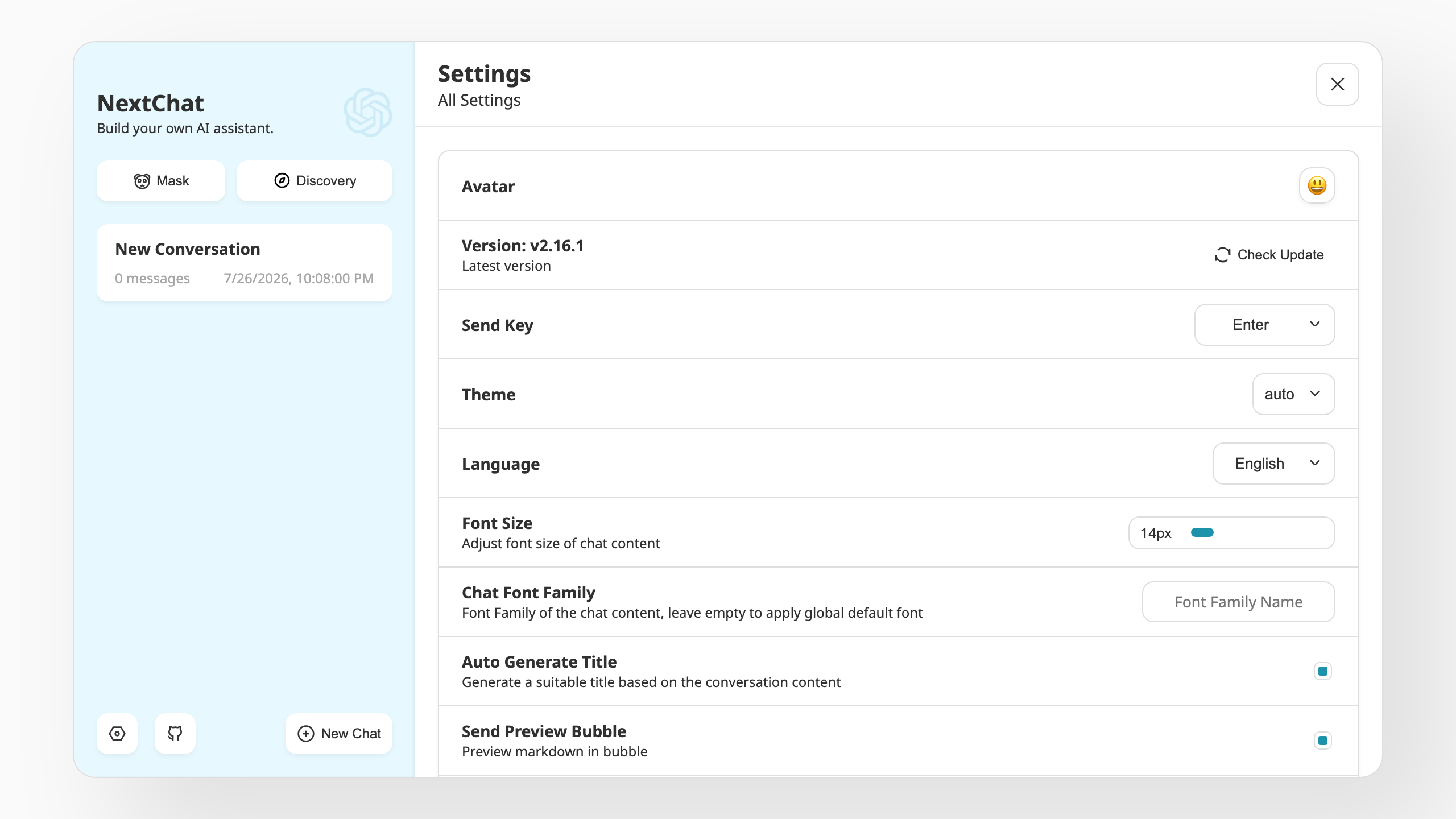
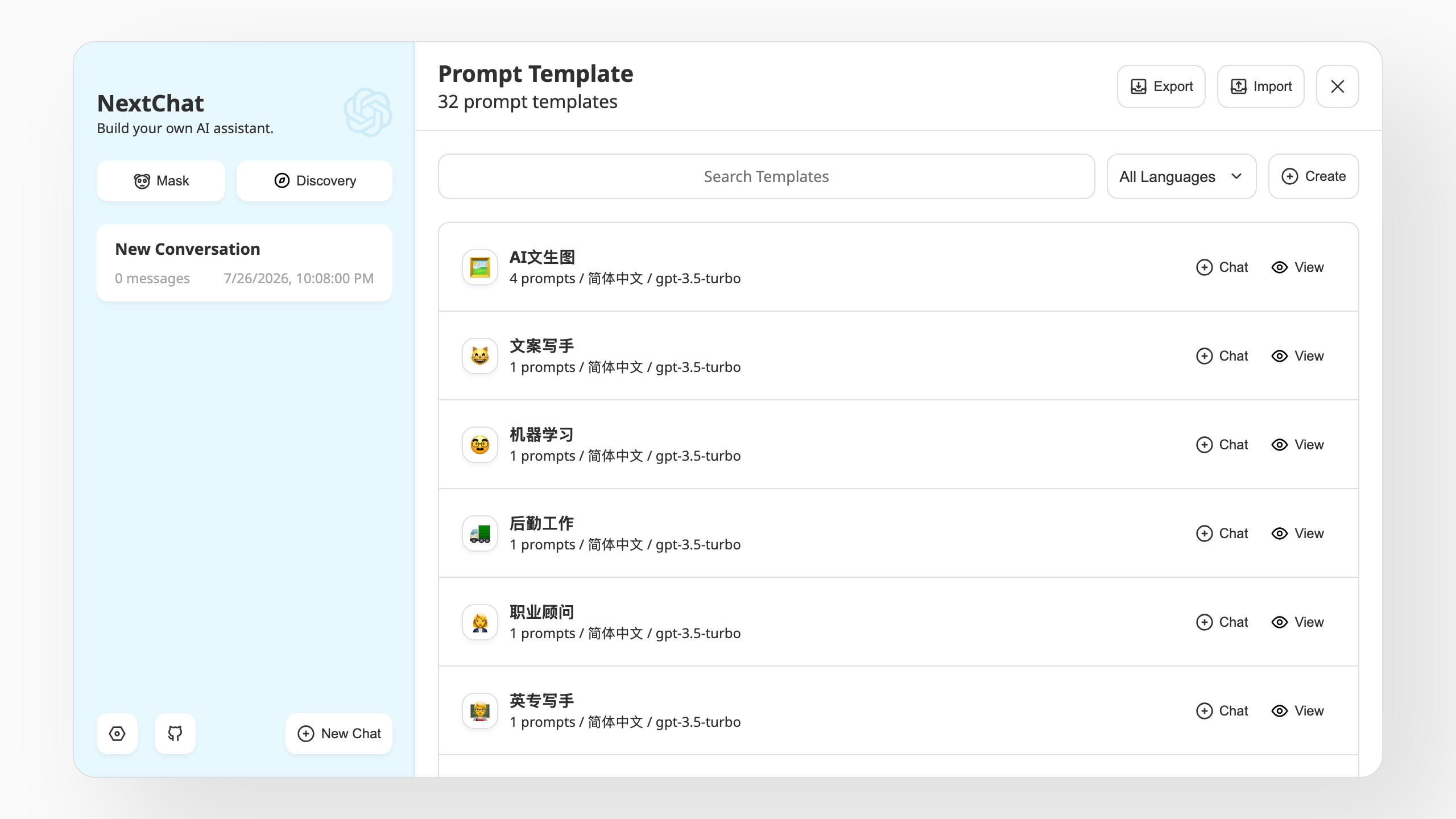
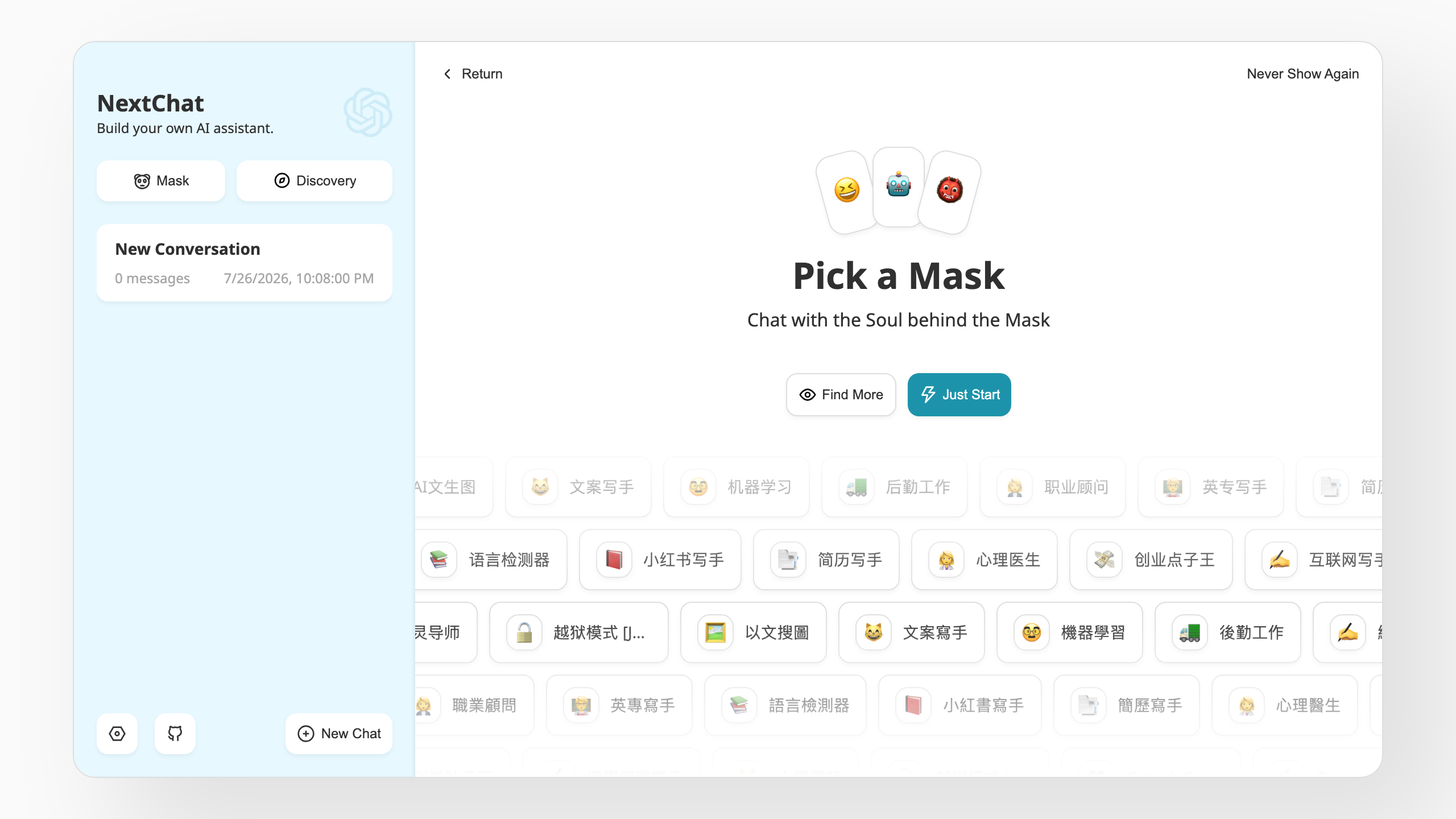
This is a repackaged open source software product wherein additional charges apply for cloudimg support services.
## Why This AMI Over Manual Installation
This image removes the container runtime setup, storage layout, access gate configuration and credential hardening you would otherwise perform by hand. A private, self-hosted chat front end is running within minutes of launch instead of the hours a manual deployment takes.
## Overview
NextChat is an open source, self-hosted web interface for chatting with large language models. It gives a team one fast, private chat front end that talks to the model providers you already pay for, instead of routing conversations through somebody else's hosted product. Start conversations, keep them organised in a sidebar, pin reusable system prompts and prompt templates, switch model or provider per conversation, and export a transcript when you need to. The interface is a progressive web app, so it installs to a desktop or phone home screen and works well on a small screen.
The upstream NextChat project has earned more than 88,000 GitHub stars, reflecting broad community adoption and active development.
## Who This Is For
A 10-to-50-person engineering or product team that needs to consolidate access to multiple LLM providers behind a single private endpoint. For example, a development team routing both OpenAI and Anthropic requests through one self-hosted interface to maintain visibility over usage, keep conversation history off third-party servers, and satisfy internal security review requirements. Any team that wants a private chat front end without building one from scratch will benefit.
## No Model and No Inference Are Included
NextChat is a front end, not a model host. This image contains no model weights, no inference engine, no API key and no model credits. You bring your own model provider account, and every prompt you send is delivered to the provider you configure and billed by that provider directly. Supported providers include OpenAI and Azure OpenAI, Anthropic, Google Gemini, DeepSeek, Moonshot, Alibaba Qwen, ByteDance, iFlytek, xAI, ChatGLM, SiliconFlow and any OpenAI-compatible endpoint, so one deployment can front several providers at once.
## Your Keys and Your History Stay on Your Instance
No provider credential ships in this image. Every provider key is empty. You either set one key for the whole instance in a single configuration file and restart the service, or let each person paste their own key into the browser settings and run with no server-side credential at all. Conversation history is held in the browser rather than in a server-side database. Prompts themselves are not private from the provider you choose: they leave your instance for that provider's API, under that provider's terms.
## Not an Open Relay, by Construction
NextChat protects a server-side provider key with an access code, but its own default is to switch that check off when no code is configured, which would leave a working key usable by anyone who finds the address. cloudimg closes that gap. A unique 32-character access code is generated on this instance at first boot, it is never a fixed or shared value, and the service carries a preflight guard that refuses to start at all if the access code is missing, empty or too short. There is no default login to change and no window in which the instance runs ungated.
## Application Stack
The upstream NextChat release runs as the official container, pinned by image digest so the deployment is reproducible and never silently upgrades. Only ports 22 and 80 are served. Server-side tool execution is left disabled, as upstream ships it. The Docker and containerd image stores sit on a dedicated, independently resizable volume kept separate from the operating system disk.
## Getting Started
1. Launch the AMI and allow inbound port 80 from your own networks only.
2. Retrieve the unique access code from the root-only credentials file on the instance.
3. Open the instance address in a browser and paste the access code into Settings.
4. Add your own model provider API key, either in Settings or in the instance configuration file.
5. Start a conversation.
## Licensing
NextChat is MIT licensed, so there is no per-user or per-seat software fee. The cloudimg charge covers packaging, security hardening, patching, image maintenance and 24/7 support. You pay your model provider directly for token usage. CPU only; no GPU is required.
NextChat is an independent open source project. This image is produced by cloudimg and is not affiliated with or endorsed by the NextChat project.

JupyterLab is the interactive development environment behind most of the world's data science and research computing.

ContextForge MCP Gateway is IBM's open-source gateway, registry and proxy for the Model Context Protocol (MCP), the stan...

This image runs Crawl4AI, a fast, open source web crawler and scraper that converts web pages into clean, LLM-ready Mark...

This image runs Dify, a source-available platform for building and operating LLM applications.

Docling Serve is the HTTP API service around Docling, an open source toolkit that converts documents into clean, structu...
This image runs Evidently, the open source platform for evaluating, testing and monitoring machine learning, large langu...