
Node-RED Low-Code Flow Editor
Overview
Production-ready Node-RED for IoT and API integration teams. Flow editor runs on port 80 in minutes with auto-generated credentials and 24/7 cloudimg support.
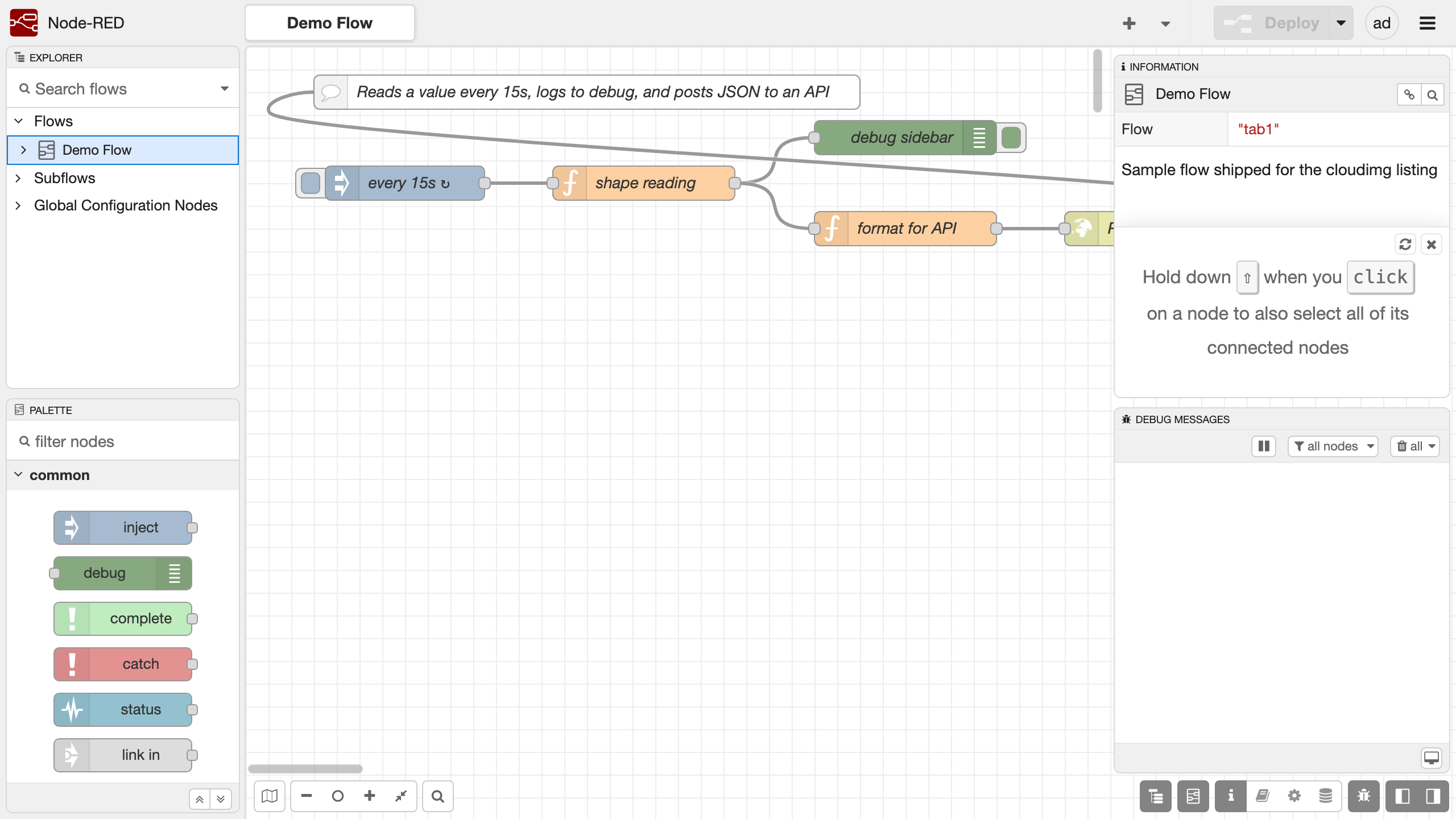
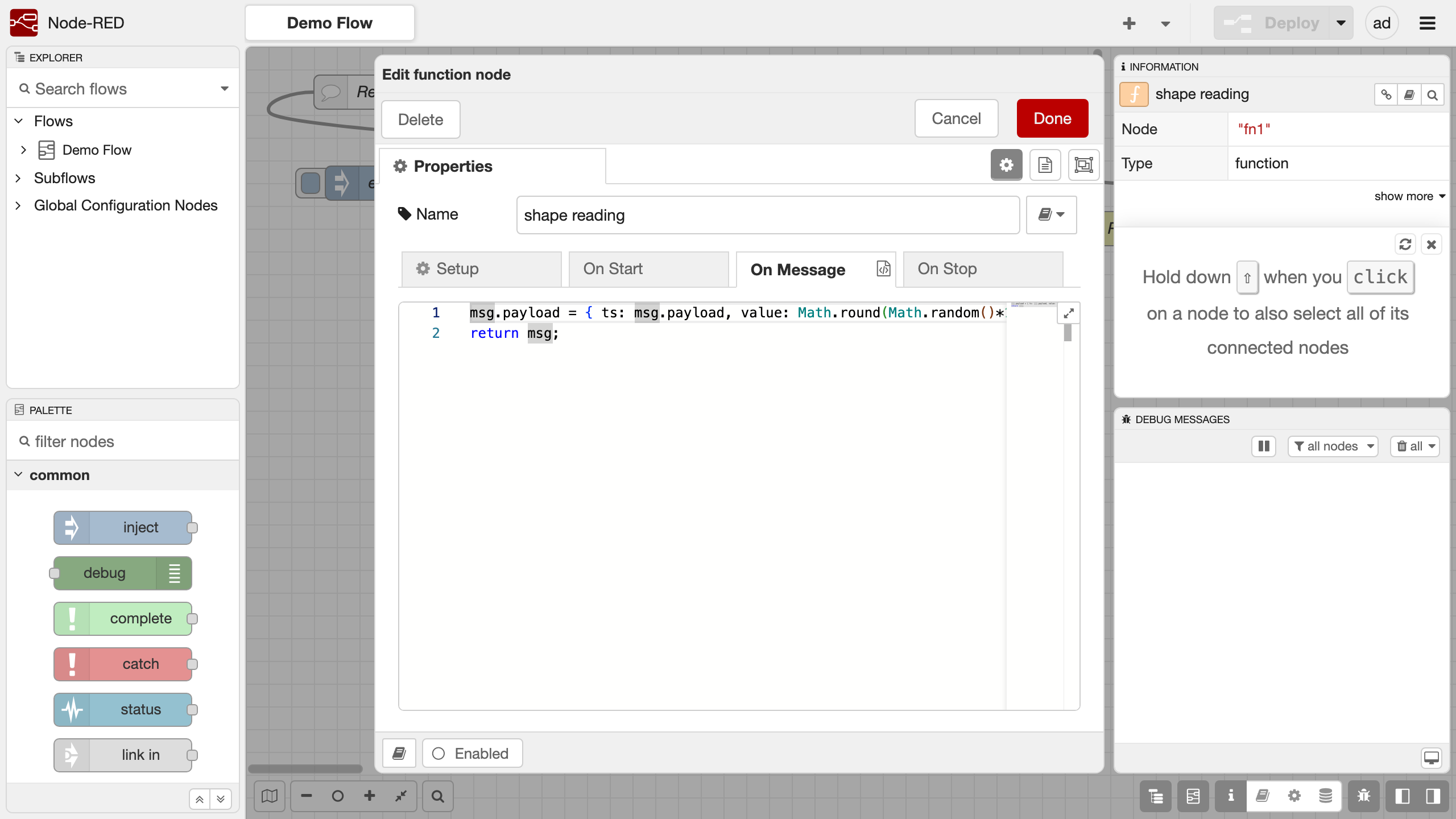
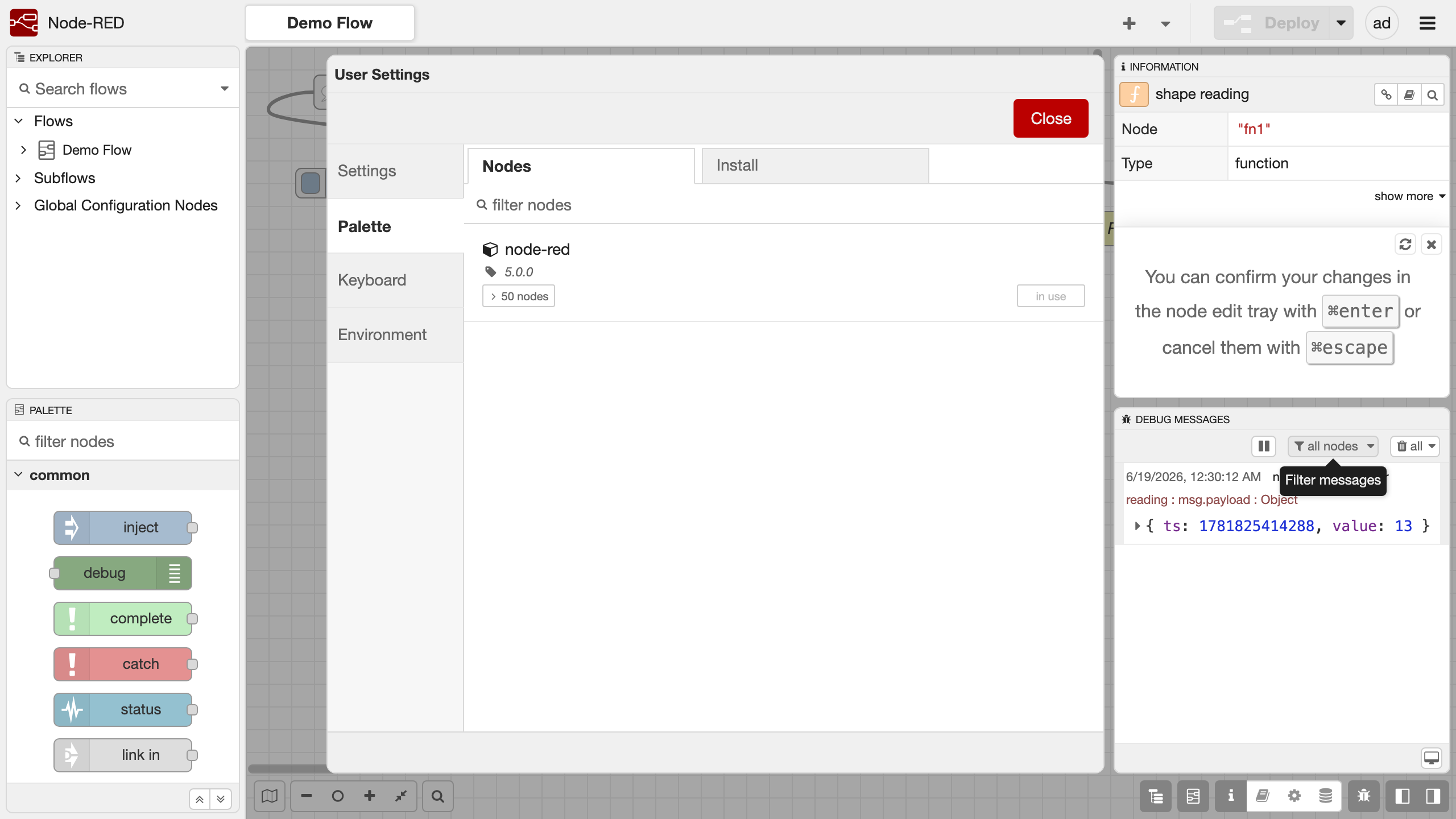
See it running
Real screenshots of this software running on the cloudimg image, taken while testing the deployment guide.
Description
This is a repackaged open source software product wherein additional charges apply for cloudimg support services.
## Why This AMI Over Manual Setup
Installing Node-RED yourself on a bare EC2 instance means configuring Node.js, creating service accounts, writing systemd units, setting up a reverse proxy, managing TLS, and hardening credentials - hours of work before you build your first flow. This AMI eliminates that overhead entirely. You get a production-grade, security-hardened Node-RED environment that is ready to accept flows within minutes of launch, with your data on a dedicated disk that survives instance replacement. No other Marketplace Node-RED image combines a dedicated resizable data volume, automatic per-instance credential generation, and authenticated nginx proxying out of the box.
## Overview
Node-RED is a flow-based, low-code development tool for event-driven applications, built on Node.js. It provides a browser-based editor that makes it easy to wire together flows using the wide range of nodes in its palette, connecting hardware devices, APIs and online services. This image delivers Node-RED fully installed and configured as a system service, so a production-grade flow editor is running within minutes of launch.
## Application Stack
- Node-RED installed globally on Node.js 22 LTS, run by a dedicated unprivileged service account
- Node-RED user directory (flows, encrypted credentials store, installed nodes) stored on a dedicated data disk - independently resizable and survives instance replacement
- A systemd service that starts Node-RED on boot and restarts it on failure
- An nginx reverse proxy publishing the flow editor on port 80 with WebSocket support for the live editor
## Flow-Based Programming
Drag nodes from the palette onto the canvas and wire them together to build flows that react to events, transform messages and call out to services. Node-RED ships with a rich set of core nodes for HTTP, MQTT, TCP, WebSocket, file, function and dashboard work, and the built-in palette manager lets you install thousands of community nodes from the public catalogue. Flows are stored as JSON and can be exported, imported and version-controlled.
## Secure First Boot
On first boot a one-shot service generates a fresh admin password unique to that instance, bcrypt-hashes it into the Node-RED adminAuth configuration, and writes the cleartext password to a root-only file. Node-RED binds to loopback only and is never exposed without authentication. No shared or default credentials ship in the image.
## Ready To Use
The flow editor is served on port 80 through nginx. Sign in with the generated administrator credentials to build flows, install nodes, manage the runtime and deploy changes live. The admin HTTP API is available behind the same login for automation.
## Use Case Spotlight - IoT Device Orchestration
A facilities team managing hundreds of MQTT-connected sensors across multiple buildings can deploy this AMI, connect it to AWS IoT Core via the MQTT node, apply transformation logic on the canvas, and push aggregated telemetry to Amazon Timestream or DynamoDB - all without writing application code. The dedicated data disk ensures that flow definitions and credentials persist through instance stop/start cycles, and the systemd service guarantees automatic recovery after any runtime fault.
## Additional Use Cases
- API and webhook integration glue
- Home and building automation backends
- Rapid prototyping of event-driven services
- Dashboards and visualisation of live data
- Connecting MQTT brokers, databases and cloud services without writing boilerplate
## cloudimg Support
24/7 technical support by email and live chat. Our engineers help with deployment, flow design, node installation, the credentials store, dashboard configuration, MQTT and API integration, TLS and runtime tuning. Critical issues receive a one-hour average response.
## Get Started
Launch the AMI, retrieve your unique admin password from the root-only file, and sign in to the flow editor at your instance's public IP on port 80. For a guided onboarding walkthrough or help designing your first production flow, contact cloudimg support.
All product and company names are trademarks or registered trademarks of their respective holders. Use of them does not imply any affiliation with or endorsement by them.
Key Features
- Production-ready in minutes: Launch the AMI and your Node-RED flow editor is live on port 80 with no manual setup. The systemd service on Node.js 22 LTS starts automatically on boot and self-heals on failure, eliminating the hours of configuration required for a manual install on bare EC2. You skip Node.js installation, service account creation, reverse proxy setup, and credential hardening entirely.
- Persistent, extensible workspace: Your flows, encrypted credentials, and installed nodes live on a dedicated data disk that is independently resizable and survives instance stop/start or replacement - something a default npm install cannot provide without manual EBS configuration. The built-in palette manager connects you to thousands of community nodes for MQTT, databases, dashboards, and cloud service integrations.
- Zero-default-credential security with 24/7 support: Every instance generates its own unique bcrypt-hashed admin password on first boot, stored in a root-only file. Node-RED binds exclusively to loopback behind an authenticating nginx proxy, so the editor is never exposed without authentication. cloudimg provides 24/7 email and live chat support with a one-hour average response for critical issues.