Base
Hardened build
minimal ports, security patches applied at build time
Ontime, a browser based system for running rundowns, event timers and cues for live events, broadcast and theatre, with synchronized display views over the network.
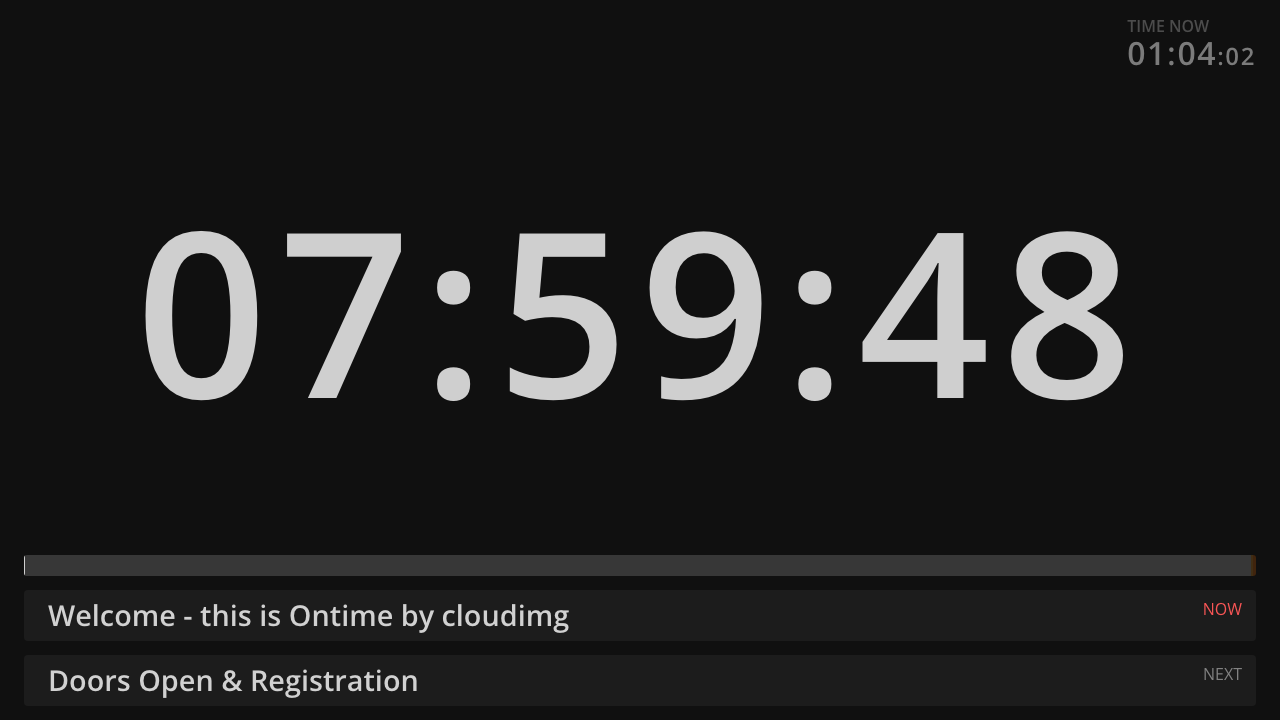
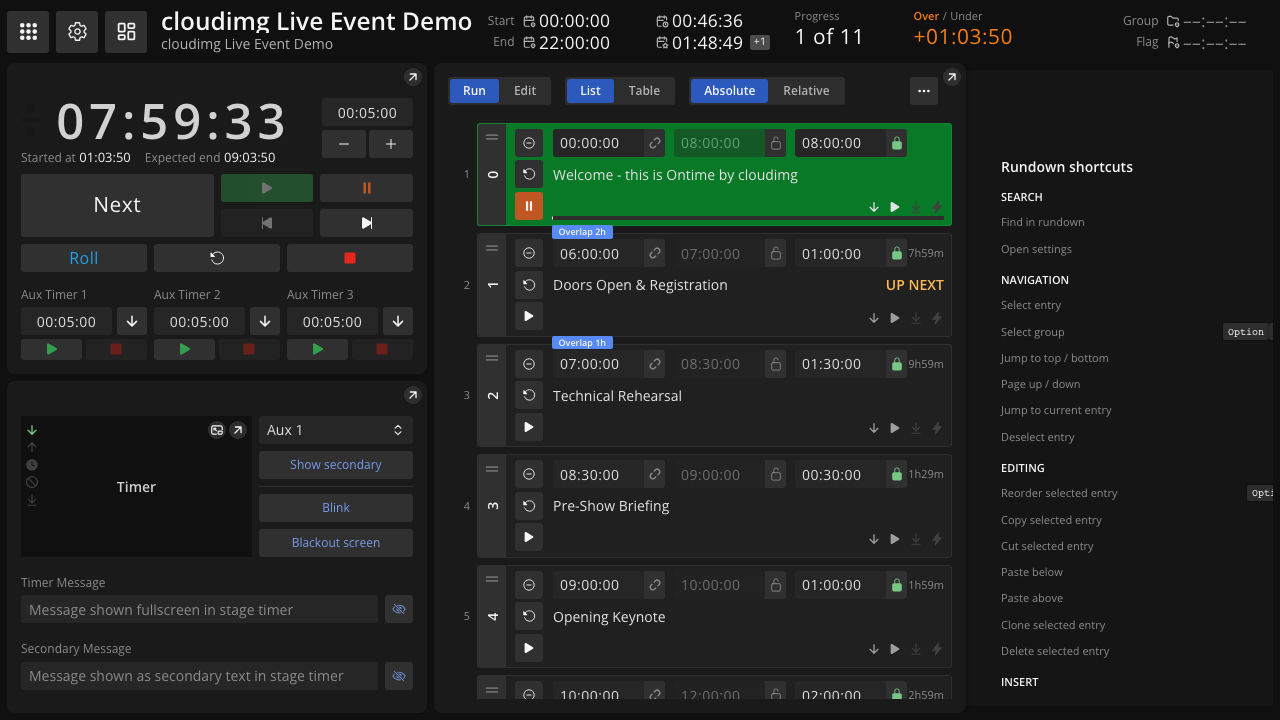
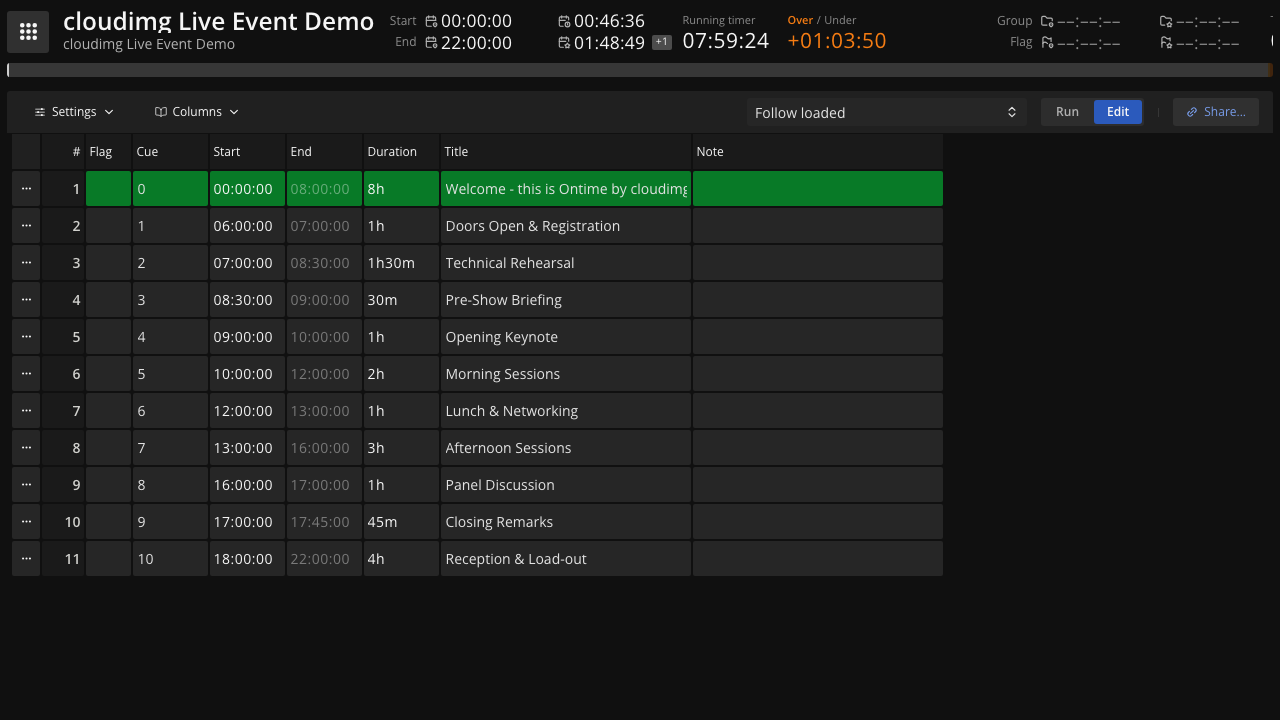
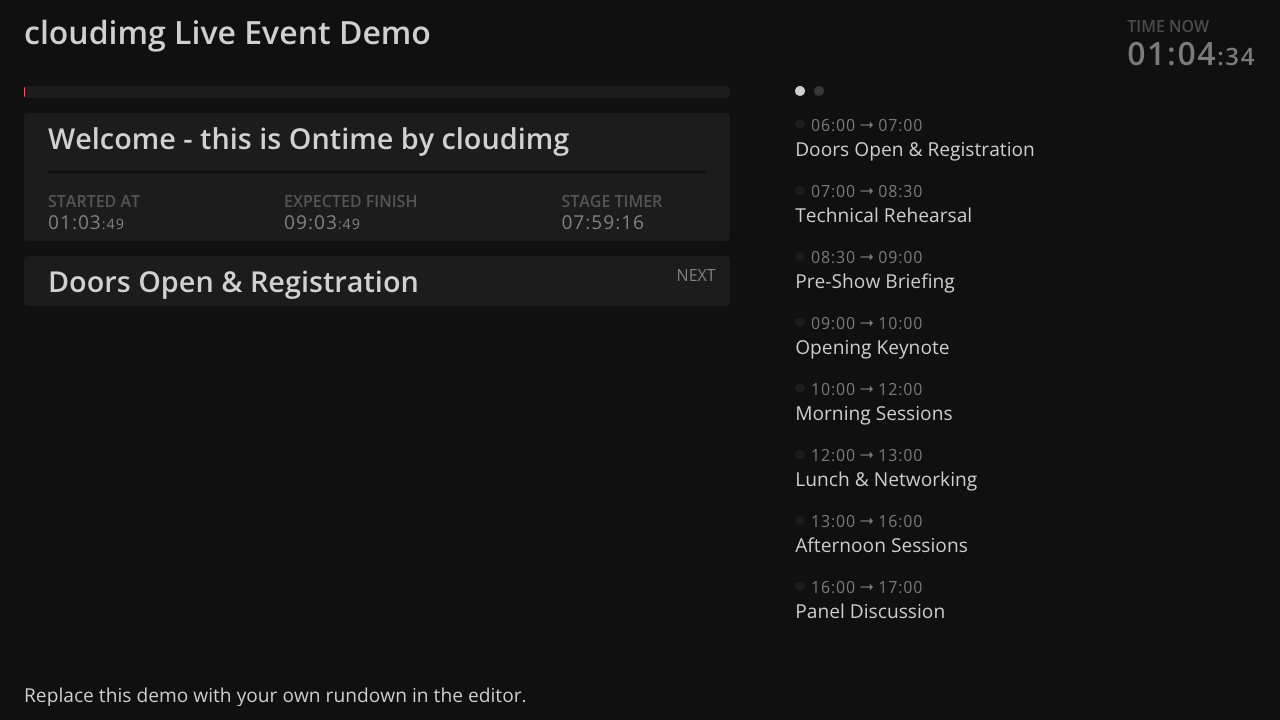
Ontime is an open source, self hosted application for managing the timing of live events, broadcast productions and theatre shows. An operator builds a rundown of events, each with its own duration and cues, and drives the show from a control view while a set of realtime display screens stay in sync across the network: a large stage timer for presenters, a backstage view for crew, a studio clock, a timeline and public information screens. Timers can count down, count up or roll against the clock, and the operator can start, pause, load and adjust events on the fly, add or remove time, send messages to the screens and follow the schedule as it drifts. An HTTP, WebSocket and OSC integration API lets other systems read the running state and drive playback, with companion integrations for tools such as vMix, OBS, QLab and disguise.
It suits show callers, stage managers, broadcast gallery operators and conference producers who need every screen in the room counting to the same clock, and anyone who wants precise, shared timing for a live production without a proprietary timing desk.
Because Ontime's realtime channel is bidirectional, any client that can watch the show can also control it, so cloudimg ships it locked down properly. The entire application, the editor, the control API and the WebSocket, sits behind a strong password generated uniquely on each instance's first boot, with separate editor and operator PIN codes also generated per instance, so nothing usable is baked into the image and no screen is left open to the network. A small example rundown ships so the instance boots straight into a populated, running timer rather than an empty editor. The service runs as a non root user bound to loopback behind nginx with the realtime WebSocket proxied correctly, and every deployment comes with a paired deployment guide and 24/7 cloudimg support.
Real screenshots taken while testing this image against its deployment guide.

This appliance ships the afserver coordinator and its Web Monitor as a secure, standalone, single-VM appliance.

Codex on Ubuntu 24.04 LTS preconfigured machine image for Microsoft Azure, hardened and verified with 24/7 support by cl...

Coppermine Photo Gallery is a mature open-source, multi-user web photo gallery: categories and albums, user accounts wit...
Euterpe on Ubuntu 24.04 preconfigured machine image for Microsoft Azure, hardened and verified with 24/7 support by clou...

Flamenco is an open source render farm manager from Blender Studio that coordinates rendering jobs and distributes them ...

This image is a complete internet radio station on Ubuntu 24.04 LTS, pairing two open source projects into one ready to ...