Pi-hole
Overview
Pi-hole, the network-wide ad-blocking DNS sinkhole, preinstalled as a system service with the embedded web admin on port 80 and the DNS resolver on port 53 (TCP and UDP). Point your network's DNS at the instance and every device is ad-blocked, no per-device setup. A unique admin password is generated on first boot. Backed by 24/7 cloudimg support.
See it running
Real screenshots of this software running on the cloudimg image, taken while testing the deployment guide.
Description
This is a repackaged open source software product wherein additional charges apply for cloudimg support services.
Overview
Pi-hole is a network-wide ad blocker that acts as a DNS sinkhole: it sits between every device on your network and the internet, answering DNS queries and refusing the ones that point at ad, tracker and malware domains. Point a router or a device at the Pi-hole instance as its DNS server and ads, trackers and malicious domains are blocked for phones, laptops, smart TVs and IoT gadgets alike, with no per-device browser extensions. This image delivers Pi-hole fully installed and configured as a system service, so a working blocking resolver is running within minutes of launch.
Version 6 Architecture
Pi-hole 6 is a ground-up rewrite. The web admin interface and the REST API are now served by an embedded web server built directly into the pihole-FTL daemon, so there is no separate web server or PHP stack to manage. A single system service answers DNS on port 53 (TCP and UDP) and serves the admin interface and API on port 80, with native HTTPS support available on 443. The result is a smaller footprint, faster responses and a modern, refreshed admin interface.
Application Stack
Pi-hole installed from the official installer and run as a dedicated system service that starts on boot and restarts on failure. The persistent data directory, holding the long-term query database, the compiled blocklists and the configuration, is stored on a dedicated data disk so it is independently resizable and survives instance replacement. Sensible upstream resolvers and the community blocklists are configured out of the box.
Secure First Boot
Pi-hole ships with no web password. On the first boot of your instance a one-shot service generates a fresh admin password, unique to that instance, sets it on the Pi-hole web interface and API, and writes the password to a root-only file. No shared or default credentials ship in the image.
Ready To Use
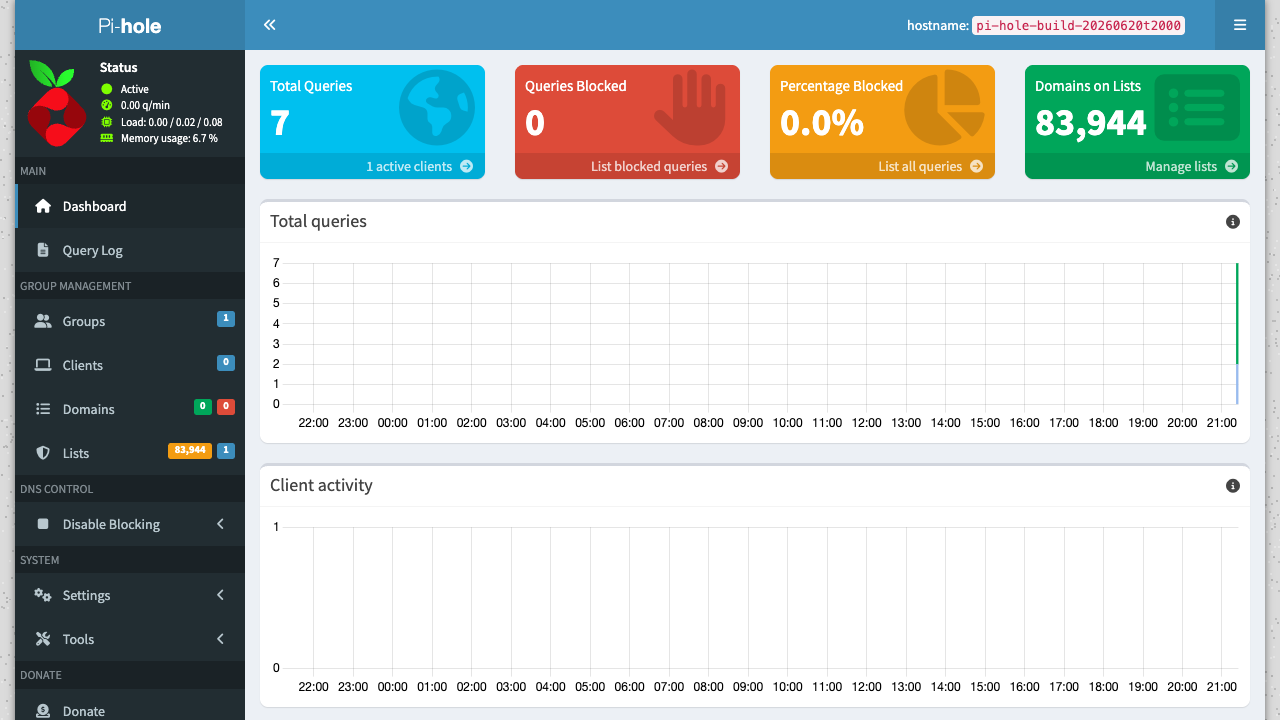
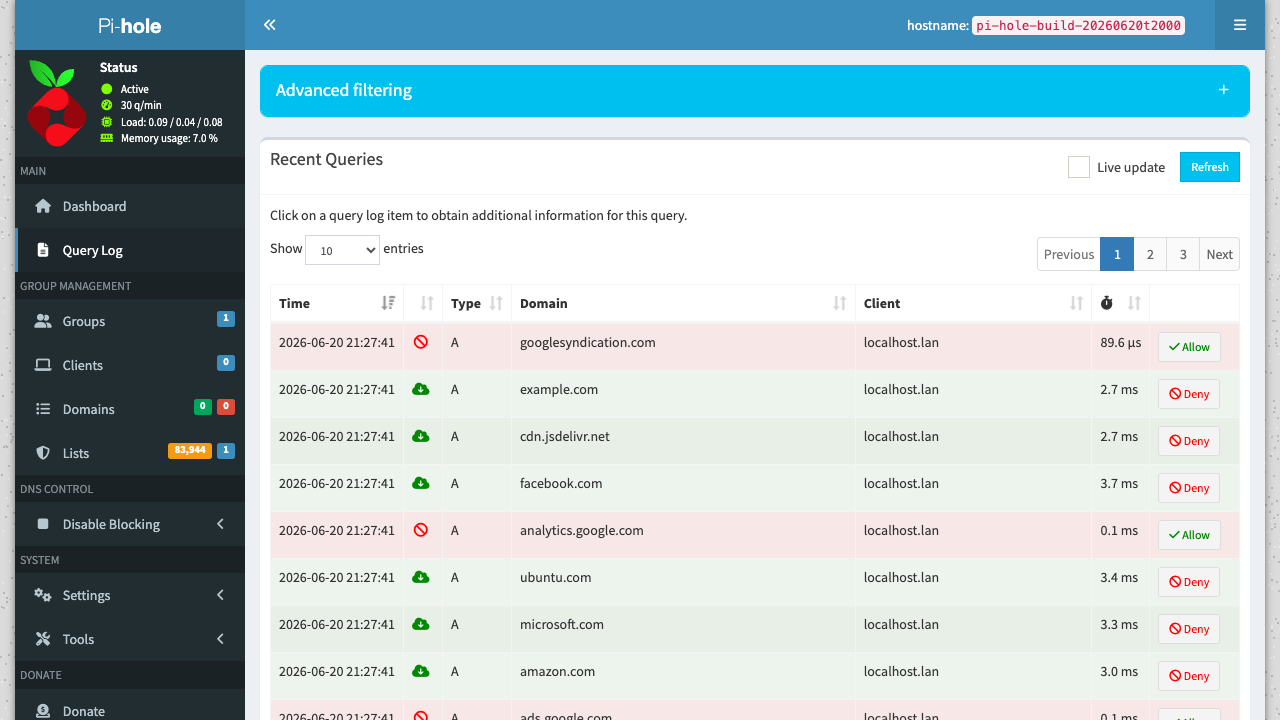
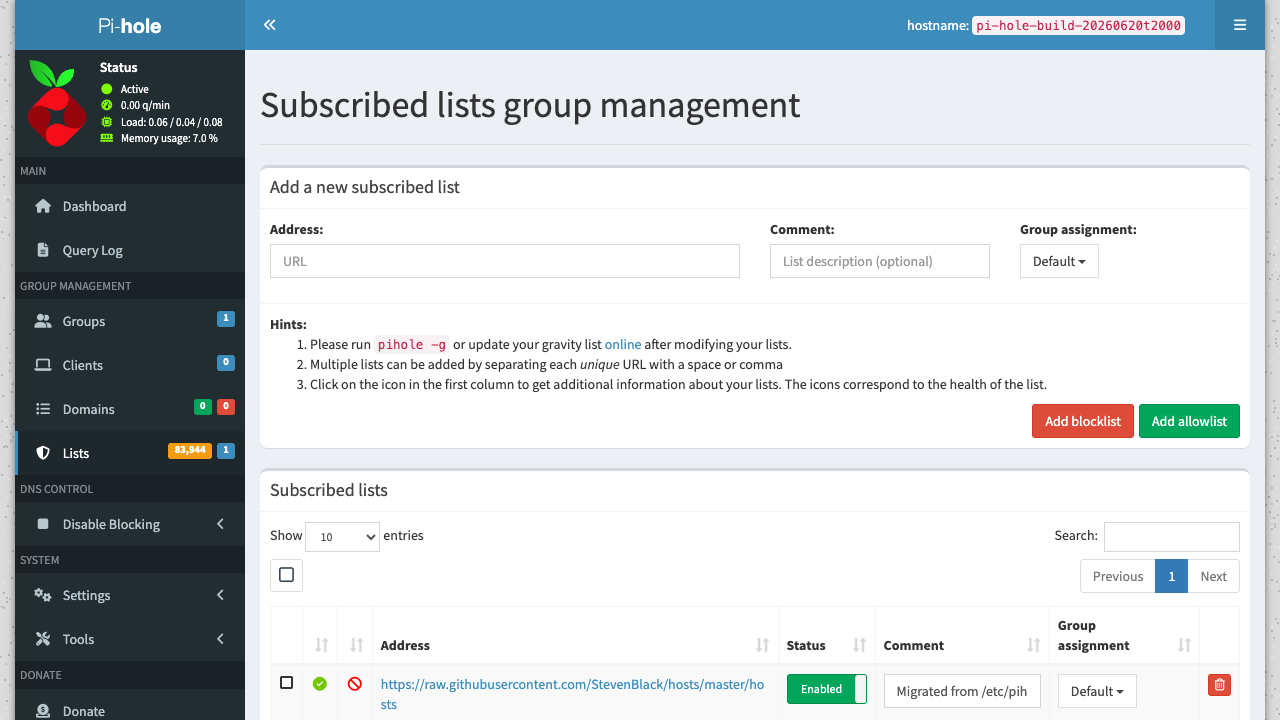
The admin interface is served on port 80 at the /admin path. Sign in with the generated password to watch live queries, review what is being blocked, manage blocklists (adlists), allowlist over-blocked domains and tune the resolver. The session-based REST API is available on the same port for automation.
cloudimg Support
24/7 technical support by email and chat. Help with deployment, pointing your network at the resolver, blocklist and allowlist management, conditional forwarding for local hostnames, upstream resolver choice, TLS and tuning.
Use Cases
Network-wide ad and tracker blocking for a home or small office. Privacy hardening for phones, laptops, smart TVs and IoT devices. A central DNS resolver with query logging and analytics. Blocking malware and phishing domains at the DNS layer. A self-hosted alternative to per-device ad blockers.
All product and company names are trademarks or registered trademarks of their respective holders. Use of them does not imply any affiliation with or endorsement by them.
Key Features
- Pi-hole network-wide ad-blocking DNS sinkhole preinstalled as a system service, answering DNS on port 53 (TCP and UDP) and serving the embedded web admin and REST API on port 80, no manual setup required
- Version 6 rewrite serves the admin interface and API from a web server embedded in the pihole-FTL daemon (no separate web server stack), with the query database, blocklists and config on a dedicated independently resizable data disk
- Hardened first boot generates a fresh admin password for every instance and stores it in a file only the root user can read, with 24/7 technical support from cloudimg