PocketBase Open Source Backend-as-a-Service
Overview
Launch a production-ready backend in minutes. PocketBase delivers a REST API, realtime subscriptions, auth, and file storage as a single binary on EC2 with 24/7 cloudimg support.
See it running
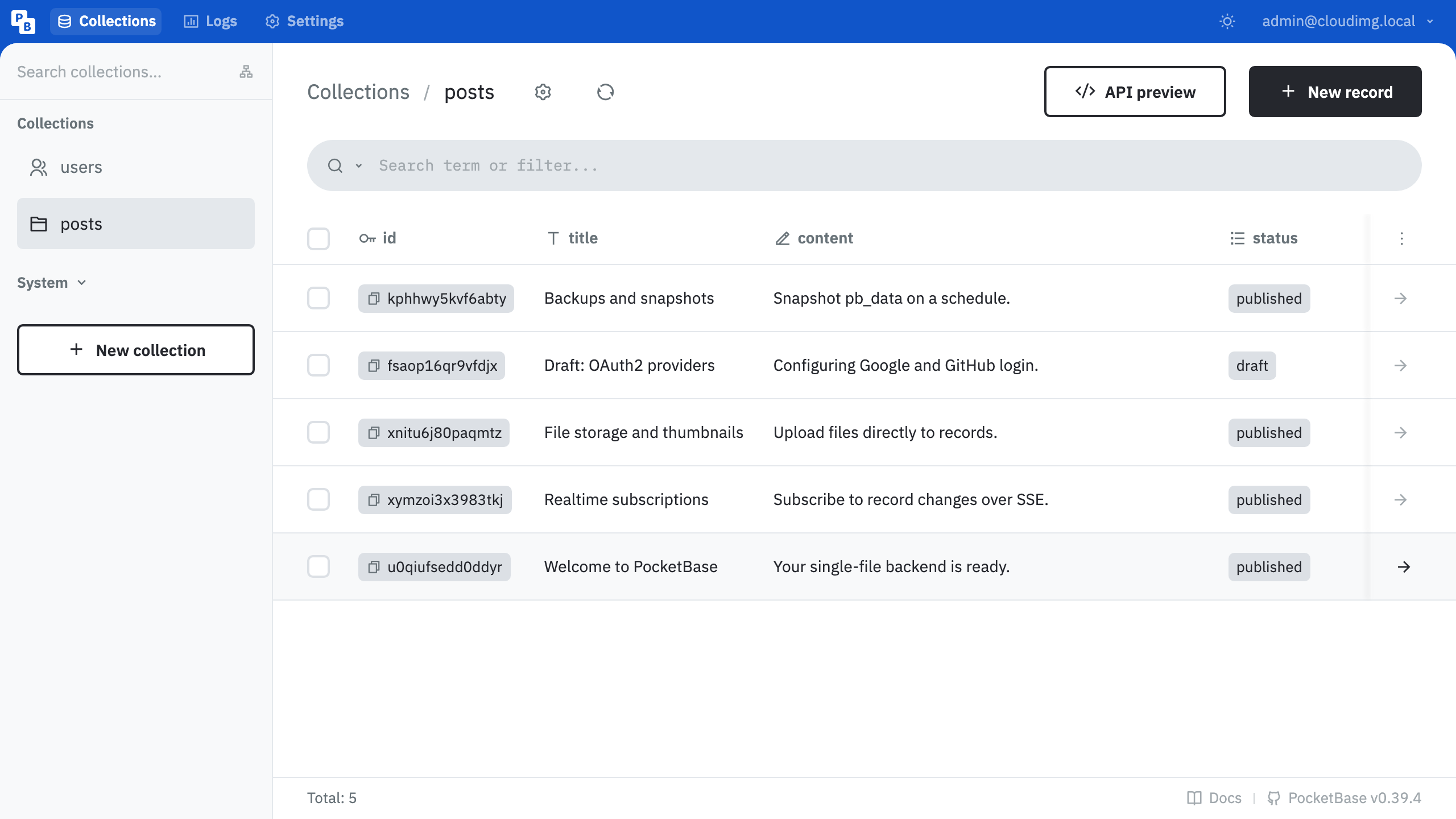
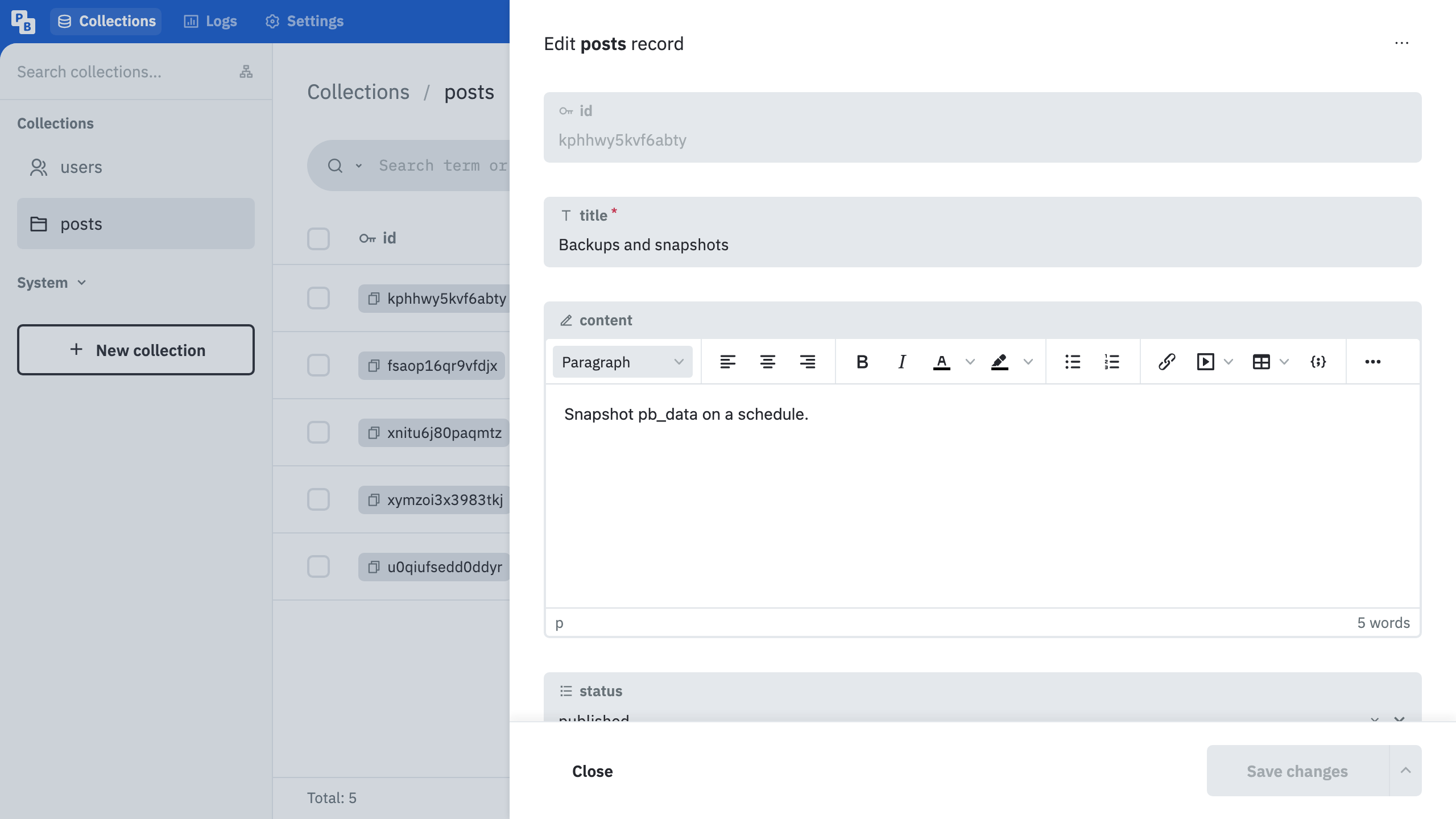
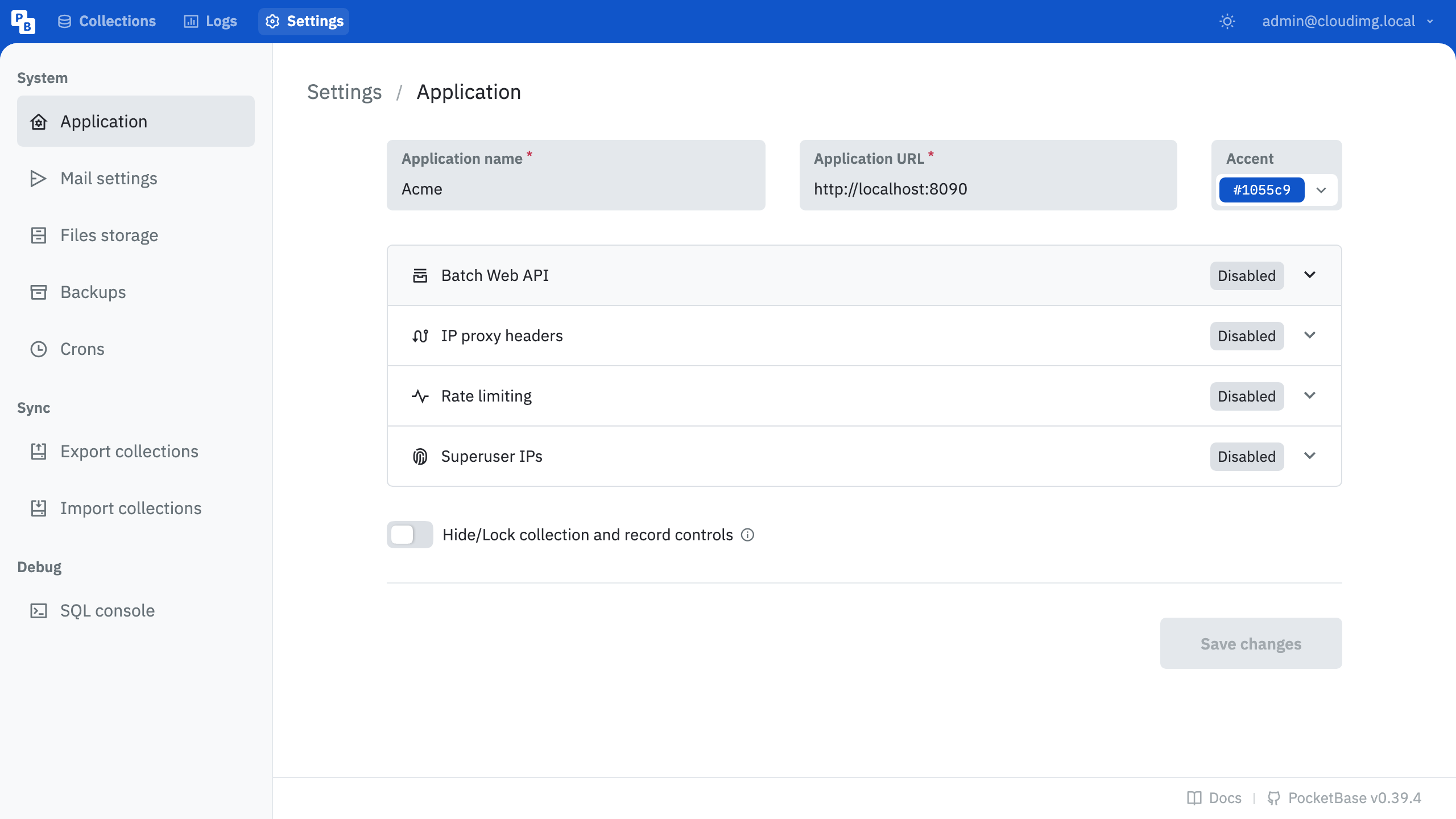
Real screenshots of this software running on the cloudimg image, taken while testing the deployment guide.
Description
This is a repackaged open source software product wherein additional charges apply for cloudimg support services.
## PocketBase on AWS - Your Backend in a Single Binary
PocketBase gives developers and small teams a complete backend - REST API, realtime subscriptions, authentication, and file storage - without managing separate database servers, message brokers, or multi-service stacks. This AMI delivers PocketBase fully configured as a system service on EC2, so you go from launch to a live API endpoint in minutes.
## Why PocketBase Over Other BaaS Platforms
Unlike hosted backend-as-a-service platforms, PocketBase runs entirely on your EC2 instance. You get full data ownership with a single SQLite file you can snapshot and move, no per-request pricing surprises, no vendor lock-in, and zero external dependencies. Your data never leaves your AWS account. For startups, indie developers, and small teams who want predictable EC2-only costs without sacrificing a modern API layer, this is the simplest path to production.
## Application Stack
- PocketBase binary installed under /opt/pocketbase, run by a dedicated unprivileged service account
- Dedicated data disk holding the SQLite database, uploaded files, and migrations - independently resizable and survives instance replacement
- systemd service that starts PocketBase on boot and restarts it on failure
- nginx reverse proxy publishing the dashboard and API on port 80 with WebSocket support for realtime subscriptions
## Instant CRUD API With Realtime Subscriptions
Define collections (database tables) from the admin dashboard or programmatically, and PocketBase instantly exposes a full CRUD REST API with filtering, sorting, and pagination. Realtime subscriptions over Server-Sent Events let you build collaborative apps and live dashboards. File upload with automatic thumbnail generation and a flexible rules-based authorization layer are included out of the box.
## Authentication and OAuth2 Integration
Built-in authentication supports email/password and one-time codes. Connect external OAuth2 providers such as Google, GitHub, Apple, or Microsoft to let users sign in with existing accounts. Configure providers directly from the admin dashboard without writing custom middleware.
## Security and Hardening
- A one-shot service generates a unique superuser password on first boot and writes it to a root-only file - no shared or default credentials ship in the image
- The PocketBase binary binds to loopback only and is reachable exclusively through the nginx proxy
- Runs under a dedicated unprivileged service account
- Only port 80 is exposed by the application; configure your AWS Security Group to restrict inbound access further
- Enable EBS encryption on the data volume for data-at-rest protection; add a TLS certificate to nginx for data-in-transit encryption
## Getting Started
The admin dashboard is served at the /_/ path on port 80. Retrieve the generated superuser password from the root-only file, sign in, and begin creating collections. Point your web or mobile application at the same host to consume the REST and realtime API. For TLS, attach an ACM certificate via an ALB or configure Let's Encrypt directly on the instance.
## Use Cases
- SaaS MVP backend - A startup building an order-tracking app can define collections for customers, orders, and notifications, then consume the API from a React or Flutter frontend without provisioning RDS or DynamoDB
- Realtime dashboards - IoT teams ingesting sensor telemetry can subscribe to collection changes and push live updates to monitoring UIs
- Rapid API prototyping - Developers validating product ideas get a full CRUD API in minutes instead of days
- Self-hosted alternative - Teams requiring data sovereignty or operating in regulated industries keep all data on their own EC2 instance
## cloudimg Support
24/7 technical support by email and live chat covers deployment, collection and schema design, authentication and OAuth2 setup, API rules, file storage, realtime subscriptions, backups, TLS configuration, and performance tuning. To discuss your architecture or get a guided deployment walkthrough, contact our engineering team.
All product and company names are trademarks or registered trademarks of their respective holders. Use of them does not imply any affiliation with or endorsement by them.
Key Features
- Zero-setup deployment: Launch an EC2 instance and get a fully working backend in minutes. PocketBase runs as a systemd service behind nginx, so you skip manual installation, database provisioning, and proxy configuration entirely. Your team spends time building features, not managing infrastructure. The dedicated data disk separates storage from compute, letting you resize independently without downtime.
- Instant API with full data ownership: Define a collection in the dashboard and immediately get a CRUD REST API with filtering, pagination, realtime subscriptions, and file storage. Unlike hosted BaaS platforms, your SQLite database lives on your own EBS volume - no vendor lock-in, no per-request fees, and you can snapshot or migrate the single database file at any time.
- Hardened security with 24/7 expert support: Every instance boots with a unique superuser password stored in a root-only file - no default credentials ever ship. PocketBase binds to loopback only, reachable exclusively through the nginx proxy. Configure AWS Security Groups and EBS encryption for defense in depth. cloudimg engineers provide 24/7 support for deployment, OAuth2 setup, TLS, and tuning.