
Portainer CE - Docker Management UI
Overview
Portainer CE delivers a full web UI to deploy and manage Docker containers, images, volumes, networks and stacks, preinstalled and running behind nginx and ready to use within minutes of launch. A unique admin password is generated on first boot. Backed by 24/7 cloudimg support.
See it running
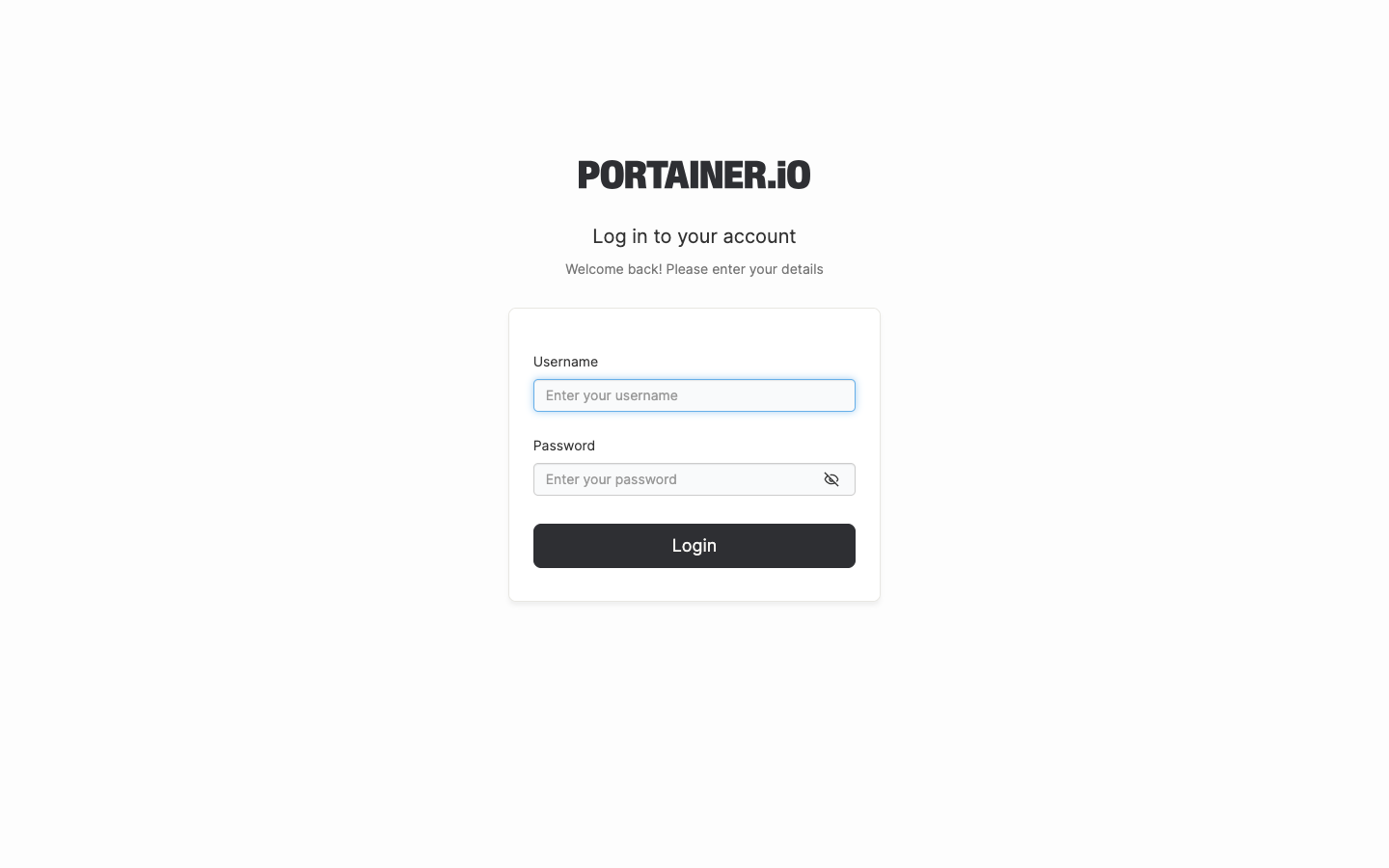
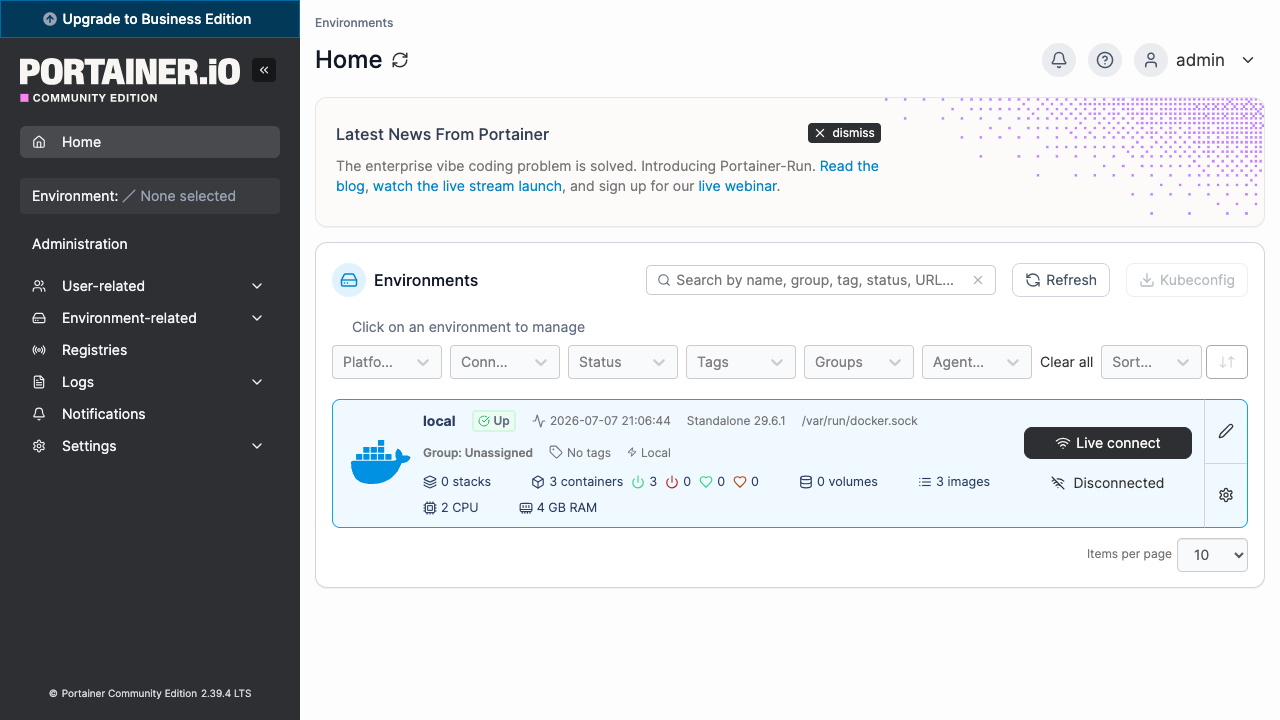
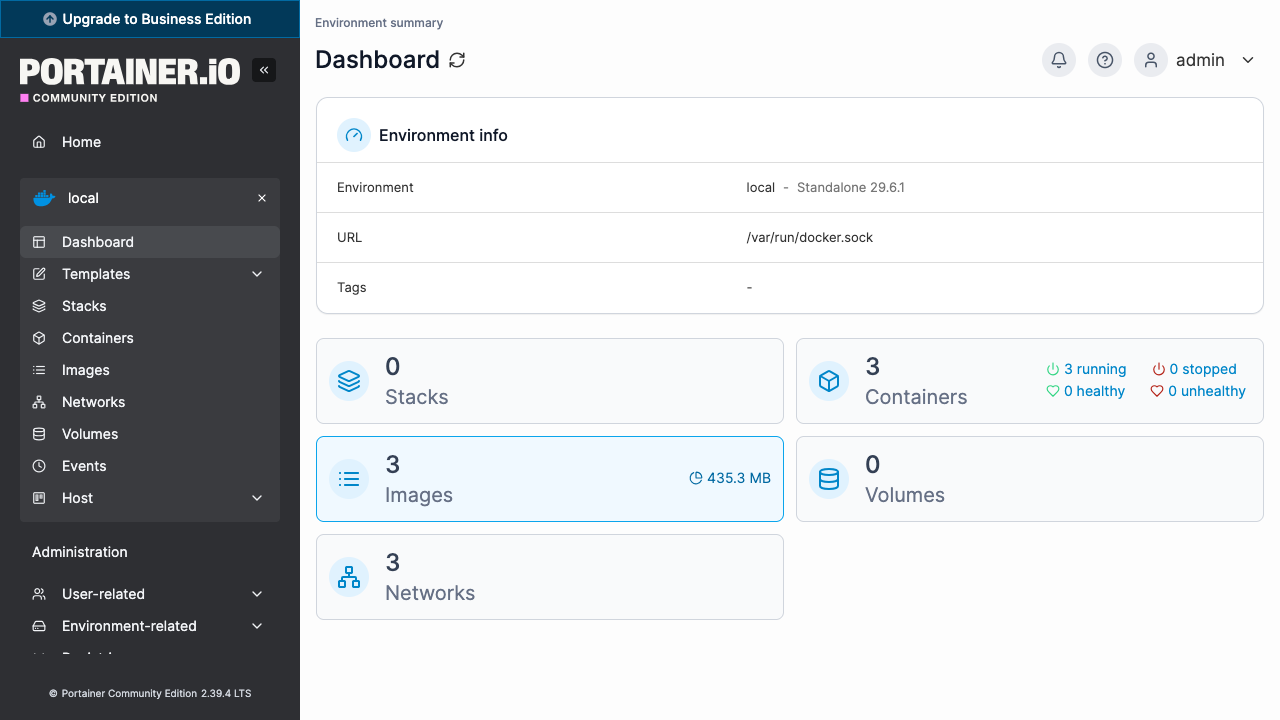
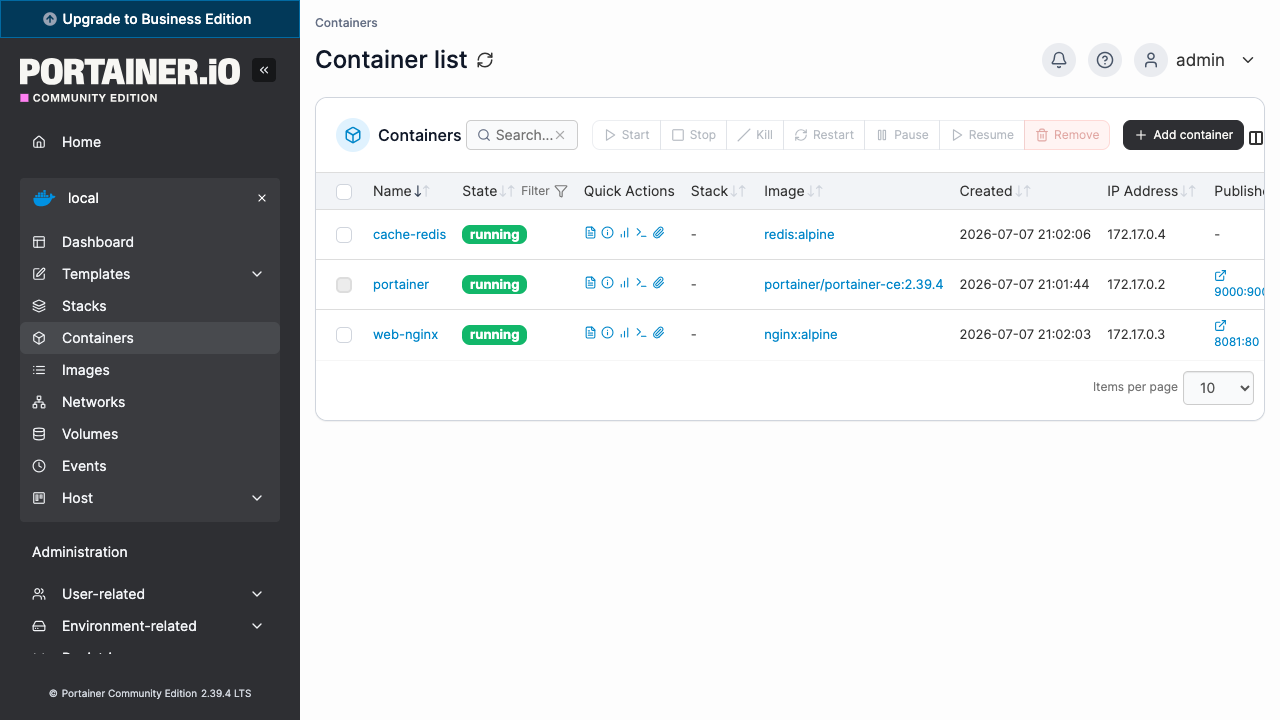
Real screenshots of this software running on the cloudimg image, taken while testing the deployment guide.
Description
This is a repackaged open source software product wherein additional charges apply for cloudimg support services.
Overview
Portainer CE is a lightweight management UI that lets you deploy and operate Docker entirely from your web browser. You get a clear view of every container, image, volume, network and stack on the host, with the controls to create, start, stop, inspect, exec into and remove them, without memorising Docker CLI commands. This image delivers Portainer CE fully installed and running behind an nginx reverse proxy, with the local Docker environment already connected, so a container-management console is serving within minutes of launch. The current release available is Portainer CE 2.39.4.
Application Stack
Portainer runs as a container that manages the host's own Docker engine through the Docker socket. It binds to the loopback interface and is fronted by nginx on port 80, with the WebSocket upgrade the container console and log streaming need already configured. Docker and the reverse proxy start on boot and the container restarts on failure. Portainer's database of users, environments, stacks and settings lives on a dedicated data disk so it is independently resizable and separate from the operating system disk.
Manage Docker From Your Browser
Browse and search every container with its state, ports and resource usage. Start, stop, restart, pause, kill, remove and duplicate containers in a click. Open an in-browser console into a running container or stream its live logs. Pull and manage images, create and inspect volumes and networks, and deploy multi-container applications as stacks from Compose files or the web editor. Role-based access control lets you add teams and users with scoped permissions.
Secure First Boot
On the first boot of your instance a one-shot service creates the Portainer admin account with a fresh password, unique to that instance, and records it in a file only the root user can read. No shared or default credentials ship in the image, and the admin is initialised within Portainer's own security window.
Ready To Use
Open the web UI in your browser, read the generated password, sign in as admin, and the local Docker environment is already connected, ready to manage. A built-in health endpoint answers on the reverse proxy for load-balancer and uptime checks. The Portainer database lives on a dedicated, independently resizable data disk.
cloudimg Support
24/7 technical support by email and chat. Help with deployment, HTTPS and reverse-proxy configuration, connecting additional Docker or Kubernetes environments, access control, storage and upgrade planning.
Use Cases
A browser-based control plane for the Docker host running your applications. A friendly console for teams who prefer a UI over the Docker CLI. A fast way to deploy, inspect and troubleshoot containers and stacks. An onboarding and teaching environment for container operations.
All product and company names are trademarks or registered trademarks of their respective holders. Use of them does not imply any affiliation with or endorsement by them.
Key Features
- Full web UI to deploy and manage Docker containers, images, volumes, networks and stacks, preinstalled and serving behind nginx with the local Docker environment already connected, ready within minutes of launch
- Runs as a container managing the host Docker engine, fronted by nginx with the WebSocket upgrade for in-browser consoles and live logs, with its database on a dedicated independently resizable data disk
- Hardened first boot creates the admin account with a fresh password for every instance and stores it in a file only the root user can read, with 24/7 technical support from cloudimg
Related Technologies
Related Products

Apache Airflow - Workflow Orchestration
This image runs Apache Airflow as a single node deployment. Airflow is installed into a dedicated Python virtual environ...
Apache Archiva Repository Manager
This image runs Apache Archiva, the open source build-artifact repository manager - a central, governed store for the bi...
Appsmith Open-Source Low-Code Platform
This image runs Appsmith Community Edition, the open source low-code platform for building internal tools, admin panels,...
Appwrite
Appwrite is an open source backend as a service platform, a self-hosted Firebase alternative that gives developers a com...
changedetection.io - Website Change Monitor
This image runs changedetection.io, the self-hosted service that monitors web pages for changes and notifies you when so...
CloudBeaver - Web Database Manager
CloudBeaver CE is a web-based database manager - a browser edition of the popular DBeaver desktop tool - that lets you c...