
Prefect Python Workflow Orchestration
Overview
Self-hosted Prefect orchestration server ready in minutes - no manual setup. Build resilient Python data workflows with retries, scheduling, and a live UI. Backed by 24/7 cloudimg support.
See it running
Real screenshots of this software running on the cloudimg image, taken while testing the deployment guide.
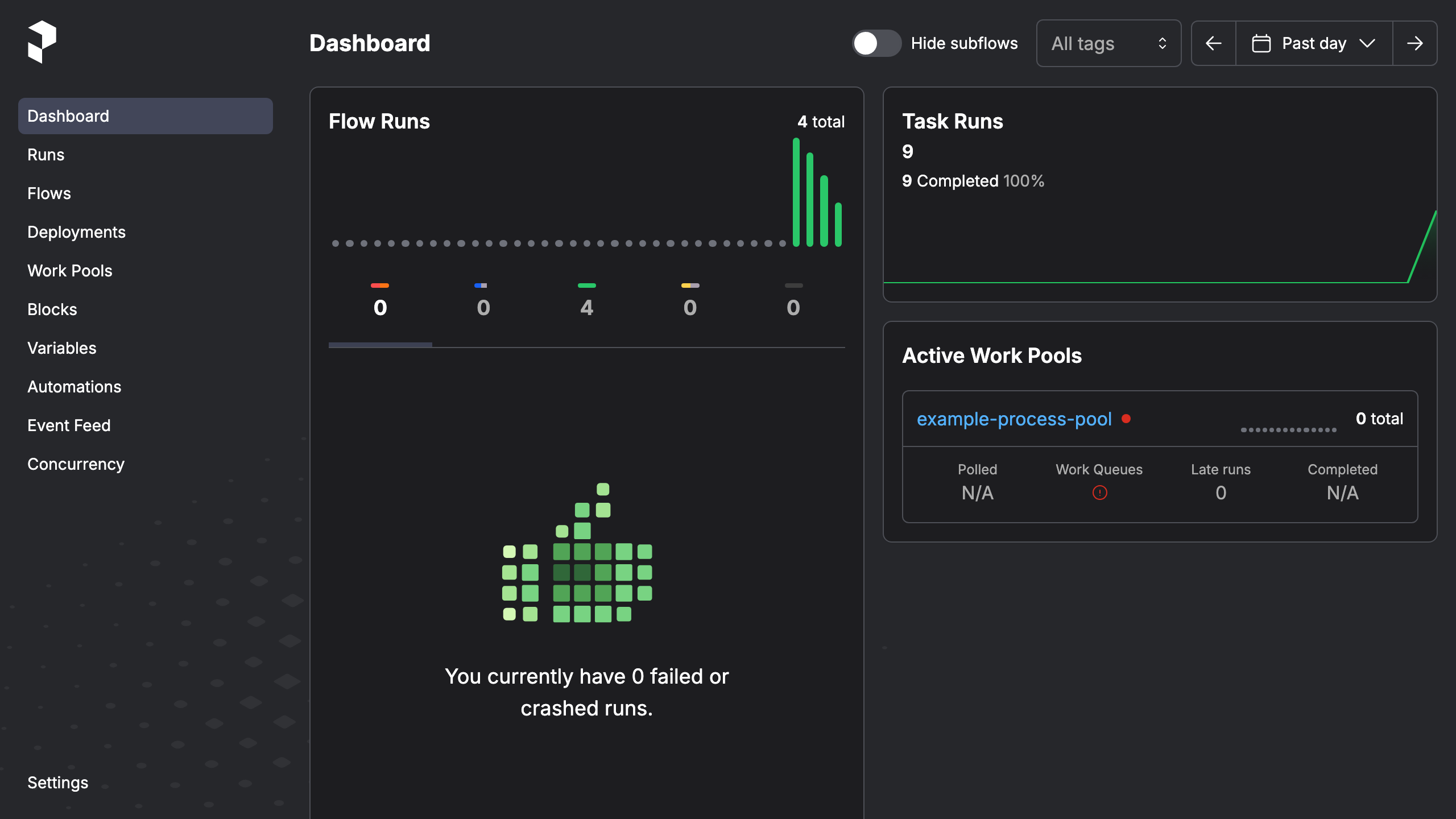
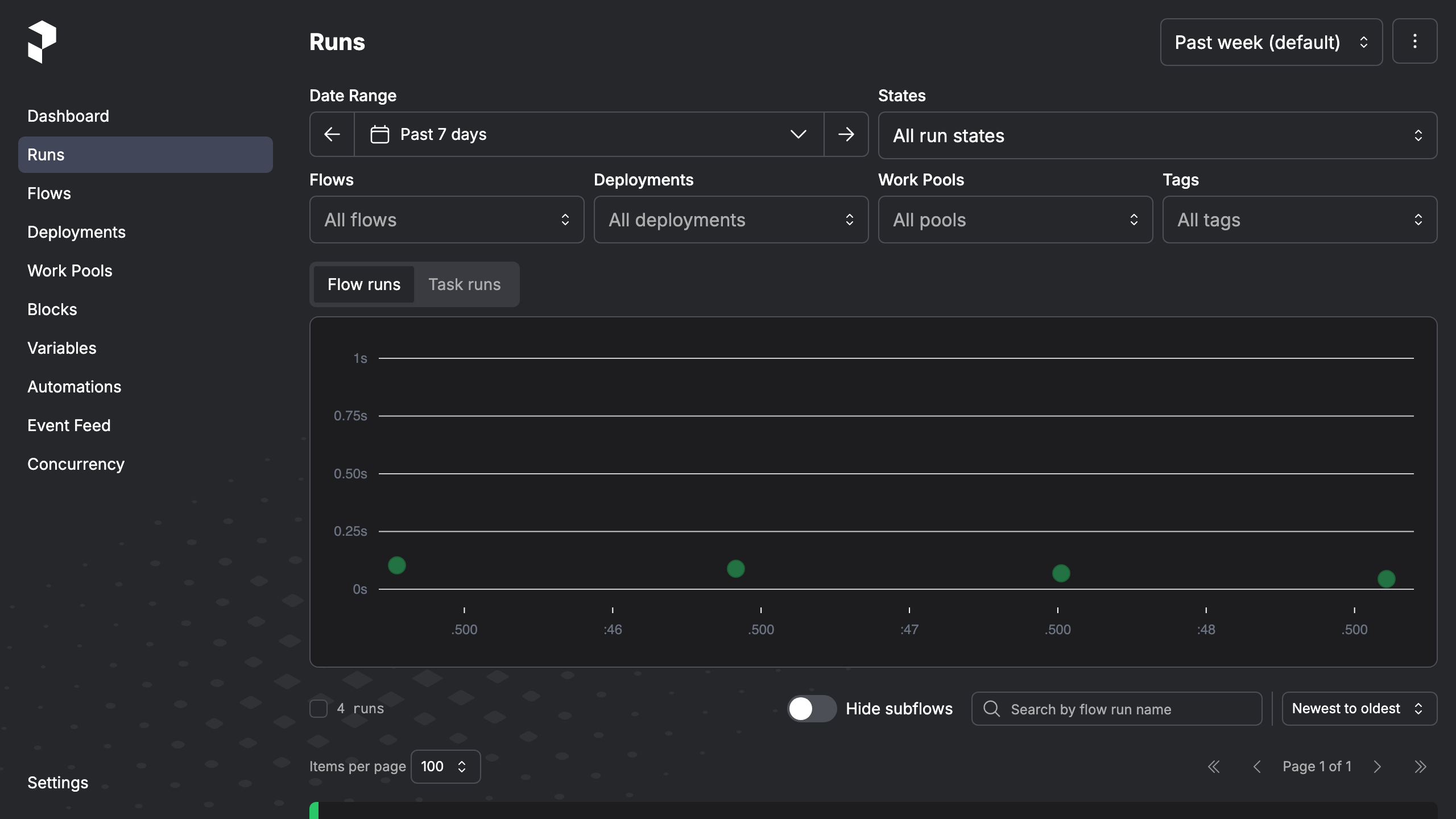
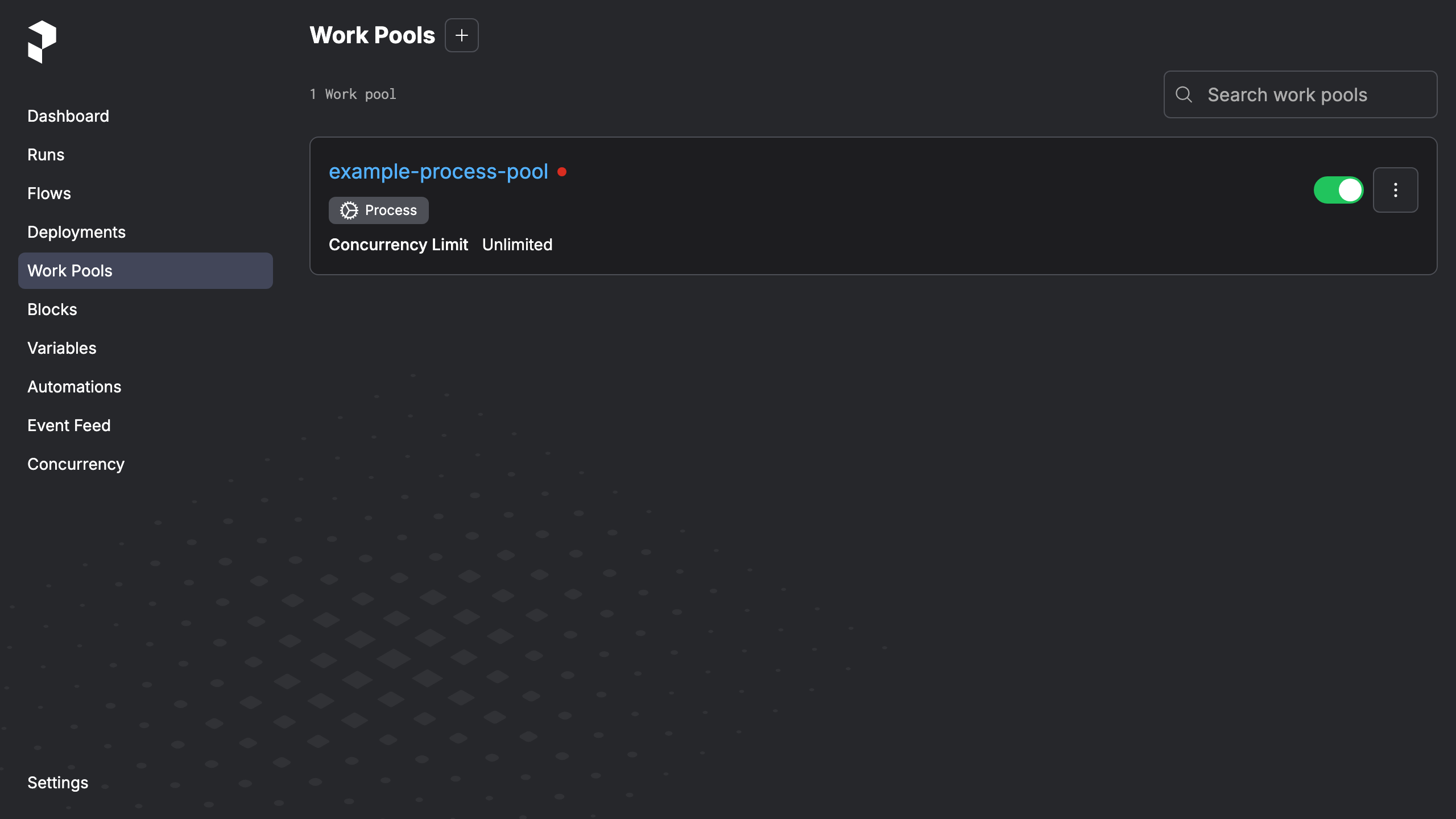
Description
This is a repackaged open source software product wherein additional charges apply for cloudimg support services.
Launch a Self-Hosted Prefect Orchestration Backend in Minutes
Skip hours of manual configuration. This AMI delivers a fully installed Prefect server - the open source Python workflow orchestration platform - running as a production-ready system service with an authenticated web UI. Launch an instance, retrieve your unique admin password, and start orchestrating data workflows immediately.
---
## Why This AMI Instead of a Manual Install
Setting up Prefect server manually on a bare EC2 instance means installing Python dependencies, configuring a reverse proxy, handling WebSocket upgrades for the live dashboard, securing the API endpoint, and managing service restarts. This AMI eliminates that entire process:
- Zero-to-dashboard in minutes vs. hours of manual configuration
- Authenticated by default - unlike a bare 'prefect server start' that exposes the API without credentials
- Dedicated data disk - resize storage independently without re-provisioning the instance, unlike root-volume installs
- No external database required - the embedded SQLite metadata store removes the cost and complexity of provisioning PostgreSQL
- Production service management - systemd restarts the server on failure automatically
---
## Application Stack
- Prefect server installed in a dedicated Python virtual environment under /opt/prefect, run by an unprivileged service account
- Server data directory (SQLite metadata database, logs, storage) on a dedicated data disk for independent resizing
- systemd service that starts the server on boot and restarts on failure
- nginx reverse proxy publishing the server API and web UI on port 80 behind HTTP Basic authentication with full WebSocket upgrade support for the live dashboard
---
## Workflow Orchestration Capabilities
Write flows and tasks in plain Python, then schedule, run, and monitor them with:
- Automatic retries and state handling
- Caching and concurrency limits
- Event-driven automations
- Work pools and deployments
- Live observability UI showing every run, its logs, and its state
A single node delivers a complete orchestration backend with no external dependencies to manage.
---
## Security by Default
On first boot, a one-shot service generates a fresh admin password unique to that instance, writes it into the nginx credentials file, and stores it in a root-only file. The Prefect server binds to loopback only and is never exposed without authentication. No shared or default credentials ship in the image - unlike many community AMIs that rely on published default passwords.
---
## Full WebSocket Support
The Prefect UI streams live updates over a WebSocket connection. The bundled nginx proxy forwards WebSocket upgrade and connection headers, so the dashboard updates flow-run states and logs in real time behind authentication. The health endpoint remains reachable for external monitoring.
---
## Use Cases
- Self-hosted orchestration for data pipelines and ETL
- Scheduling and monitoring Python batch jobs
- Machine learning training and inference pipelines
- Event-driven automations
- A private, single-node Prefect backend for teams that do not want a hosted control plane
---
## cloudimg Support
24/7 technical support by email and live chat. Our engineers help with deployment, connecting workers and deployments, work pools, scheduling, TLS configuration, authentication, and performance tuning. Critical issues receive a one-hour average response.
---
## Getting Started
1. Launch the AMI on your chosen EC2 instance type
2. Ensure your security group allows inbound traffic on port 80 (and 22 for SSH)
3. SSH into the instance and retrieve your admin password from the root-only credential file
4. Open the instance public IP in your browser to access the Prefect UI
5. Connect your first worker or deploy your first flow from any machine with the Prefect client
For guided deployment assistance or architecture questions, contact cloudimg support.
All product and company names are trademarks or registered trademarks of their respective holders. Use of them does not imply any affiliation with or endorsement by them.
Key Features
- Launch a production-ready Prefect orchestration backend in minutes, not hours. This AMI eliminates manual Python environment setup, reverse proxy configuration, and WebSocket tuning - delivering the server API and live dashboard on port 80 with authentication enabled from the start. No manual setup means your team focuses on building workflows, not infrastructure.
- Build resilient Python data workflows with zero boilerplate and no external database to provision. The embedded SQLite store lives on a dedicated data disk you can resize independently - avoiding the cost and complexity of managing PostgreSQL. Retries, scheduling, caching, concurrency limits, and real-time observability are ready out of the box.
- Secure by default with no shared credentials - every instance generates a unique admin password on first boot, stored in a root-only file. The server binds exclusively to loopback, ensuring it is never exposed without authentication. Backed by 24/7 cloudimg technical support with a one-hour average response for critical issues.