QuestDB
Overview
QuestDB, the fast open source time series database with SQL, preinstalled as a system service with the web Console, REST API, PostgreSQL wire protocol and InfluxDB line protocol published behind an authenticating nginx proxy. A unique admin password is generated on first boot. Backed by 24/7 cloudimg support.
See it running
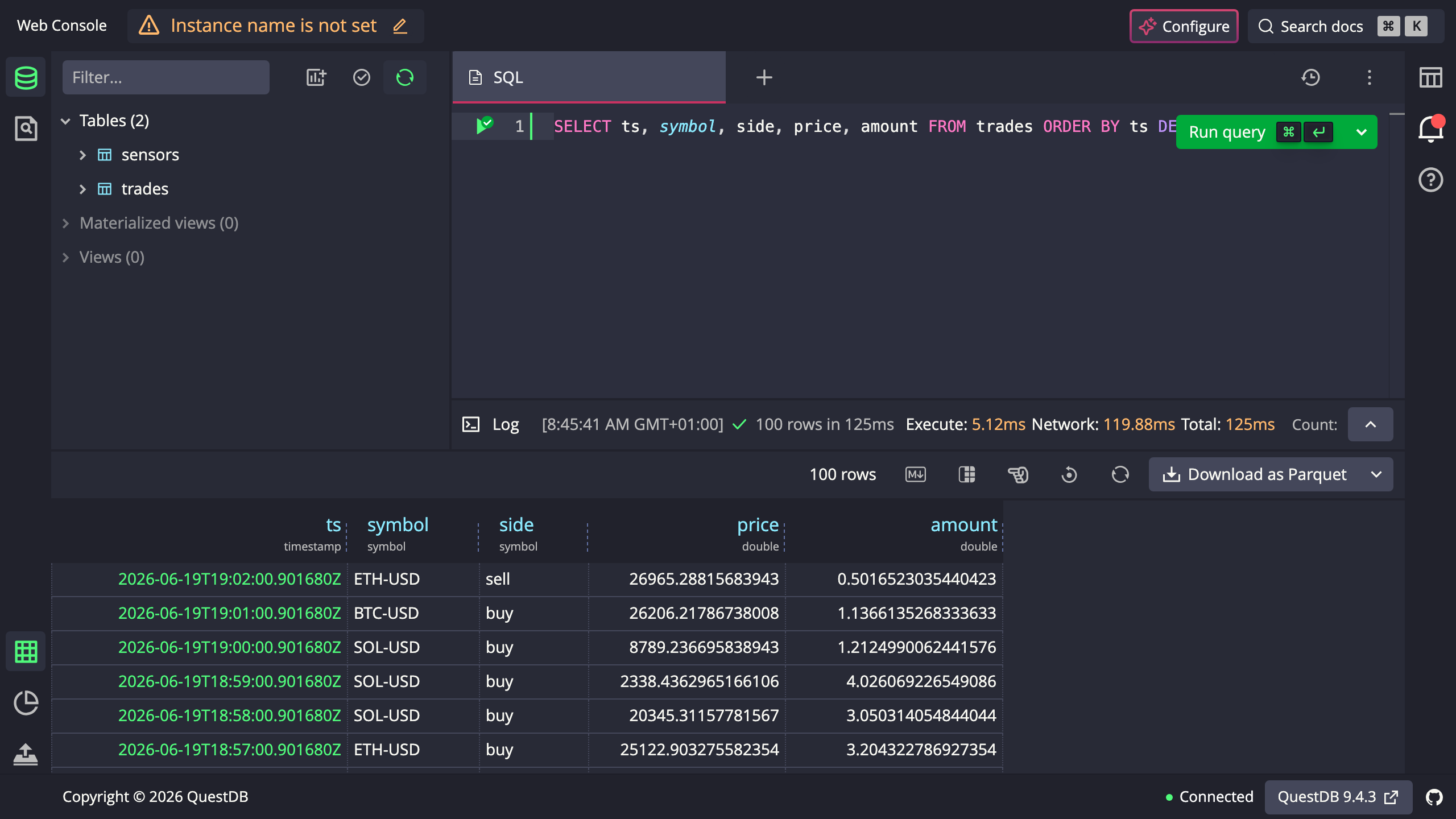
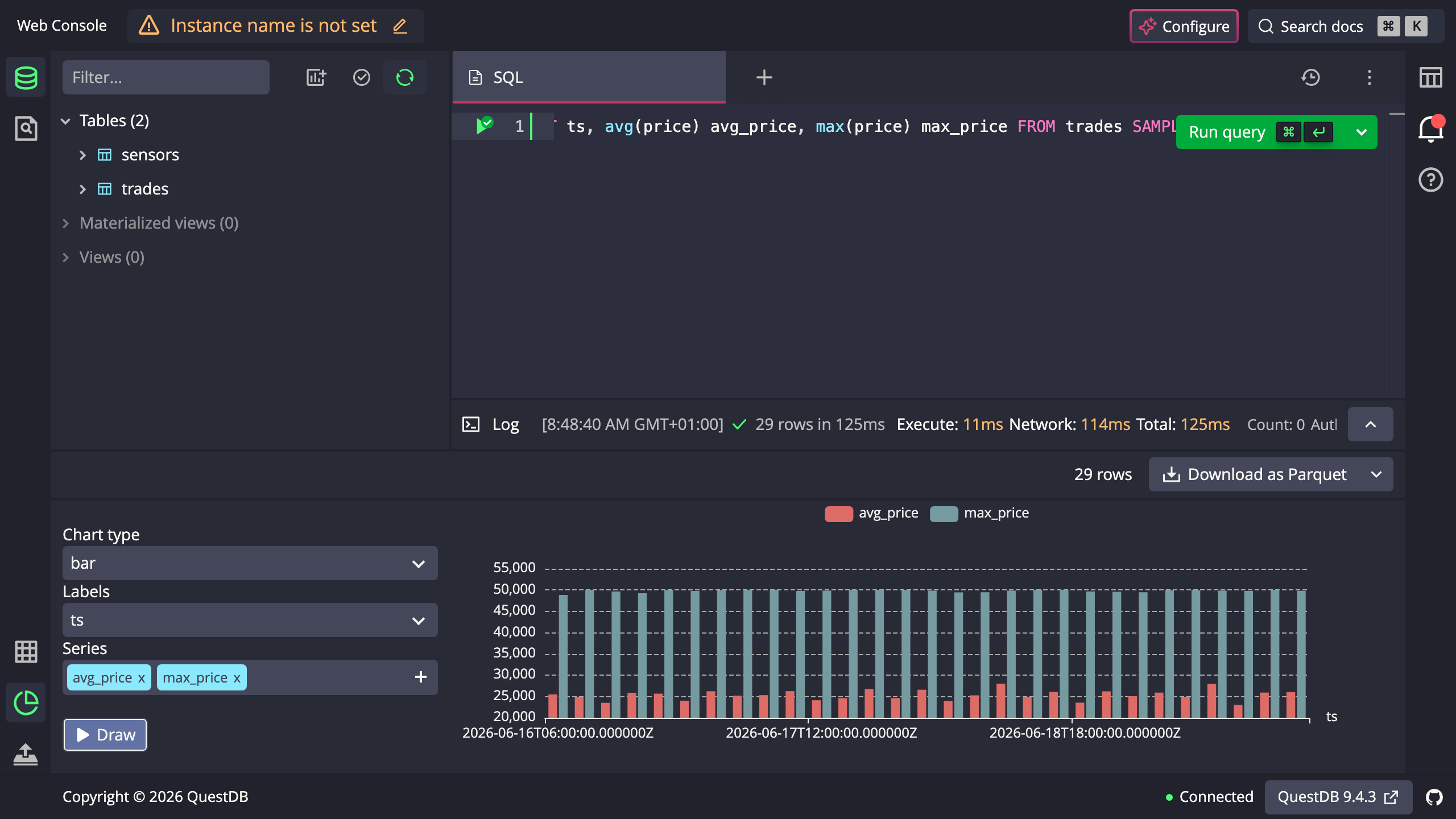
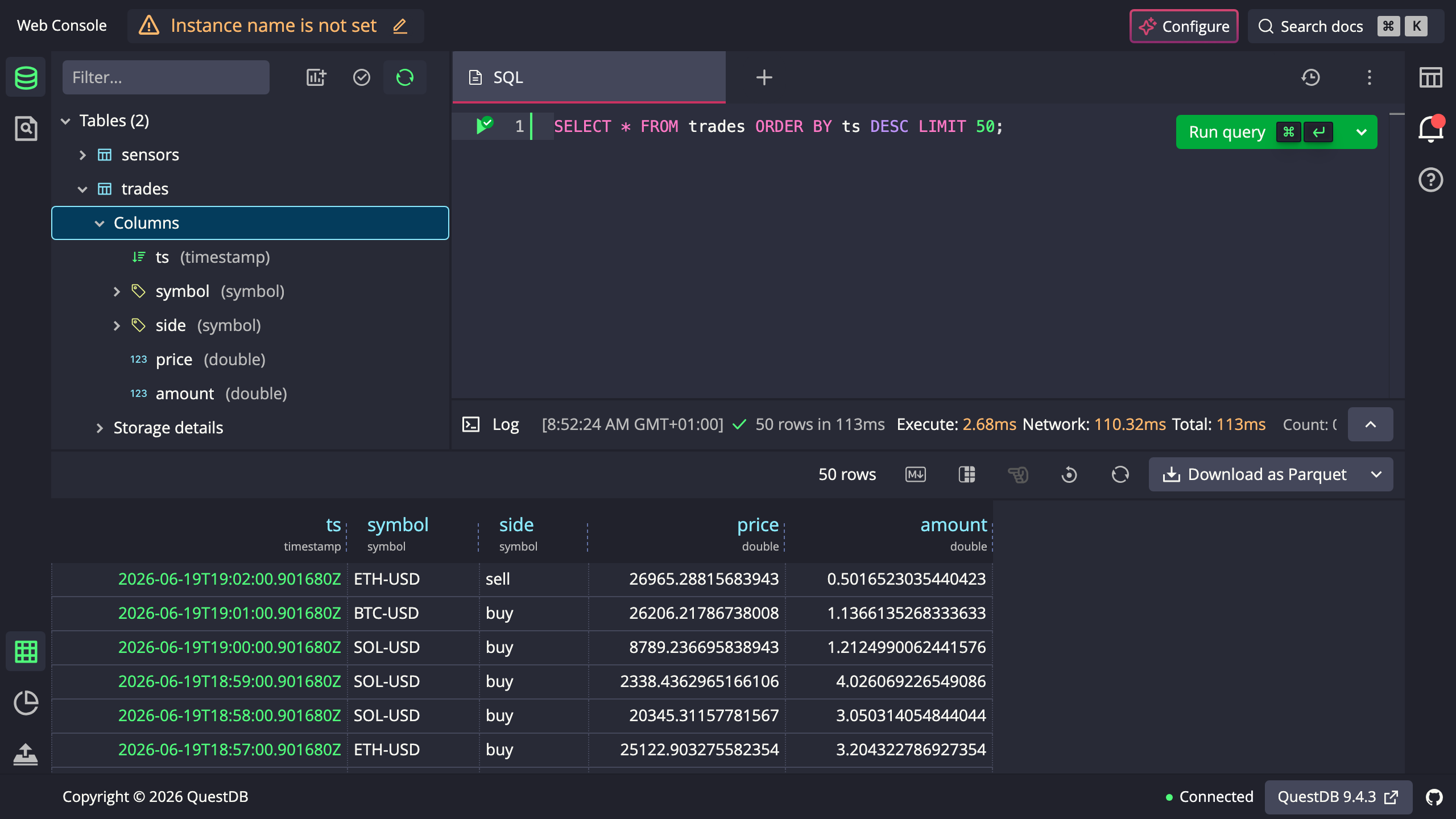
Real screenshots of this software running on the cloudimg image, taken while testing the deployment guide.
Description
This is a repackaged open source software product wherein additional charges apply for cloudimg support services.
Overview
QuestDB is a fast, open source, columnar time series database built for high throughput ingestion and low latency SQL analytics. It speaks SQL with time series extensions, ingests data over the InfluxDB line protocol and the PostgreSQL wire protocol, and answers queries through a REST API and an interactive web Console. This image delivers the QuestDB open source core fully installed and configured as a system service, so a production grade time series database is running within minutes of launch.
Application Stack
The QuestDB open source core installed under /opt/questdb with its bundled Java runtime and run by a dedicated unprivileged service account. The database root stored on a dedicated data disk so the time series store is independently resizable. A systemd service that starts the database in the foreground on boot and restarts it on failure. An nginx reverse proxy that publishes the web Console and the REST API on port 80 behind HTTP Basic authentication.
Time Series Database
Ingest data at high throughput over the InfluxDB line protocol or the PostgreSQL wire protocol, then query it with SQL through the built in web Console, the REST API or any PostgreSQL client. QuestDB uses a columnar storage engine partitioned by time with SQL extensions for downsampling, interpolation and as of joins, so large datasets stay fast on modest hardware.
Secure First Boot
On the first boot of your instance a one shot service generates a fresh admin password, unique to that instance, writes it into the nginx credentials file and writes the password to a root only file. The database itself binds to loopback only and is never exposed without authentication. No shared or default credentials ship in the image.
Ready To Use
The web Console is served on port 80 through nginx. Sign in with the generated administrator credentials to run SQL queries, import data, build charts and inspect tables. Point your InfluxDB line protocol writers, PostgreSQL clients or REST API integrations at the instance using the same credentials.
cloudimg Support
24/7 technical support by email and chat. Help with deployment, ingestion protocol configuration, schema and partitioning design, SQL queries, PostgreSQL and InfluxDB integration, TLS and storage tuning.
Use Cases
Application and infrastructure metrics. Financial market and tick data. IoT and sensor telemetry. Real time analytics dashboards. A fast SQL backend for time series workloads and a cost effective alternative to hosted time series services.
All product and company names are trademarks or registered trademarks of their respective holders. Use of them does not imply any affiliation with or endorsement by them.
Key Features
- QuestDB open source time series database preinstalled as a systemd service with the web Console and SQL REST API published on port 80 behind an authenticating nginx proxy, no manual setup required
- Ingests the InfluxDB line protocol and the PostgreSQL wire protocol and answers SQL queries with time series extensions, with the database root on a dedicated independently resizable data disk
- Hardened first boot generates a fresh admin password for every instance and stores it in a file only the root user can read, with 24/7 technical support from cloudimg