Base
Hardened build
minimal ports, security patches applied at build time

Roundcube, the browser based IMAP webmail client, with a working mailbox and a clean, responsive interface ready on first boot.
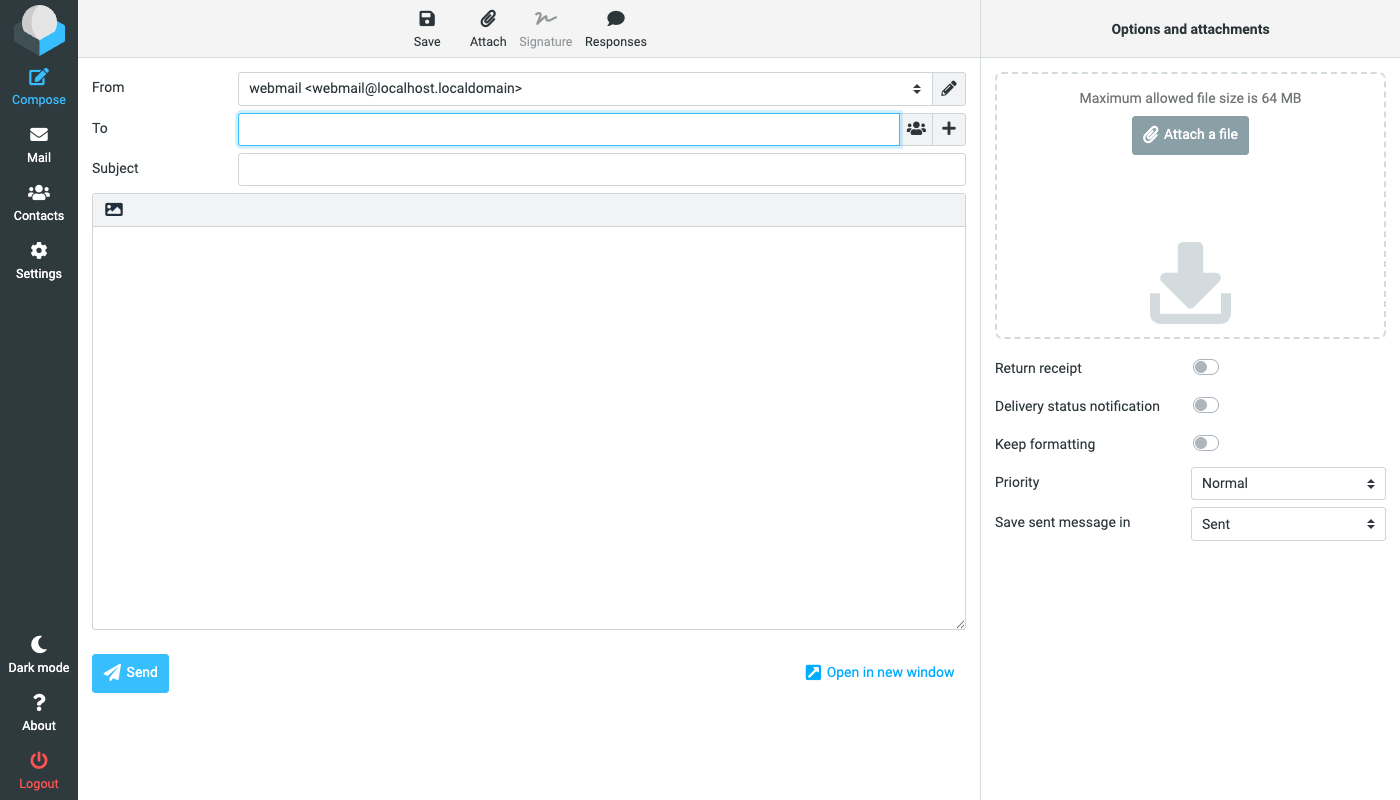
Roundcube is the widely used open source webmail client. It gives users a fast, full featured mail experience in the browser: folder management and drag and drop message filing, threaded conversations, a rich text composer with attachments and drafts, a searchable address book with contact groups, message search across folders, and a responsive Elastic interface that adapts from desktop to phone. Because it speaks standard IMAP and SMTP, it puts a modern face on any compliant mail server without changing where mail is stored.
It suits organisations that want to offer staff browser based access to their existing corporate mail server, and teams that want a private, self hosted alternative to a hosted webmail service.
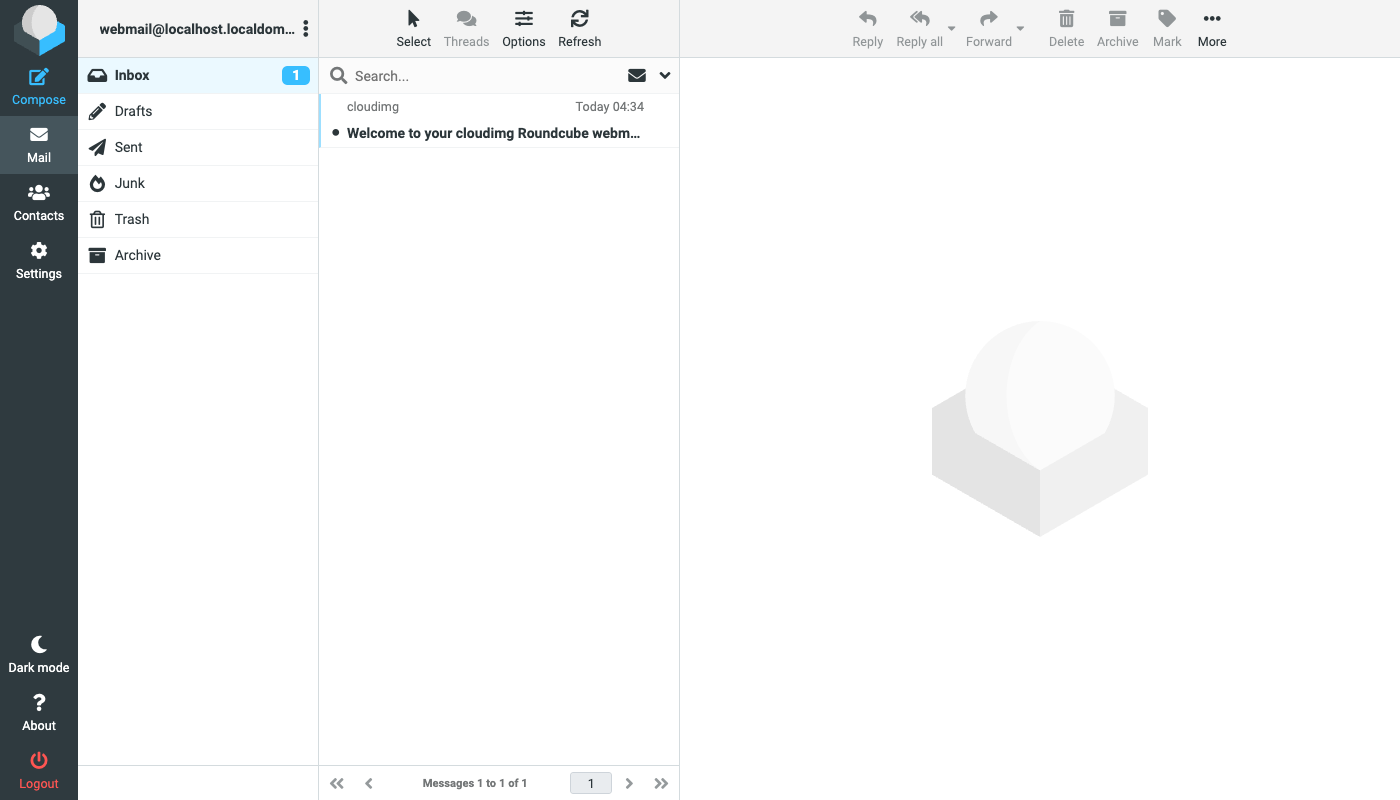
Roundcube is a mail client rather than a mail store, so a bare install has nothing to sign in to. cloudimg therefore delivers Roundcube complete with a local IMAP server and a mail transfer agent bound to loopback, so you can sign in, browse folders and compose a message minutes after launch, then repoint it at your own corporate mail server by changing two settings. The web installer is run and removed at build time so no setup wizard is exposed. On every instance's first boot a one shot service generates a unique database password, a unique database maintenance password, a fresh encryption key for stored session passwords and a unique mailbox password written to a file only the root user can read, so no shared or default credential ships in the image. The database and the mail store each get their own dedicated data disk, mounted by filesystem UUID and kept separate from the operating system disk, so mail growth is managed independently. Every deployment is paired with a step by step deploy guide, which is candid about what it takes to send mail to the internet, and backed by 24/7 support.
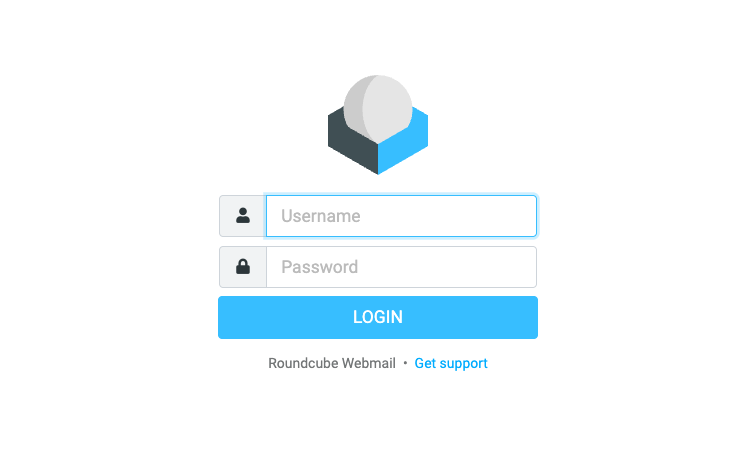
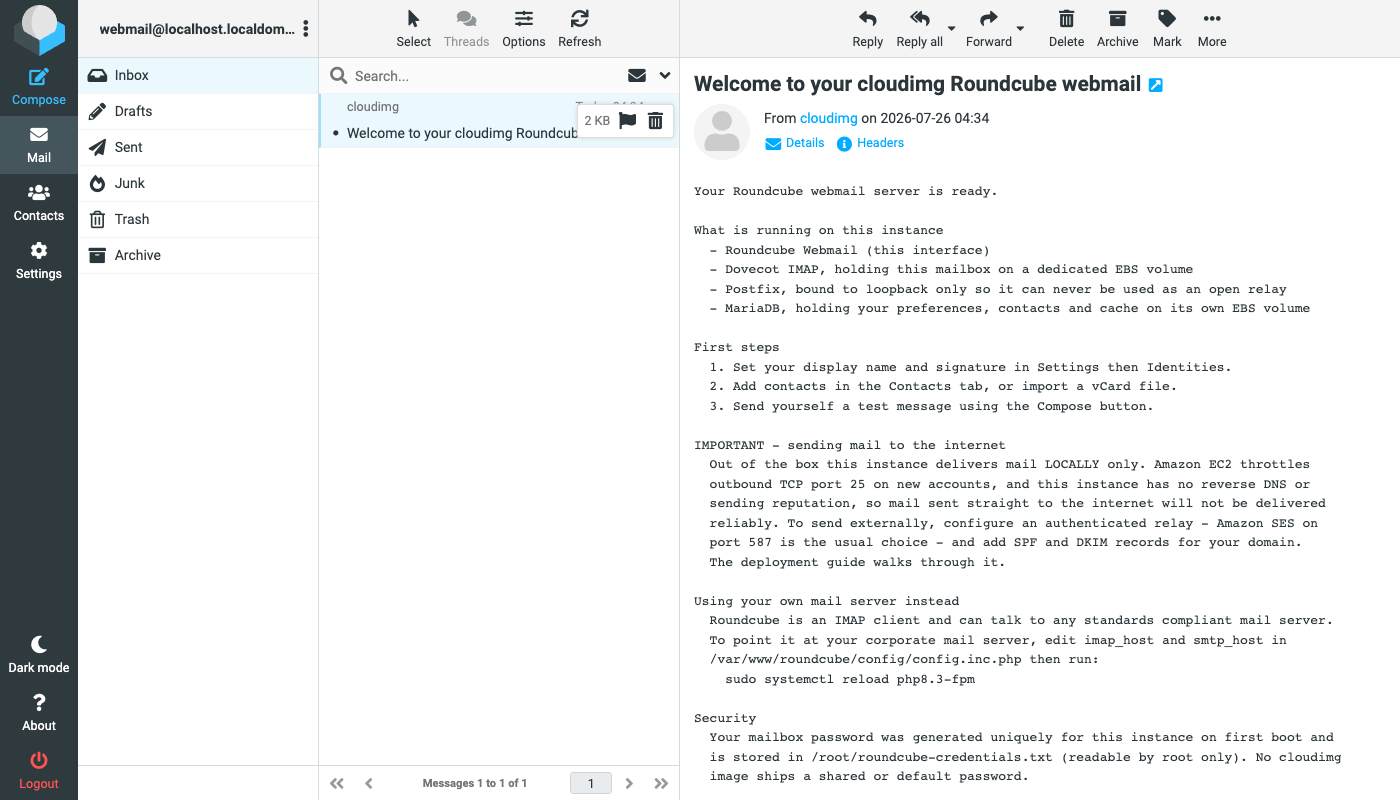
Real screenshots taken while testing this image against its deployment guide.
This is a repackaged open source software product wherein additional charges apply for cloudimg support services.
## Ready-to-Use Roundcube Webmail on AWS EC2
Roundcube is the widely used open source browser-based IMAP mail client, delivering a clean, fast webmail experience with folder management, message threading, rich text composition, address books, message search, and a responsive interface for desktop and mobile. This image delivers Roundcube fully installed, configured, and security-hardened so you have working webmail within minutes of launch, eliminating the hours of manual dependency installation, web server configuration, database setup, and install wizard that a self-managed deployment requires.
## Who This Is For
This image is built for sysadmins, DevOps engineers, and IT teams who need a private, self-hosted webmail front end on EC2. Common scenarios include:
## What You Skip
With a standard Roundcube deployment you must install PHP and its extensions, configure a web server, provision a database, import the schema, run the browser installer, remove it again, and connect the client to an IMAP server before anything is usable. This image completes all of that before first boot. Because Roundcube is a mail client rather than a mail store, the image also bundles a local IMAP server and a loopback-only mail transfer agent, so you can sign in, browse folders, and compose mail immediately after launch. You can keep the bundled mailbox or repoint Roundcube at your own corporate IMAP and SMTP servers, or at Amazon SES, by changing two settings, as covered in the deployment guide.
## About Outbound Mail
This image is a complete webmail front end with a local mailbox, not a ready-to-use public mail server. Amazon EC2 throttles outbound TCP port 25 until you request removal, and a new instance has no reverse DNS record and no sending reputation, so mail sent directly to the internet will not be delivered reliably. The bundled mail transfer agent accepts submissions from the loopback interface only and delivers to the local mailbox. To send externally, configure an authenticated relay, for example Amazon SES on port 587, and publish SPF and DKIM records for your domain. The deployment guide walks through both.
## Application Stack
The database tier and the mail store each get a dedicated EBS volume, mounted by filesystem UUID and separate from the operating system disk, so each can be resized independently as mail volume grows.
## Security by Default
On first boot, a one-shot service generates a fresh database password, encryption key, database maintenance password, and mailbox password unique to that instance. The mailbox password is written to a root-only file. No shared or default passwords ship in the image. The bundled mail transfer agent is bound to the loopback interface so it can never act as an open relay. The web installer has already been run and removed, so you land directly on the webmail sign-in page.
## Evaluate Quickly
Launch a single instance to explore the full Roundcube interface, test IMAP connectivity, and verify relay configuration before committing to a production deployment.
## 24/7 Expert Support From cloudimg
Compared to free community images, this listing includes around-the-clock expert support covering deployment guidance, IMAP and SMTP configuration, relay and deliverability setup, plugins and skins, upgrades, and MariaDB administration. If you need help connecting Roundcube to your corporate mail infrastructure or configuring Amazon SES as an outbound relay, the cloudimg support team is available to assist.
All product and company names are trademarks or registered trademarks of their respective holders. Use of them does not imply any affiliation with or endorsement by them.

Launch a ready-to-use AKHQ Kafka GUI with a pre-configured broker in minutes. Secured by default with unique credentials...

This image runs Apache ActiveMQ Artemis, the high performance, non blocking message broker from the Apache ActiveMQ proj...
This image runs Apache ActiveMQ Classic, the long established open source message broker from the Apache Software Founda...

This image runs Apache Iggy, a persistent, high-throughput message streaming platform written in Rust.

This image runs Apache Storm, a distributed, fault-tolerant, real-time computation system.

Arroyo is a distributed stream processing engine that lets you run SQL over real-time data streams.