
Strapi Headless CMS - Ready-to-Run
Overview
Launch a production-ready Strapi headless CMS in minutes. Pre-built admin panel, REST and GraphQL API on port 80, unique credentials generated on first boot. 24/7 cloudimg support included.
See it running
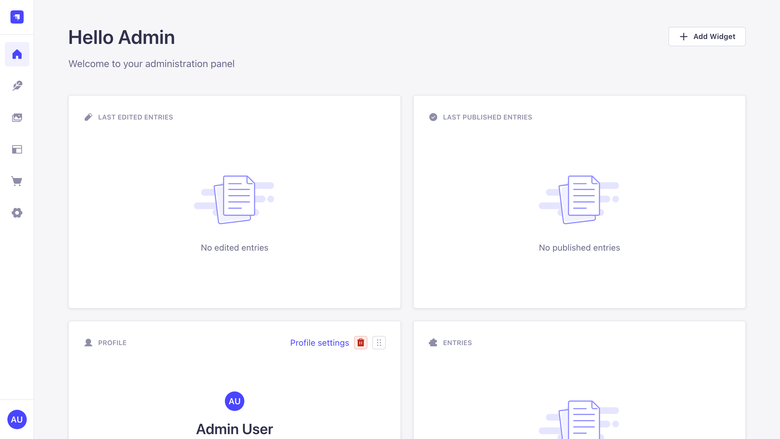
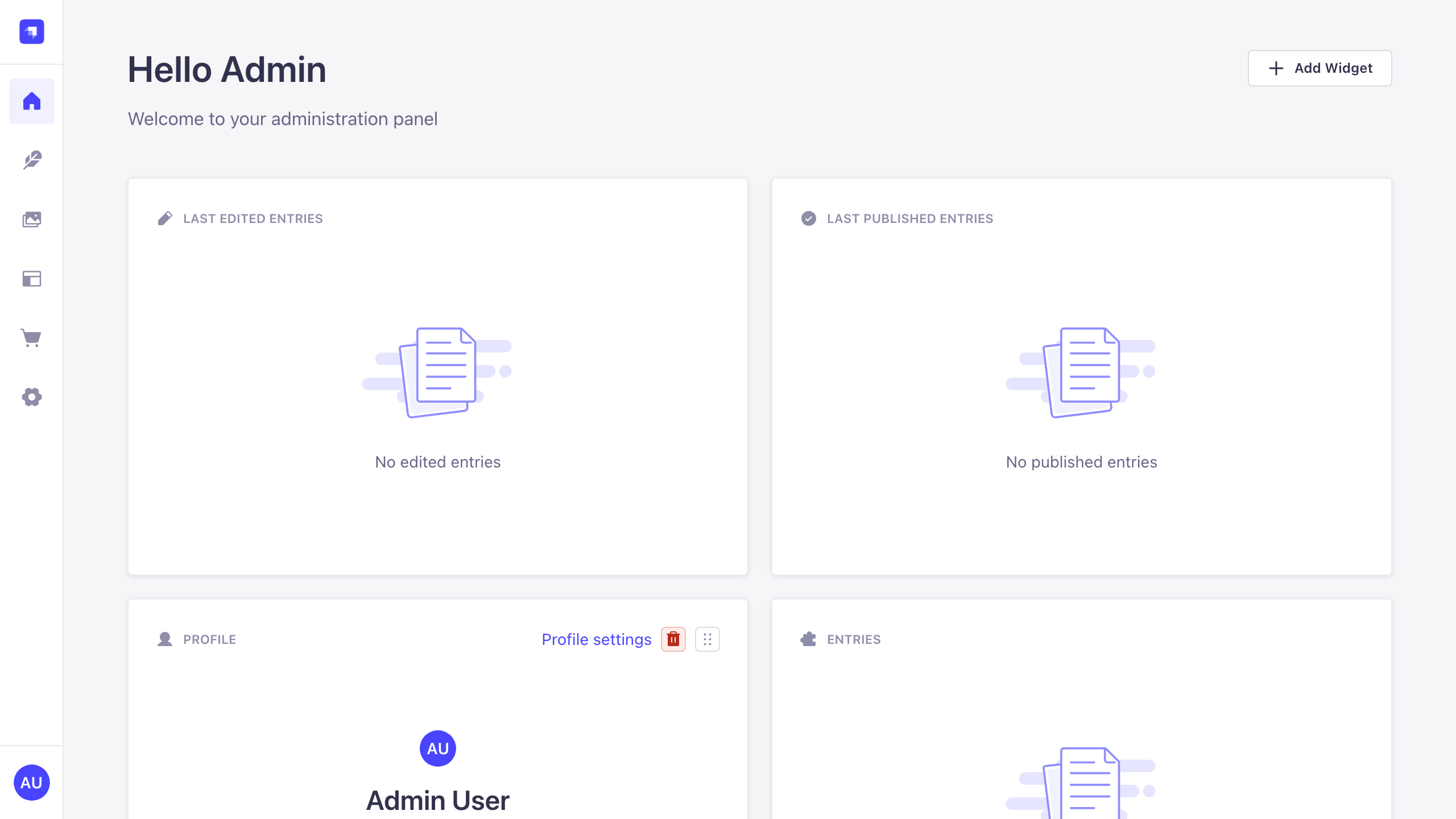
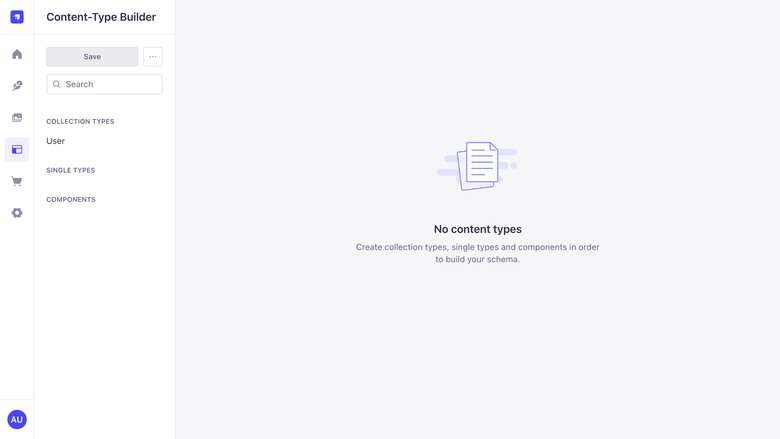
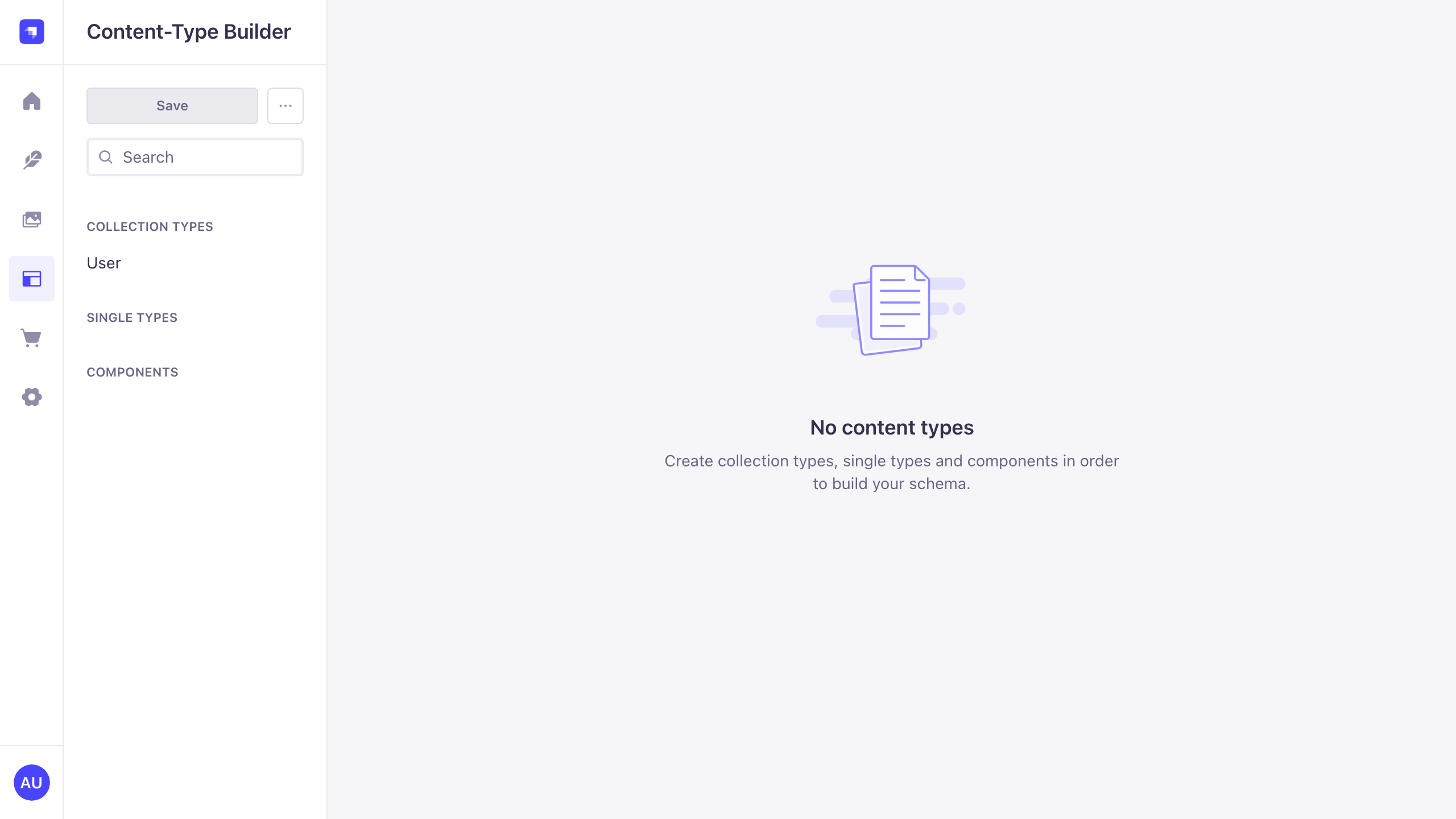
Real screenshots of this software running on the cloudimg image, taken while testing the deployment guide.
Description
This is a repackaged open source software product wherein additional charges apply for cloudimg support services.
## Strapi Headless CMS - Production-Ready AMI with 24/7 Support
This is a repackaged open source software product wherein additional charges apply for cloudimg support services.
### Why This AMI Instead of Manual Installation
Setting up Strapi for production typically means installing Node.js, configuring a process manager, setting up a reverse proxy, generating application secrets, hardening file permissions, and separating data from the root volume. This AMI eliminates that entire process. Within minutes of launch you have a fully operational headless CMS with the admin panel accessible, the content API responding, and security best practices already applied - no SSH session required to get started.
### Application Stack
- Strapi Community Edition on Node.js 22 LTS, managed by a dedicated unprivileged service account
- Dedicated data disk holds the SQLite database and uploaded media - resize storage independently without touching the instance, and survive instance replacement without data loss
- systemd service starts Strapi on boot and restarts it automatically on failure, eliminating silent downtime
- nginx reverse proxy publishes the admin panel and content API on port 80 with WebSocket support and generous upload limits - no manual proxy configuration needed
### Headless Content Platform
Use the visual Content-Type Builder to model your content schema without writing code, then create and manage entries in the admin panel. Strapi automatically exposes a fully documented REST and GraphQL API for every content type you define. Built-in capabilities include:
- Fine-grained roles and permissions
- Draft and publish workflows
- Media library with upload management
- Internationalisation (i18n)
- Extensible plugin system
Your front end, mobile app, or microservice consumes content over the API - decoupling content management from presentation.
### Secure First Boot
On first launch, a one-shot service performs security initialization that other images leave to you manually:
- Generates all Strapi application secrets fresh and unique to that instance
- Creates an administrator password meeting Strapi's complexity policy
- Provisions the first admin user automatically
- Binds Strapi to loopback only (published exclusively through nginx)
- Writes credentials to a root-only file - no shared or default passwords ship in the image
This means every instance you launch has its own cryptographic identity with no credential reuse across deployments.
### Getting Started
1. Launch the AMI from AWS Marketplace
2. Wait for the instance to reach a running state
3. Navigate to http://your-instance-ip/admin in your browser
4. Retrieve the generated admin credentials from the root-only file via SSH
5. Sign in to build content types, manage entries, configure roles, and generate API tokens
6. Point your application to the content API on the same host
### Use Cases
- E-commerce product content - Manage product descriptions, specifications, and media for web storefronts and mobile apps from a single API, enabling merchandising teams to update content without developer involvement
- JAMstack and static site generators - Serve as the content backend for Gatsby, Next.js, Nuxt, or Hugo builds with webhook-triggered rebuilds on publish
- Multi-channel content delivery - Publish once and deliver structured content to web, mobile, kiosk, and IoT interfaces through the same API endpoints
- Editorial and marketing teams - Provide a user-friendly admin panel for non-technical staff while developers consume content programmatically
- Rapid prototyping - Spin up a complete content backend for hackathons, MVPs, or proof-of-concept projects without infrastructure overhead
### cloudimg Support
24/7 technical support by email and live chat. Our engineers assist with deployment, content modelling, REST and GraphQL API usage, roles and permissions, media and upload configuration, database and storage management, TLS setup, and runtime performance tuning.
All product and company names are trademarks or registered trademarks of their respective holders. Use of them does not imply any affiliation with or endorsement by them.
Key Features
- Production-ready in minutes, not hours. Unlike manual Strapi installation - which requires configuring Node.js, a process manager, reverse proxy, secrets, and file permissions - this AMI launches with everything pre-built. Strapi runs as a systemd service on Node.js 22 LTS with the admin panel and content API served on port 80 through nginx. No SSH setup session needed to start building content.
- Dedicated data disk protects your content investment. Your SQLite database and uploaded media live on a separately attached volume - resize storage without downtime and survive instance replacement without data loss. Model content visually with the Content-Type Builder, manage entries in the admin panel, and deliver everything through a fully documented REST and GraphQL API with roles, permissions, i18n, and plugins.
- Security hardened from first boot with 24/7 expert support. Every instance generates its own unique application secrets and admin credentials automatically - no shared or default passwords ever ship. Strapi binds to loopback only behind nginx, and credentials are stored in a root-only file. cloudimg provides round-the-clock technical support by email and live chat for deployment, configuration, and troubleshooting.