
Streamlit Python Data App Framework
Overview
Launch a secured, production-ready Streamlit data app in minutes - preinstalled with nginx auth, WebSocket support, and 24/7 cloudimg support.
See it running
Real screenshots of this software running on the cloudimg image, taken while testing the deployment guide.
Description
This is a repackaged open source software product wherein additional charges apply for cloudimg support services.
## Why This Image Over a Manual Install
Setting up Streamlit for production typically requires configuring a Python virtual environment, writing systemd unit files, hardening nginx as a reverse proxy with WebSocket upgrade headers, generating per-instance credentials, and partitioning storage - hours of work that is easy to get wrong. This AMI eliminates that entire process. You launch an instance and a secured, authenticated Streamlit app is serving on port 80 within minutes, ready for your team to replace the demo with their own Python code.
## Application Stack
- Streamlit installed into a dedicated Python virtual environment under /opt/streamlit, run by an unprivileged service account
- Dedicated data disk holds the application directory (virtual environment and app script) so storage is independently resizable without rebuilding the instance
- systemd service starts the app on boot and restarts it automatically on failure
- nginx reverse proxy publishes the app on port 80 behind HTTP Basic authentication with full WebSocket upgrade support so the interactive UI renders instantly
## Ready-to-Run Demo App
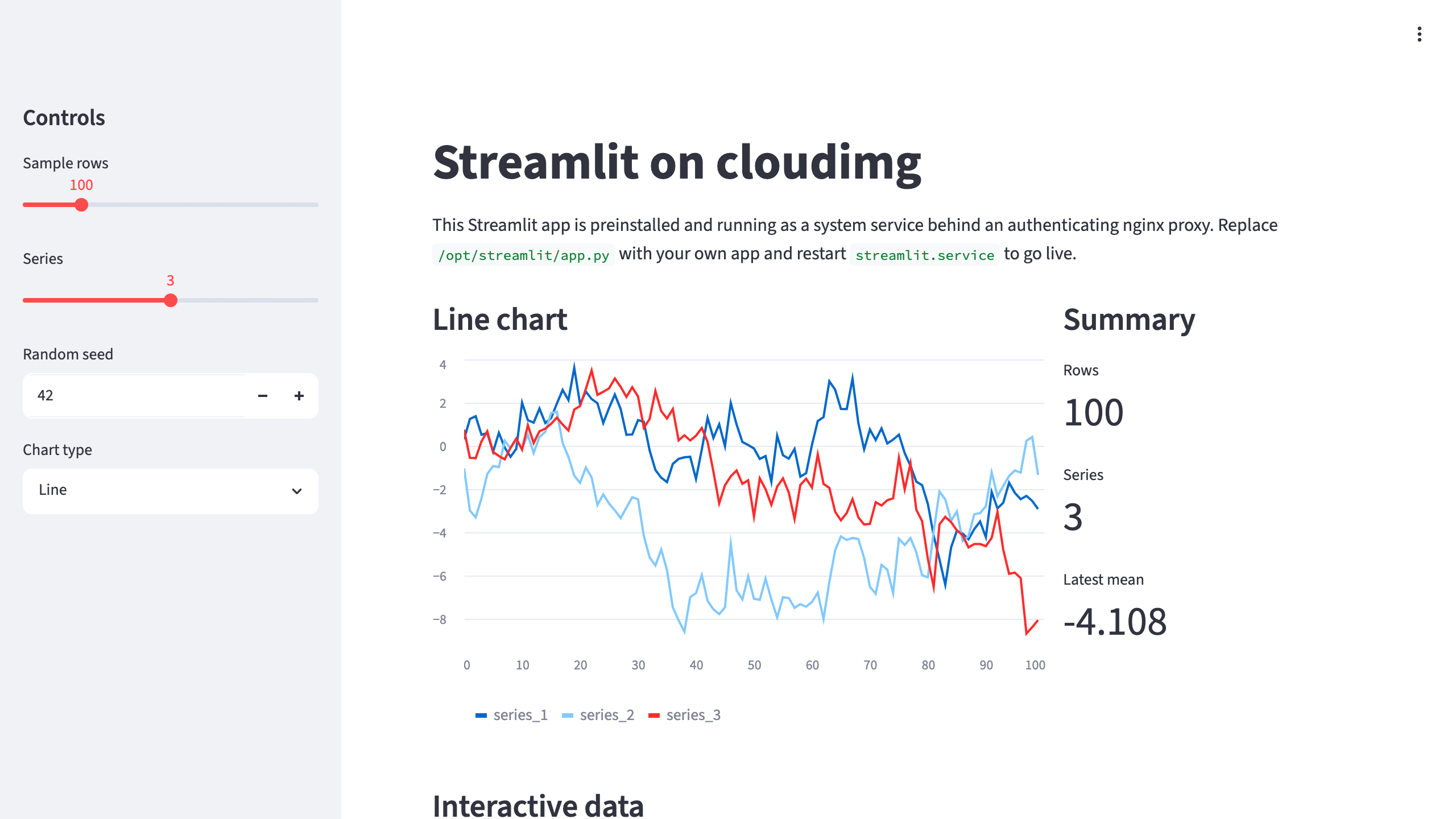
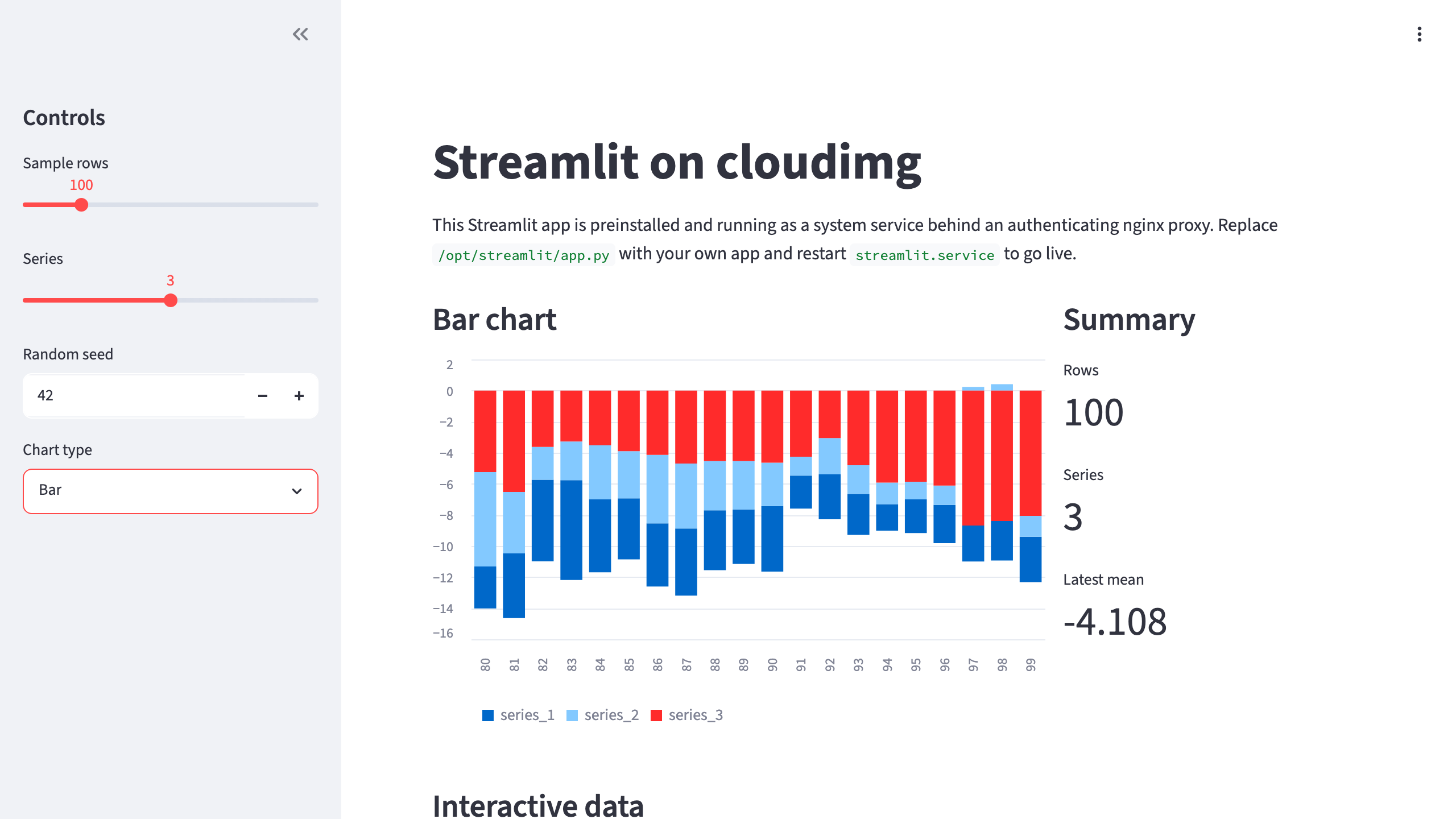
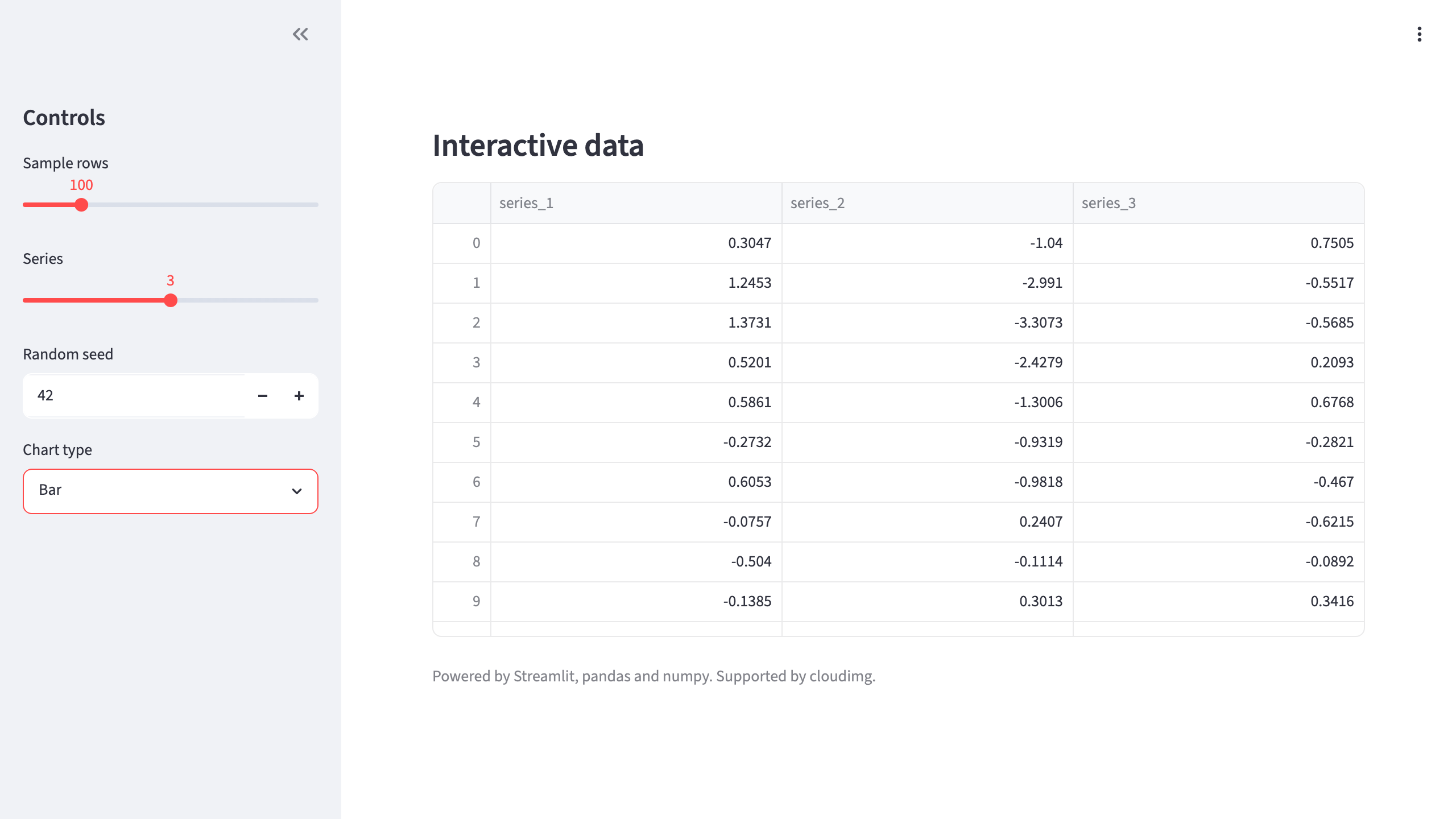
A polished multi-widget demo ships at /opt/streamlit/app.py featuring a title, sidebar controls, an interactive dataframe, and a chart driven by pandas and numpy. It demonstrates what a Streamlit app looks like out of the box and gives you a working example to learn from. Replace it with your own Python script and restart the service to go live.
## Secure First Boot
On first boot a one-shot service generates a fresh admin password unique to that instance, writes it into the nginx credentials file, and stores the password in a root-only file. The Streamlit process binds to loopback only and is never exposed without authentication. No shared or default credentials ship in the image - eliminating shared-secret risk entirely.
## Full WebSocket Support
Streamlit drives its interactive interface over a WebSocket. The bundled nginx proxy forwards the WebSocket upgrade and connection headers so the app loads and updates instantly behind authentication instead of hanging on a loading screen. A health endpoint is reachable for monitoring and load-balancer integration.
## Use Cases
- Data science teams deploying model-evaluation dashboards for stakeholder review - upload a trained model, visualize predictions, and share a URL with decision-makers without provisioning front-end infrastructure
- Interactive analytics dashboards for business intelligence
- Machine learning model demos and internal tools
- Rapid prototyping of Python-powered web apps
- A self-hosted home for the Streamlit apps your team builds, ideal for small teams without dedicated DevOps resources
## cloudimg Support
24/7 technical support by email and live chat. Our engineers help with deployment, deploying your own app, Python dependency management, TLS configuration, authentication customization, and performance tuning. Critical issues receive a one-hour average response time.
## Getting Started
1. Launch the AMI from AWS Marketplace on your preferred instance type
2. Retrieve the generated admin password from the root-only file
3. Access the demo app at your instance's public IP on port 80
4. Replace /opt/streamlit/app.py with your own script, install dependencies into the virtual environment, and restart the service
For a detailed deployment walkthrough including TLS setup and custom authentication, contact cloudimg support.
All product and company names are trademarks or registered trademarks of their respective holders. Use of them does not imply any affiliation with or endorsement by them.
Key Features
- Launch a production-ready Streamlit app in minutes - no manual nginx, systemd, or WebSocket configuration required. The entire stack is preinstalled and serving an authenticated demo app on port 80 from first boot, eliminating hours of setup that is easy to misconfigure when done manually.
- Write plain Python to build interactive data and ML apps with widgets, charts, and dataframes. Your application directory lives on a dedicated, independently resizable data disk so you can scale storage without rebuilding the instance. Replace the bundled demo with your own script and restart one service to go live.
- Every instance generates a unique admin password on first boot stored in a root-only file - no shared or default credentials ever ship. The Streamlit process binds to loopback only, ensuring zero unauthenticated exposure. Backed by 24/7 cloudimg support with a one-hour average response for critical issues.