Wiki.js Knowledge Base - Managed Support
Overview
Launch a production-ready Wiki.js knowledge base in minutes - no manual setup. Pre-configured with PostgreSQL and nginx, secured with unique credentials, and backed by 24/7 cloudimg support.
See it running
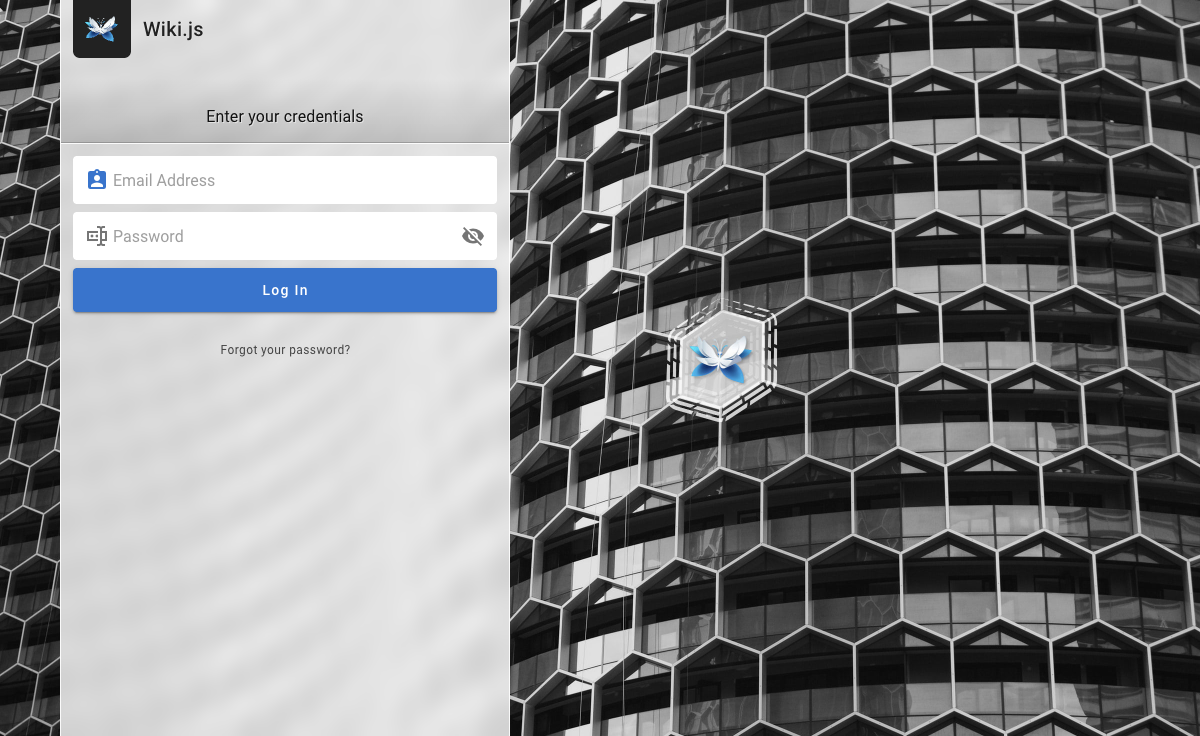
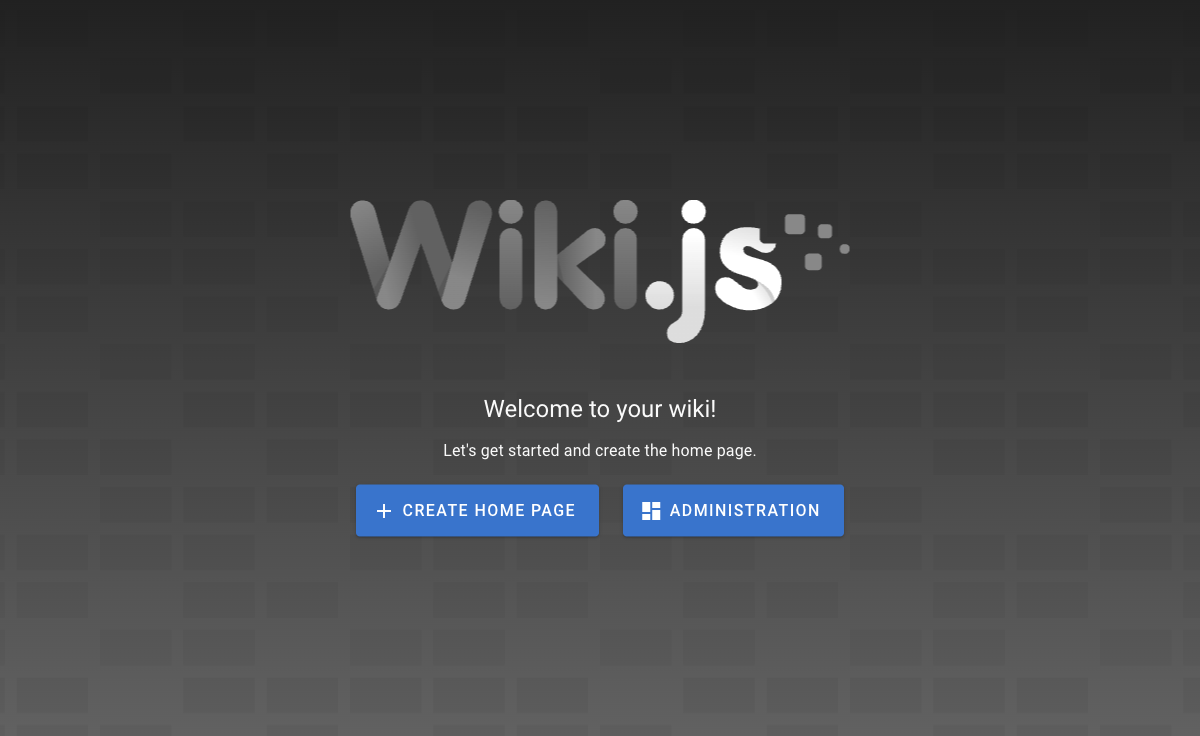
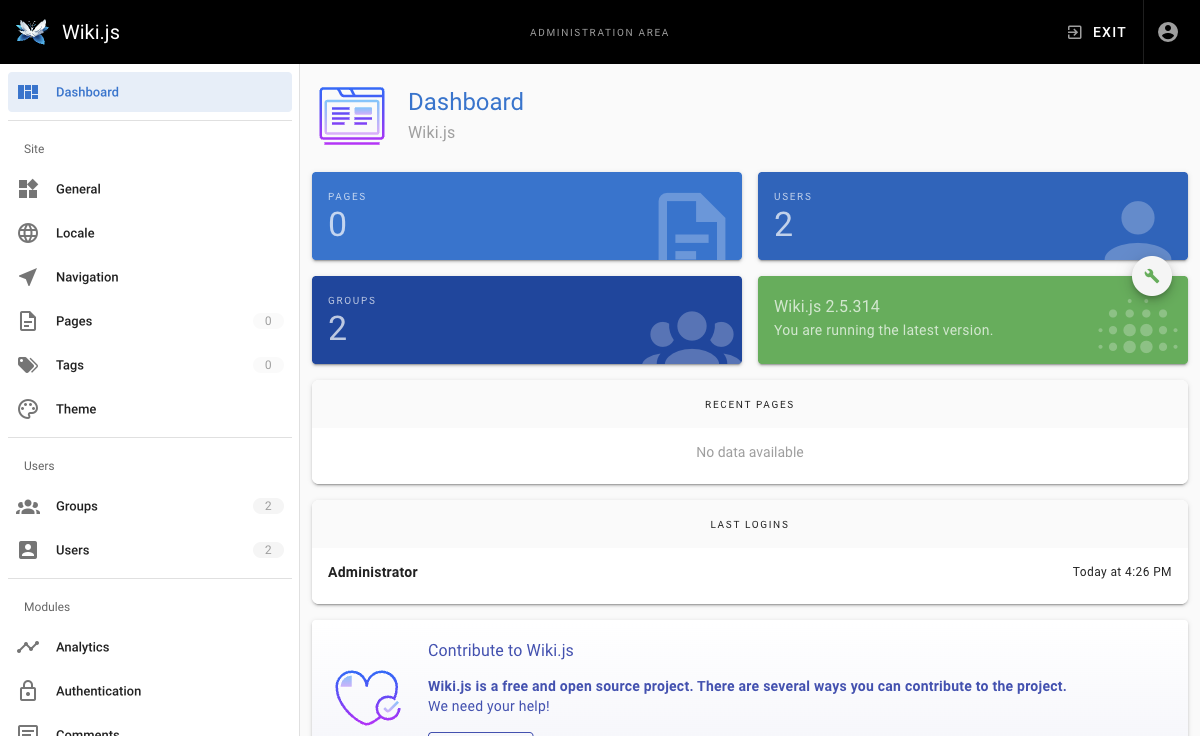
Real screenshots of this software running on the cloudimg image, taken while testing the deployment guide.
Description
This is a repackaged open source software product wherein additional charges apply for cloudimg support services.
## Launch a Private Knowledge Base in Minutes
Wiki.js is the popular open source wiki and knowledge-base platform trusted by thousands of teams worldwide. This AMI delivers Wiki.js 2.5 fully installed and configured on a bare-metal Node.js stack - no Docker overhead - so your team can create, search, and collaborate on documentation within minutes of launch.
## Who This Is For
Engineering teams consolidating runbooks, architecture decisions, and onboarding guides in a single searchable platform with version history. Compliance and policy teams maintaining auditable documentation with granular access control and page-level permissions. IT administrators who need a self-hosted intranet wiki on AWS without dedicating ops cycles to installation, credential management, or reverse-proxy configuration.
## Application Stack
- Wiki.js 2.5 Node.js server with Markdown and visual editors, full-text search, page history, and granular access control
- nginx reverse proxy handling TLS termination and static asset caching
- PostgreSQL datastore for pages, users, and asset metadata
- Server and database bind to the loopback interface for security
## Secure By Default
Unlike AMIs that ship shared or default credentials, this image generates unique passwords on every first boot:
- A one-shot service completes Wiki.js setup automatically
- A single administrator account is created with a per-instance password written to a root-only file
- A fresh PostgreSQL password is generated and applied
- No shared credentials ever exist in the image
## Getting Started
1. Launch the AMI on a t3.small instance or larger (c5.large recommended for teams over 50 users)
2. SSH into the instance and retrieve the admin password from the root-only file
3. Open your browser to the instance IP or domain
4. Sign in as administrator and create your first page in the Markdown or visual editor
5. Organise content into namespaces, configure access control, and invite your team
6. Connect external authentication (LDAP, SAML, OAuth) or storage backends from the admin area when ready
## Recommended Instance Sizing
- Minimum: t3.small (2 vCPU, 2 GB RAM) - suitable for small teams up to 20 users
- Recommended: c5.large (2 vCPU, 4 GB RAM) - best performance for teams of 50+ concurrent users
- Storage: 20 GB gp3 EBS volume minimum; scale based on media uploads
- Networking: Open ports 80 and 443 in your security group for HTTP/HTTPS access
## Use Case: Engineering Runbook Consolidation
An engineering team replaces scattered Google Docs and Confluence pages with a self-hosted Wiki.js instance. Developers author runbooks in Markdown directly from their workflow, search surfaces answers instantly during incidents, and version history provides an audit trail of every change. Granular permissions ensure only authorized team members edit production procedures while the broader org can read.
## 24/7 cloudimg Support
Every deployment is backed by cloudimg engineers available around the clock via email and live chat. Support covers:
- Initial deployment and instance sizing guidance
- Authentication configuration (LDAP, SAML, OAuth2)
- TLS termination with Let's Encrypt or custom certificates
- Storage backend integration (S3, local, Git)
- Wiki.js upgrades and PostgreSQL database administration
- Performance tuning and troubleshooting
Critical issues receive a one-hour average response time.
## Evaluation
This AMI uses standard AWS pay-as-you-go infrastructure billing. Launch a t3.small instance to evaluate the platform with your team, and terminate at any time with no long-term commitment.
Wiki.js is a trademark of its respective owner. All product and company names are trademarks or registered trademarks of their respective holders. Use of them does not imply any affiliation with or endorsement by them.
Key Features
- Production-ready Wiki.js 2.5 running on bare-metal Node.js (no Docker overhead) with PostgreSQL and nginx reverse proxy. Launch on a t3.small or larger instance and have your first page editable within minutes - no manual installation, no dependency management, no configuration files to edit. Includes Markdown and visual editors, full-text search, page versioning, and granular access control out of the box.
- Secure by default with zero shared credentials: every instance generates unique administrator and PostgreSQL passwords on first boot, stored in a root-only file. Unlike AMIs shipping default passwords that teams forget to rotate, this image ensures no two deployments share authentication material. The automated one-shot setup eliminates manual credential configuration entirely.
- 24/7 technical support from cloudimg engineers via email and live chat with a one-hour average response for critical issues. Support scope covers deployment, authentication setup (LDAP, SAML, OAuth), TLS termination, storage backend integration, Wiki.js upgrades, and PostgreSQL administration - so your team focuses on content, not infrastructure maintenance.