WildFly 40 Jakarta EE 11 Application Server
Overview
Deploy Jakarta EE 11 apps in minutes - not hours. WildFly 40 pre-hardened with nginx proxy, loopback-only console, and unique credentials per instance. Backed by 24/7 cloudimg support.
See it running
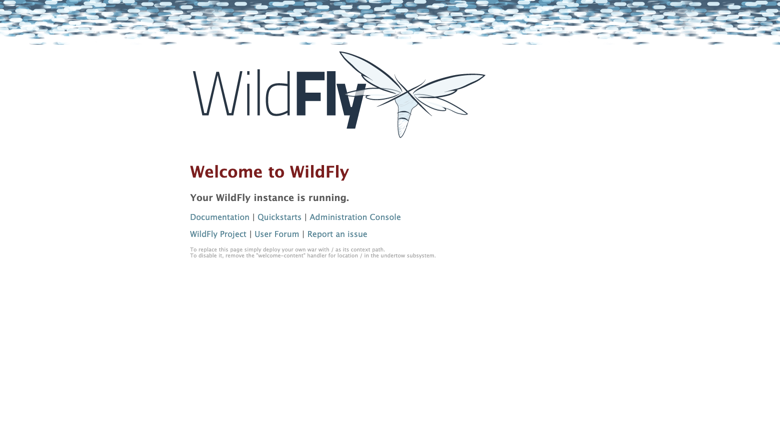
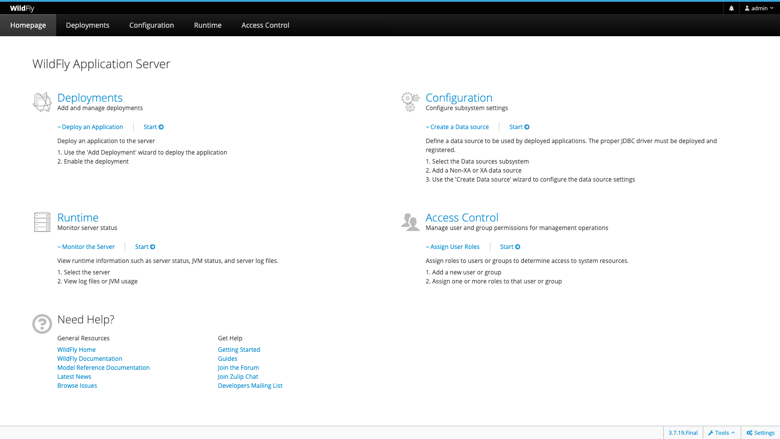
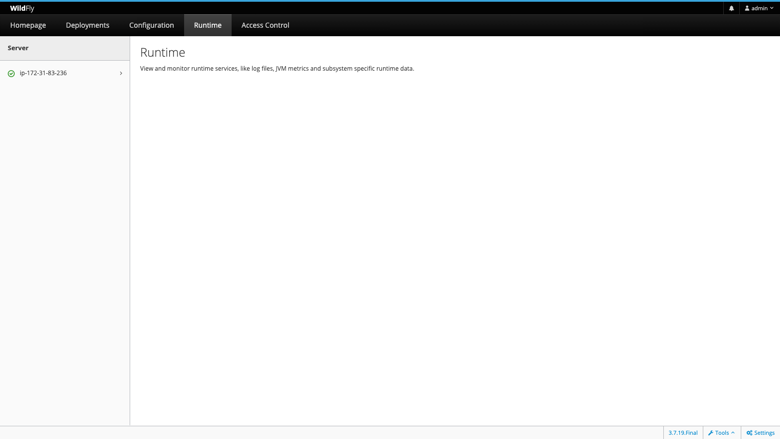
Real screenshots of this software running on the cloudimg image, taken while testing the deployment guide.
Description
This is a repackaged open source software product wherein additional charges apply for cloudimg support services.
## Why This Image Instead of Manual Setup
Launching a raw EC2 instance and installing WildFly yourself means hours of configuration - installing Java, setting up systemd services, hardening the management console, configuring a reverse proxy, and generating secure credentials. Competing images often ship with default passwords or exposed management ports. This AMI eliminates that work entirely: WildFly 40 arrives production-ready with security hardened out of the box, so your team focuses on deploying applications rather than configuring infrastructure.
## Overview
WildFly is the widely deployed open source Jakarta EE application server and the upstream community project behind JBoss Enterprise Application Platform. It provides a fast, lightweight, fully featured runtime for Jakarta EE applications, implementing the Jakarta EE 11 platform including Servlet, Pages, CDI, Enterprise Beans, Persistence, REST, Messaging, and WebSocket. This image delivers WildFly 40 fully installed and configured as a system service, so a production-ready application server is running within minutes of launch.
## Application Stack
- WildFly installed under /opt/wildfly and run by a dedicated unprivileged service account
- Headless OpenJDK 21 Java runtime using the standalone-full profile
- Web, Enterprise Bean, messaging, persistence, and web service subsystems all available
- nginx reverse proxy fronts the application on port 80, forwarding to WildFly so visitors reach the application on the standard HTTP port without exposing WildFly directly
- systemd service starts WildFly on boot and restarts it on failure
- Server distribution lives on a dedicated, independently resizable storage volume separate from the OS disk
## Secure By Default
- Management console binds to the loopback address and is reached over an SSH tunnel - never exposed to the internet
- On first boot, a one-shot service generates fresh management and application realm passwords unique to that instance
- Credentials are written to a root-only file - no shared or default credentials ship in the image
- nginx shields WildFly from direct external access, reducing attack surface
## Ready To Use
WildFly serves the welcome page through nginx on port 80 immediately after launch. Deploy an application by:
- Uploading a WAR or EAR through the Management Console (accessed via SSH tunnel)
- Using the management command line interface
- Copying the archive into the deployments directory
## Use Cases
- Jakarta EE and REST API hosting - Teams running Java web applications who need a fully configured EE runtime without manual setup
- JBoss EAP migration - Organizations moving legacy Java EE or JBoss EAP workloads to AWS who want a familiar WildFly environment with cloud-native operational patterns
- Application server tier - Deployments behind an AWS Application Load Balancer serving production traffic
- CI/CD staging environments - Development teams deploying WARs via the management CLI on every merge, using this AMI as a consistent staging target
## About cloudimg
cloudimg maintains pre-configured application server images across multiple cloud marketplaces including AWS and Azure, with WildFly versions spanning releases 26 through 40. Every image follows the same security-first approach: no default credentials, loopback-only management, and dedicated service accounts. All images are backed by 24/7 technical support from engineers experienced in Jakarta EE deployments.
## cloudimg Support
24/7 technical support by email and chat covering:
- WildFly deployment and upgrades
- Jakarta EE application hosting
- Datasource and messaging configuration
- Clustering and high availability
- TLS termination and JVM tuning
- Migration from JBoss EAP or other Java EE servers
All product and company names are trademarks or registered trademarks of their respective holders. Use of them does not imply any affiliation with or endorsement by them.
Key Features
- WildFly, the open source Jakarta EE 11 application server, preinstalled as a systemd service on OpenJDK 21 with the standalone-full profile and an nginx reverse proxy on port 80, ready to deploy applications with no manual setup
- Secure by default: the management console binds to loopback and is reached over an SSH tunnel, and a fresh management and application password is generated for every instance on first boot and stored in a root only file
- 24/7 technical support from cloudimg, with expert assistance for Jakarta EE application hosting, datasource and messaging configuration, clustering, TLS and JVM tuning
Related Technologies
Related Products

Apache Flink Stream Processing
Apache Flink is the open source framework and distributed processing engine for stateful computations over unbounded and...

Apache Kafka
Apache Kafka, the open source distributed event streaming platform, preinstalled in KRaft mode with OpenJDK 17 and a bun...

Apache Solr 9Enterprise Search
Apache Solr is the open source enterprise search platform built on Apache Lucene.

Apache Tomcat 11
This image runs Apache Tomcat 11, the open source implementation of the Jakarta Servlet, Jakarta Pages, Jakarta Expressi...
Apache ZooKeeper Coordination Service
Apache ZooKeeper is a high performance coordination service for distributed applications.
Calibre-Web Self-Hosted Ebook Server
This image runs Calibre-Web from a dedicated Python virtual environment, served on the loopback interface and fronted by...