Base
Hardened build
minimal ports, security patches applied at build time

Apache StreamPipes, a self service toolbox for industrial IoT data streams, ready to build pipelines on first boot.
Apache StreamPipes is a toolbox for connecting, analysing and acting on continuous data streams, aimed at industrial IoT use cases. A visual pipeline editor, a library of connectors for industrial and IoT protocols, and live dashboards are reached through one web interface, so domain experts can go from a raw sensor feed to a working alert without writing code.
cloudimg ships StreamPipes fully patched and preconfigured, so the platform is reachable on first boot. The administrator password is generated uniquely for every instance rather than shipped in the image, the whole container stack lives on a dedicated, independently resizable data volume, and the image is paired with a step by step deploy guide and 24/7 support.
Real screenshots taken while testing this image against its deployment guide.
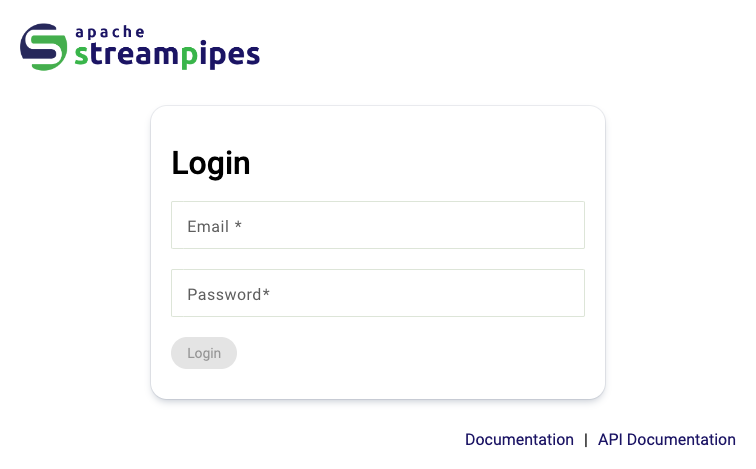
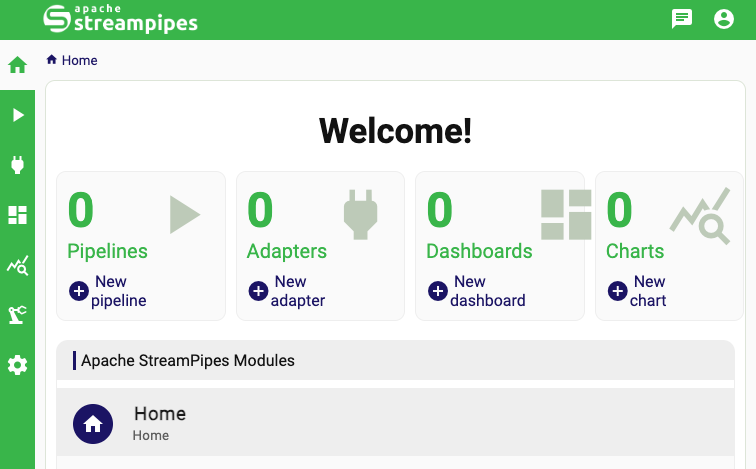
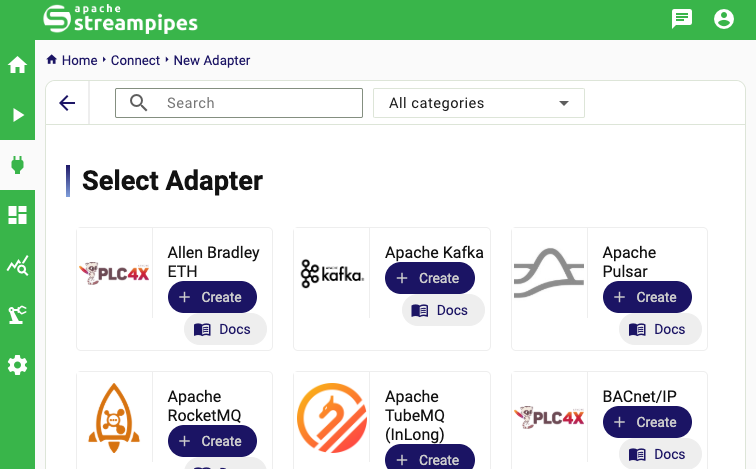
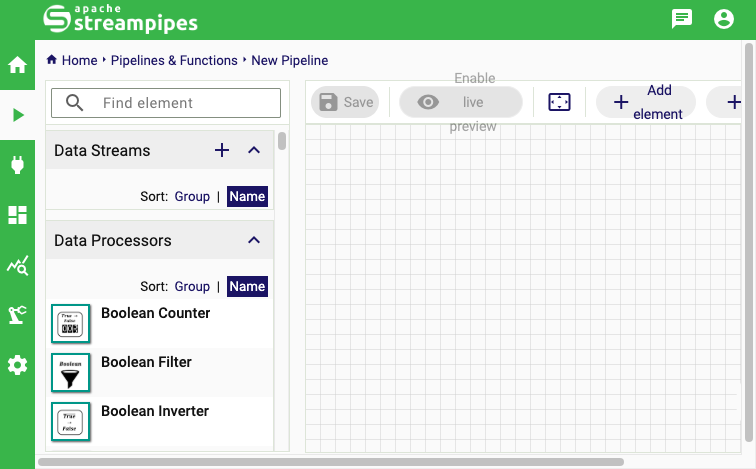
This is a repackaged open source software product wherein additional charges apply for cloudimg support services.
## Why This Image Instead of Self-Installing
Installing Apache StreamPipes from source requires provisioning multiple containers, configuring a message broker, setting up time-series and metadata databases, hardening credentials, and relocating storage to a resizable volume - typically hours of engineering work and ongoing maintenance risk. This image eliminates that effort: launch an instance, retrieve your unique administrator credentials over SSH, and build your first pipeline in the browser. Every security decision, storage layout choice, and service dependency is already resolved, so you spend time on data insights rather than infrastructure plumbing.
## Overview
Apache StreamPipes is a self-service toolbox that lets domain experts connect, analyse, and explore continuous data streams without writing code. A visual pipeline editor, a library of connectors for industrial and IoT protocols, a catalogue of data processors and sinks, and live dashboards are all reached through one web interface. An engineer can go from a raw sensor feed to a working alert or dashboard entirely in a browser.
## Use Case: Predictive Maintenance in Manufacturing
A plant engineer needs to monitor vibration and temperature sensors across a production line, detect anomalies in real time, and trigger alerts before equipment fails. With this image the engineer launches an instance, connects OPC-UA or MQTT adapters to the sensor feeds using StreamPipes Connect, builds a processing pipeline with threshold and pattern-detection processors in the visual editor, and routes results to a live dashboard and email sink. The entire workflow - from raw sensor data to actionable alerts - requires no custom code and runs on a single EC2 instance.
## Application Stack
This image runs the official StreamPipes self-hosted stack under Docker: the StreamPipes core backend, the web user interface, a CouchDB store holding users and pipeline and adapter metadata, an InfluxDB time-series sink, a NATS message broker, and the full industrial IoT extensions library of adapters, processors, and sinks. The whole multi-container stack is managed as a single systemd unit, so it starts and stops with the instance.
## Network Exposure
Only SSH on port 22 and HTTP on port 80 are published. The message broker and both databases are reachable only on the internal Docker network, and the user interface container binds to the loopback interface, with nginx publishing it on port 80 and serving an unauthenticated health endpoint for load-balancer checks.
## Secure First Boot
On the first boot a one-shot service generates a fresh administrator password, client secret, encryption passcode, and signing secret - all unique to that instance - provisions the administrator against an empty user store, and writes the login to a root-only file. No shared or default credentials ship in the image, so two instances launched from the same image never share a password.
## Dedicated Data Volume
The Docker data root and the containerd image store are both relocated to a dedicated, independently resizable data volume before any container image is pulled. Every image layer and every container volume - including the CouchDB user store and the InfluxDB time-series data - lives on that volume rather than on the operating system disk. This lets you scale storage without resizing the root volume or redeploying.
## Ready To Use
1. Launch the instance from the AWS Marketplace listing.
2. SSH in and retrieve the generated administrator credentials from the root-only file.
3. Browse to the instance on port 80 and sign in.
4. Use StreamPipes Connect to add an adapter for your data source.
5. Build a pipeline in the visual editor and watch live data flow to a dashboard.
## cloudimg Support
24/7 technical support by email and chat for deployment, adapter and pipeline configuration, sizing the stack, persistence and backup, TLS termination, and upgrades.
Apache, Apache StreamPipes, StreamPipes, and the Apache StreamPipes logo are trademarks of The Apache Software Foundation. All product and company names are trademarks or registered trademarks of their respective holders. Use of them does not imply any affiliation with or endorsement by them.

This image runs Apache Airflow as a single node deployment. Airflow is installed into a dedicated Python virtual environ...

Apache Flink is the open source framework and distributed processing engine for stateful computations over unbounded and...

This image runs Apache NiFi, the open source dataflow automation platform, as a single node deployment.

This image runs Apache Spark 4.1.2 (built for Hadoop 3) as a single node standalone cluster.

This image runs Apache Superset, the open source data exploration and business intelligence platform, as a complete sing...
This image runs Apache Zeppelin, the open source web based notebook that brings data ingestion, exploration, visualisati...