Base
Hardened build
minimal ports, security patches applied at build time

the business focused fork of WordPress, ready to publish.
ClassicPress is a community led, business focused fork of WordPress that keeps the familiar, stable content management experience while staying fully compatible with the WordPress plugin and theme ecosystem. This image runs ClassicPress on a complete web and database stack, assembled and ready rather than left for you to wire together.
It suits teams and site owners who want a lean, predictable CMS without giving up the plugins, themes and workflows they already rely on.
The cloudimg image installs ClassicPress on a hardened stack with database and administrator credentials generated uniquely for your instance on first boot and stored in a root only file, so nothing ships with a known password. The installer is completed for you rather than left exposed as a setup wizard. The database and the application code each sit on their own dedicated, independently resizable data disk. The deployment guide covers finishing setup, pointing your domain and enabling HTTPS. 24/7 support is included.
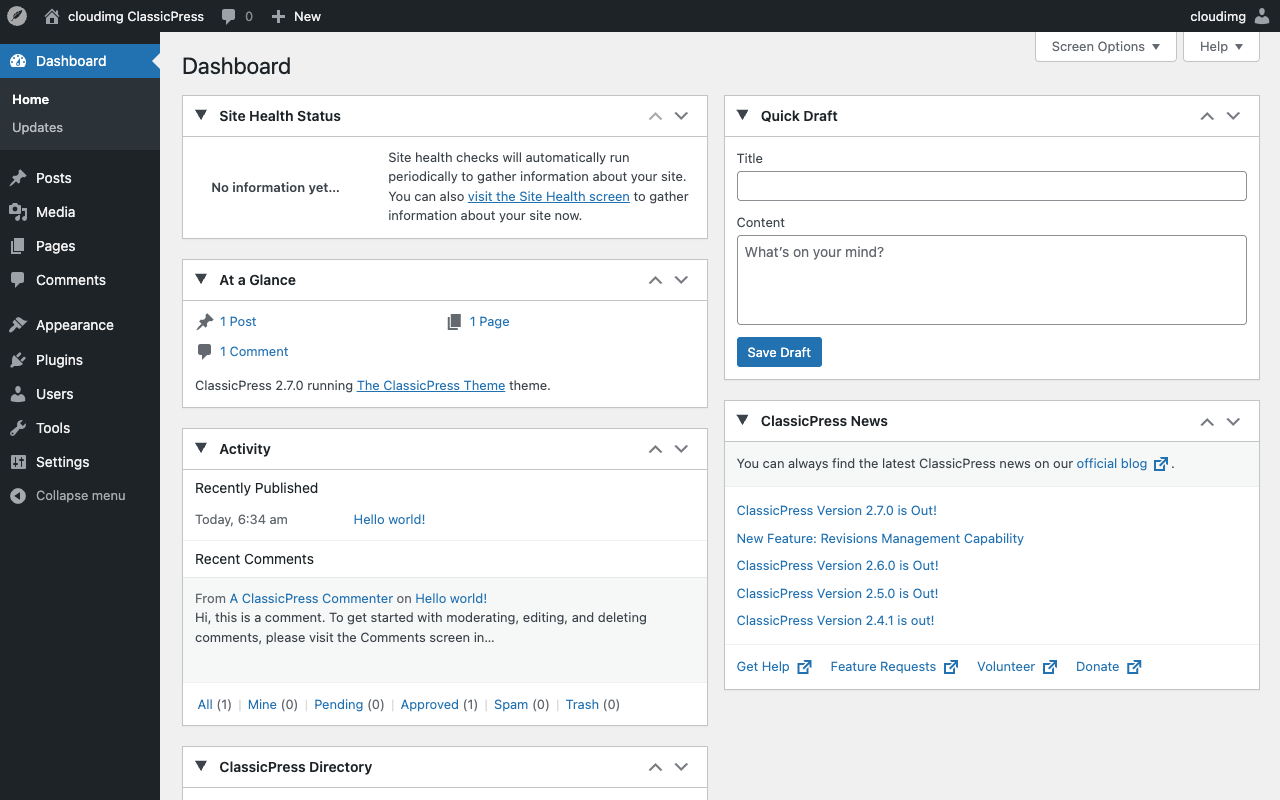
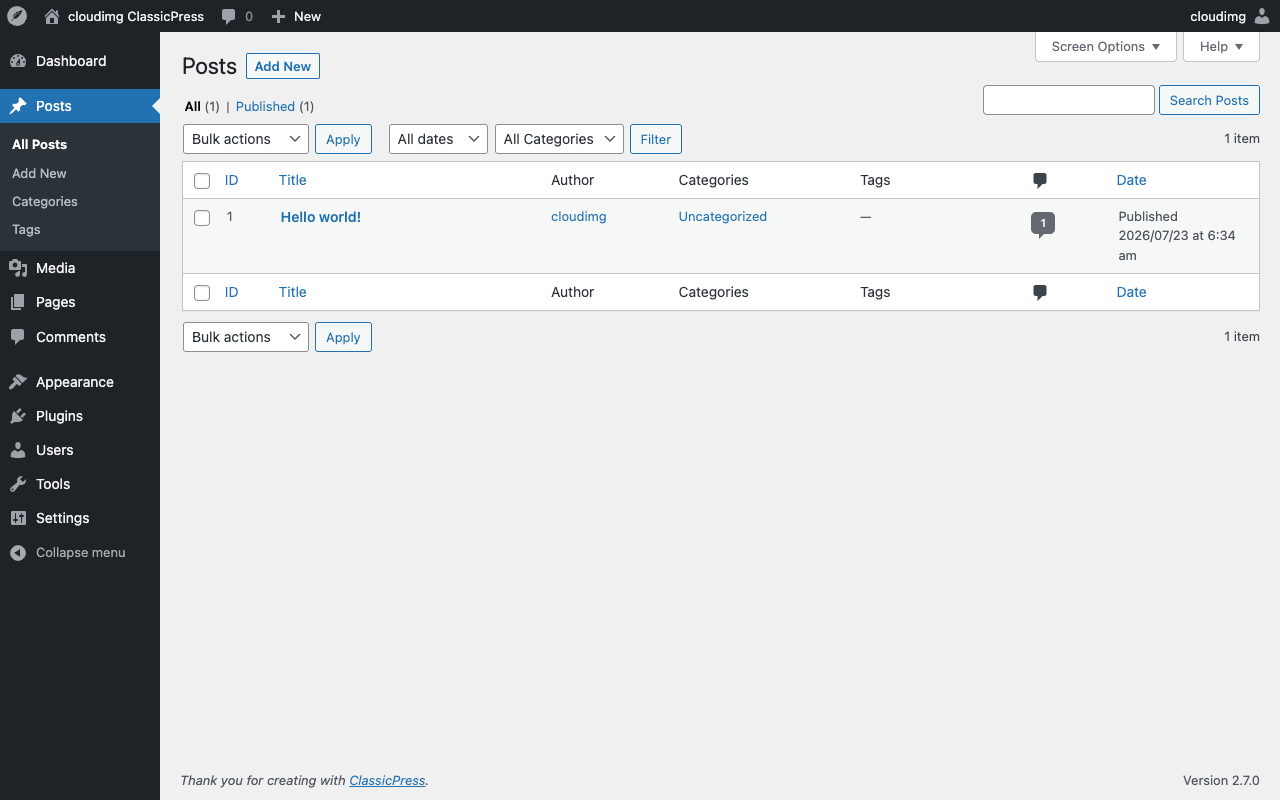
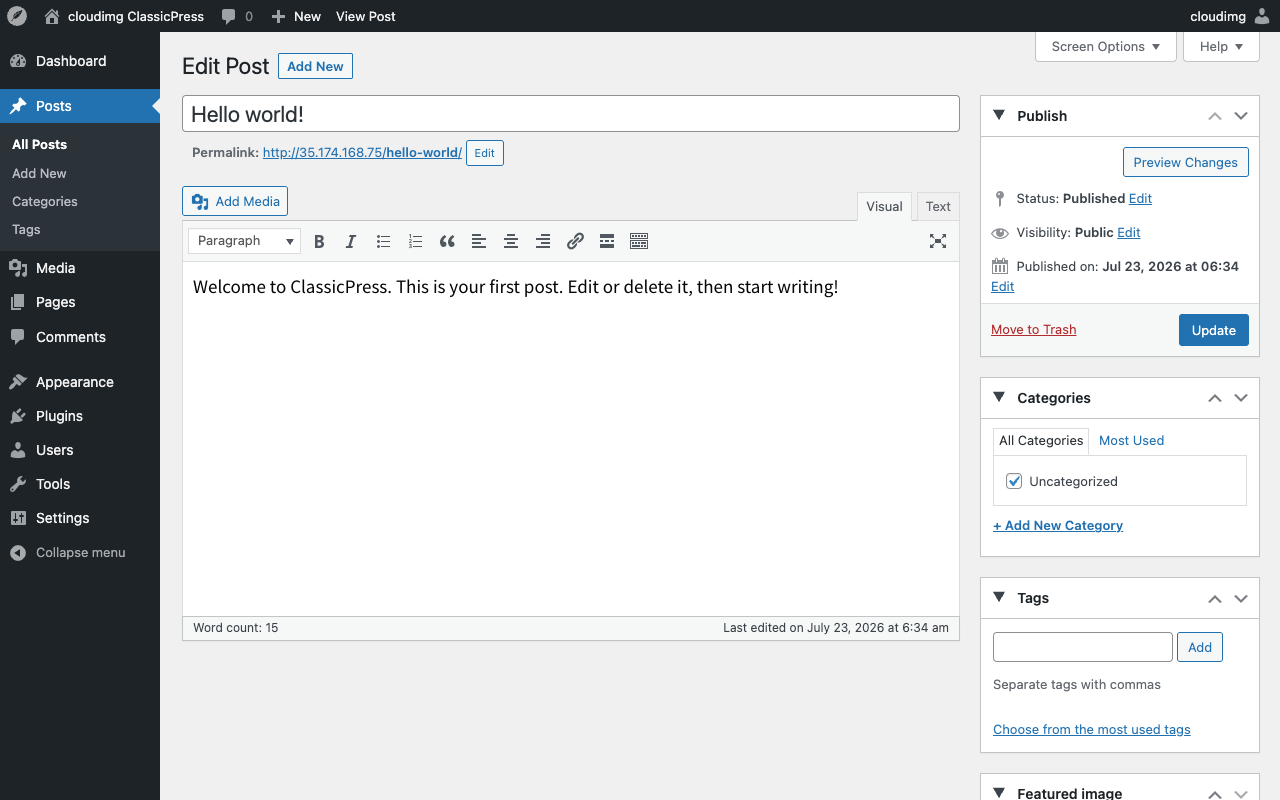
Real screenshots taken while testing this image against its deployment guide.
This is a repackaged open source software product wherein additional charges apply for cloudimg support services.
ClassicPress is the community-led, business-focused fork of WordPress. It keeps the familiar, stable content management experience that millions of sites rely on and stays fully compatible with the WordPress plugin and theme ecosystem, so you get a lean, predictable CMS without giving up the tools you already know. This image delivers ClassicPress fully installed, configured, and security hardened, so you have a working content platform running within minutes of launch instead of spending hours assembling a web server, database, and PHP runtime yourself.
With a standard ClassicPress deployment you must install Apache, MySQL, PHP and its extensions, download and place the application, create a database and user, run the installer, and then harden the credentials. This image completes all of that for you before first boot. Compared with a plain community image, this listing includes 24/7 expert support from cloudimg covering deployment guidance, plugin and theme setup, upgrades, performance tuning, and database administration.
Application stack: ClassicPress 2.7 on Apache 2.4, PHP 8.3 with the extensions ClassicPress needs, MySQL 8.0, and WP-CLI for command line administration. The install is completed headlessly, so the public install wizard is never exposed. The database lives on one dedicated, independently resizable data disk and the application code on a second, so you can scale storage without replacing the instance.
On the first boot of your instance, a one shot service generates a fresh MySQL password, a fresh application database password, and a fresh ClassicPress administrator password unique to that instance and writes them to a root only file, so no shared or default passwords ship in the image. Browse to the instance address and sign in to manage pages, posts, menus, media, users, plugins, and themes. ClassicPress serves on whatever hostname or IP address you reach it on, so it works on your instance public address or a custom domain with no reconfiguration.
All product and company names are trademarks or registered trademarks of their respective holders. Use of them does not imply any affiliation with or endorsement by them.

This image runs the Actual Budget 26.6 sync server, the open source local-first personal finance and envelope budgeting ...

This image runs Admidio, the open source, self hosted membership management platform used by clubs, associations and non...

This image runs Apache Answer, the open source question and answer platform for teams at any scale.

This image delivers Audiobookshelf 2.35, the popular open source self-hosted audiobook and podcast media server, fully i...

This image runs Baby Buddy 2.9.2, the open source self-hosted web application for tracking a baby's daily activities and...

Baikal is an open source self-hosted CalDAV and CardDAV server built on the proven Sabre/dav library.