Base
Hardened build
minimal ports, security patches applied at build time

Colanode, a self hosted, local first collaboration workspace that brings team chat, pages and docs, and structured databases together on a server you control.
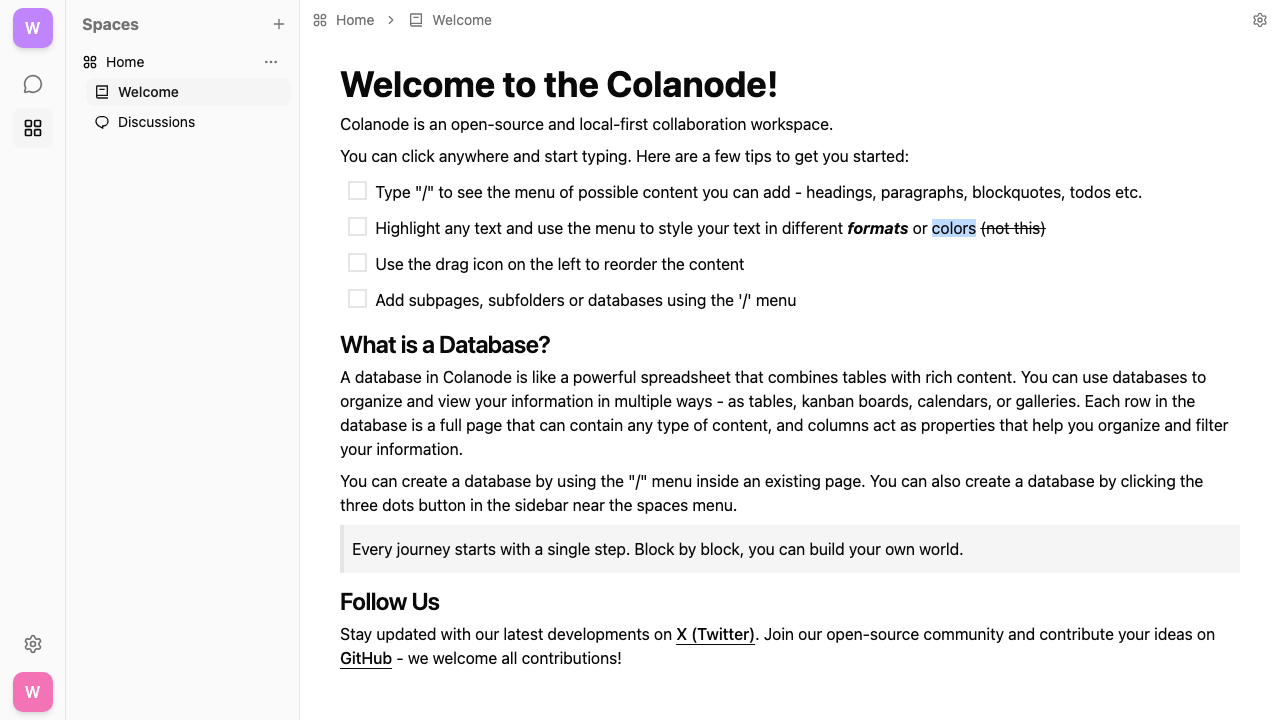
Colanode is an open source collaboration workspace that combines real time chat channels, collaborative pages and documents, flexible databases and file sharing in one place, a self hosted alternative to tools like Slack and Notion. It is local first: the desktop and web clients keep a full local copy of your workspaces, so the app stays fast and keeps working offline, then syncs your changes back to the server when you reconnect. Teams organise work into workspaces and channels, write and link rich pages, track anything in databases with custom fields and views, and share files, all under one account on infrastructure you own. Because every workspace lives on your own server, your conversations, documents and files never leave your environment.
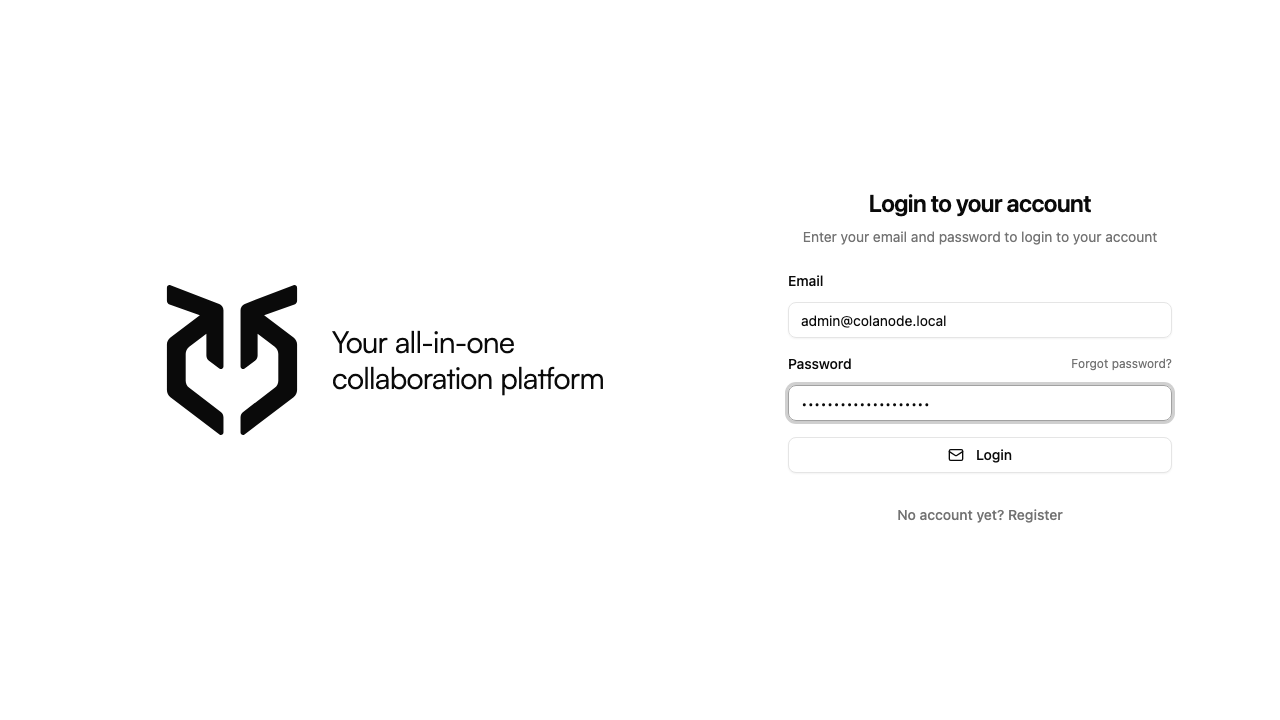
The upstream project defaults to open registration, so cloudimg makes every instance secure by default before the port is ever public. On first boot each instance generates its own database and cache passwords, seeds a single administrator account with a random password written to a root only file, and closes public signup so a fresh server is never world joinable. The workspace is served only through a hardened reverse proxy with an automatically generated certificate, so the browser client runs over a secure connection out of the box, and the application containers and their data stores are bound to the local network rather than exposed directly. Every deployment comes with a paired deploy guide and 24/7 cloudimg support.
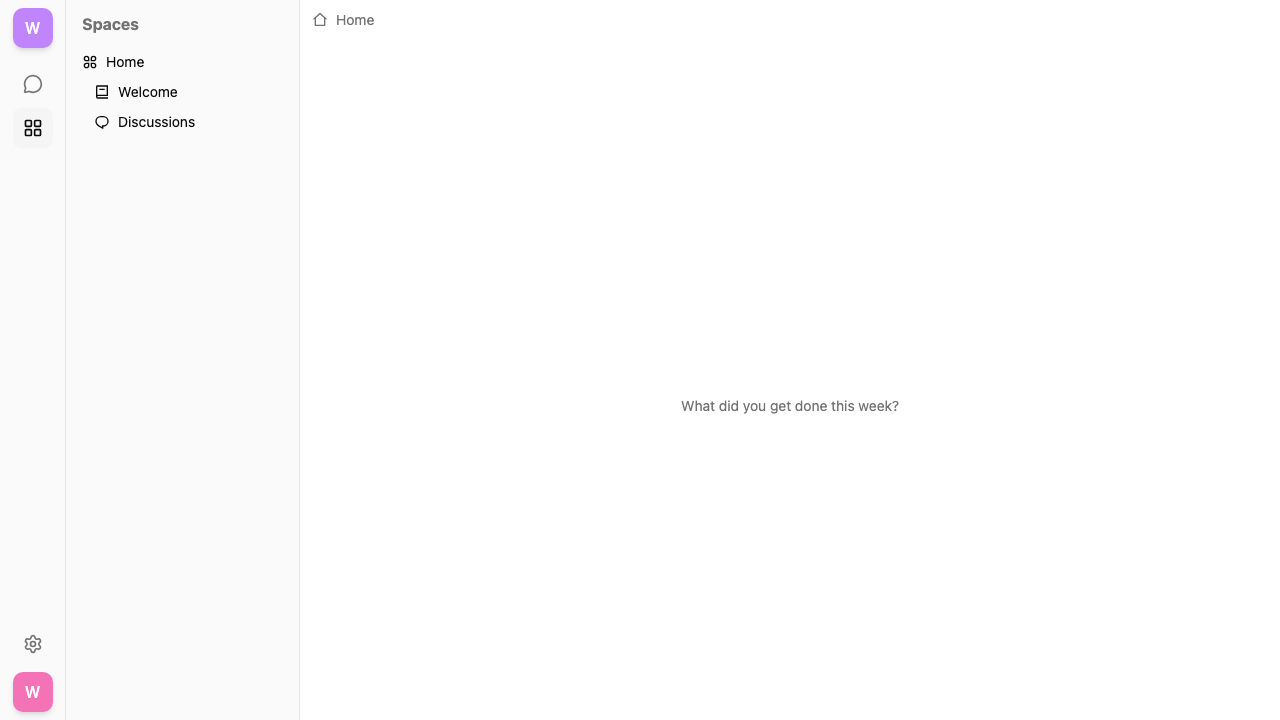
Real screenshots taken while testing this image against its deployment guide.
This is a repackaged open source software product wherein additional charges apply for cloudimg support services.
## Deploy a Private Collaboration Workspace in Minutes
Colanode is an open-source, self-hosted collaboration workspace that brings real-time team chat, collaborative pages and documents, flexible structured databases, and file sharing together in one place - a self-hosted alternative to tools like Slack and Notion. This AMI delivers Colanode fully installed and running behind a hardened nginx reverse proxy, so your workspace is answering over HTTPS within minutes of launch.
Local-first architecture means the web and desktop clients keep a full local copy of your workspaces. The app stays fast and keeps working offline, then syncs changes back to the server when you reconnect. Because every workspace lives on your own server, your conversations, documents, and files never leave your environment.
## Why This AMI Instead of Self-Deploy
Standing up Colanode from source means installing Docker, wiring a reverse proxy, running a Postgres (pgvector) database and a Valkey cache, provisioning persistent storage, generating datastore secrets, and closing the default open registration and terminating TLS so the browser client actually works. This AMI removes all of it:
## Application Stack
Colanode runs as four containers on a private Docker network under a single systemd service:
The server and web client are bound to the loopback interface and fronted by nginx on port 443, with HTTP-to-HTTPS redirect and WebSocket upgrade pre-configured. The database, cache, and file uploads all live on a dedicated data disk, independently resizable and separate from the operating system disk. The database and cache are never published to a host port - they are reachable only on the internal container network.
## Local-First Workspaces You Control
Teams organise work into workspaces and channels, chat in real time, write and link rich collaborative pages, track anything in structured databases with custom fields and views, and share files - all under one account on infrastructure you own. File uploads are stored on the server's built-in file provider on your own disk, so no third-party object store or external storage credentials are involved.
## Secure by Default
The upstream project defaults to open registration; this image closes it. On first boot a one-shot service generates unique database and cache passwords, writes a per-instance server configuration bound to the instance's own address, generates a self-signed certificate so the browser client runs over HTTPS immediately, and seeds a single administrator account with a random password recorded in a root-only file. Public signup is set to manual so a fresh server is never world-joinable - new registrations stay inert until an administrator activates them. No shared or default secrets ship in the image, and the server and datastores are bound to the local network rather than exposed directly. For a warning-free certificate, point a DNS hostname at the instance and attach Let's Encrypt, or terminate TLS on an AWS Application Load Balancer - the paired cloudimg user guide walks through every step. For data at rest, enable EBS encryption on the dedicated data disk.
## Use Cases
## cloudimg Support

This image runs the Actual Budget 26.6 sync server, the open source local-first personal finance and envelope budgeting ...

This image runs Admidio, the open source, self hosted membership management platform used by clubs, associations and non...

This image runs Apache Answer, the open source question and answer platform for teams at any scale.

Apache OFBiz, the open-source ERP, CRM, e-commerce and supply-chain suite, preinstalled and running behind nginx and rea...

This image runs Apache Tika Server 3.3.1, the Apache Software Foundation's content detection and extraction service.

This image delivers Audiobookshelf 2.35, the popular open source self-hosted audiobook and podcast media server, fully i...