Base
Hardened build
minimal ports, security patches applied at build time

a self hosted RSS and Atom feed reader with a fast web UI for following all your news and blogs in one place.
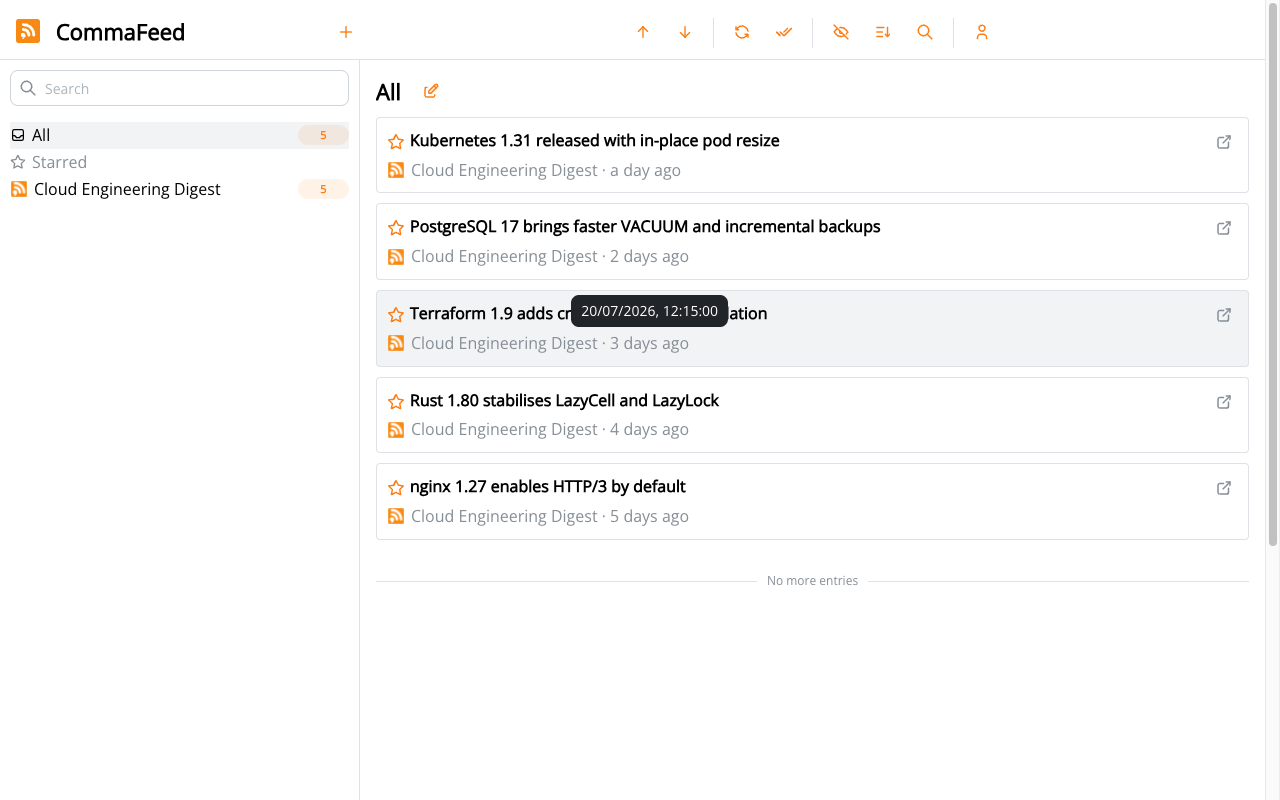
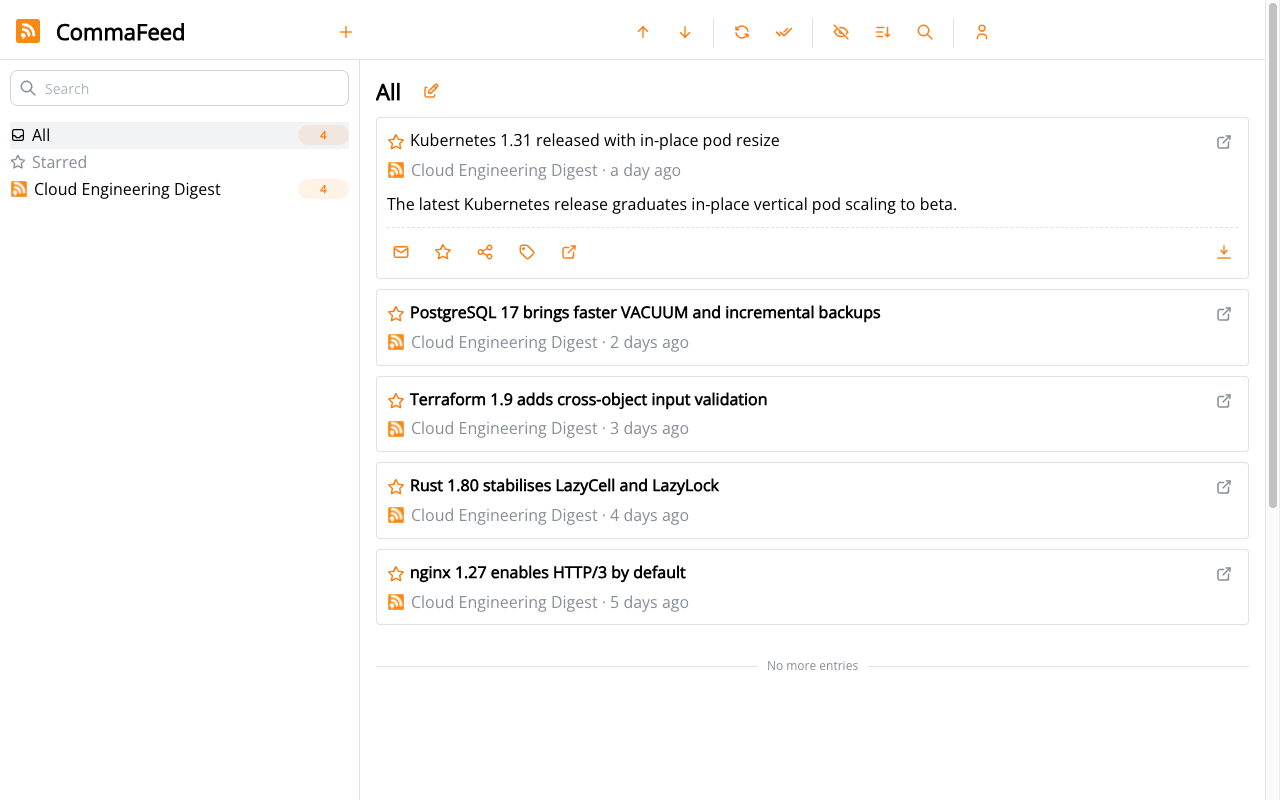
CommaFeed is a self hosted feed reader in the style of the classic Google Reader. It subscribes to RSS and Atom feeds, fetches new articles on a schedule, and presents them in a clean, keyboard friendly web interface with folders, tags, search, starred items and read tracking. It gives you a single private place to follow news sites, blogs and release notes without handing your reading habits to a third party service.
cloudimg binds CommaFeed to loopback behind nginx, generates a unique admin password on first boot with no default login, and keeps all feed and article data on a dedicated data volume. The base OS is fully patched at build time and every image is paired with a step by step deploy guide and 24/7 support.
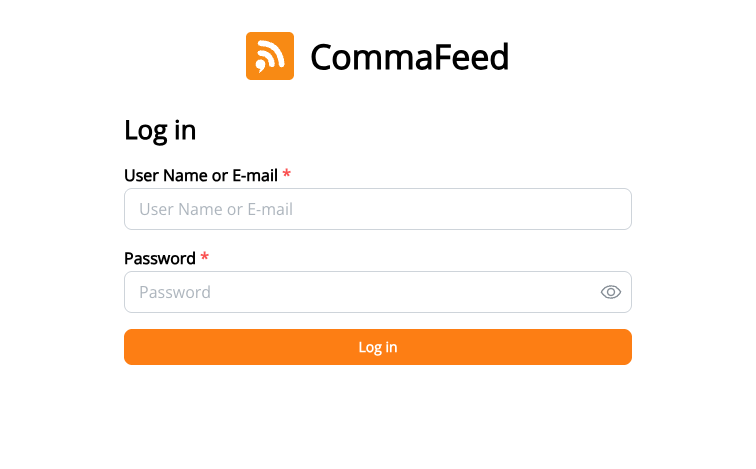
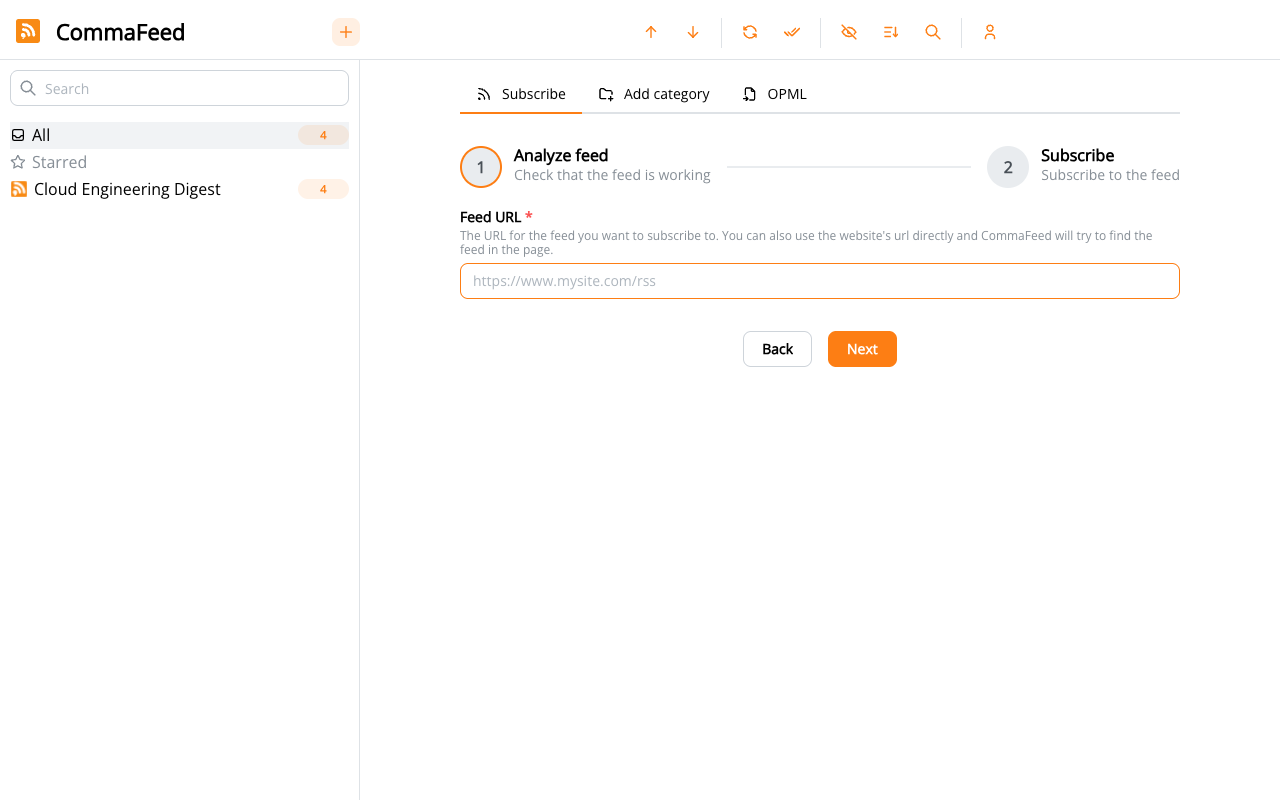
Real screenshots taken while testing this image against its deployment guide.
This is a repackaged open source software product wherein additional charges apply for cloudimg support services.
## Why This AMI Instead of a Manual Install?
Standing up a self-hosted feed reader from scratch means provisioning PostgreSQL, relocating its data directory onto a dedicated disk, compiling or fetching the right runtime, hardening credentials, wiring a reverse proxy, and troubleshooting the first-run account setup. This AMI eliminates all of that. You launch a production-ready RSS and Atom reader running entirely within your own AWS account, with a unique administrator password generated automatically on first boot - no shared or default passwords ever ship in the image.
Compared to hosted feed services like the retired Google Reader or subscription readers, you keep full control of your subscriptions, read state, and reading history instead of handing them to a third party. Compared to other Marketplace images, this stack is hardened by default and backed by 24/7 expert support from cloudimg.
## Application Stack
## Secure by Default
The image ships with an empty database and no usable baked credentials. On first boot, a one-shot service rotates the PostgreSQL password to a unique per-instance value, generates a fresh session-encryption key, creates the administrator account through CommaFeed's own first-run setup API with a strong per-instance password, and writes the credentials to a root-only file - no manual hardening steps required. New-user self-registration is disabled by default so the reader is not left open to the public; the deployment guide shows how to enable it if you want to invite others.
Because all data resides entirely within your AWS account, you maintain complete data residency control - your reading history and subscriptions never leave your chosen AWS region.
## Ready To Use
1. Launch the AMI from AWS Marketplace.
2. SSH into your instance and retrieve the administrator password from the root-only file.
3. Navigate to your instance's public IP in a browser and sign in.
4. Subscribe to your first feeds, organize them into categories, and start reading.
CommaFeed supports categories and tags, keyboard shortcuts, starred entries, full-text search, OPML import and export, and a REST API for automation.
## Example Use Cases
## Key Features
## Architecture Overview
The stack follows a simple, secure pattern: nginx listens on port 80 as the only public-facing service, proxying requests to the CommaFeed GraalVM native binary on the loopback interface. CommaFeed connects to PostgreSQL, also bound to loopback, with its data directory on a dedicated EBS volume you can snapshot or resize independently. This separation means you can scale storage without changing your instance type.
## cloudimg Support
24/7 technical support by email and live chat covers deployment, configuration, upgrades, TLS termination, and database administration. Critical issues receive a one-hour average response time.
Ready to get started? Launch the AMI and have your private feed reader running in minutes. For a guided deployment walkthrough, reach out to cloudimg support directly.
CommaFeed is a trademark of its respective owner. All product and company names are trademarks or registered trademarks of their respective holders. Use of them does not imply any affiliation with or endorsement by them.

This image runs the Actual Budget 26.6 sync server, the open source local-first personal finance and envelope budgeting ...

This image runs Admidio, the open source, self hosted membership management platform used by clubs, associations and non...

This image runs Apache Answer, the open source question and answer platform for teams at any scale.

Apache OFBiz, the open-source ERP, CRM, e-commerce and supply-chain suite, preinstalled and running behind nginx and rea...

This image delivers Audiobookshelf 2.35, the popular open source self-hosted audiobook and podcast media server, fully i...

AureusERP is a comprehensive, free and open source Enterprise Resource Planning platform for small and medium enterprise...