Base
Hardened build
minimal ports, security patches applied at build time

Donetick, the open source task and chore manager for individuals and groups: recurring tasks, assignments and points, secured from first boot by cloudimg.
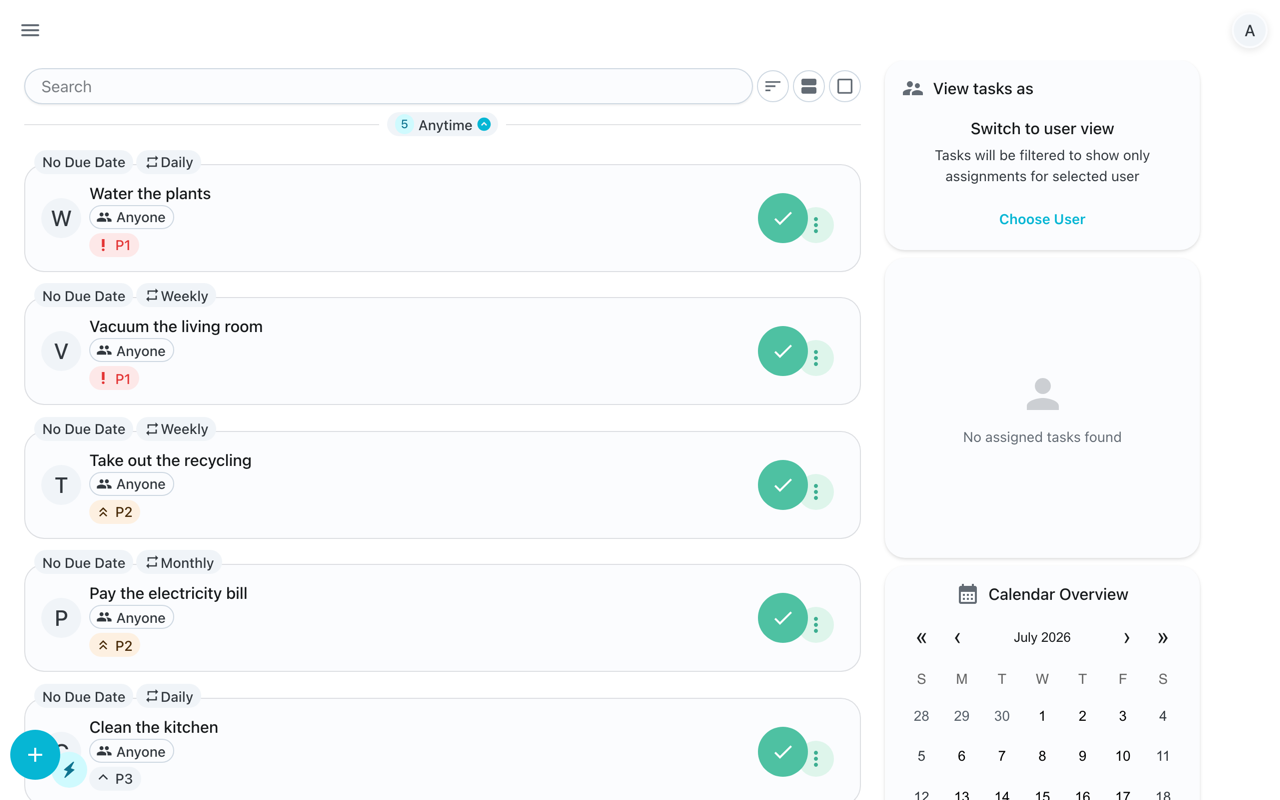
Donetick is an open source, self hosted app for managing tasks and chores, on your own or shared across a household or team. It organises work into circles (groups) whose members share task lists, supports flexible recurring schedules, assignments and rotation between members, optional points to gamify who does what, and clear views of what is due. A single self contained server bundles the web interface and stores everything in an embedded database, so it runs as one lightweight appliance with nothing else to deploy.
It suits households, families and small teams who want a private, self hosted alternative to hosted chore and to do apps, running inside their own cloud account.
cloudimg ships Donetick secure by default with no baked secret: a fresh session signing secret is generated on the first boot of every instance and never ships in the image, so no two deployments can forge each other's logins. A single administrator is seeded on first boot with a unique per instance password written to a root only file, no default login survives into the image, and open self registration is closed by default so only that administrator exists until you choose to invite members. The server and its embedded database are bound to loopback behind a reverse proxy, the appliance is verified end to end during build by creating a real task and marking it done, and the fully patched base keeps unattended security upgrades enabled. Every deployment is paired with a step by step deploy guide and backed by 24/7 cloudimg support.
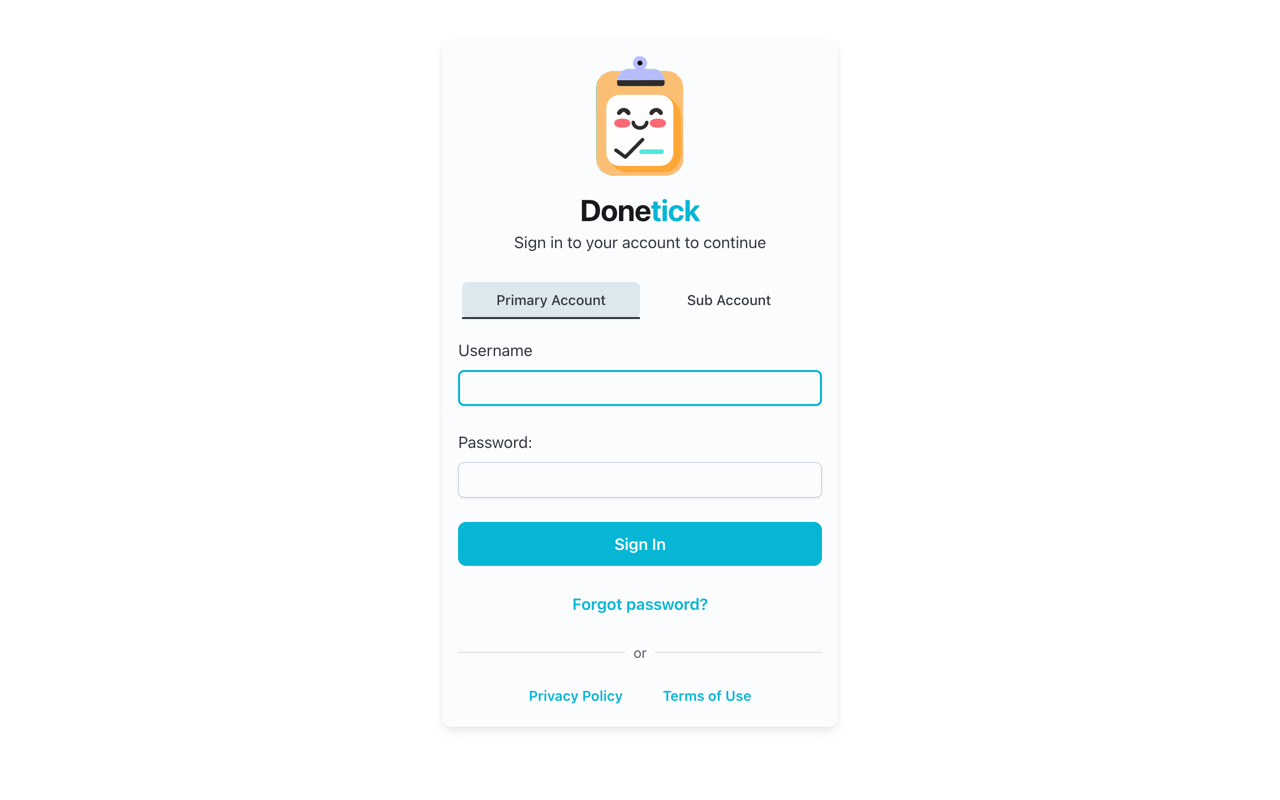
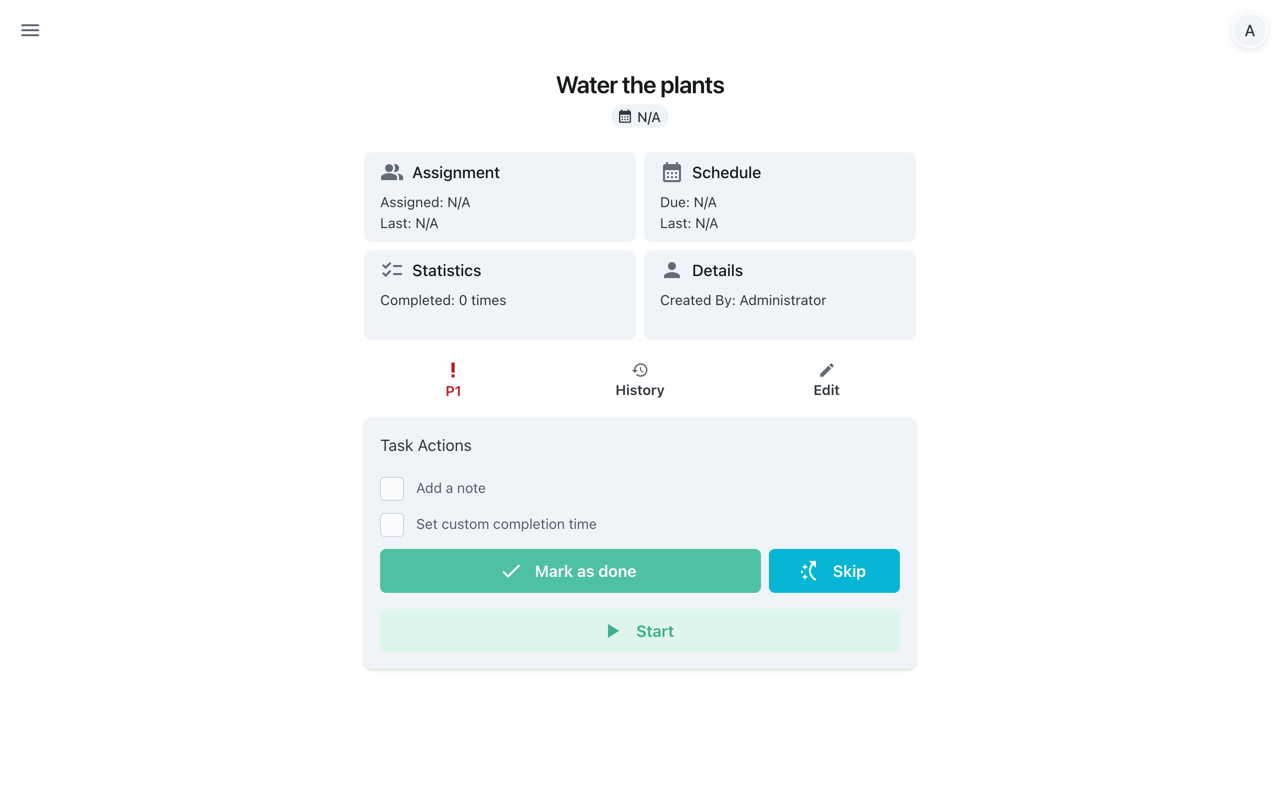
Real screenshots taken while testing this image against its deployment guide.
This is a repackaged open source software product wherein additional charges apply for cloudimg support services.
## Overview
Donetick is a free and open-source, self-hosted task and chore manager for individuals, households and teams. It handles recurring schedules, assignments, points and shared circles or groups, giving you a private alternative to hosted chore and to-do apps that you run and control entirely in your own AWS account. This AMI is delivered fully installed and secured, so a working task manager is reachable in your browser within minutes of launch.
## Why This Image vs a Manual Install
This image eliminates the manual binary download and checksum verification, systemd unit authoring, reverse-proxy configuration and credential hardening that a from-scratch install requires. Donetick signs user sessions with a JWT secret that must be unique per deployment; a shared secret baked into an image would let anyone forge sessions on another customer's instance. This image never ships that secret. What normally takes several steps across binary setup, service configuration and security hardening is completed for you at image build time. Launch the instance, read your unique administrator credential and sign in.
## Application Stack
Donetick is a single self-contained Go binary that bundles the web application; there is no runtime interpreter to manage and no external database to provision. Its datastore is an embedded SQLite database, keeping the whole appliance self-contained on a single node. The server binds to the loopback interface only and is fronted by an nginx reverse proxy on port 80. systemd starts the application and the web server on boot and restarts them on failure.
## Security Hardening
This image follows a defence-in-depth approach:
Buyers requiring formal compliance documentation should contact cloudimg to discuss specific requirements.
## Concrete Use Cases
## AWS Integration
Deploy on any EC2 instance type. Use the health endpoint with an Application Load Balancer for availability monitoring. Back up the SQLite datastore and configuration using EBS snapshots or AWS Backup. Terminate TLS at your own domain and certificate in front of the instance for HTTPS access.
## Getting Started
Read your administrator credential from the root-only file, open the web interface in your browser, sign in, and create your first tasks and recurring chores. Organize work into circles or groups, assign it to members, and track completion history from any of the built-in views.
## cloudimg Support
24/7 technical support by email and chat. Help with deployment, reverse-proxy termination with your own domain and certificate, enabling registration and inviting members, and backup planning for your task data.

This image runs the Actual Budget 26.6 sync server, the open source local-first personal finance and envelope budgeting ...

This image runs Admidio, the open source, self hosted membership management platform used by clubs, associations and non...

This image runs Apache Answer, the open source question and answer platform for teams at any scale.

This image delivers Audiobookshelf 2.35, the popular open source self-hosted audiobook and podcast media server, fully i...

This image runs Baby Buddy 2.9.2, the open source self-hosted web application for tracking a baby's daily activities and...
Baikal is an open source self-hosted CalDAV and CardDAV server built on the proven Sabre/dav library.