Base
Hardened build
minimal ports, security patches applied at build time

EGroupware, the open source collaboration suite bringing calendars, contacts, tasks and files together on one server you control, ready the moment it boots.
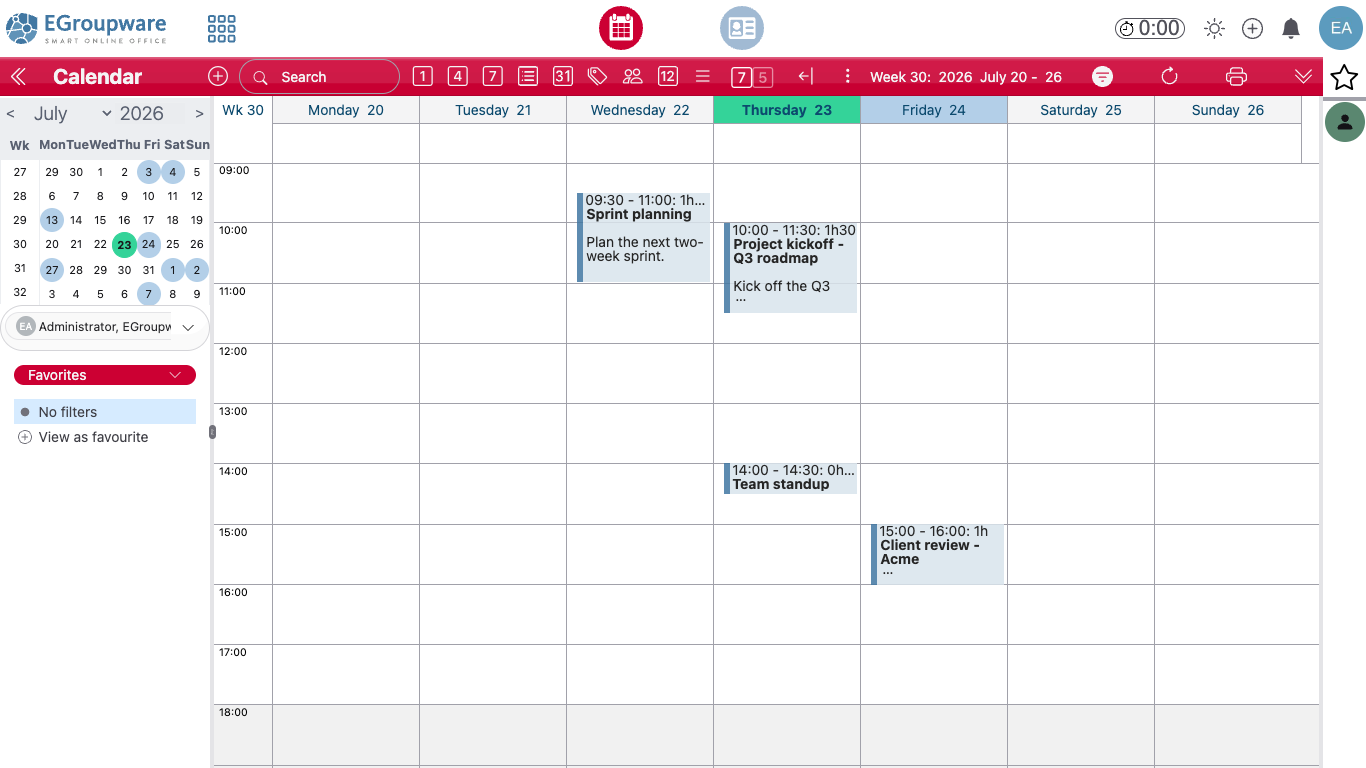
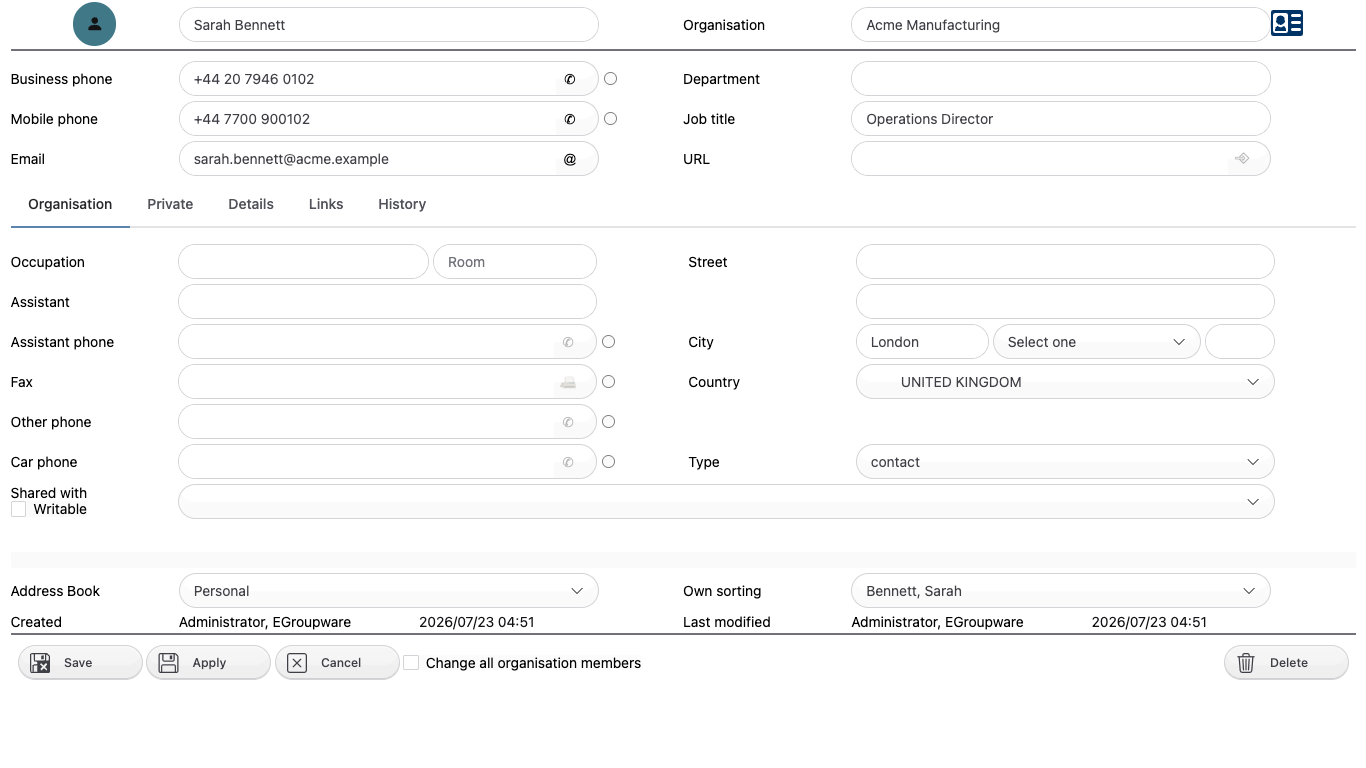
EGroupware is a mature open source collaboration and groupware suite used by businesses, public sector bodies, schools and non profit organisations to run their shared calendars, contacts, projects and documents on infrastructure they control. It brings together a group calendar with resource booking and free or busy scheduling, shared and personal address books, InfoLog for tasks, notes and tickets, a versioned file manager, project manager, time sheet, wiki, bookmarks and news administration, all behind one sign in with fine grained per group access control.
Calendars and contacts synchronise to phones, tablets and desktop clients over CalDAV and CardDAV, so people keep using the clients they already have while the data stays on your server. The mail app is a client rather than a mail server: point it at an IMAP and SMTP service you already run, or leave it unconfigured and use the rest of the suite on its own. EGroupware can authenticate against its bundled database or against your existing LDAP or Active Directory.
It suits any organisation that wants the everyday collaboration tools of a hosted office suite without handing its calendars, contacts and documents to a third party, and without per seat licensing.
cloudimg delivers EGroupware fully patched and hardened, with the installer already completed and the setup console locked away behind a denial so no customer ever meets an installer or finds an exposed setup page. Unique administrator, database and setup console passwords are generated on the first boot of every instance and written to a file only the root user can read, so no default or shared login ships anywhere in the image. The image is address agnostic: EGroupware is configured with a relative web server URL, so it works unchanged on a public IP, a private address, your own DNS name, or behind a TLS terminating proxy, with nothing to reconfigure when your address changes. The bundled MariaDB listens only on the loopback interface and never on the network, and both the database and the file store live on a dedicated data volume you can snapshot independently of the operating system volume. Backed by 24/7 cloudimg support.
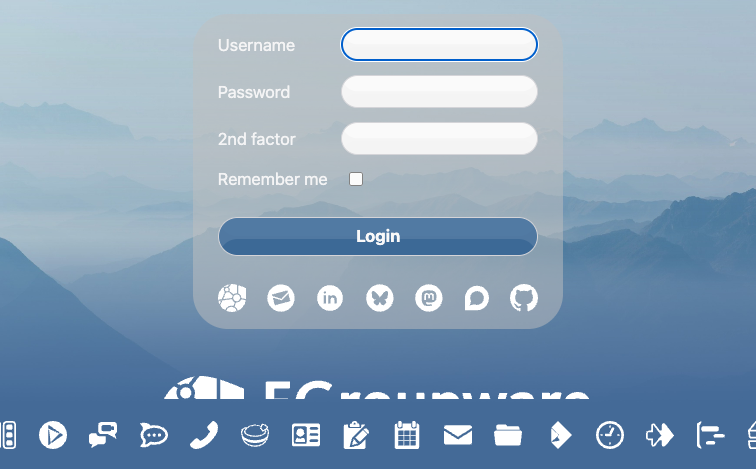
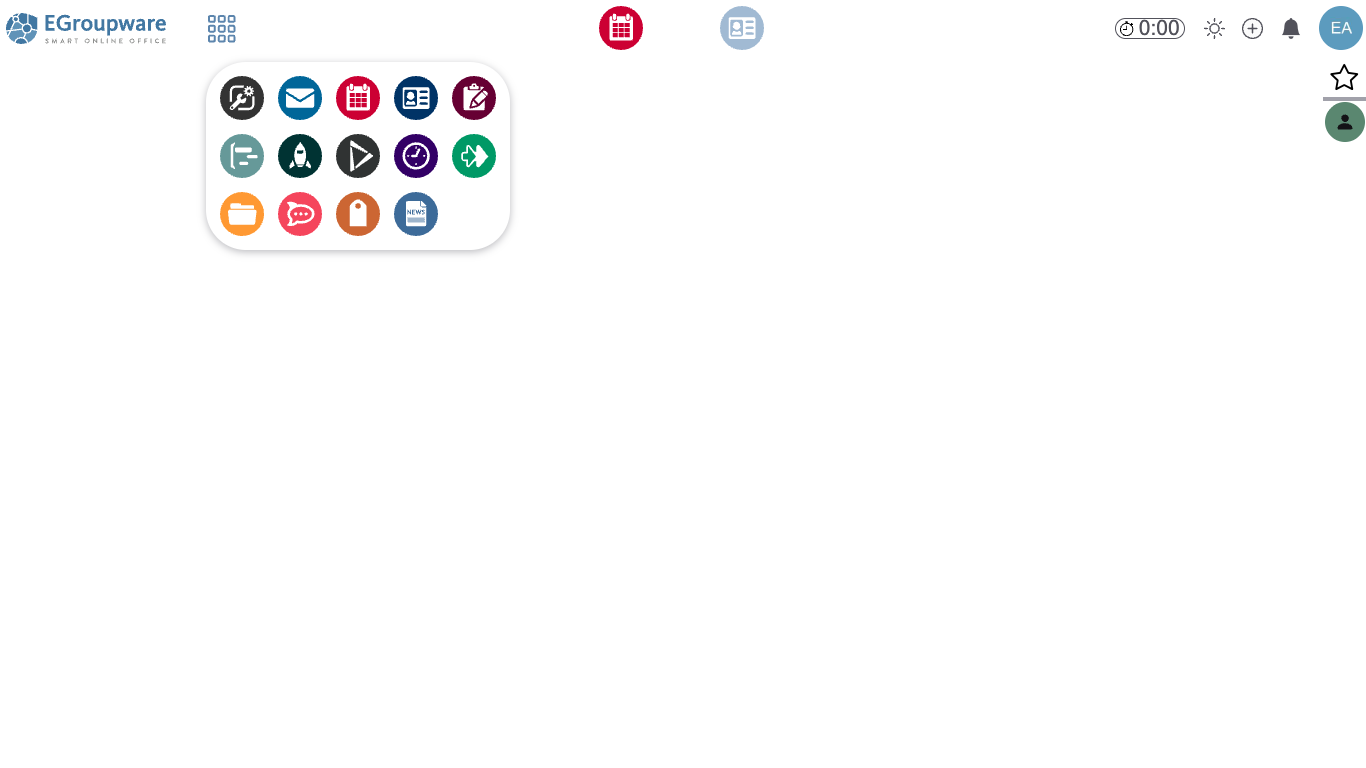
Real screenshots taken while testing this image against its deployment guide.
This is a repackaged open source software product wherein additional charges apply for cloudimg support services.
EGroupware is a mature open source collaboration and groupware suite used by businesses, public sector bodies, schools and non profit organisations worldwide. This image delivers EGroupware 26 fully installed, configured and security hardened on a single EC2 instance, so you have a working collaboration platform the moment the instance finishes booting, not a source tree and an afternoon of manual configuration.
Why choose this image over manual deployment
Installing EGroupware from source or using the upstream container topology means configuring Apache, PHP and MariaDB, running the web installer, hardening the setup console, generating credentials and setting up storage. This image eliminates that entire sequence:
A complete groupware feature set on one instance
The appliance bundles Apache with PHP, a local MariaDB database and the full EGroupware application suite:
Example use case
A school coordinating room bookings, meeting schedules and shared document repositories can deploy this image and immediately give staff group calendars, resource booking for rooms and equipment, and a versioned file manager for policies and forms, all hosted within their own AWS account with no data leaving their control. A small consulting firm replacing a hosted groupware tool gains full data sovereignty, LDAP or Active Directory integration, and no per seat licence fees under the GPL.
Integration and extensibility
Licensing
EGroupware is licensed under the GNU General Public License version 2 or later, so there are no licence fees or seat counts to manage and your data stays entirely in your own AWS account.
Getting started
Launch the image, wait for first boot setup to complete, browse to your instance address, sign in with the generated administrator credentials, and start collaborating. For pre sales questions, contact cloudimg support by email or live chat.

This image runs the Actual Budget 26.6 sync server, the open source local-first personal finance and envelope budgeting ...

This image runs Admidio, the open source, self hosted membership management platform used by clubs, associations and non...

This image runs Apache Answer, the open source question and answer platform for teams at any scale.

This image delivers Audiobookshelf 2.35, the popular open source self-hosted audiobook and podcast media server, fully i...

This image runs Baby Buddy 2.9.2, the open source self-hosted web application for tracking a baby's daily activities and...

Baikal is an open source self-hosted CalDAV and CardDAV server built on the proven Sabre/dav library.