Base
Hardened build
minimal ports, security patches applied at build time

open source web hosting control panel for managing customers, domains, mail and databases from one interface
Froxlor is an open source server administration and web hosting control panel. From a single web interface it manages hosting customers and their domains, subdomains, web space, FTP and email accounts, MySQL databases, DNS records, per domain PHP settings and TLS certificates, so hosting providers, agencies and IT teams can administer a whole server without editing web, mail or DNS configuration files by hand. The stack is Apache, PHP FPM and MariaDB, with a master cron that applies panel changes to the server configuration.
The cloudimg image ships Froxlor fully installed, configured and hardened. The captured image contains no administrator account and no database at all, and the web server is held closed by a systemd condition until first boot completes, so the setup wizard can never be claimed by a stranger. Every instance generates a unique administrator password and unique database passwords on first boot, written to a root only file. It comes with a paired step by step deploy guide and 24/7 cloudimg support.
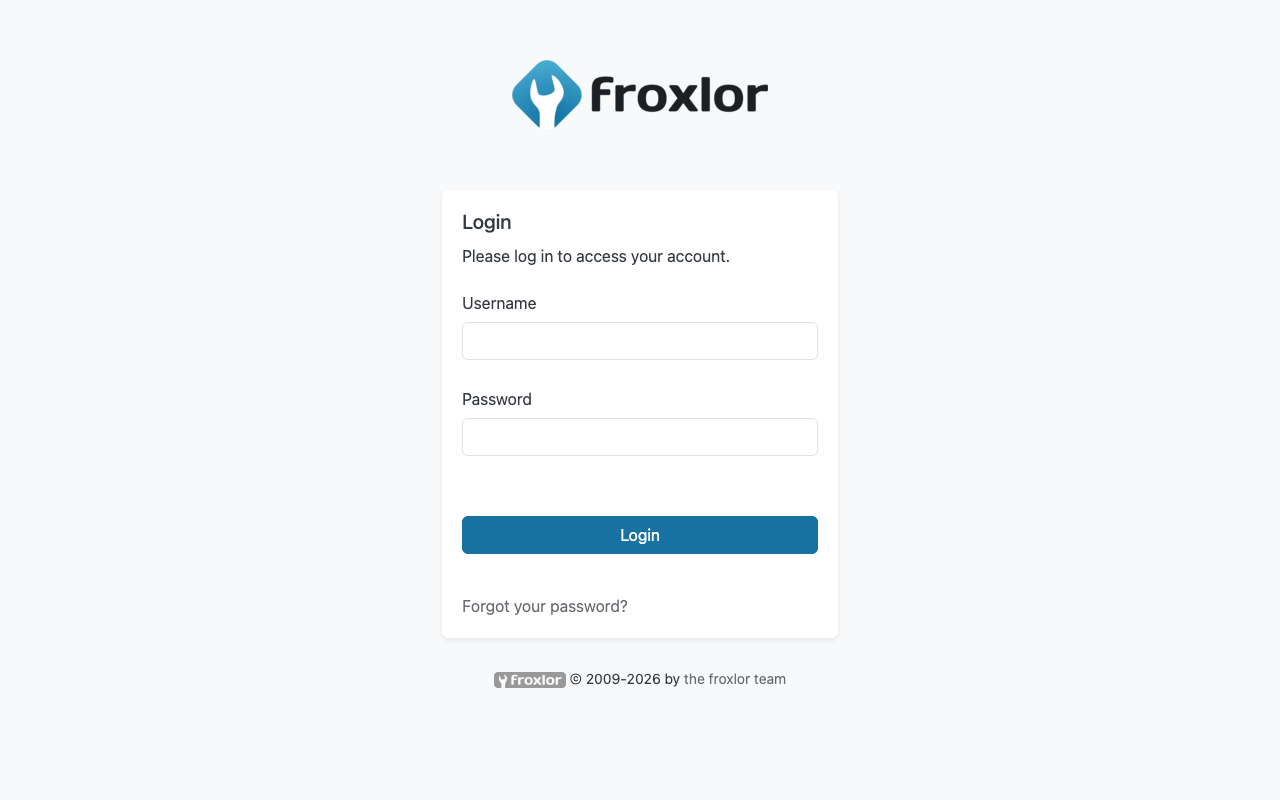
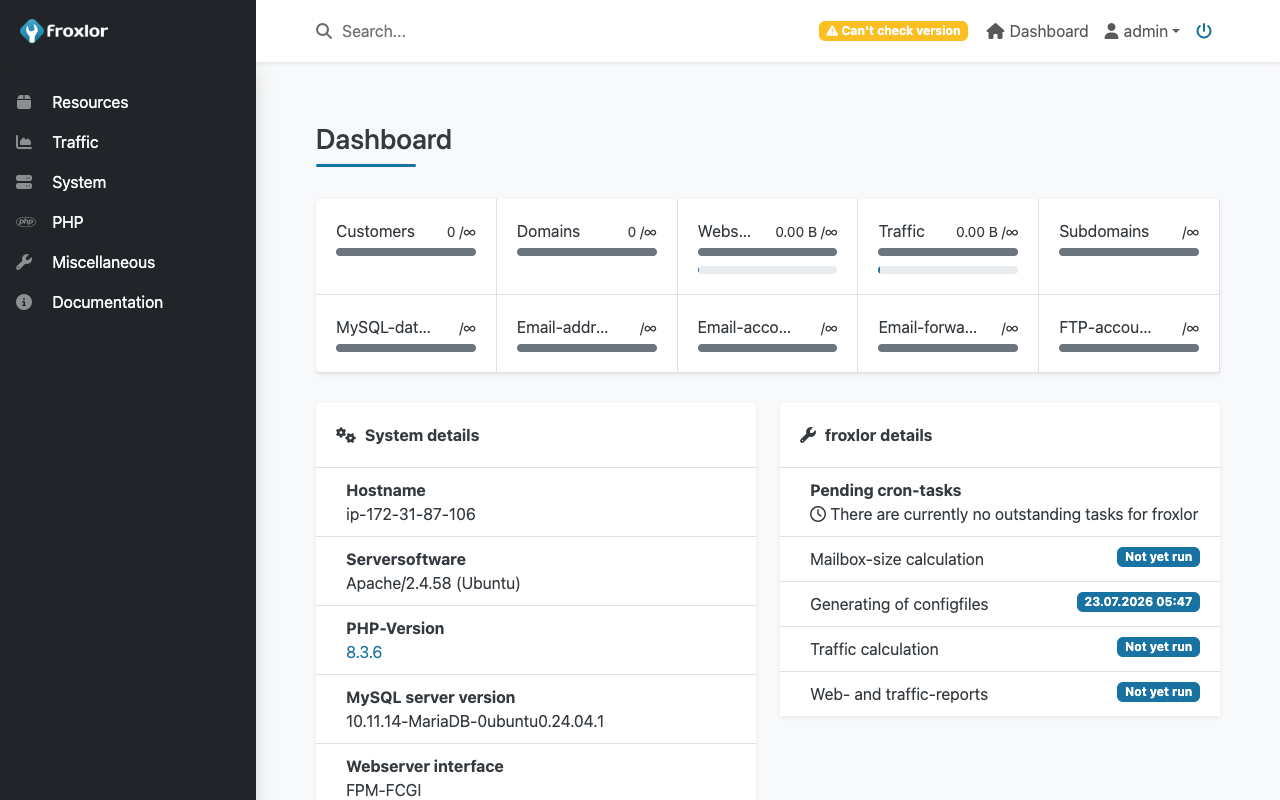
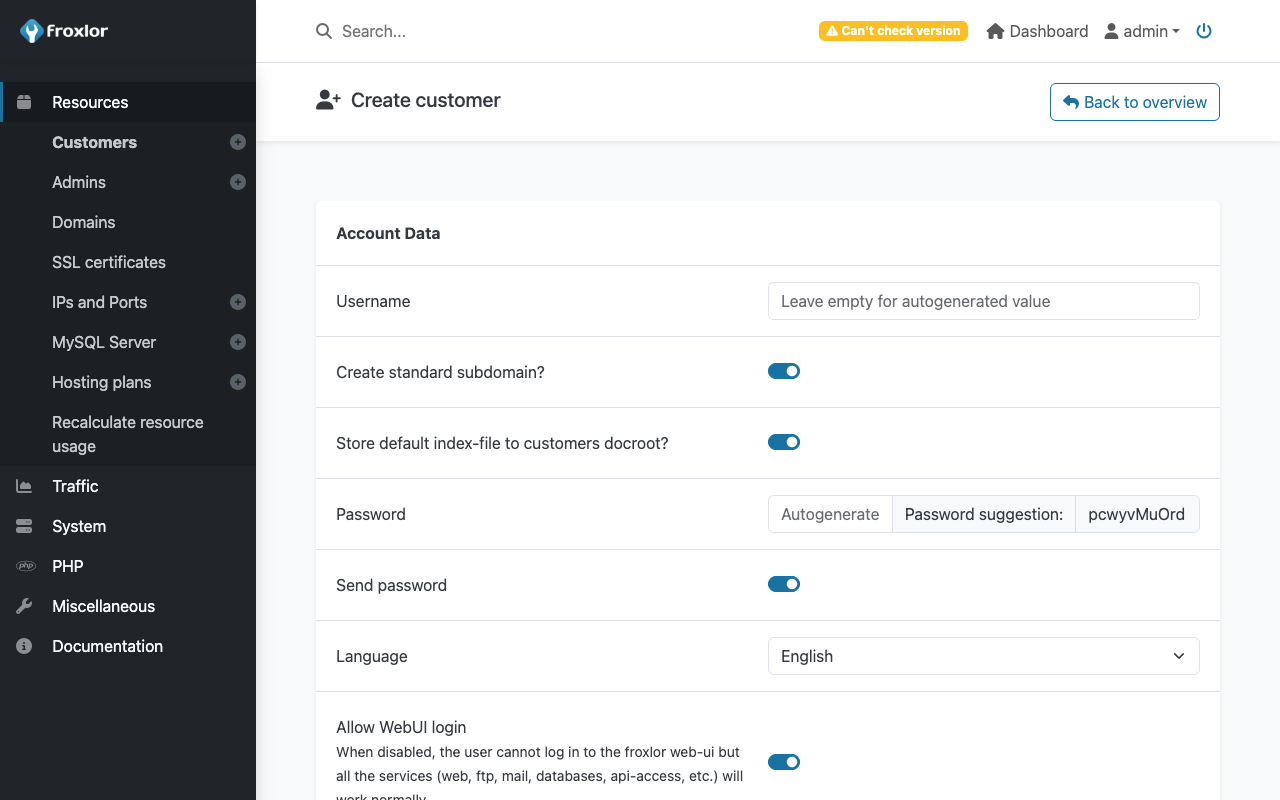
Real screenshots taken while testing this image against its deployment guide.
This is a repackaged open source software product wherein additional charges apply for cloudimg support services.
Froxlor is a widely used open source server administration and web hosting control panel. It gives hosting providers, agencies, and IT teams a single web interface for managing customers, domains, web space, FTP accounts, email, databases, DNS, per-domain PHP settings, and TLS certificates on their own server, instead of hand editing configuration files. This image delivers Froxlor 2.3 fully installed, configured, and security hardened, so you have a working control panel within minutes of launch.
Setting Froxlor up by hand means installing a web server, PHP and its extensions, and a database engine, then running a browser based setup wizard and hardening the result. That wizard is also the single biggest risk in a shared or public image, because whoever reaches it first can claim the administrator account. This image removes that risk entirely. The captured image contains no Froxlor installation and no administrator account at all, and the web server is held closed by a systemd condition until first boot has finished. On the first boot of your instance, a one shot service performs the installation using Froxlor's own unattended installer, generates a fresh administrator password and fresh database passwords unique to that instance, writes them to a root only file, and only then opens the web server. No two deployments share a password, and there is never a window in which the setup wizard is unclaimed.
Application stack: Froxlor 2.3.10, the current stable release, shipped unmodified from the official release tarball, with Apache 2.4, PHP 8.3 running under PHP FPM with every extension Froxlor requires, and MariaDB. A systemd timer runs the Froxlor master cron every five minutes so panel changes are applied to the system configuration. Froxlor generated virtual hosts are written to a dedicated directory, and the panel runs on its own dedicated PHP FPM pool, keeping them separate from the panel's own configuration so a cron run can never lock you out of your control panel.
Browse to the instance address, sign in with the credentials from the root only file, and start creating customers, domains, mailboxes, FTP accounts, and databases. Froxlor accepts requests on whatever hostname or IP address you reach it on, so you can point DNS at the instance whenever you are ready.
All product and company names are trademarks or registered trademarks of their respective holders. Use of them does not imply any affiliation with or endorsement by them.

This image runs the Actual Budget 26.6 sync server, the open source local-first personal finance and envelope budgeting ...

This image runs Admidio, the open source, self hosted membership management platform used by clubs, associations and non...

This image runs Apache Answer, the open source question and answer platform for teams at any scale.

This image delivers Audiobookshelf 2.35, the popular open source self-hosted audiobook and podcast media server, fully i...

This image runs Baby Buddy 2.9.2, the open source self-hosted web application for tracking a baby's daily activities and...

Baikal is an open source self-hosted CalDAV and CardDAV server built on the proven Sabre/dav library.