HedgeDoc
Overview
HedgeDoc, the open source real-time collaborative markdown editor (HackMD fork), preinstalled behind an nginx reverse proxy with WebSocket support on port 80. A unique admin account is generated on first boot. Backed by 24/7 cloudimg support.
See it running
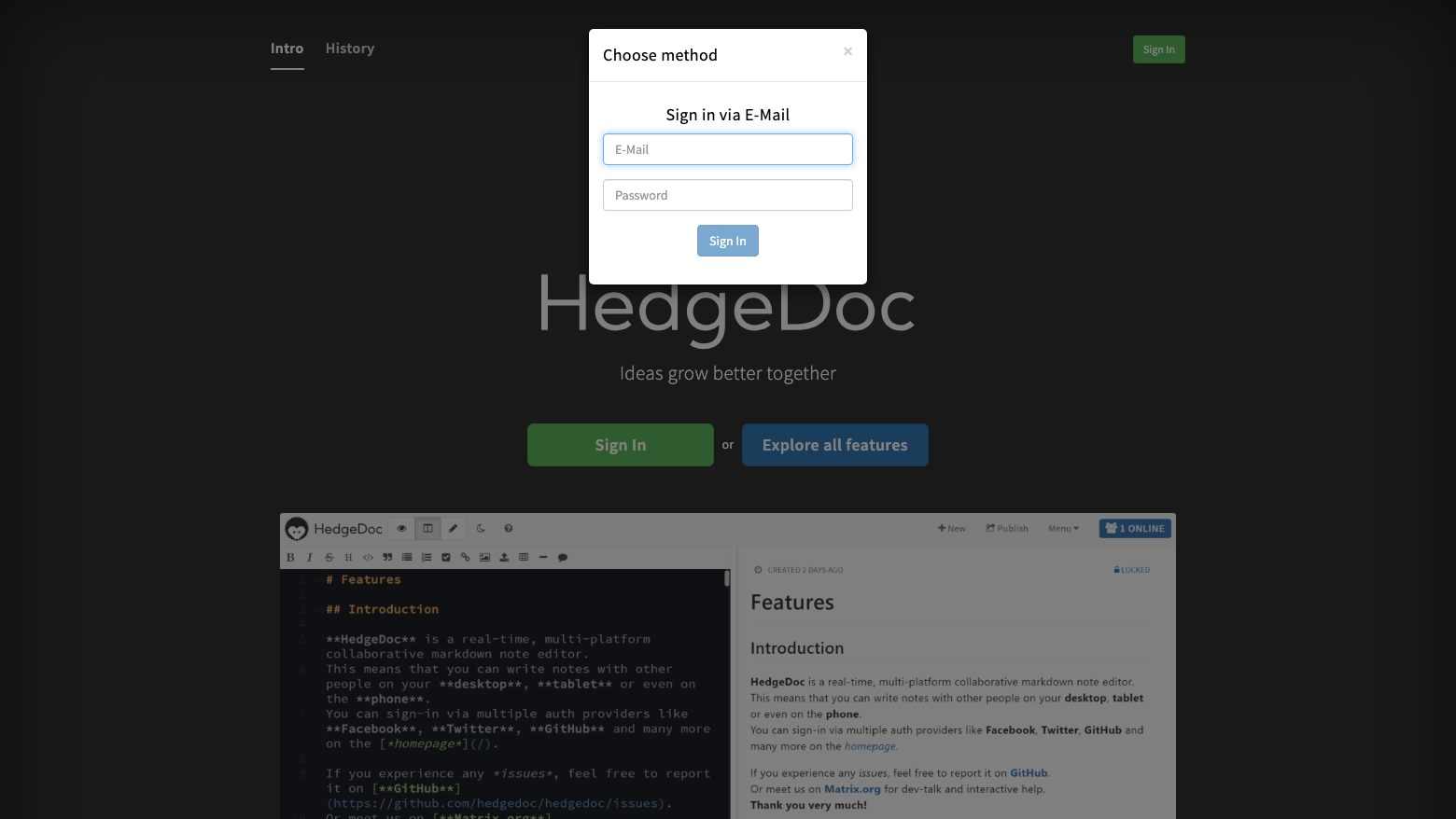
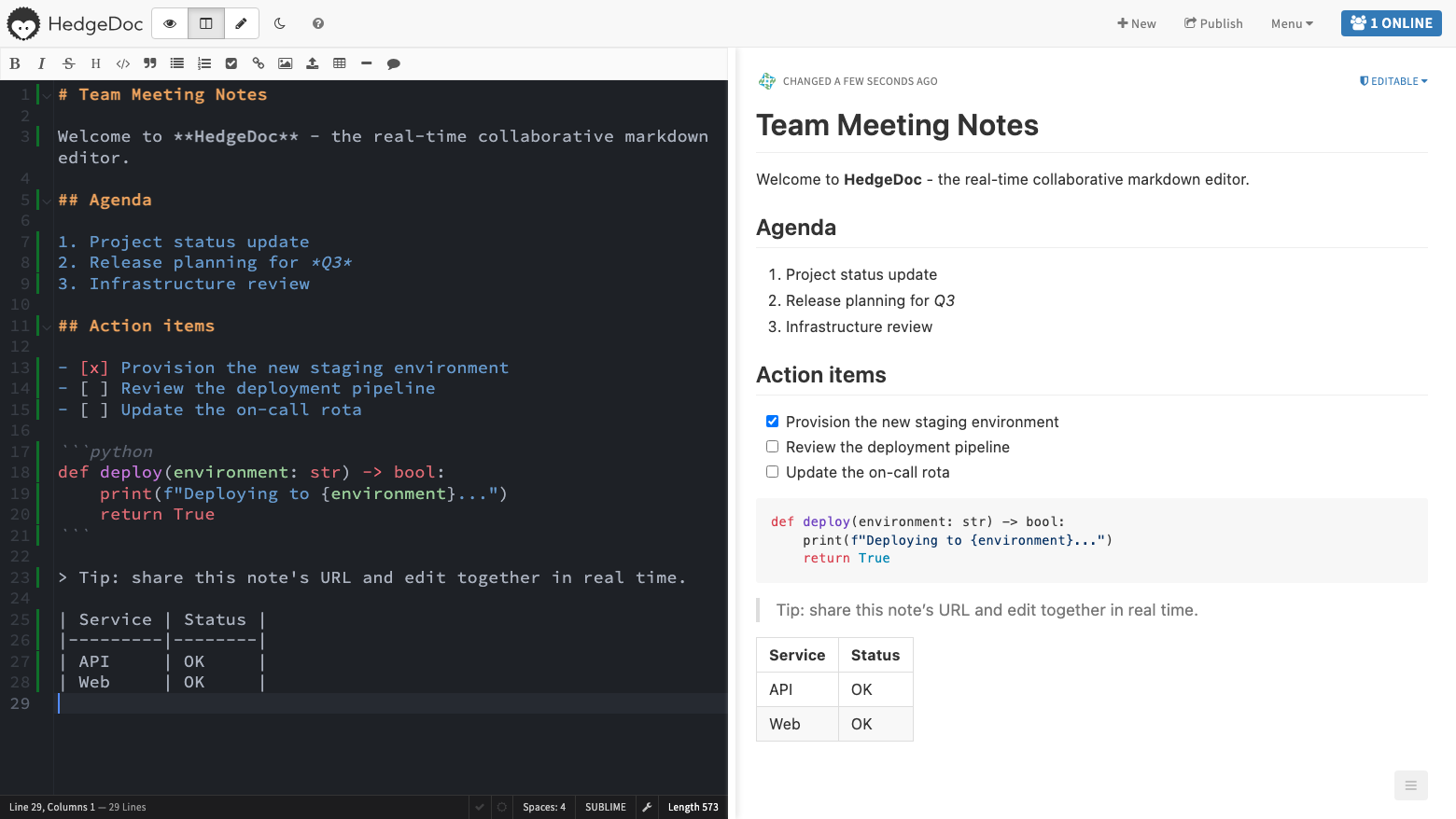
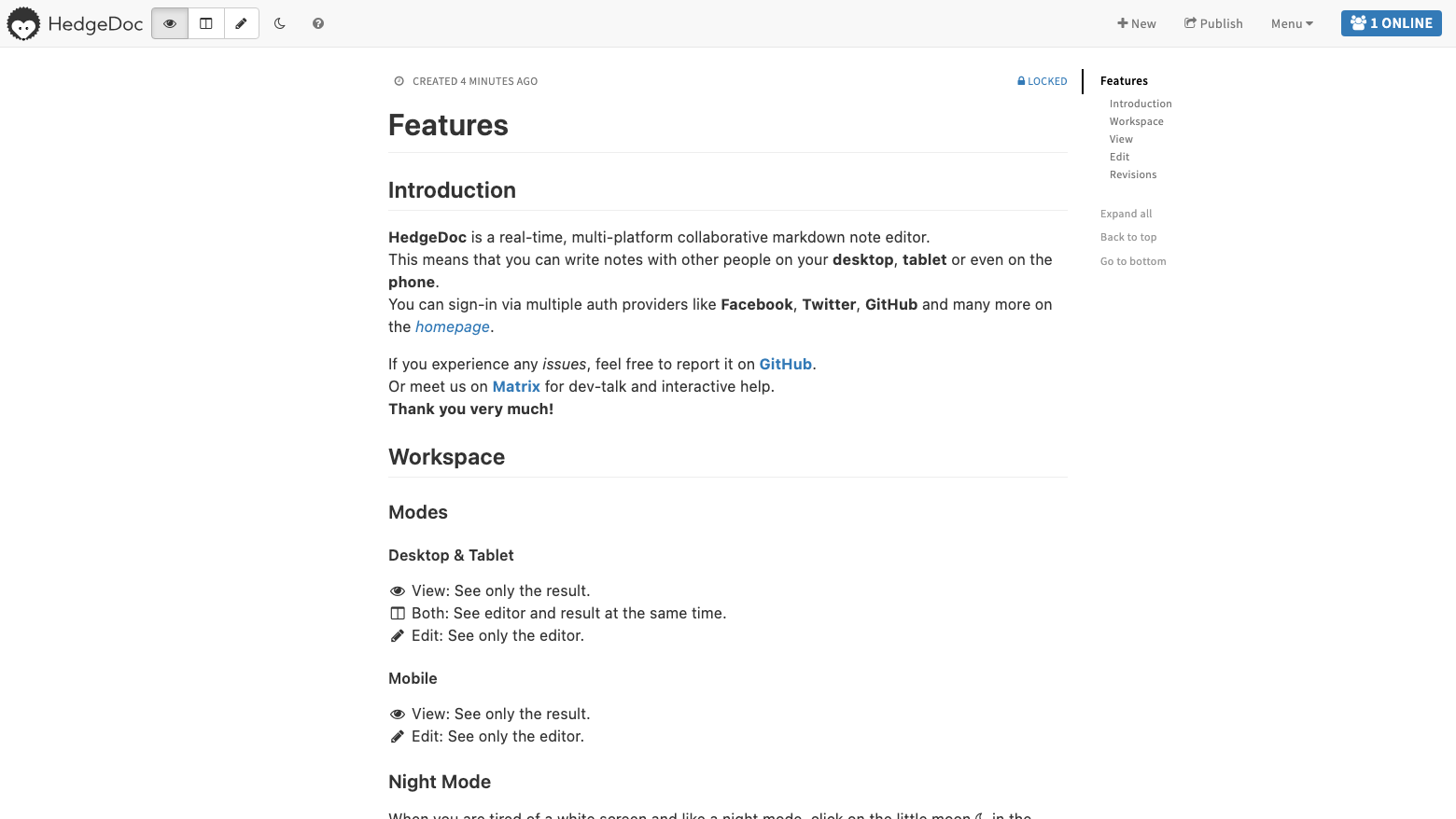
Real screenshots of this software running on the cloudimg image, taken while testing the deployment guide.
Description
This is a repackaged open source software product wherein additional charges apply for cloudimg support services.
Overview
HedgeDoc is the leading open source, self-hosted, real-time collaborative markdown editor - the community fork of HackMD. Multiple people edit the same note simultaneously in a split-pane editor with live rendered preview, presence cursors and chat-free collaboration that just works in the browser. Notes support diagrams, code blocks with syntax highlighting, MathJax math, slide-deck presentation mode and image uploads. This image delivers HedgeDoc fully installed and configured as a system service, so your private, self-hosted knowledge and note collaboration platform is running within minutes of launch. The current release available is HedgeDoc 1.10.8.
Application Stack
HedgeDoc runs on Node.js 20 LTS, installed from the official release tarball with the pre-built frontend, and is operated by an unprivileged service account under systemd. It listens on the loopback address only; an nginx reverse proxy fronts the application on port 80 with WebSocket upgrade support, which real-time collaboration requires. The SQLite database and image uploads live on a dedicated, independently resizable storage volume kept separate from the operating system disk.
Secure By Default
Anonymous note creation and open self-registration are disabled. On its first boot the instance generates a unique session secret and a unique admin account with a random password, applied through HedgeDoc's own user management tooling and written to a root-only file. No shared or default credentials ship in the image, and all build-time state is wiped before capture.
Ready To Use
Browse to the instance on port 80, sign in with the generated admin credentials, and start writing. Create additional users with the bundled user management CLI, or connect LDAP, SAML or OAuth2 identity providers through configuration. Import existing markdown, publish read-only note views, and present any note as a slide deck.
cloudimg Support
24/7 technical support by email and chat. Help with HedgeDoc deployment, user management, authentication providers, TLS termination, backups, upgrades and scaling.
Use Cases
Team documentation and meeting notes with live co-editing. Engineering runbooks and incident scratchpads. University and classroom collaborative note-taking. A private, in-your-own-VPC alternative to SaaS collaborative editors for organisations with data residency or privacy requirements.
All product and company names are trademarks or registered trademarks of their respective holders. Use of them does not imply any affiliation with or endorsement by them.
Key Features
- HedgeDoc 1.10, the open source real-time collaborative markdown editor (HackMD fork), preinstalled on Node.js 20 LTS behind an nginx reverse proxy with WebSocket support on port 80 - split-pane live preview, diagrams, math, code highlighting and slide mode ready with no manual setup
- Secure by default: anonymous access and open registration are disabled, and a unique admin account and session secret are generated for every instance on first boot and stored in a root-only file - no shared or default credentials ship in the image
- 24/7 technical support from cloudimg, with expert help on user management, LDAP/SAML/OAuth2 authentication, TLS termination, backups, upgrades and scaling