Base
Hardened build
minimal ports, security patches applied at build time

hledger, plain text accounting with a command line toolset and a browser interface, ready over a journal file you can read yourself.
hledger is a mature open source plain text accounting system. Instead of a database, your entire ledger lives in a single human readable text file that you own, can read without any special software, can diff and can keep in version control. hledger reads that journal and produces real double entry accounting reports: balance sheets, income statements, account registers, budgets and forecasts.
It suits personal finance, freelance and small business bookkeeping, and any situation where auditable, portable, vendor neutral financial records matter more than a proprietary format. Records can be entered from the command line, from a terminal interface or from the browser, and every one of them lands in the same plain text journal.
cloudimg delivers hledger fully installed as a secured accounting host, with the command line tool, the terminal interface and the browser interface all working the moment the instance boots. The browser interface matters here: hledger-web ships with no authentication at all and by default lets anyone who can reach it add transactions, so cloudimg binds it to the loopback interface only and places it behind an nginx reverse proxy that enforces HTTP basic authentication. A unique administrator credential is generated on each first boot and stored in a root only file, so no default or shared login ships in the image, and the browser interface is configured append only so existing history cannot be rewritten. The journal lives on its own dedicated data volume, every deployment is paired with a step by step deploy guide, and support is available around the clock.
Real screenshots taken while testing this image against its deployment guide.
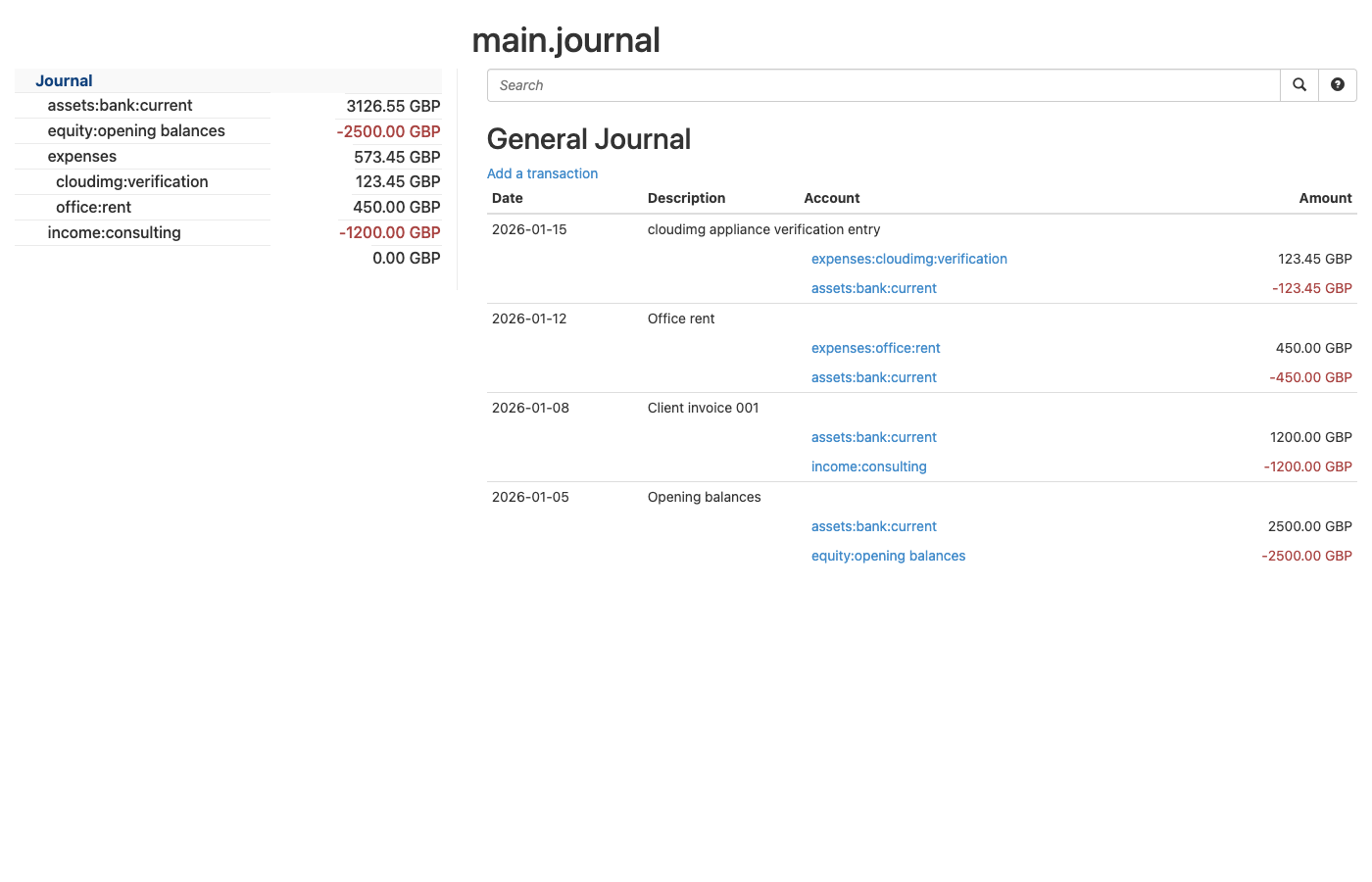
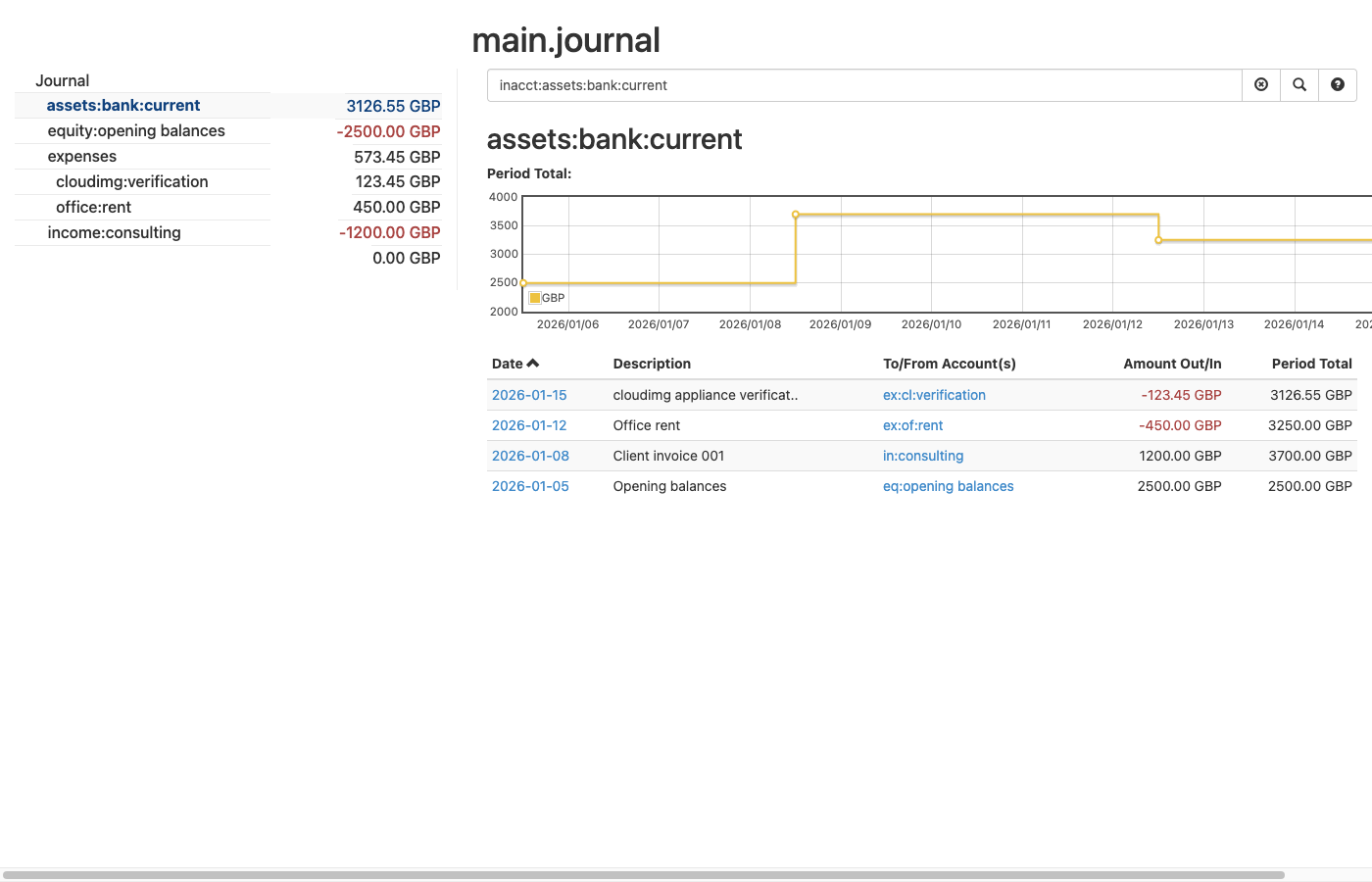
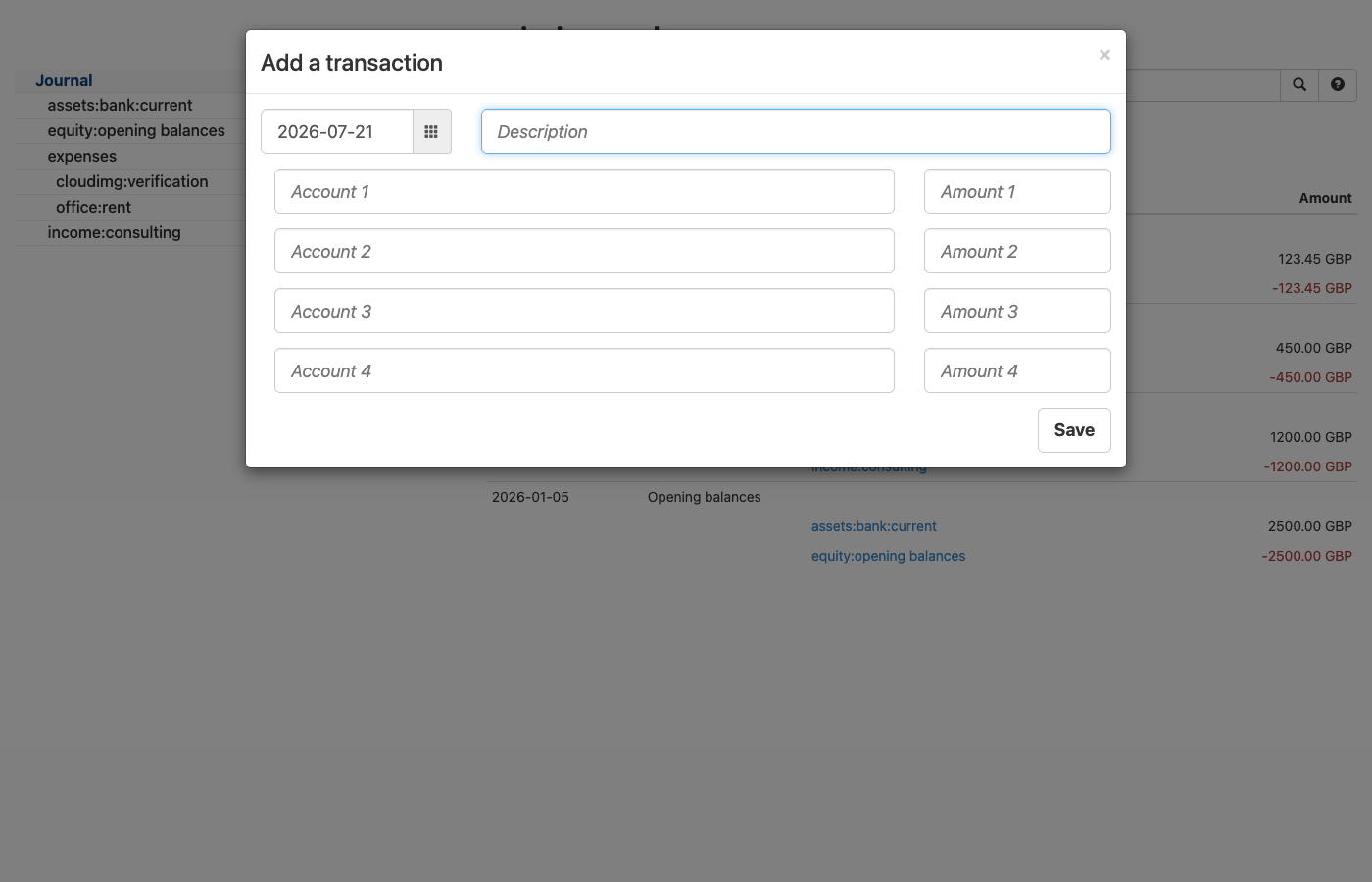
This is a repackaged open source software product wherein additional charges apply for cloudimg support services.
## Why This AMI Instead of Self-Deploying?
hledger is a mature open source plain text accounting system. Instead of a database, your entire ledger lives in a single human-readable text file that you own, can read without any special software, can diff, and can keep in version control. hledger reads that journal and produces real double-entry accounting reports: balance sheets, income statements, account registers, budgets, and forecasts. It suits personal finance, freelance and small-business bookkeeping, and any situation where auditable, portable, vendor-neutral financial records matter more than a proprietary format.
Deploying it yourself means installing the correct static release binaries, writing systemd units, hardening a reverse proxy, generating secure credentials, and maintaining the stack. This AMI eliminates that effort: a working, secured accounting host with the hledger command line tool, the hledger-ui terminal interface, and the hledger-web browser interface is running within minutes of launch - not hours - backed by 24/7 cloudimg support.
The current release available is hledger 1.52.1.
## Secure By Default
This matters more here than for most applications. The upstream hledger-web interface ships with no authentication and allows anyone who can reach it to add transactions. This image never exposes it that way:
The web interface is configured in append-only mode: new transactions can be recorded from the browser, but existing history cannot be altered, deleted, uploaded over, or downloaded - preserving the audit trail that plain text accounting exists to provide. The included deployment guide explains how to switch to a strictly read-only report viewer or a fully editable journal. Your journal file is readable only by the service account and the administrator.
## Application Stack
The hledger, hledger-ui, and hledger-web binaries are installed from the pinned upstream static release, verified by SHA-256. hledger-web runs as an unprivileged system user under systemd for automatic restarts and clean logging, listening on the loopback interface, with nginx fronting it on port 80. An unauthenticated health endpoint is provided for load balancer probes. Your journal lives on a dedicated, independently resizable EBS storage volume kept separate from the operating system disk. TLS is not enabled by default; terminate TLS at an AWS Application Load Balancer or CloudFront distribution, or enable Let's Encrypt as the deployment guide describes.
## What You Avoid By Using This AMI
## Get Started
Launch the AMI, retrieve your unique admin credential from the instance, and open port 80 in your security group. You will see the hledger-web interface with a starter journal ready for your first transaction. For a guided walkthrough, contact cloudimg support - our engineers can walk you through your first session and help import existing data.
## cloudimg Support
24/7 technical support by email and live chat with a one-hour average response for critical issues. Our engineers help with deployment, recording transactions, running balance and register reports, importing data, TLS termination, backups, and scaling.
hledger is licensed under the GNU General Public License version 3 or later; the licence text and a pointer to the corresponding source are included on the image. All product and company names are trademarks or registered trademarks of their respective holders. Use of them does not imply any affiliation with or endorsement by them.

This image runs the Actual Budget 26.6 sync server, the open source local-first personal finance and envelope budgeting ...

This image runs Admidio, the open source, self hosted membership management platform used by clubs, associations and non...

This image runs Apache Answer, the open source question and answer platform for teams at any scale.

This image delivers Audiobookshelf 2.35, the popular open source self-hosted audiobook and podcast media server, fully i...

This image runs Baby Buddy 2.9.2, the open source self-hosted web application for tracking a baby's daily activities and...

Baikal is an open source self-hosted CalDAV and CardDAV server built on the proven Sabre/dav library.