Homebox Home Inventory Manager
Overview
Launch a private home and asset inventory in minutes - no manual setup required. Pre-configured with nginx and SQLite, backed by 24/7 cloudimg support.
See it running
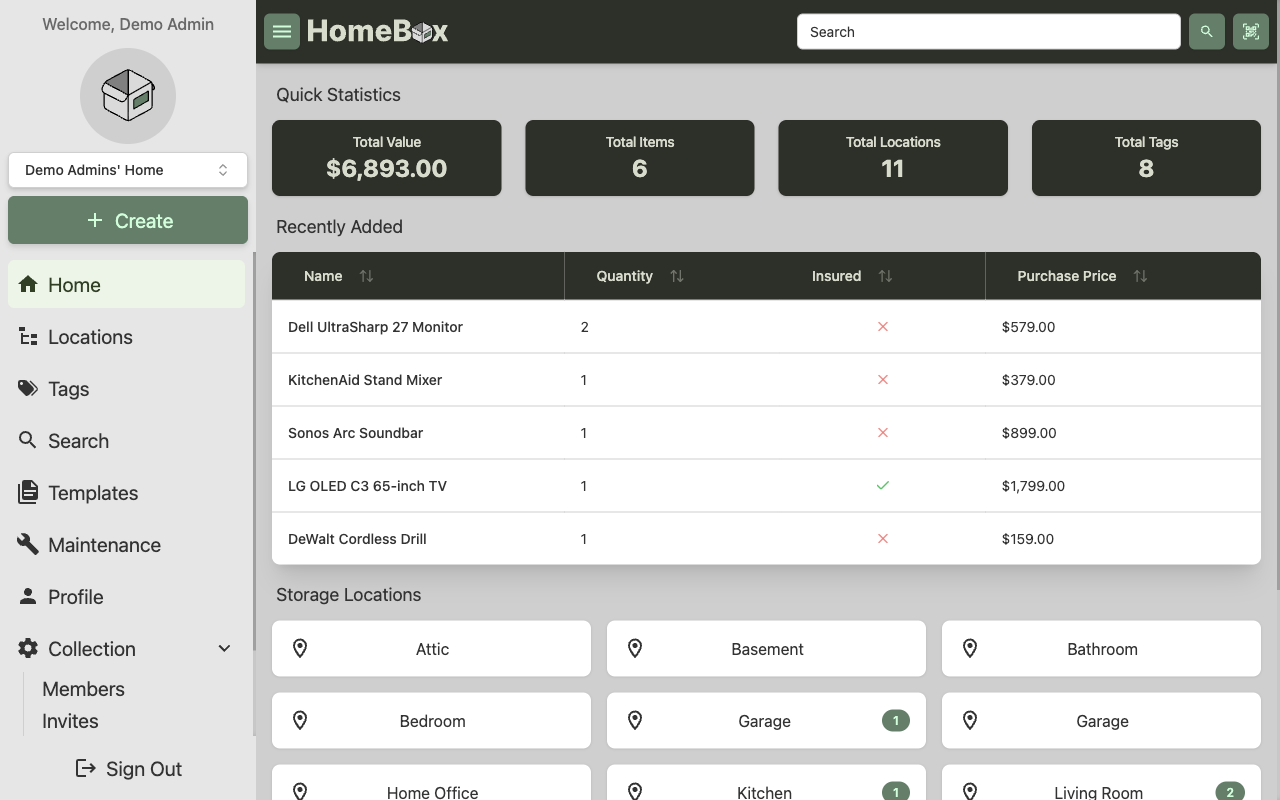
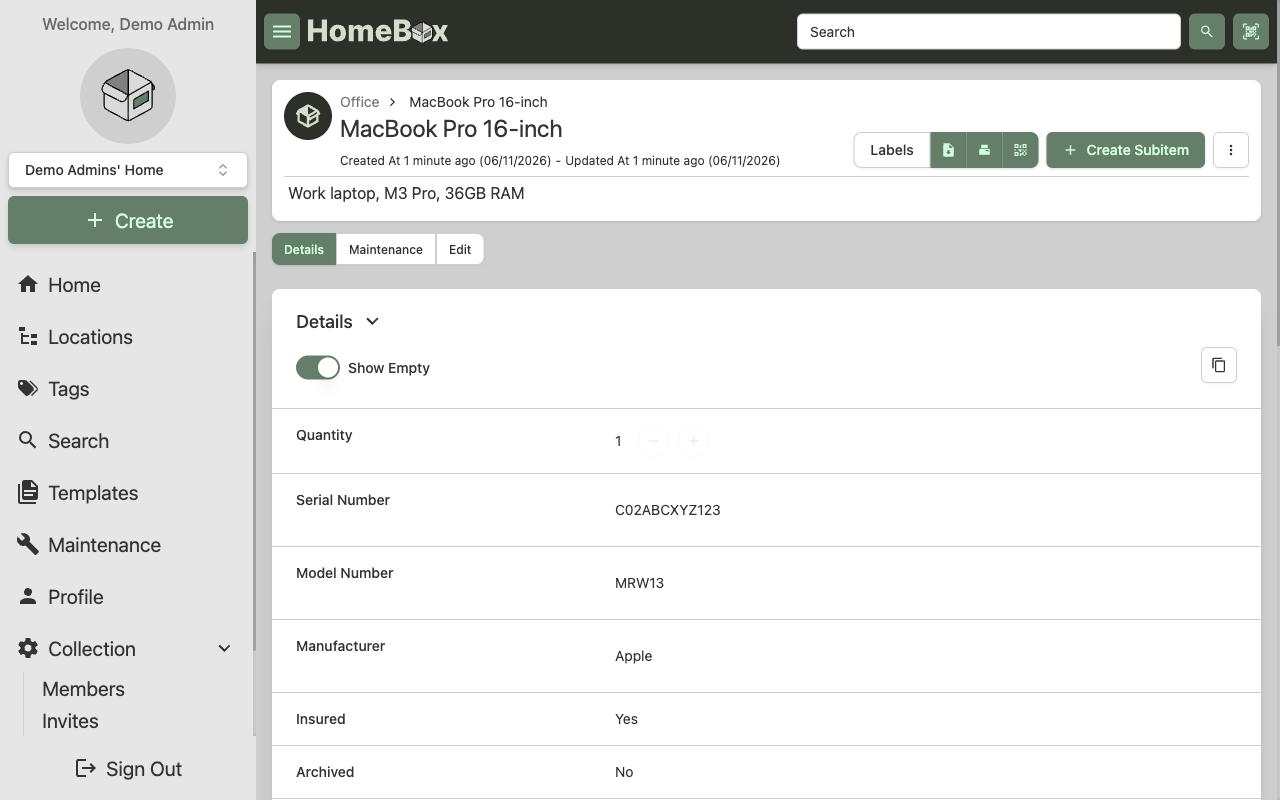
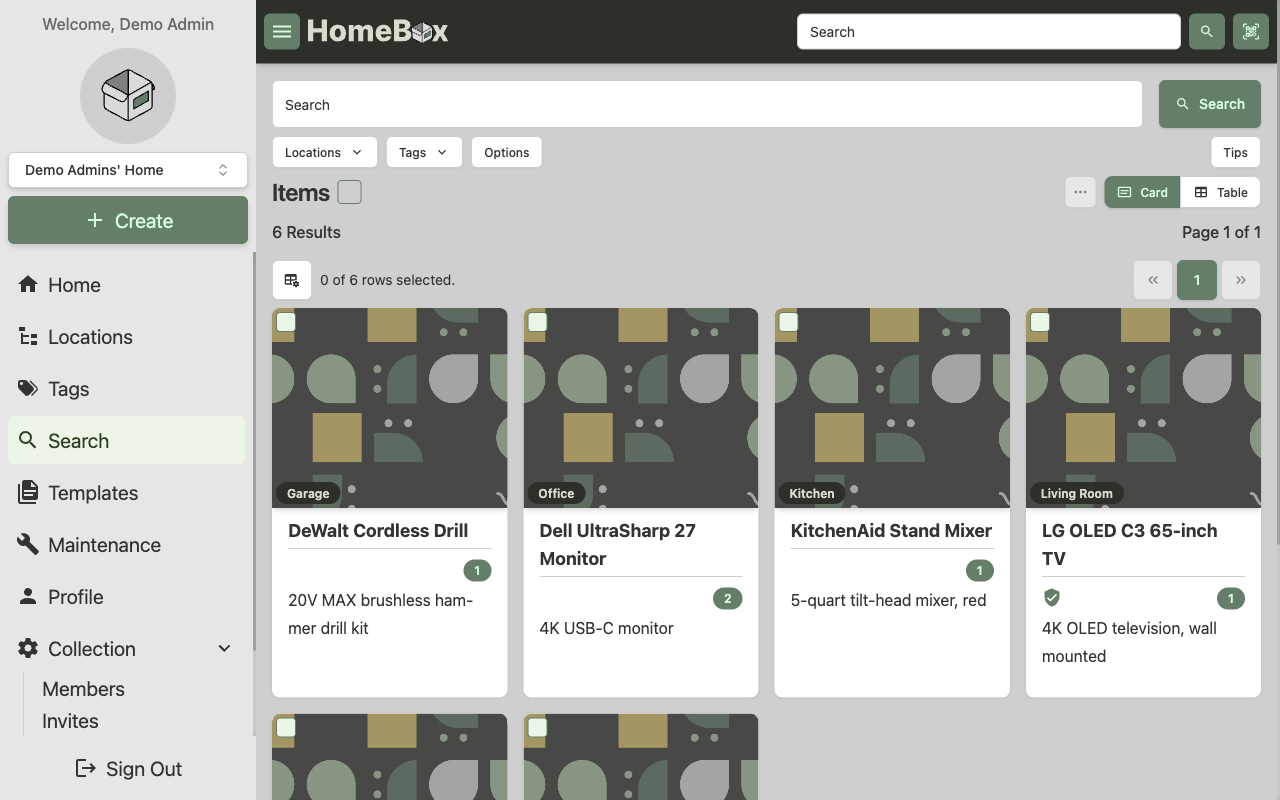
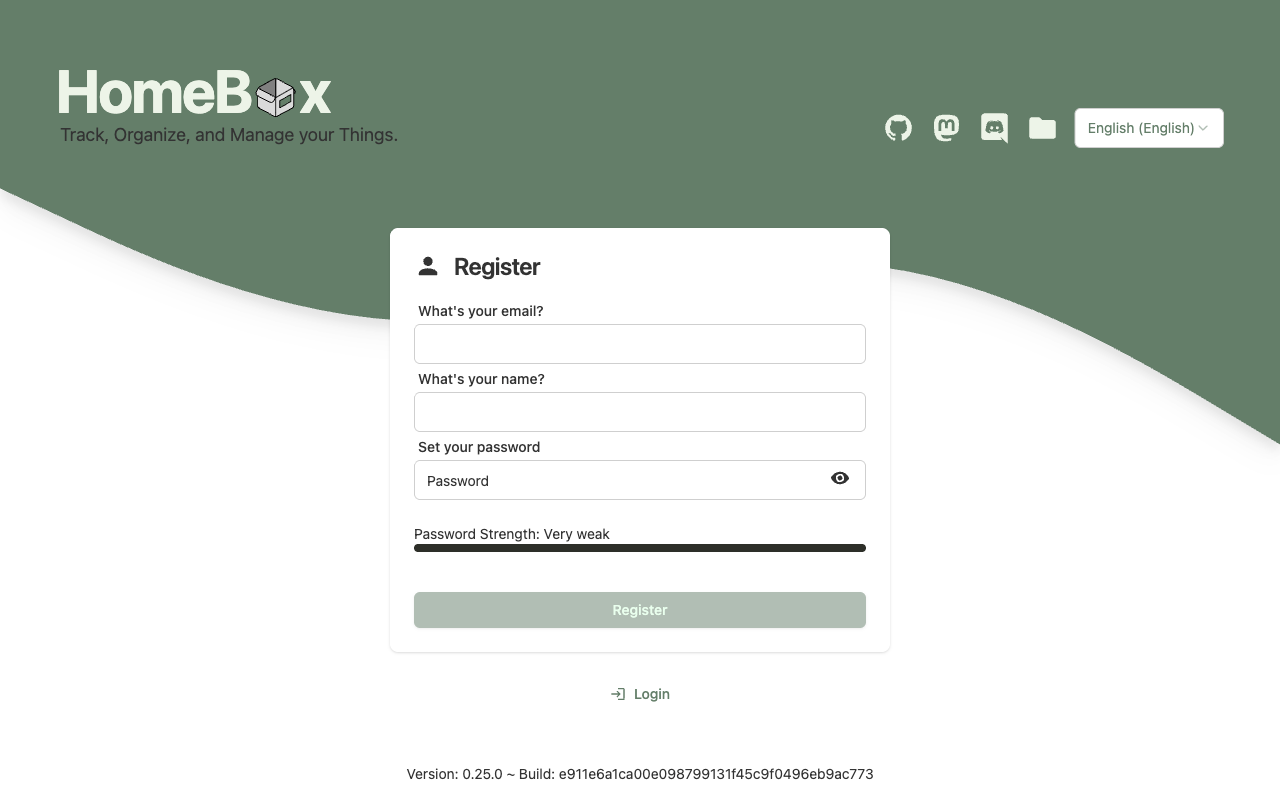
Real screenshots of this software running on the cloudimg image, taken while testing the deployment guide.
Description
This is a repackaged open source software product wherein additional charges apply for cloudimg support services.
## Why This AMI Instead of Self-Install
Deploying Homebox yourself means installing Go dependencies, configuring nginx as a reverse proxy, setting up SQLite, hardening the OS, and maintaining the stack through upgrades. This AMI eliminates that operational burden. Homebox is pre-installed, pre-configured, and tested so your private inventory is running within minutes of launching an EC2 instance. cloudimg handles tested upgrade paths between Homebox releases and provides 24/7 expert support - something community forums and DIY troubleshooting cannot match.
## Overview
Homebox is the open source, self-hosted home and asset inventory manager. Track what you own, where it is, what it cost, and when it needs maintenance. Organize by nested locations, tags, and labels. Attach photos and documents, generate QR and asset labels, import and export via CSV, and manage everything through a clean web interface. The current release available is Homebox 0.25.
## Who This Is For
Landlords and property managers tracking appliances, fixtures, and maintenance schedules across multiple rental units. IT teams cataloging office equipment with purchase dates, warranties, and asset tags. Hobbyist collectors organizing collections with photos, valuations, and storage locations. Whether you manage dozens or thousands of items, Homebox scales with a lightweight SQLite datastore that requires no separate database server.
## Application Stack
The Homebox server - a single Go binary serving both the REST API and the embedded web app - runs behind nginx as a reverse proxy. SQLite stores all data in a single self-contained file. The server and its data bind to the loopback interface; nginx terminates on port 80. This architecture keeps resource usage minimal and eliminates external database dependencies.
## Secure By Default
Homebox has no built-in administrator and no default password. The first person to register becomes the owner. Every instance boots to the Homebox first-run registration screen on a freshly emptied database, where you create your own administrator account. No shared or default credentials ship in the image. After registration, the user guide shows how to disable open registration. Unlike some competing images that ship with default credentials requiring immediate rotation, this AMI is secure from the moment it launches.
## Security Practices
- No default credentials or shared secrets in the image
- Application binds to loopback; only nginx is exposed
- TLS termination guidance provided by cloudimg support for production deployments
- Buyers are advised to use encrypted EBS volumes for data-at-rest protection
- Security group should restrict inbound access to ports 80/443 from trusted IPs only
## Getting Started
1. Launch the AMI on your chosen EC2 instance
2. Ensure your security group allows inbound TCP on port 80 (or 443 after TLS setup)
3. Navigate to the instance public IP in your browser
4. Complete the first-run registration to create your administrator account
5. Create your first storage location, then start adding items with value, purchase date, warranty, and photos
6. Generate QR or asset labels, import existing inventory from CSV, and track maintenance schedules
## cloudimg Support
24/7 technical support by email and live chat for deployment, upgrades, integrations, TLS termination, backups, and data migration. Critical issues receive a one-hour average response time. Our engineers guide you through production hardening, scaling decisions, and Homebox version upgrades.
Homebox is a trademark of its respective owner. All product and company names are trademarks or registered trademarks of their respective holders. Use of them does not imply any affiliation with or endorsement by them.
Key Features
- Skip manual Go, nginx, and SQLite configuration - this AMI delivers Homebox 0.25 fully installed and tested so your private home and asset inventory is running within minutes of EC2 launch. Track items, locations, values, warranties, and maintenance schedules. Generate QR and asset labels, import existing inventories from CSV, and organize with nested locations, tags, and photo attachments. No database server to manage - SQLite stores everything in a single file.
- Secure from first boot with zero default credentials - unlike images that ship shared passwords requiring immediate rotation, every instance starts on a fresh empty database where you create your own administrator. The application binds to loopback only; nginx is the sole exposed service. After registration, disable open sign-up to lock down access. Pair with encrypted EBS volumes and restricted security groups for production-grade data protection.
- 24/7 technical support from cloudimg engineers with a one-hour average response for critical issues. Get expert help with deployment, TLS termination, nginx tuning, Homebox version upgrades, backup strategies, and data migration - expertise that community forums and DIY troubleshooting cannot reliably provide on your schedule.