Base
Hardened build
minimal ports, security patches applied at build time

HortusFox, a self hosted collaborative plant management system, ready to sign in the moment it boots.
HortusFox is a free, open source self hosted plant and garden management system built on PHP. It organises plants by location and gives you a plant inventory, watering and care task scheduling, a photo gallery, a journal and history view, a calendar, inventory tracking and a collaborative group chat, all behind an admin dashboard and a REST API.
It suits home growers, plant enthusiasts and small teams or community gardens that want a private, self hosted way to track and care for a growing collection of plants.
cloudimg delivers HortusFox hardened, fully patched and preconfigured so the web interface is working immediately, served over HTTPS with a certificate generated uniquely for your instance. A unique admin password, database password and cronjob token are all generated on first boot with no default login, and every deployment is paired with a step by step deployment guide and backed by 24/7 support.
Real screenshots taken while testing this image against its deployment guide.
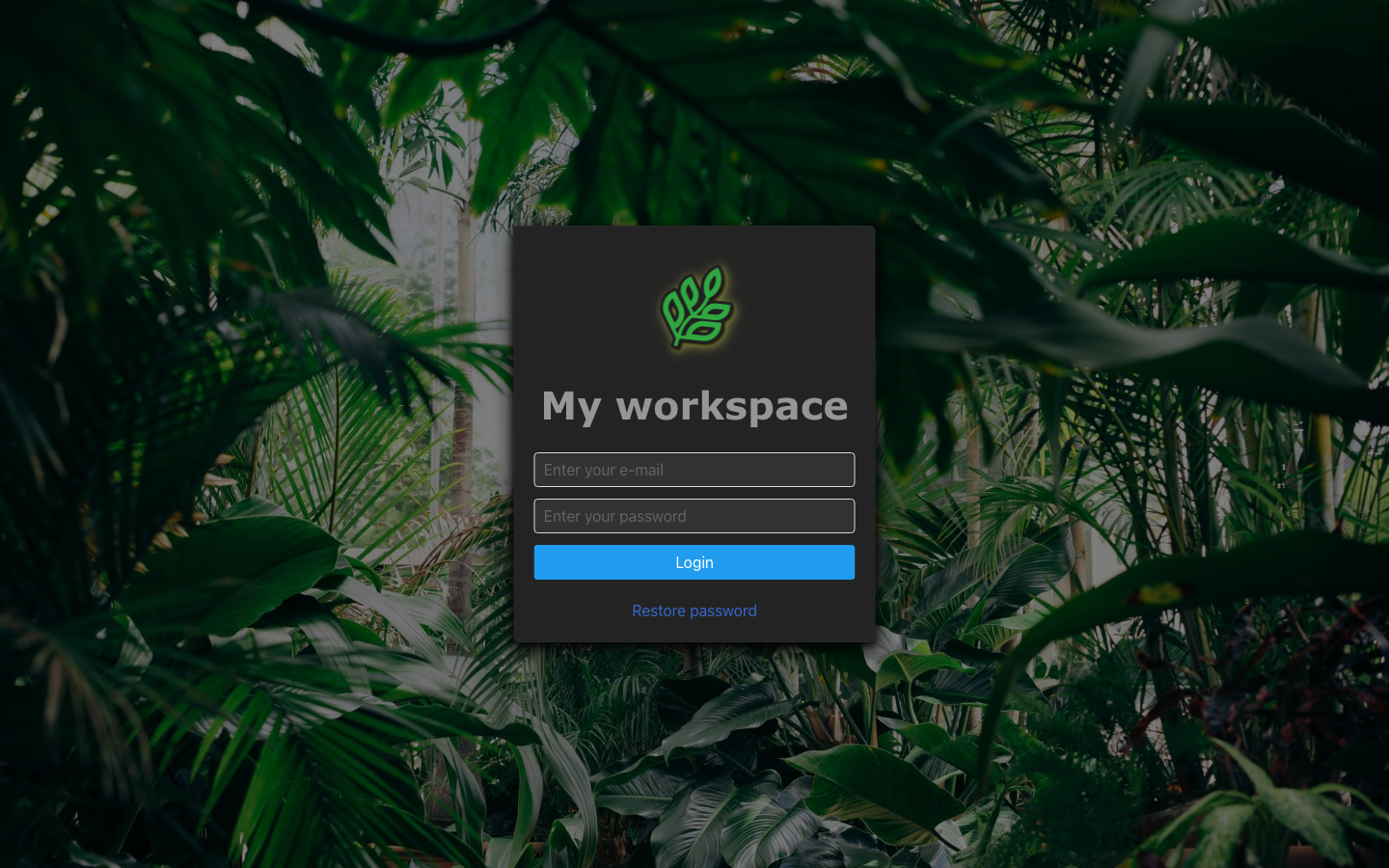
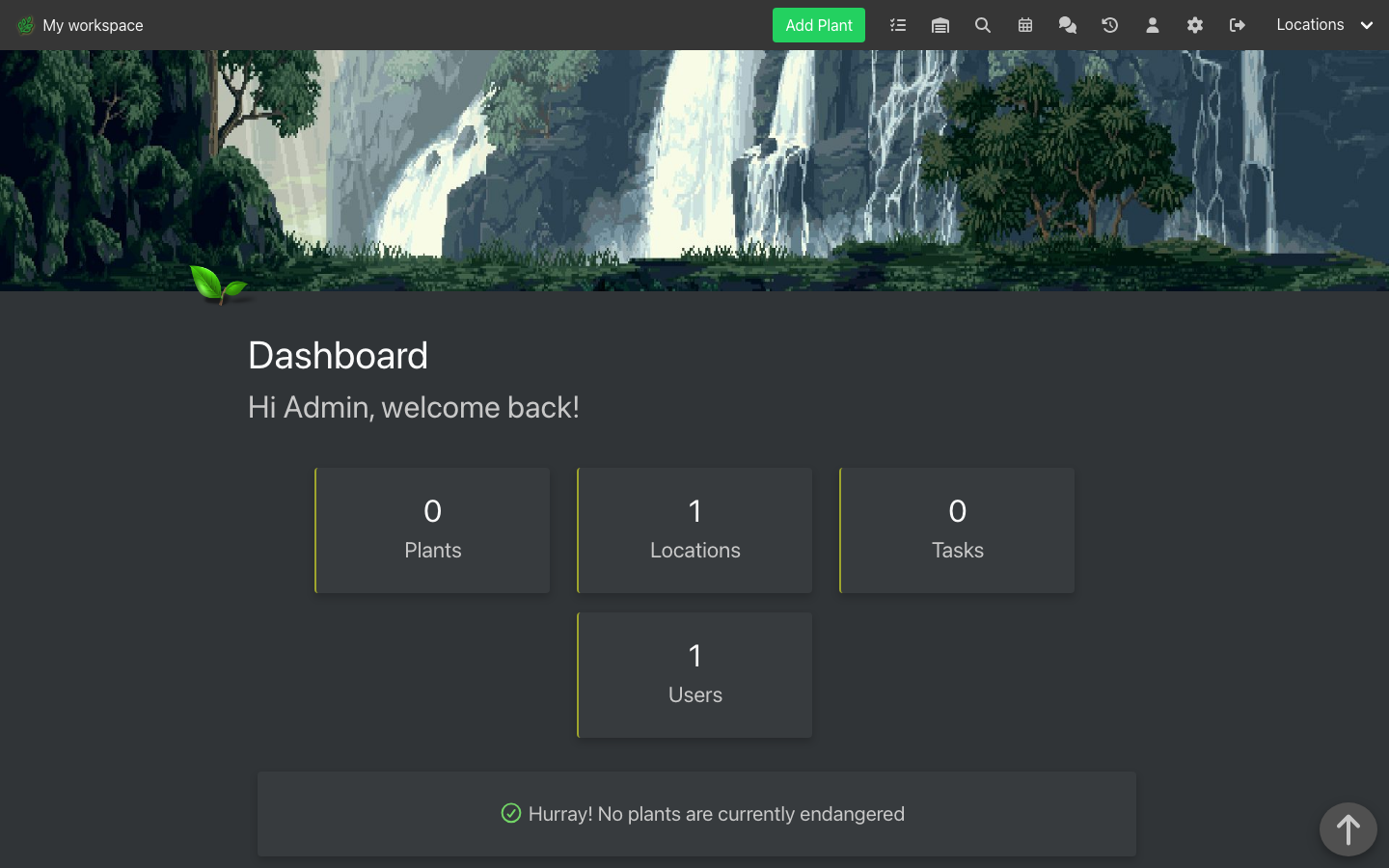
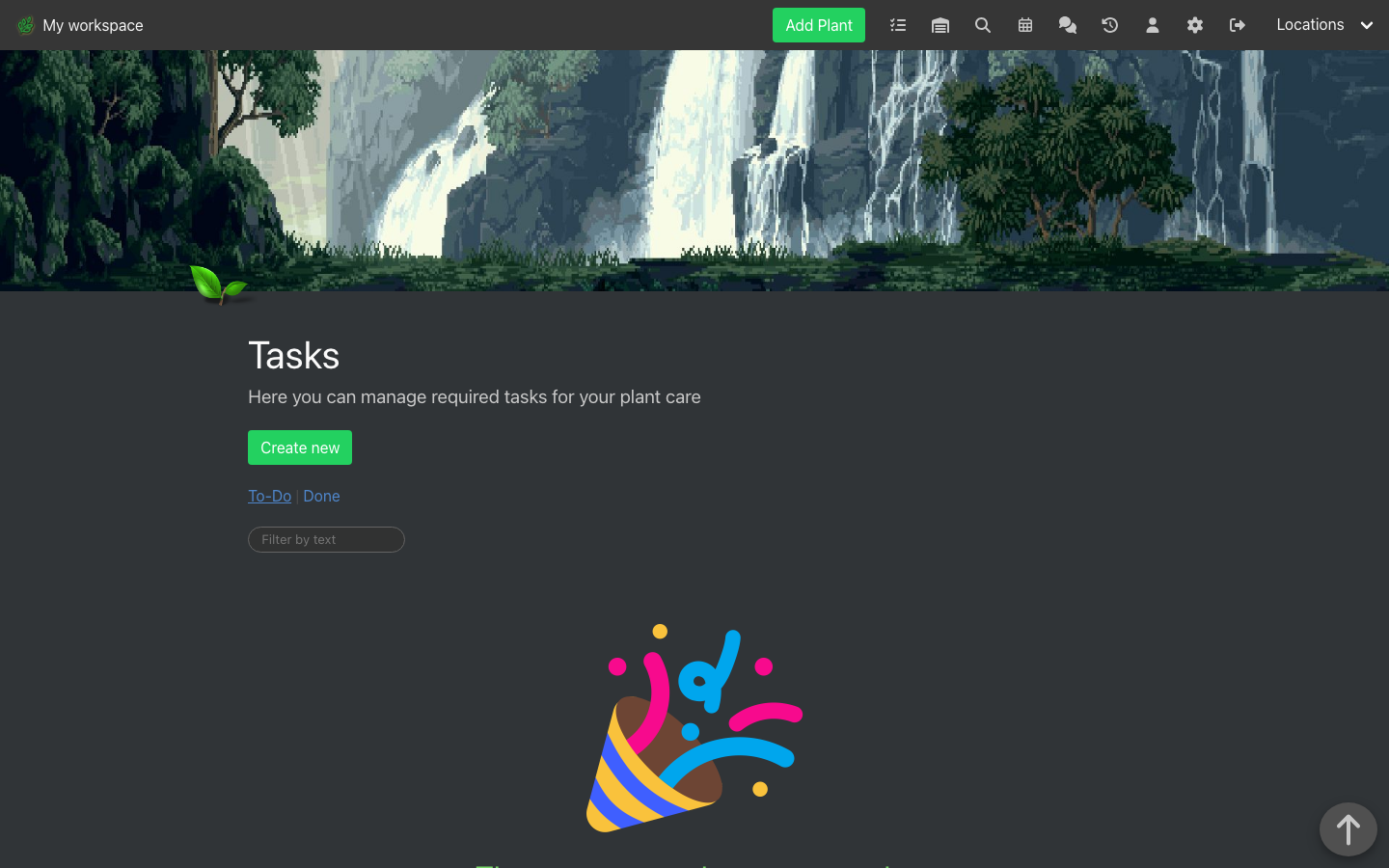
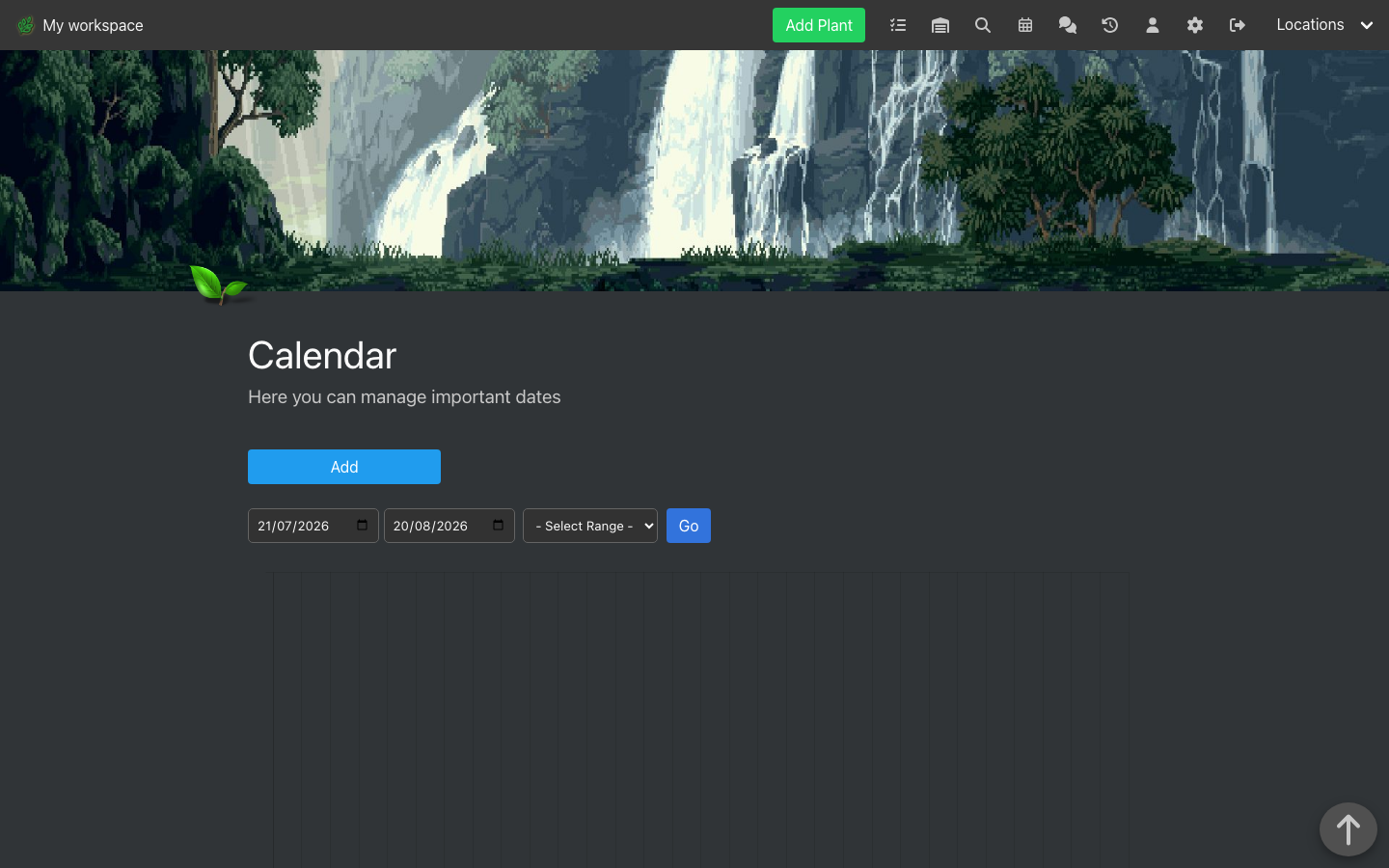
This is a repackaged open source software product wherein additional charges apply for cloudimg support services.
## Overview
HortusFox is a free open-source, self-hosted collaborative plant and garden management system used by plant enthusiasts, indoor gardeners, botanical teams, and horticultural organisations. It organises plants by location and provides a plant inventory, watering and care task scheduling, a photo gallery, a journal and history view, a calendar, inventory tracking, and a collaborative group chat behind an admin dashboard and a REST API.
This AMI delivers HortusFox fully installed, configured, and security-hardened so you have a working sign-in within minutes of launch - eliminating hours of manual dependency installation, web server configuration, TLS setup, and database provisioning. Additional charges apply for cloudimg support services. See the Pricing tab for current hourly rates and total cost details.
## Why Choose This AMI Over Manual Installation
A standard HortusFox deployment means installing PHP and its extensions, installing Composer and the application dependencies, configuring a web server with TLS, provisioning a database that meets the project's minimum version, running the migrations, seeding reference data, and creating an initial admin account - dozens of manual steps that need real Linux administration experience. This AMI completes all of it before first boot, so your team can start cataloguing plants rather than building infrastructure.
Compared to free community images, this listing includes 24/7 expert support from cloudimg covering deployment guidance, upgrades, SMTP and email-reminder configuration, performance tuning, and database administration.
## Application Stack
## Secure First Boot
On the first boot of your instance, a one-shot service generates a fresh administrator password, a fresh MariaDB password, and a fresh cronjob token unique to that instance, and writes them to a root-only file - no shared or default credentials ship in the image. It also generates a per-instance self-signed TLS certificate so the interface loads over a secure context immediately; replace it with your own domain certificate at any time.
## Ready To Use
The HortusFox code tree, web server, and database are all configured; the schema is migrated, default plant attributes and calendar classes are seeded, an initial workspace and admin account are created, and one starter location is added. Browse to the instance address over HTTPS and sign in to add locations and plants, schedule watering and care tasks, upload photos, and plan seasonal care with the calendar.
## Getting Started
For detailed deployment steps including credential retrieval, SMTP configuration, EBS volume management, and upgrade procedures, refer to the cloudimg user guide for this product. cloudimg support is available 24/7 by email and live chat to help you retrieve credentials, configure SMTP reminders, and plan your deployment.
## Use Cases
## cloudimg Support
24/7 technical support by email and live chat. Our engineers provide expert assistance with HortusFox deployment, configuration, upgrades, SMTP setup, the REST API, performance tuning, and MariaDB database administration. Critical issues receive a one-hour average response time.
All product and company names are trademarks or registered trademarks of their respective holders. Use of them does not imply any affiliation with or endorsement by them.

This image runs the Actual Budget 26.6 sync server, the open source local-first personal finance and envelope budgeting ...

This image runs Admidio, the open source, self hosted membership management platform used by clubs, associations and non...

This image runs Apache Answer, the open source question and answer platform for teams at any scale.

This image delivers Audiobookshelf 2.35, the popular open source self-hosted audiobook and podcast media server, fully i...

This image runs Baby Buddy 2.9.2, the open source self-hosted web application for tracking a baby's daily activities and...

Baikal is an open source self-hosted CalDAV and CardDAV server built on the proven Sabre/dav library.