Base
Hardened build
minimal ports, security patches applied at build time

Icecast, the open source streaming media server behind countless internet radio stations, ready to broadcast with per instance passwords.
Icecast is an open source streaming media server from the Xiph.Org Foundation. A source client such as butt, Mixxx, liquidsoap, ices or OBS pushes a live audio stream to a named mountpoint, and Icecast relays that single stream out to many simultaneous listeners over ordinary HTTP. It speaks Ogg Vorbis, Opus and MP3, publishes M3U and XSPF playlists that any media player understands, and needs nothing special on the listener side: a browser, VLC or any internet radio app can tune in directly.
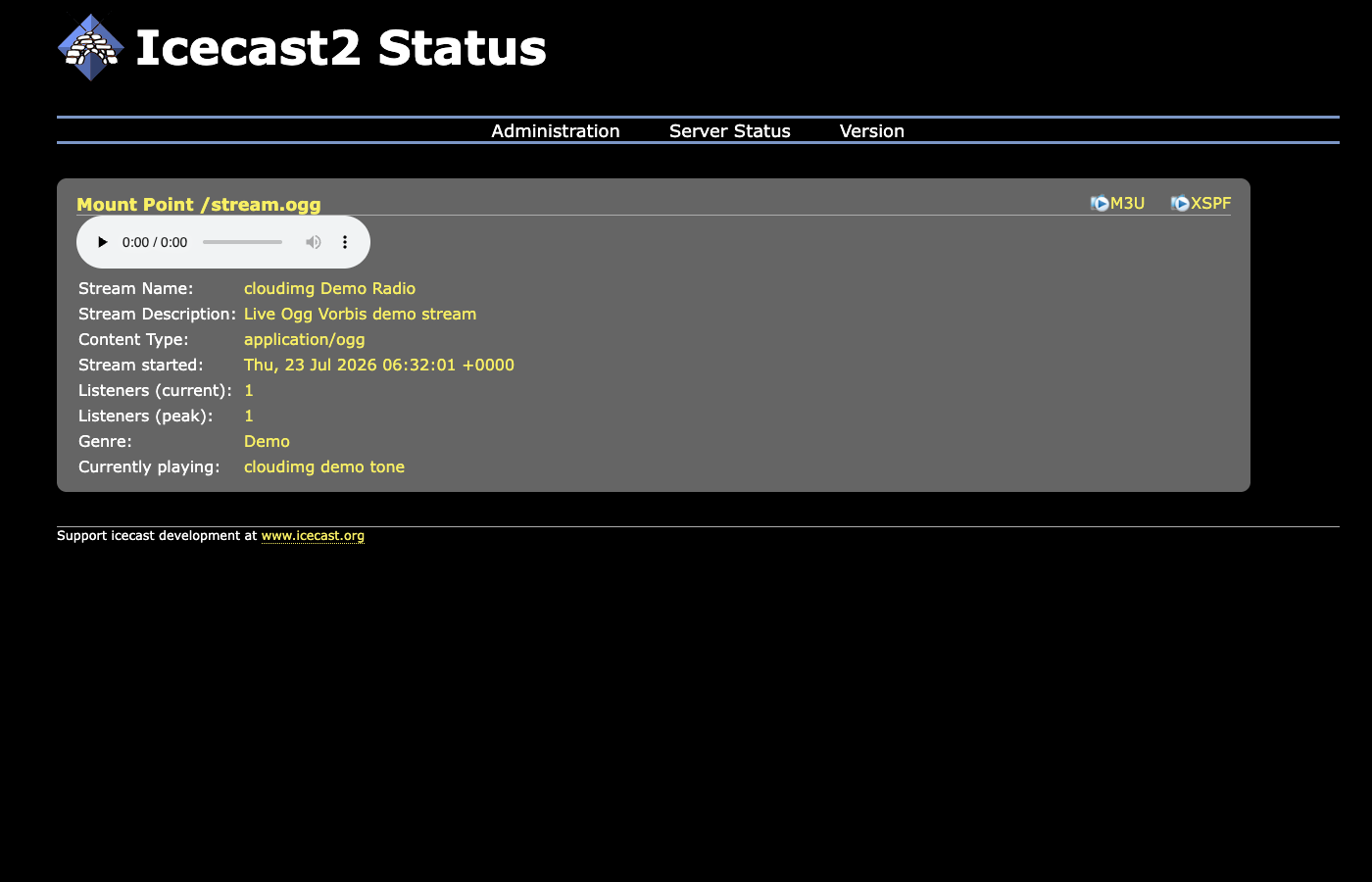
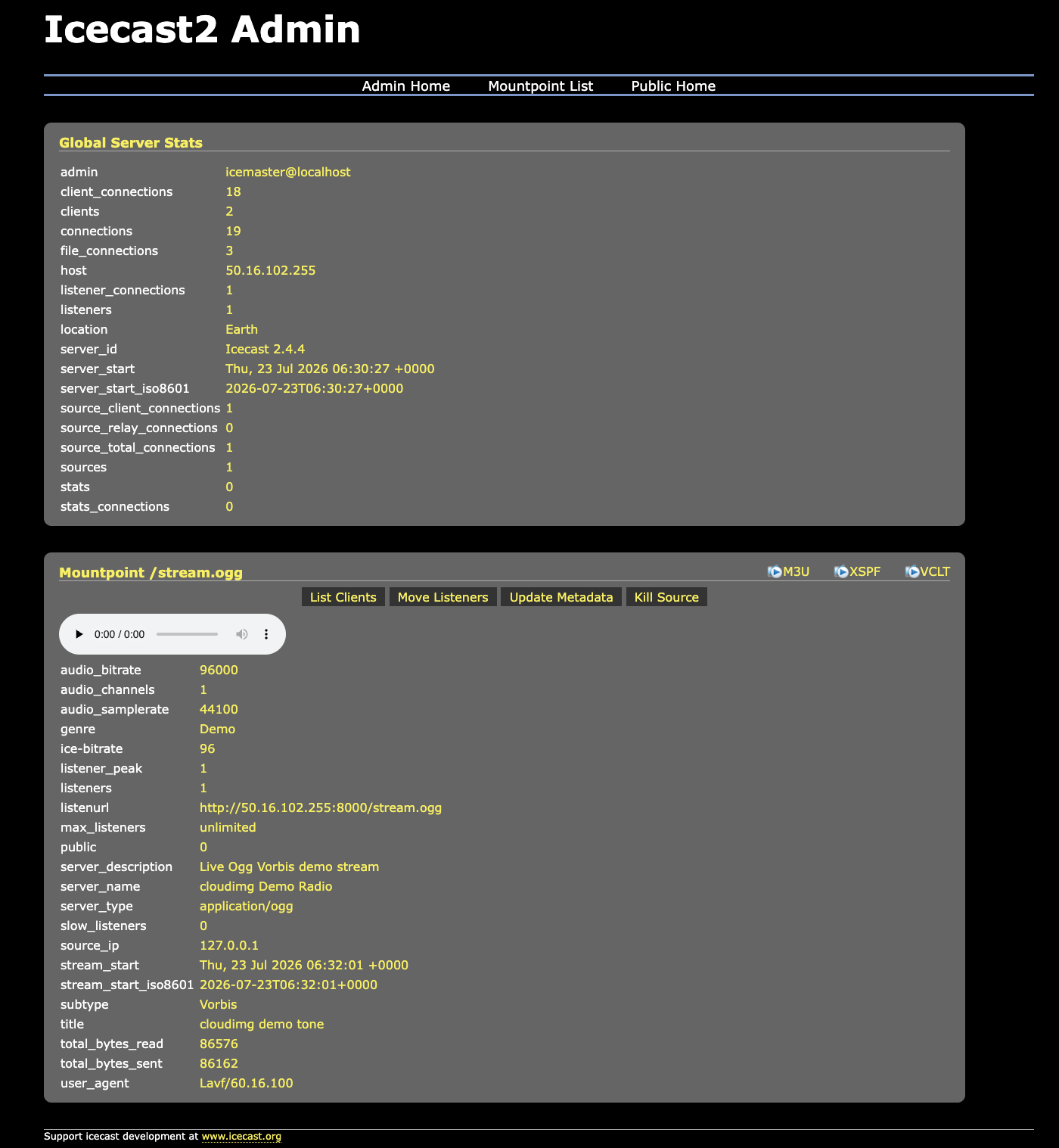
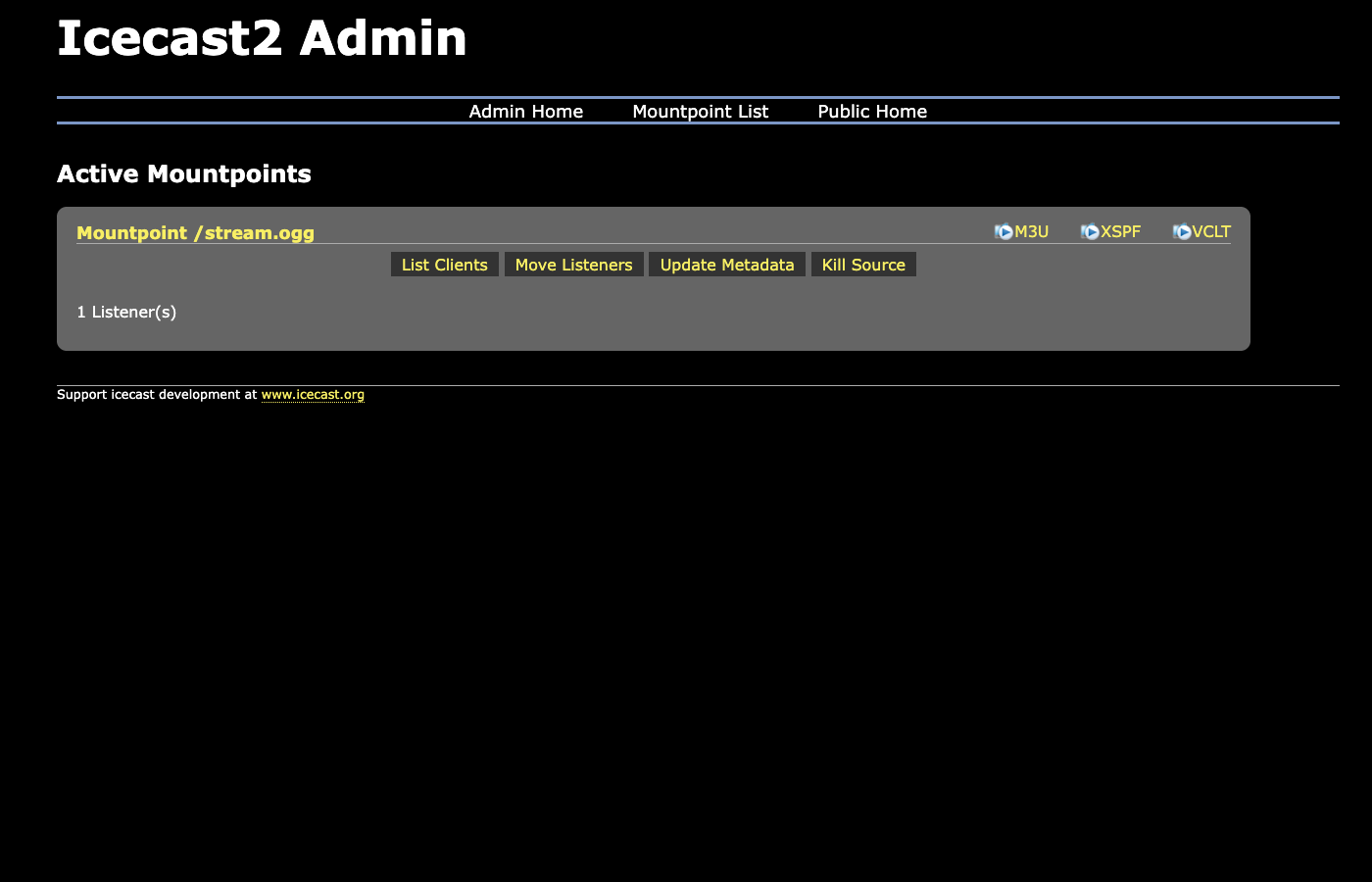
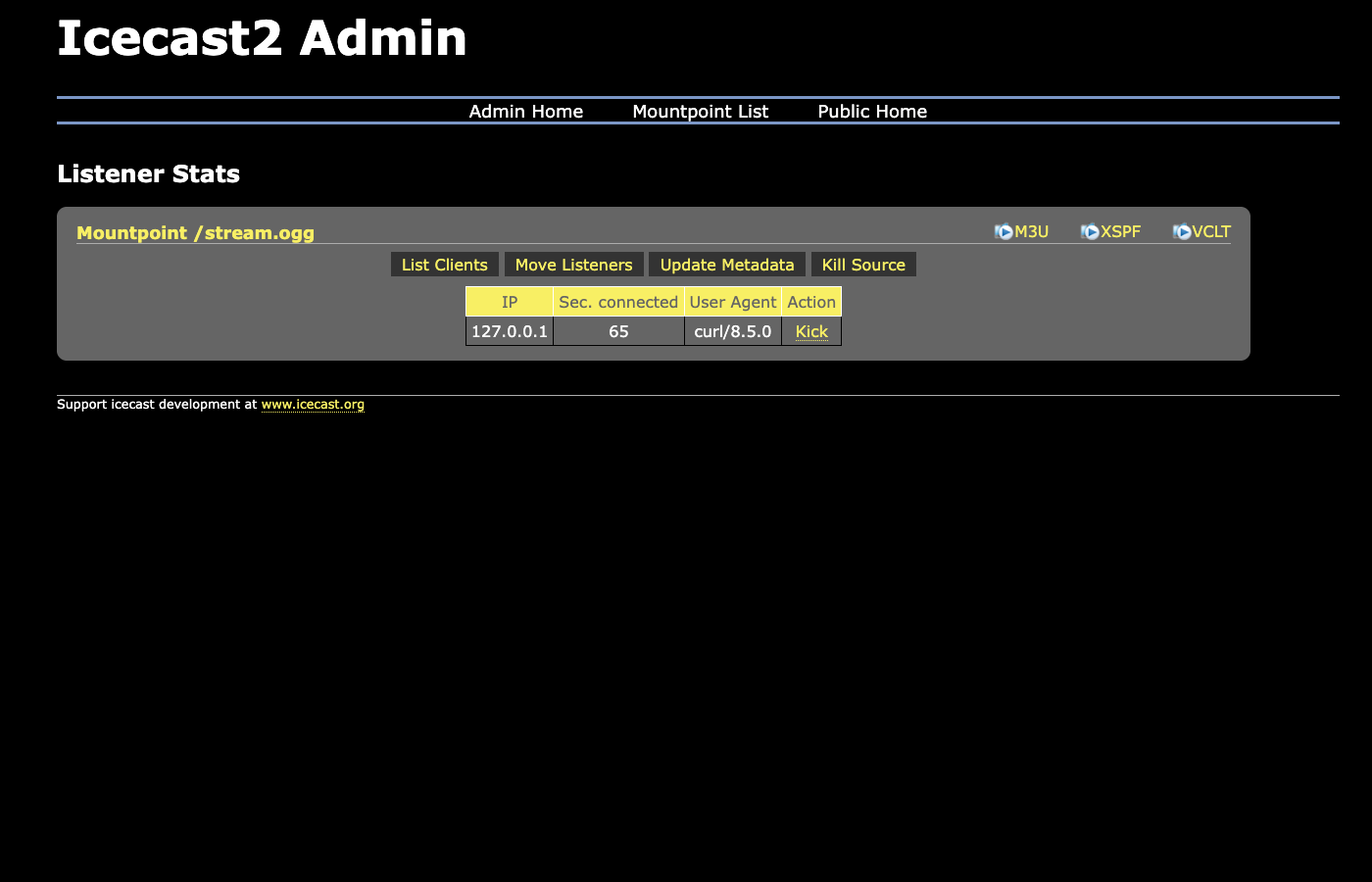
A public status page lists every active mountpoint with its listener count and current track, while a password protected admin interface lets you inspect connected listeners, move an audience between mountpoints, update track metadata and disconnect a source. It suits internet radio stations, broadcasters, podcasters, community and campus radio, and anyone self hosting live audio to a wide audience.
The stock Icecast configuration ships a single well known default password for its source, relay and admin accounts, and it is a long standing cause of hijacked stations. cloudimg removes it entirely and generates three independent random passwords on the first boot of every instance, recording them in a root only file. Icecast is wired to refuse to start if that rotation has not run, so an instance can never come up serving a default credential. The admin and status interface is fronted by a reverse proxy with an unauthenticated health endpoint for load balancer probes, the base is fully patched with unattended security upgrades enabled, and every deployment is paired with a step by step deploy guide and backed by 24/7 cloudimg support.
Real screenshots taken while testing this image against its deployment guide.
This is a repackaged open source software product wherein additional charges apply for cloudimg support services.
## Icecast - Production-Ready Streaming Media Server AMI
Deploy a fully configured internet-radio and audio streaming server on AWS in minutes - not hours. This AMI delivers Icecast 2.4.4 from the Xiph.Org Foundation preinstalled and running as a managed system service, so you can point a source client at it and start broadcasting immediately after launch.
### What Icecast Does
A source client such as butt, Mixxx, liquidsoap, ices or OBS pushes a live audio stream to a named mountpoint, and Icecast relays that single stream out to many simultaneous listeners over ordinary HTTP. It speaks Ogg Vorbis, Opus and MP3, publishes M3U and XSPF playlists that any media player understands, and needs nothing special on the listener side - a browser, VLC or any internet radio app can tune in directly. A public status page lists every active mountpoint with its listener count and current track, while a password-protected admin interface lets you inspect connected listeners, move an audience between mountpoints, update track metadata and disconnect a source.
### Why This AMI Instead of a DIY Install
### Application Stack
### Security
Secure First Boot: The stock Icecast configuration ships the well-known default password hackme for its source, relay and admin accounts. This image removes it everywhere - including from the commented examples in the configuration - and a one-shot service generates three independent random passwords unique to each instance, recording them in a root-only file. Icecast is wired to refuse to start if that rotation has not run, so an instance can never come up serving a default or placeholder credential.
Encryption in Transit: Icecast serves plain HTTP. For a public station, or any time an admin or source password crosses the internet, terminate TLS in front of it with your own domain using a reverse proxy or an Application Load Balancer.
Network Isolation: Deploy in a private VPC subnet and use security groups to restrict access to only the ports your station requires (22 for SSH, 80 for the status and admin interface, 8000 for listeners and source clients).
### Web Interface
The status page is served on port 80 through nginx at http://your-instance/, and the admin interface at http://your-instance/admin/. Sign in as admin with the generated password to manage mountpoints and listeners. Icecast also listens natively on port 8000, where both listeners and source clients connect.
### Use Cases
### 24/7 cloudimg Support
Technical support by email and live chat covers deployment, mountpoint and listener management, source-client configuration, TLS termination, hostname and playlist setup, and OS administration.
All product and company names are trademarks or registered trademarks of their respective holders. Use of them does not imply any affiliation with or endorsement by them. Icecast is developed by the Xiph.Org Foundation and licensed under the GNU General Public License version 2; the corresponding source is available from the distribution archive with apt-get source icecast2.

This image runs the Actual Budget 26.6 sync server, the open source local-first personal finance and envelope budgeting ...

This image runs Admidio, the open source, self hosted membership management platform used by clubs, associations and non...

This image runs Apache Answer, the open source question and answer platform for teams at any scale.

This image delivers Audiobookshelf 2.35, the popular open source self-hosted audiobook and podcast media server, fully i...

This image runs Baby Buddy 2.9.2, the open source self-hosted web application for tracking a baby's daily activities and...

Baikal is an open source self-hosted CalDAV and CardDAV server built on the proven Sabre/dav library.